ቅጽበታዊ ገጽ እይታዎች
መግለጫ
Orbit Folders <3
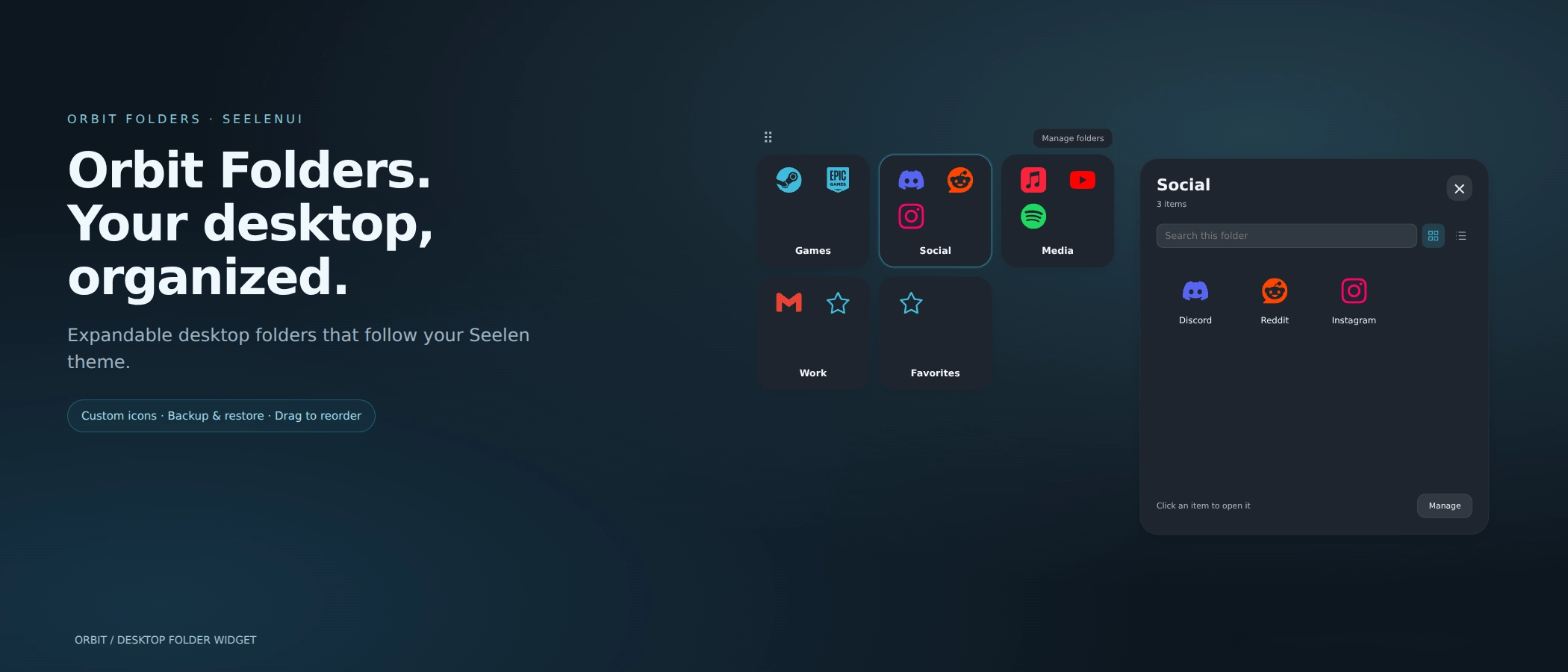
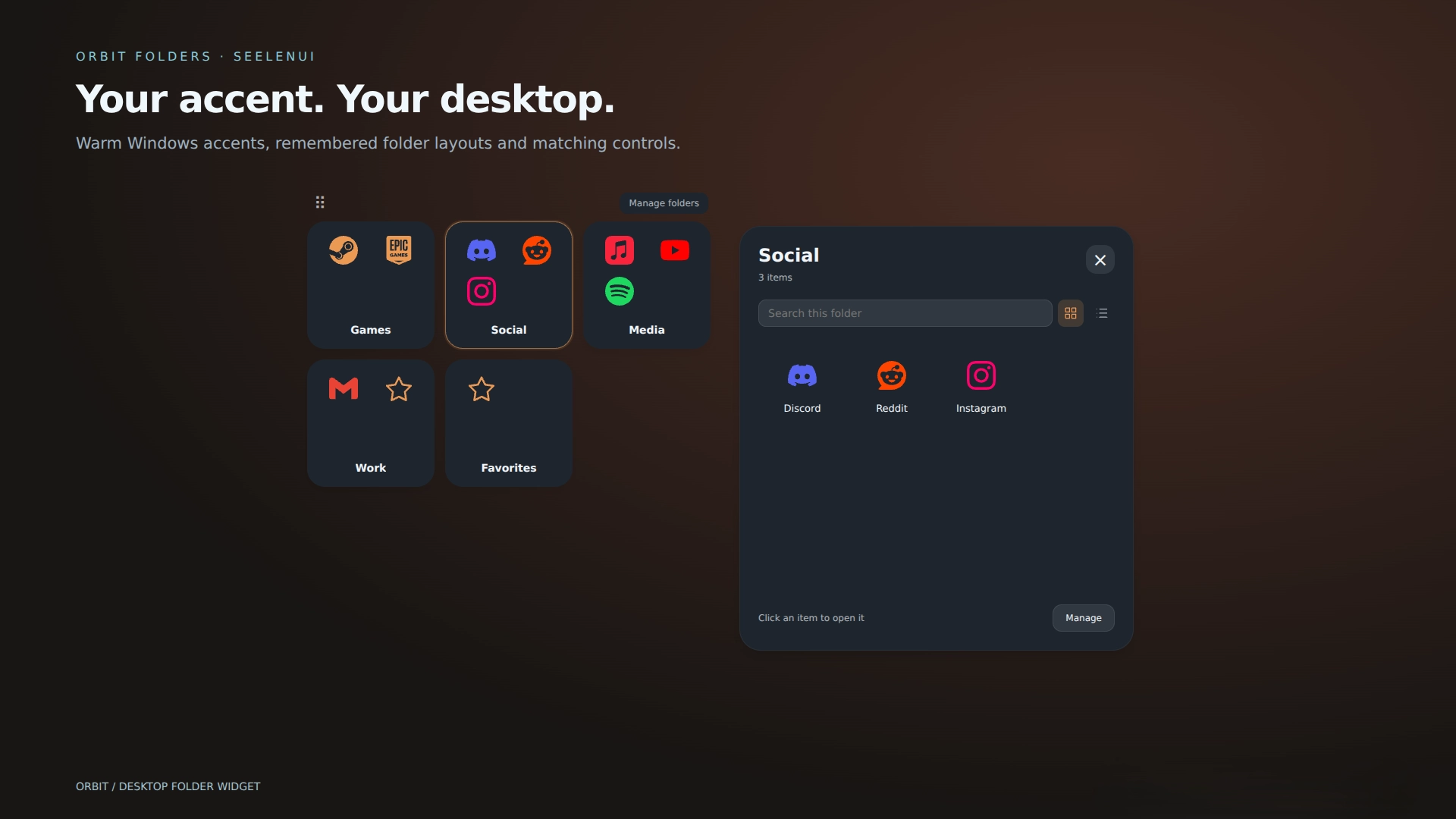
Orbit Folders brings your applications, games, websites, files and shortcuts together into modern, expandable desktop folders with smooth animations, customizable covers and flexible layouts.
Create as many folders as you need, organize everything with drag & drop, and give each folder its own appearance
Features:
- 33 appearance presets: choose between Orbit, Midnight, Frost, Graphite, Ocean, Rose, Liquid Glass, Catppuccin, Nord, Tokyo Night, Aurora, Ember, OLED, Ivory, Sakura, Cobalt, Terminal, Amethyst, Lavender, Forest, Sage, Matcha, Turquoise, Arctic, Indigo, Plum, Crimson, Copper, Sandstone, Mocha, Slate, Citrus and Cyber.
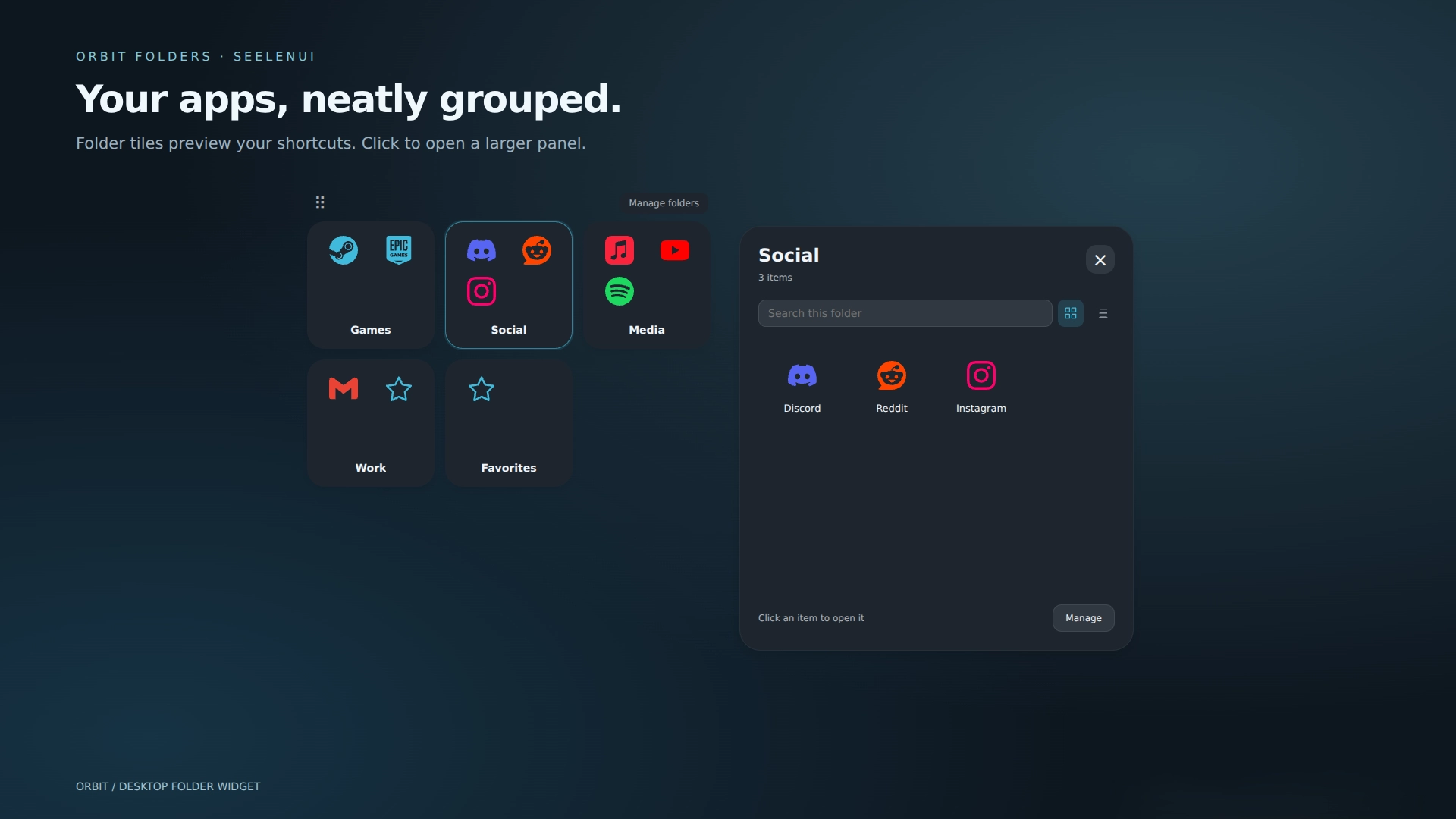
- Expandable desktop folders: organize applications, games, websites, files and shortcuts into customizable folders that open when selected.
- Multiple folders: create as many folders as you need inside one widget, each with its own name, contents and settings.
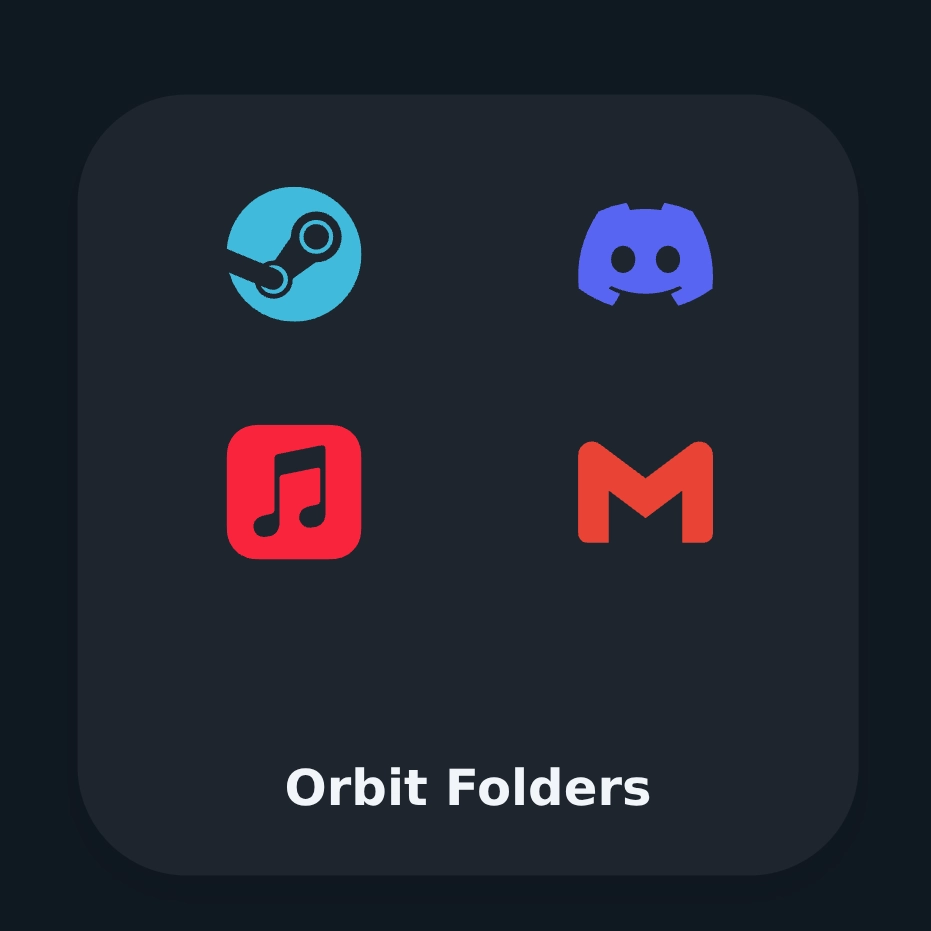
- Folder previews: display four shortcut previews, use a custom cover image or show a simple folder symbol.
- Smooth interactions: polished opening, closing and hover animations for a more natural desktop experience.
- Click outside dismissal: click a folder again, press Escape or click outside its panel to close it.
- Drag to reorder: rearrange folder tabs and shortcut items visually using floating previews and insertion indicators.
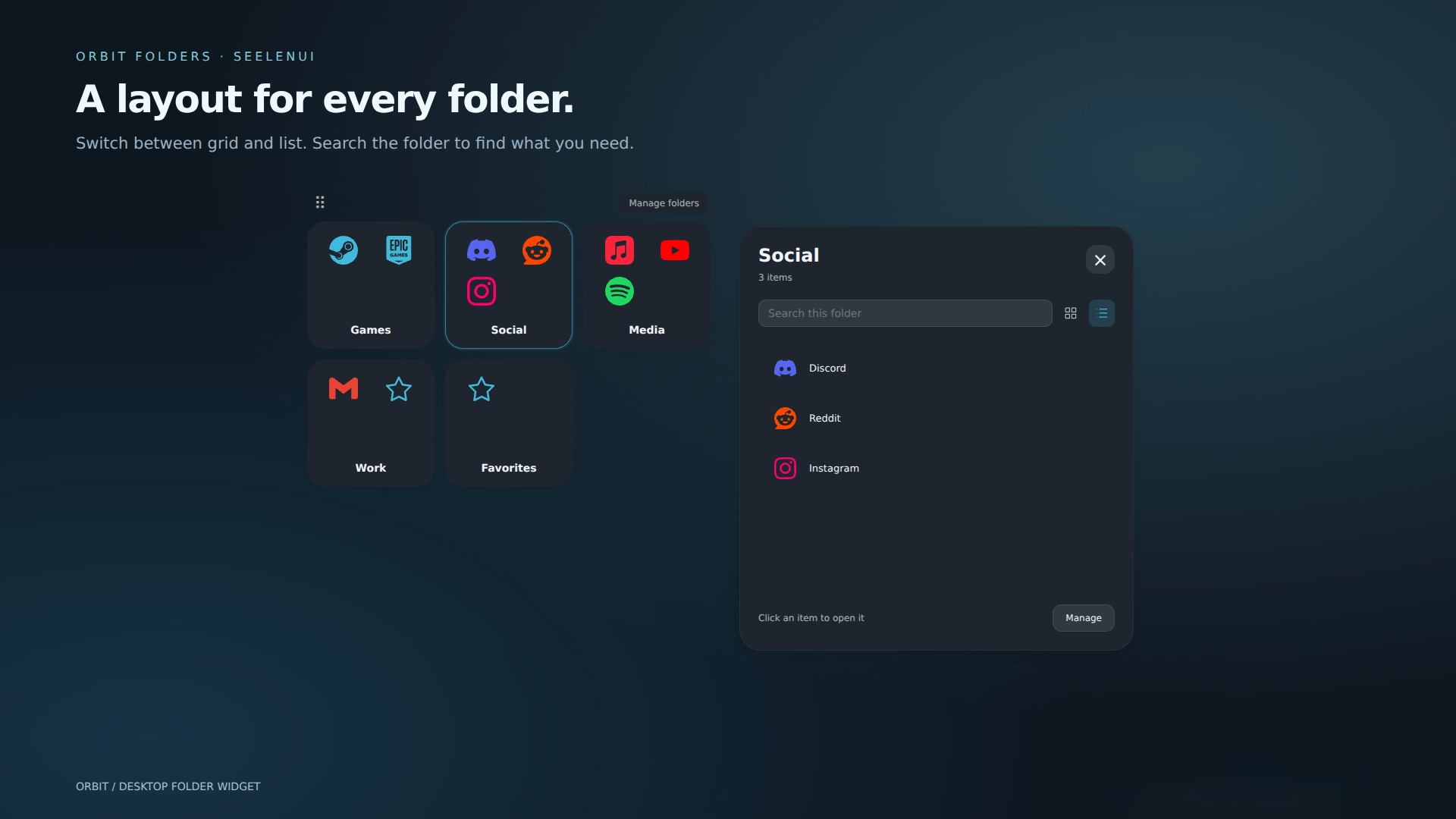
- Grid and list layouts: choose how each folder displays its shortcuts, with individual layout preferences.
- Folder sorting: keep a manual arrangement, sort shortcuts alphabetically or organize them by when they were added.
- Folder search: quickly locate shortcuts without scrolling through every item.
- Browser installed apps: preserve supported PWA names, icons and launch arguments when selecting their original Windows shortcuts.
- Websites and custom paths: add web links and manually entered destinations alongside ordinary shortcuts.
- Themed icons: optionally recolor supported folder and shortcut icons to match your appearance preset or chosen accent.
- Context menus: open, rename, edit, move or remove shortcuts using available right click actions.
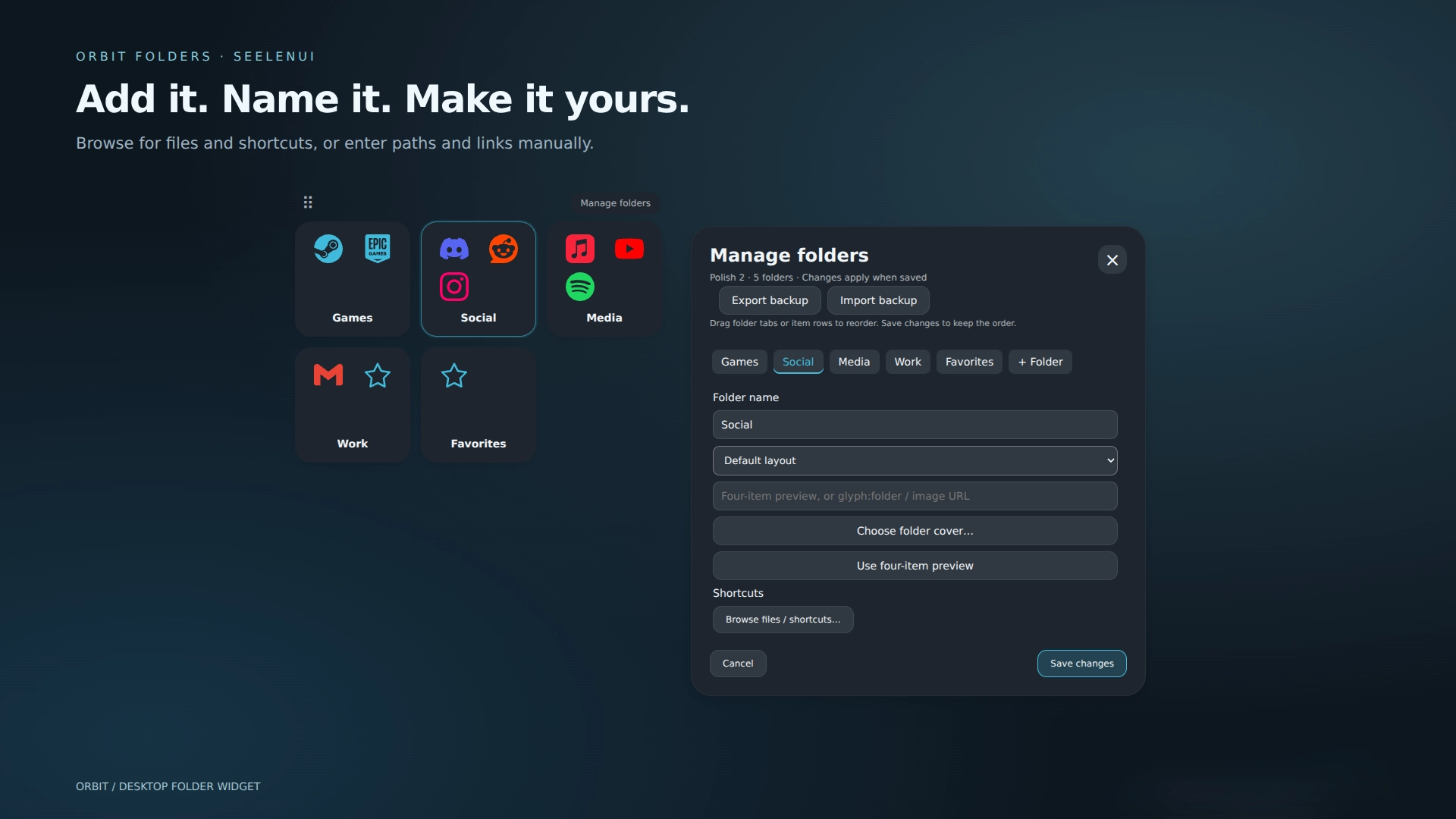
- Folder management: create, rename and remove folders, edit their contents and customize individual folder options.
- Coordinated Orbit Collection colors: use matching color palettes across supported Orbit resources.
- Liquid Glass: translucent folder tiles and browsing panels with adjustable opacity, soft reflections, subtle highlights and matching visual details.
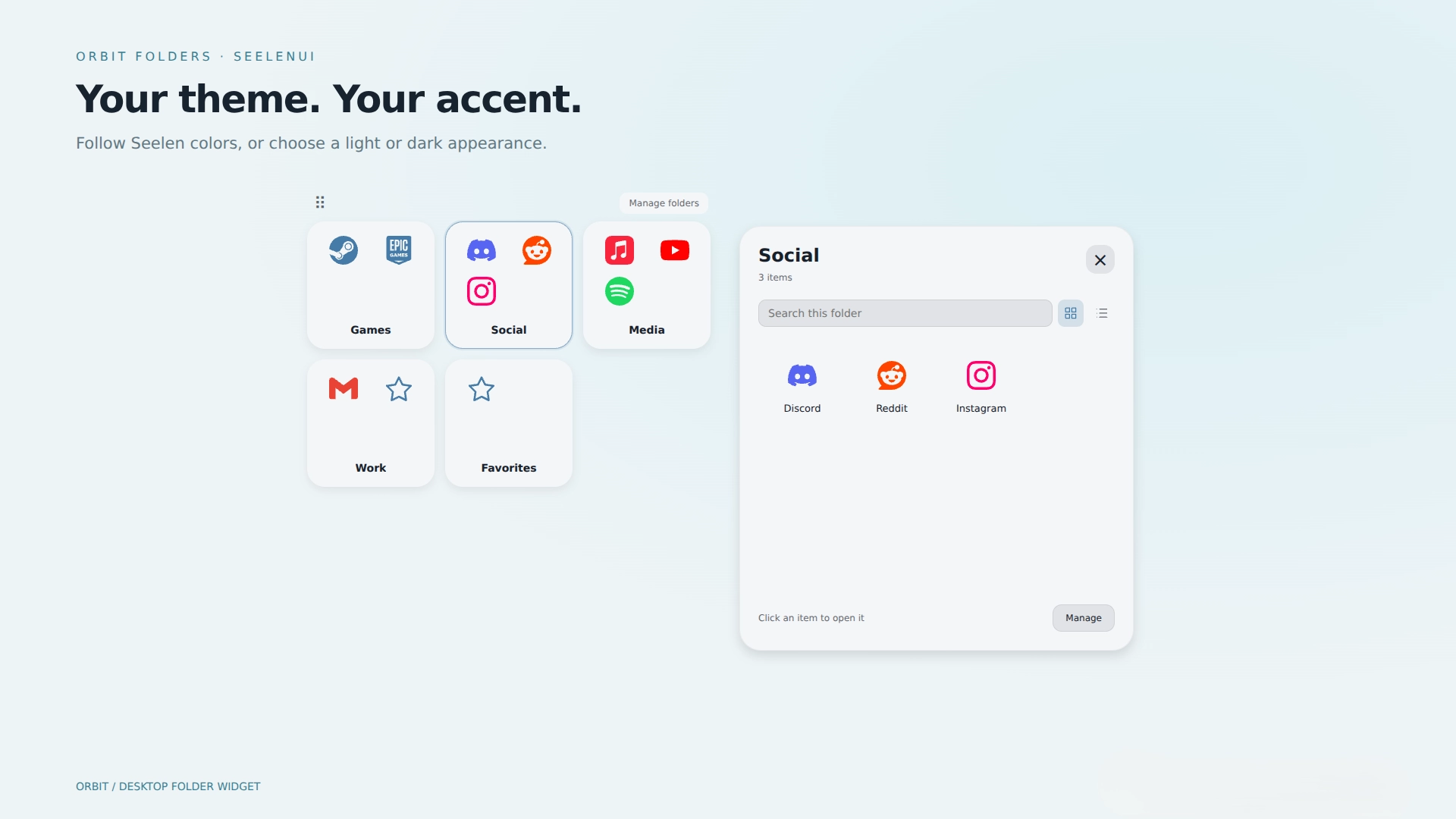
- Light and dark appearances: choose light mode, dark mode or automatically follow SeelenUI.
- Accent integration: follow SeelenUI, use the Windows accent, select a custom color or preserve original icon colors.
- Matching interface: folder tiles, expanded panels, file browsing views, buttons, menus and scrollbars adapt to the selected appearance.
- Flexible sizing: customize tile sizes, columns, expanded panel dimensions, typography and layout spacing.
- Keyboard navigation: use Tab, arrow keys, Home/End, Enter and Escape to navigate supported folders and controls.
- Lock mode: protect your folder arrangement by hiding management controls and disabling content changes while keeping shortcuts and browsing usable.
- Motion controls: disable optional animations and respect supported reduced motion preferences.
Getting started :
Install Orbit Folders from Seelen's resource website and enable it in SeelenUI.
Open "Manage Folders" to create folders, add shortcuts, customize their names and covers.
Use the available item controls to browse for applications and files, or add websites and destinations manually.
You can also rearrange items within a folder or move them between folders.
Choose Grid or List to customize how shortcuts appear, and select your preferred sorting option for each folder.
To change an item's icon, open its "Edit" options and choose a local image, image URL or built-in symbol.
For browser installed applications, select their original .lnk shortcut rather than the browser executable to preserve their launch information.
Export and import controls are available in Manage Folders.
Open SeelenUI → Widgets → Orbit Folders to configure the 33 appearance presets, Liquid Glass, browsing styles, sorting, thumbnails, sizing, panel placement, animations and Lock mode.
Once you're happy with your setup, enable Lock to prevent accidental changes to your folder arrangement.
A few things to know:
SeelenUI may request permission when they're first needed. Local custom images must be under 1 MB.
Designed for SeelenUI 2.8.10 or later.
If you have a suggestion, found an issue or wanna request something for a future update, feel free to ask in the official SeelenUI Discord server: https://discord.com/invite/seelen-network-751144791596597561 Specifically in this channel : https://discord.com/channels/751144791596597561/1560624521176817664
Orbit collection :
https://seelen.io/resources/collection/5b86b663-aefd-4d5c-90ac-c6c80722080f
እንዴት መጠቀም እንደሚቻል?
- ማውረድ እና መጫን Seelen UI
- መተግበሪያው እየሰራ መሆኑን ያረጋግጡ
- ከላይ ያለውን የማውረድ ቁልፍን ጠቅ ያድርጉ
- ለማለፍ ዌይን ለመክፈት አሽሹን ተቀበሉ
- መተግበሪያው መጫኑን ይይዛል
- እና ያ ሁሉ ነው!
ተኳሃኝነት
- Seelen UI: 2.8.11+
- መድረክ: Windows
ተጨማሪ በ ickyaidy


ተዛማጅ ሀብቶች



የመረጃ መረጃ
- ID: ca4e2ea0-477e-457e-a8ac-d347a06cf0e6
- ዓይነት: ንዑስ ፕሮግራም
- ሁኔታ: ታትሟል
- የተፈጠረው በ: ረቡዕ 7 ኦክቶበር 2026 10:01:03 ጥዋት UTC
- ለመጨረሻ ጊዜ የተዘመነ በ: ሐሙስ 19 ኖቬምበር 2026 12:03:05 ከሰዓት UTC
- የተገመገመ በ: ሐሙስ 19 ኖቬምበር 2026 12:03:05 ከሰዓት UTC
- የተገመገመው በ:@eythaann