
Screenshots
Beschreibung
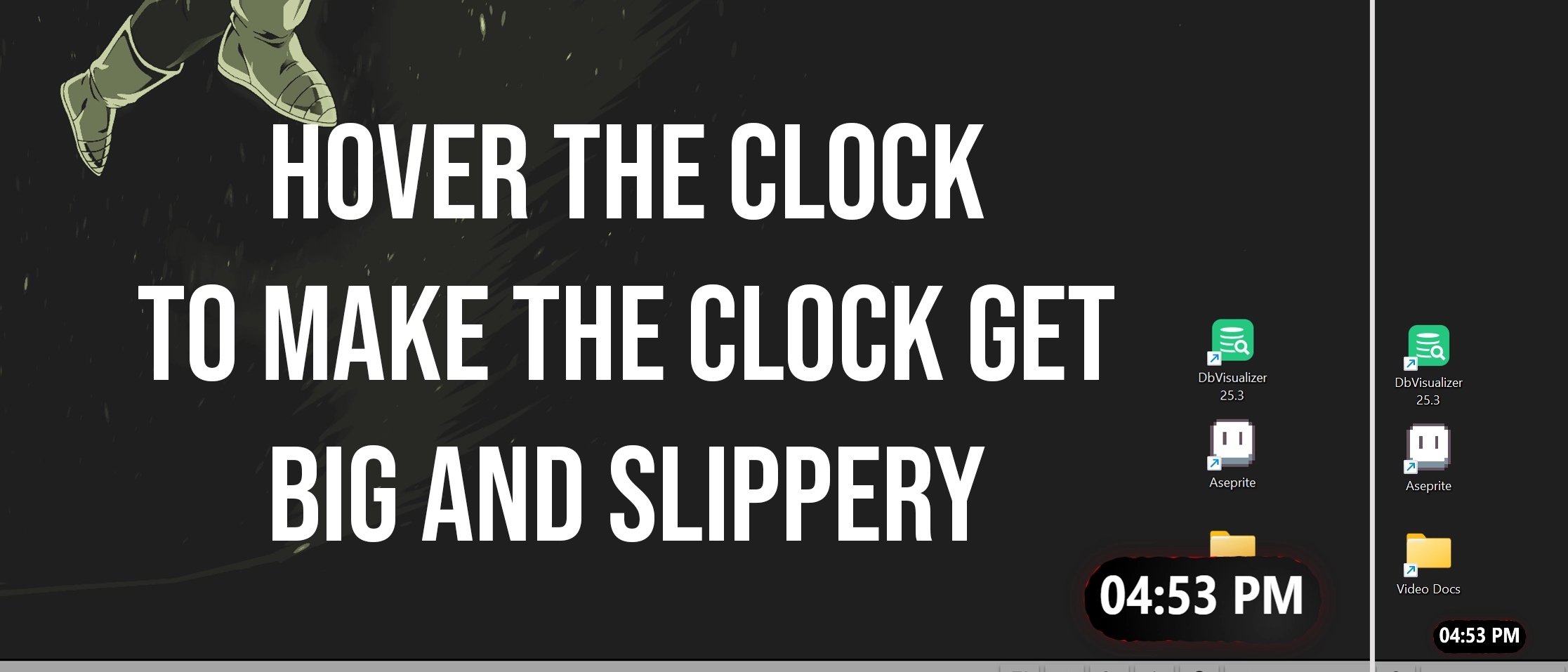
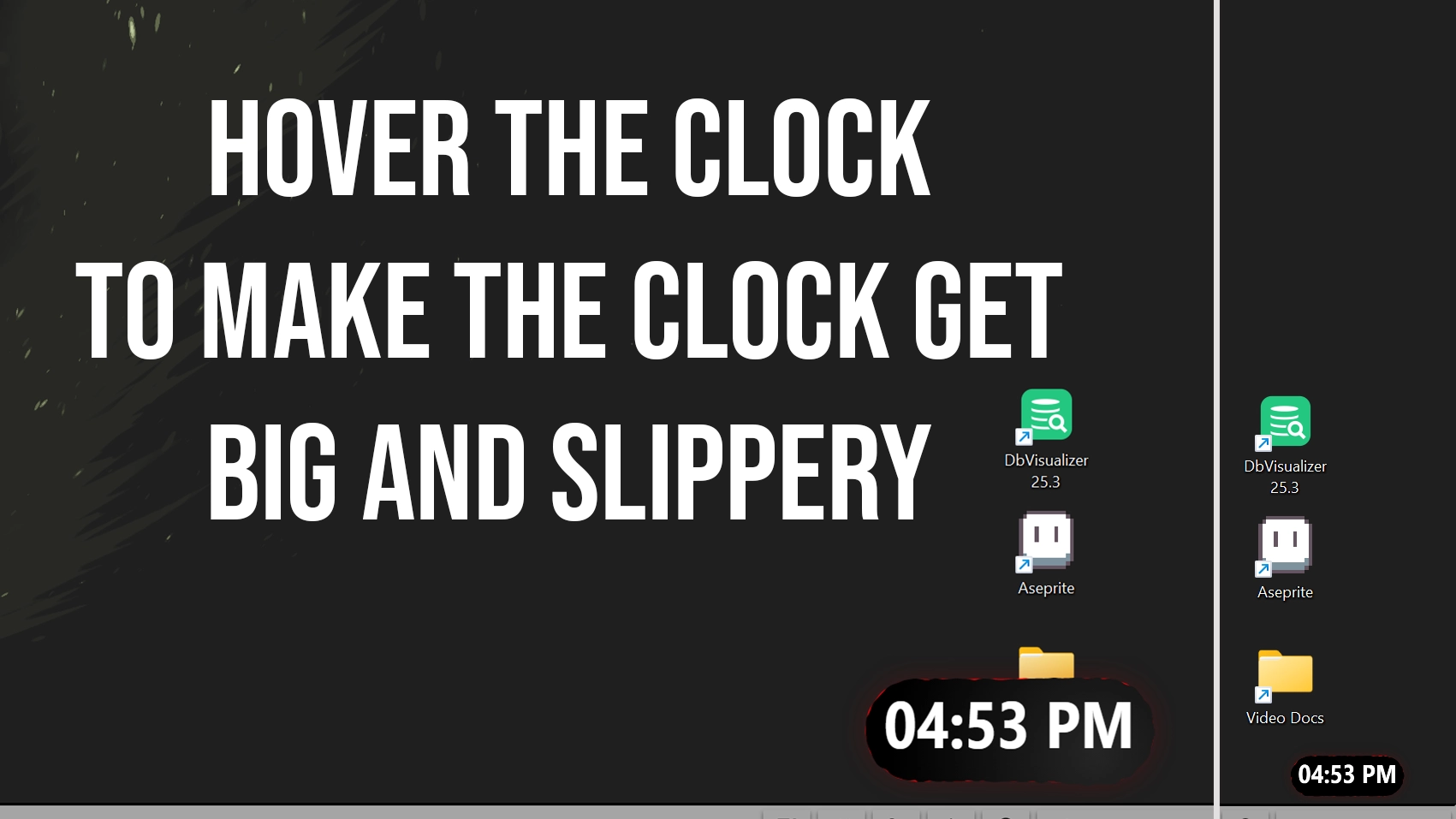
I made a slippery clock for seelen-ui
when you hover it, it grows big
its slippery but small but hey if you hover that thing it will get bigger...
anyways this is what it looks like
Wie wird es verwendet?
- Herunterladen und installieren Seelen UI
- Stellen Sie sicher, dass die Anwendung ausgeführt wird
- Klicken Sie auf den Download-Button oben
- Akzeptieren Sie die Browseraufforderung zum Öffnen von Seelen UI
- Die App übernimmt die Installation
- Und das ist alles!
Kompatibilität
- Seelen UI: 2.4.11+
- Plattform: Windows
Verwandte Ressourcen


Informationen zu den Ressourcen
- ID: 5b719531-c585-41c1-b4f6-66a765de18c9
- Freundlicher Bezeichner: @bryanthaboi/slippery-clock-fixed
- Typ: Widget
- Status: Veröffentlicht
- Erstellt am: Freitag, 16. Januar 2026 um 21:58:18 UTC
- Zuletzt aktualisiert am: Freitag, 16. Januar 2026 um 22:48:42 UTC
- Rezensiert am: Freitag, 16. Januar 2026 um 22:56:24 UTC
- Rezensiert von:@eythaann