Screenshots
Beschreibung
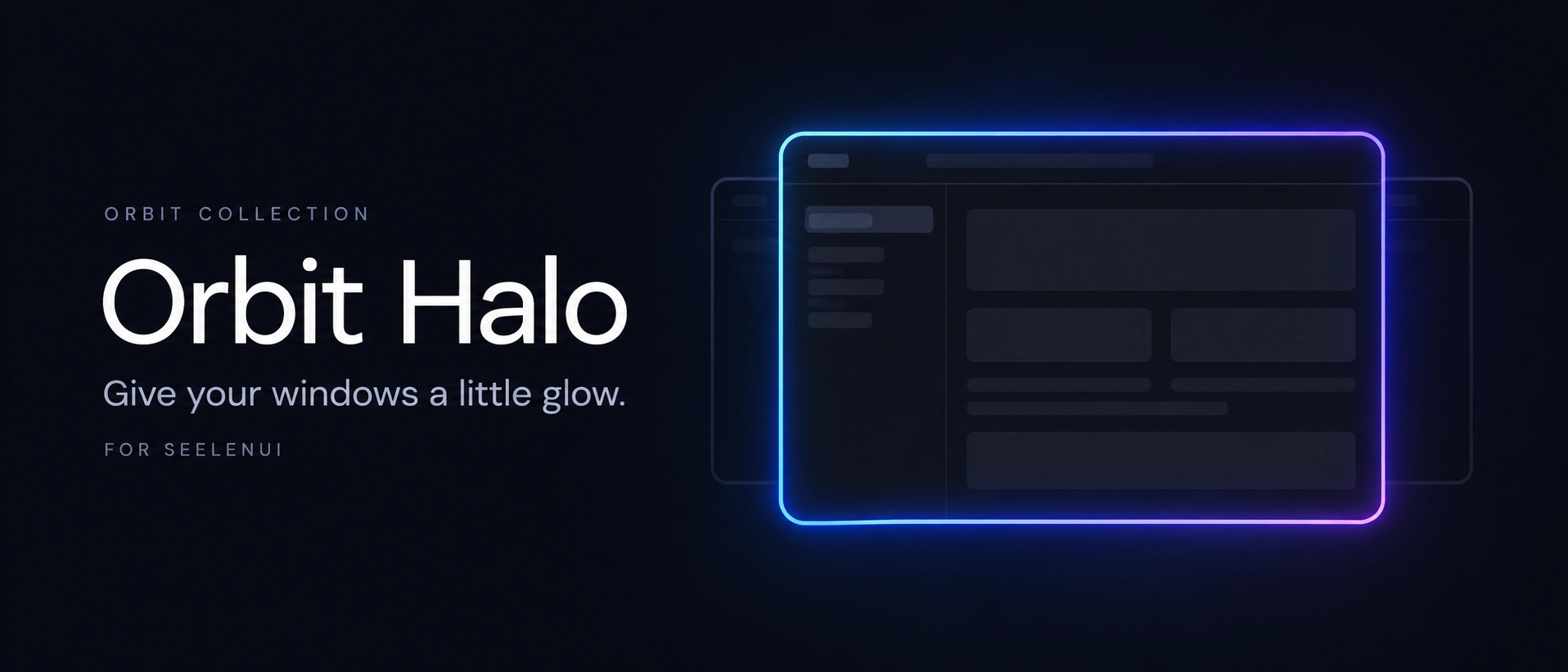
Orbit Halo <3
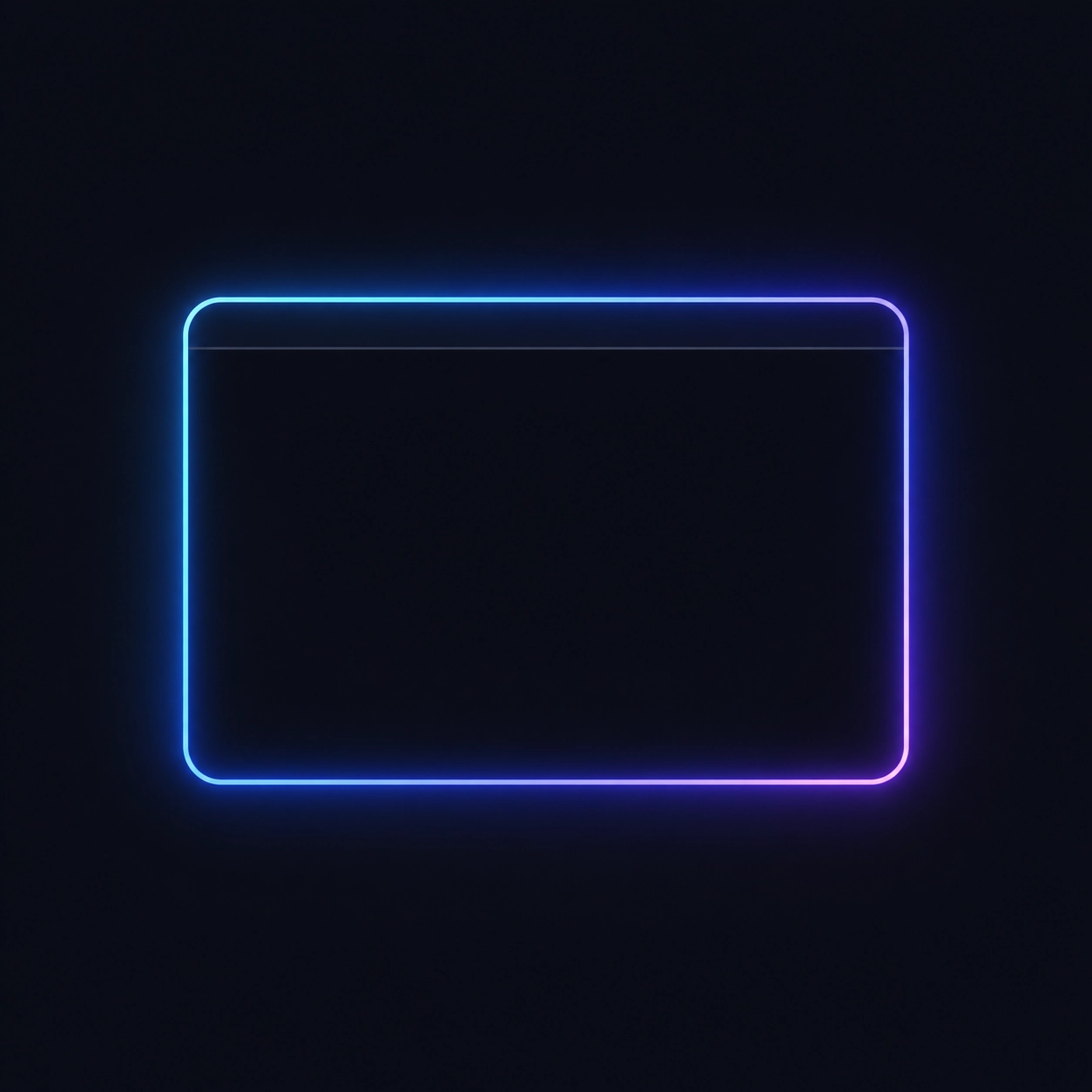
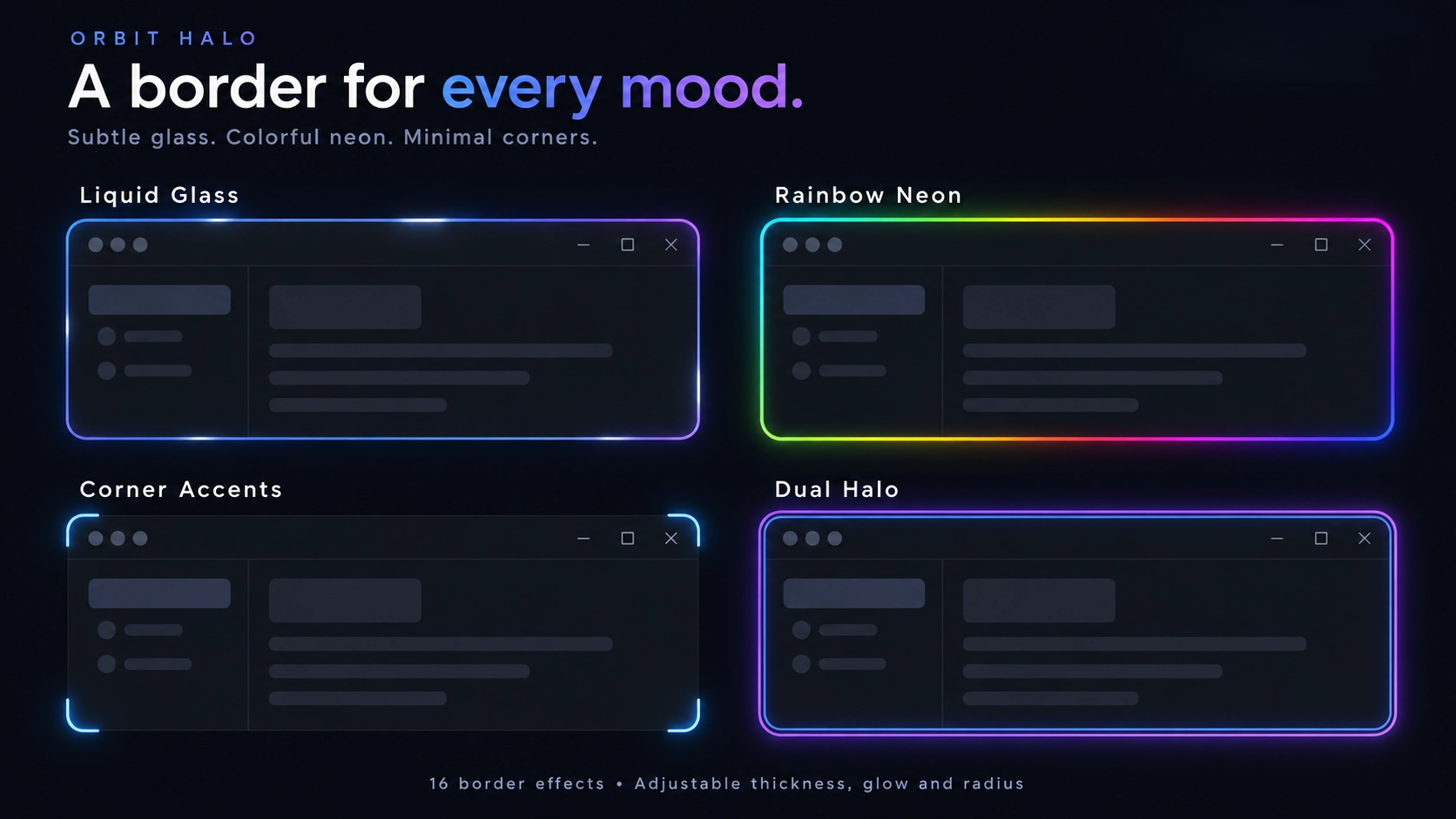
Orbit Halo is a customizable window highlighting experience that surrounds your focused applications with beautiful borders, dynamic colors, animated effects and optional audio-reactive visuals.
Choose between subtle outlines, flowing neon effects, futuristic animations and application-matching colors, with control over the border's thickness, shape, glow, opacity and movement.
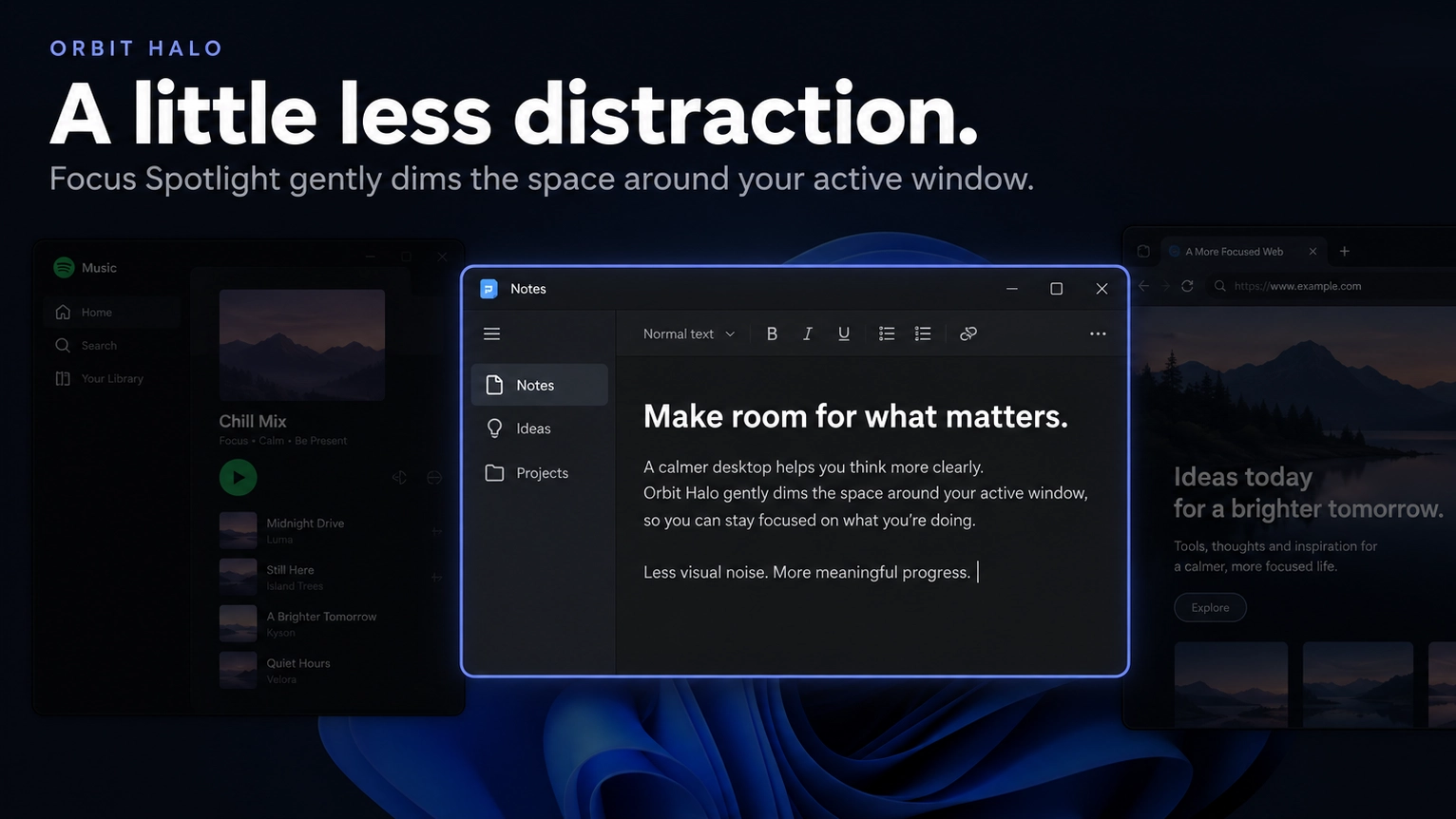
Want something more immersive? Let your border react to music, add animated corner particles or enable Focus Spotlight to dim everything around your active window.
Features:
- 16 border styles: choose between App Signature, Electric Shards, Breathing Rings, Rainbow Flow, Rainbow Neon, Prism Facets, Plasma Bands, Comet Trail, Twin Lasers, Hologram Scanlines, Dual Outline, Ember Sparks, Satin Chrome, Circuit Rail, Marquee Lights and Eclipse Arc.
- Focused window highlighting: automatically display a customizable border around your currently active application.
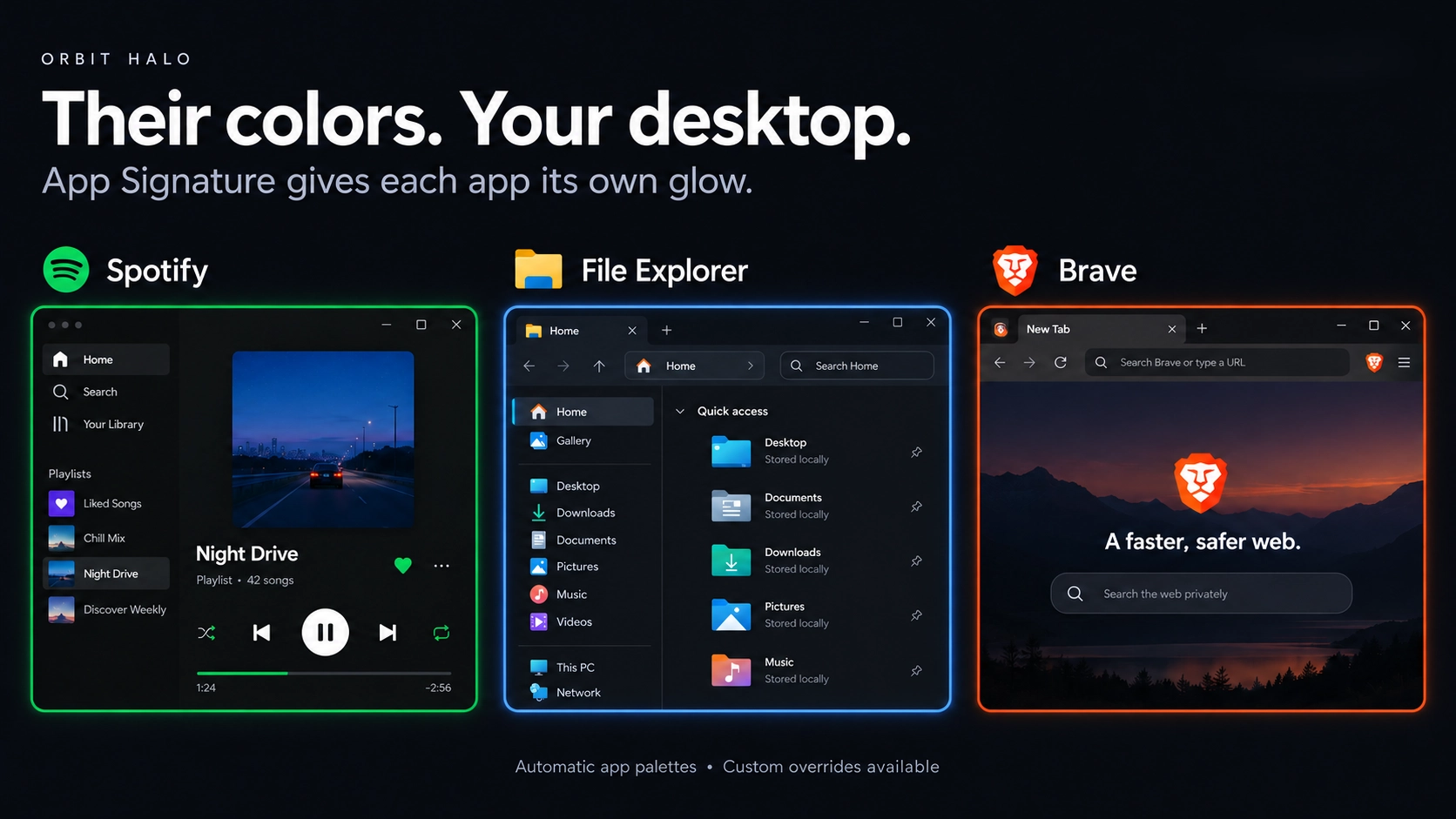
- App Signature: automatically adapt the halo's colors to match supported applications.
- Application color detection: use available application information and visual signatures to choose matching border colors.
- Custom application colors: configure supported application-specific color preferences.
- Individual border animations: every supported border style has its own animation behavior designed around its visual appearance.
- Animate the border: enable or disable border animations independently of the selected style.
- Animation speed: customize how quickly supported border effects move.
- Additional motion effects: choose between supported animation behaviors such as Orbit, Shimmer, Breathe, Ripple, Heartbeat and Flicker.
- Border thickness: adjust the width of the highlight surrounding your window.
- Border shapes: customize the supported corner shapes and overall border presentation.
- Corner handling: adapt the border to supported window sizes, shapes and corner styles.
- Glow customization: control the intensity and appearance of the halo's surrounding glow.
- Opacity controls: choose between a subtle window highlight and a more visible border.
- Inner outline: optionally add an additional border layer for more definition.
- Music visualizer: make the halo react to supported system audio with animated visual effects.
- Five visualizer styles: choose between Spectrum Bars, Waveform Ribbon, Pixel Equalizer, Neon Beads and Twin Ribbons.
- Visualizer reach: adjust how far supported audio effects extend from the border.
- Audio sensitivity: customize how strongly the visualizer reacts to available audio signals.
- Focus Spotlight: optionally dim the surrounding desktop to draw more attention to your focused application.
- Adjustable spotlight intensity: customize how strongly the surrounding area is dimmed.
- Automatic window tracking: follow the active window when it moves, resizes or changes focus.
- Adaptive positioning: keep supported border geometry aligned with the focused window.
- Multi monitor support: follow the focused window across supported displays.
- Maximized window detection: choose whether the border should appear around maximized windows.
- Application exclusions: prevent the halo from appearing around applications you don't want highlighted.
- Lightweight mode: reduce optional rendering activity for a simpler window highlighting experience.
- Battery Saver behavior: reduce supported visual effects and unnecessary animation work when battery saving preferences are active.
- Flexible customization: combine border styles, colors, glow, movement, particles and audio-reactive effects to create your own window highlighting setup.
Getting started :
Install Orbit Halo from Seelen's resource website and enable it in SeelenUI.
Open SeelenUI → Widgets → Orbit Halo to access its customization settings.
Choose your preferred border style from the appearance options.
For a clean and subtle appearance, try Dual Outline, Satin Chrome or App Signature with reduced thickness and glow.
If you prefer something more animated, experiment with Rainbow Flow, Comet Trail, Twin Lasers, Circuit Rail or any of the other available styles.
Enable "Animate the border" to use your selected style's animation, then customize its speed and other available motion settings.
Adjust the border thickness, shape, transparency, glow and colors to match your desktop.
For automatic application matching colors, select App Signature.
To make the halo react to audio, enable Music Visualizer and choose between Spectrum Bars, Waveform Ribbon, Pixel Equalizer, Neon Beads or Twin Ribbons.
You can also adjust the visualizer's sensitivity, reach and adaptive intensity.
If you'd prefer a more focused desktop, enable Focus Spotlight and customize the dimming strength.
Use the fullscreen, maximized window and application exclusion settings to decide where Orbit Halo should appear.
For a simpler experience, use a less demanding border style or enable the available lightweight and reduced-motion options.
Once everything is configured, Orbit Halo automatically follows your active windows.
A few things to know :
Orbit Halo relies on window information and system events available through SeelenUI and Windows.
Some applications, protected windows, fullscreen games and unusual window types may prevent normal border positioning or behave differently during window tracking.
App Signature uses the available application information to determine matching colors. Unrecognized applications may use fallback colors rather than an exact application-specific palette.
Music visualization depends on supported system audio information exposed by SeelenUI. Visualizer behavior may vary depending on your active audio devices and configuration.
Focus Spotlight intentionally dims areas outside the active window. You can adjust its intensity or disable it if you prefer a normal desktop appearance.
Fullscreen and maximized window hiding options help prevent the halo from interfering with games and other applications.
Animated borders, corner particles, glow effects and audio visualizers may increase CPU and GPU usage, especially at higher resolutions or across multiple monitors.
For a lighter experience, choose a simpler border, disable optional effects or enable Lightweight mode and reduced-motion preferences.
Designed for SeelenUI 2.8.10 or later.
If you have a suggestion, found an issue or wanna request something for a future update, feel free to ask in the official SeelenUI Discord server: https://discord.com/invite/seelen-network-751144791596597561 Specifically in this channel : https://discord.com/channels/751144791596597561/1560624521176817664
Orbit collection :
https://seelen.io/resources/collection/5b86b663-aefd-4d5c-90ac-c6c80722080f
Wie wird es verwendet?
- Herunterladen und installieren Seelen UI
- Stellen Sie sicher, dass die Anwendung ausgeführt wird
- Klicken Sie auf den Download-Button oben
- Akzeptieren Sie die Browseraufforderung zum Öffnen von Seelen UI
- Die App übernimmt die Installation
- Und das ist alles!
Kompatibilität
- Seelen UI: 2.8.10+
- Plattform: Windows
Mehr von ickyaidy
Verwandte Ressourcen


Informationen zu den Ressourcen
- ID: ab8c4997-8875-4557-afb0-77371ac407e3
- Typ: Widget
- Status: Veröffentlicht
- Erstellt am: Dienstag, 27. Oktober 2026 um 22:18:42 UTC
- Zuletzt aktualisiert am: Mittwoch, 11. November 2026 um 06:18:48 UTC
- Rezensiert am: Mittwoch, 11. November 2026 um 06:18:48 UTC
- Rezensiert von:@eythaann