Pantailako argazkiak
Deskribapen
Orbit Theme <3
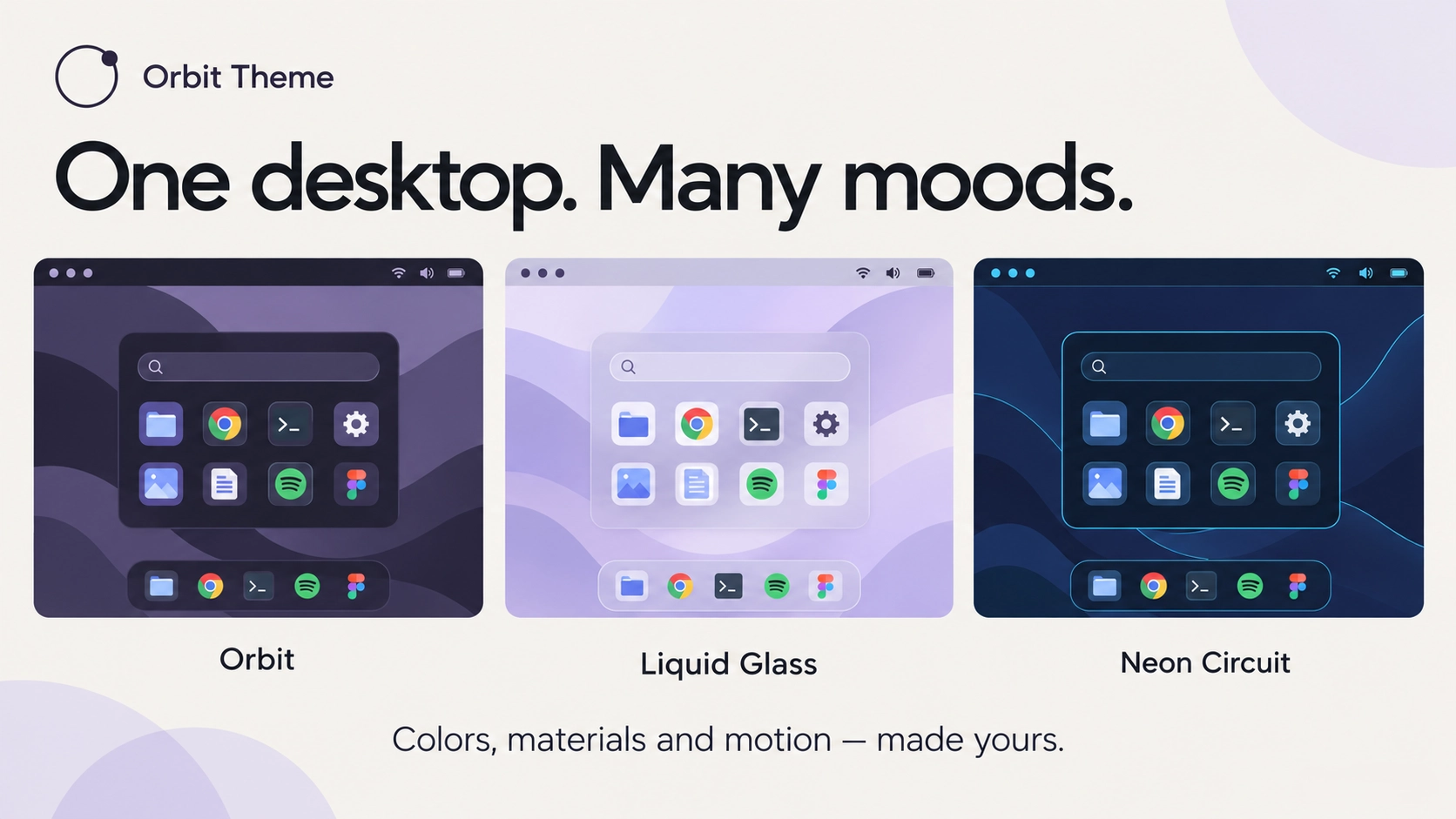
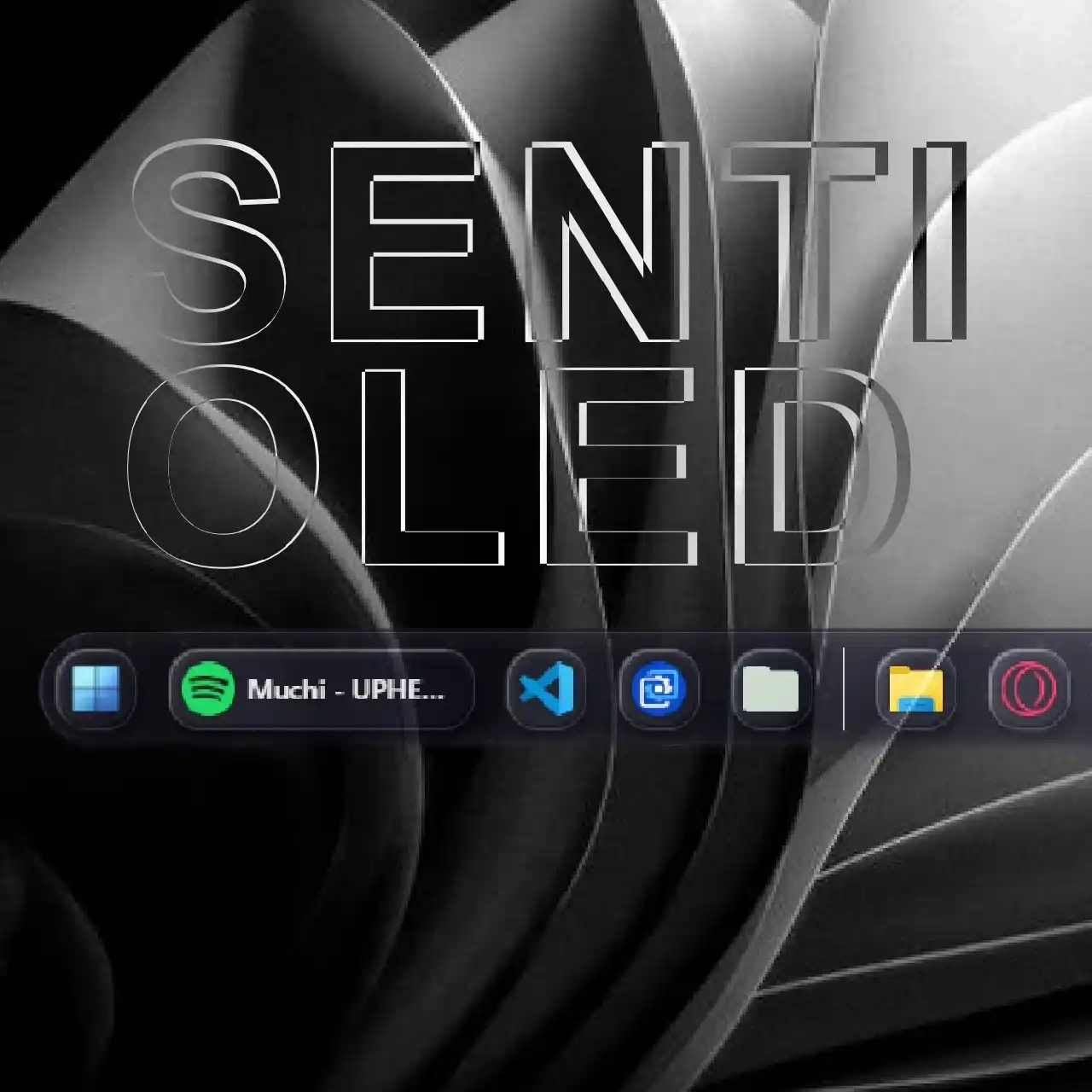
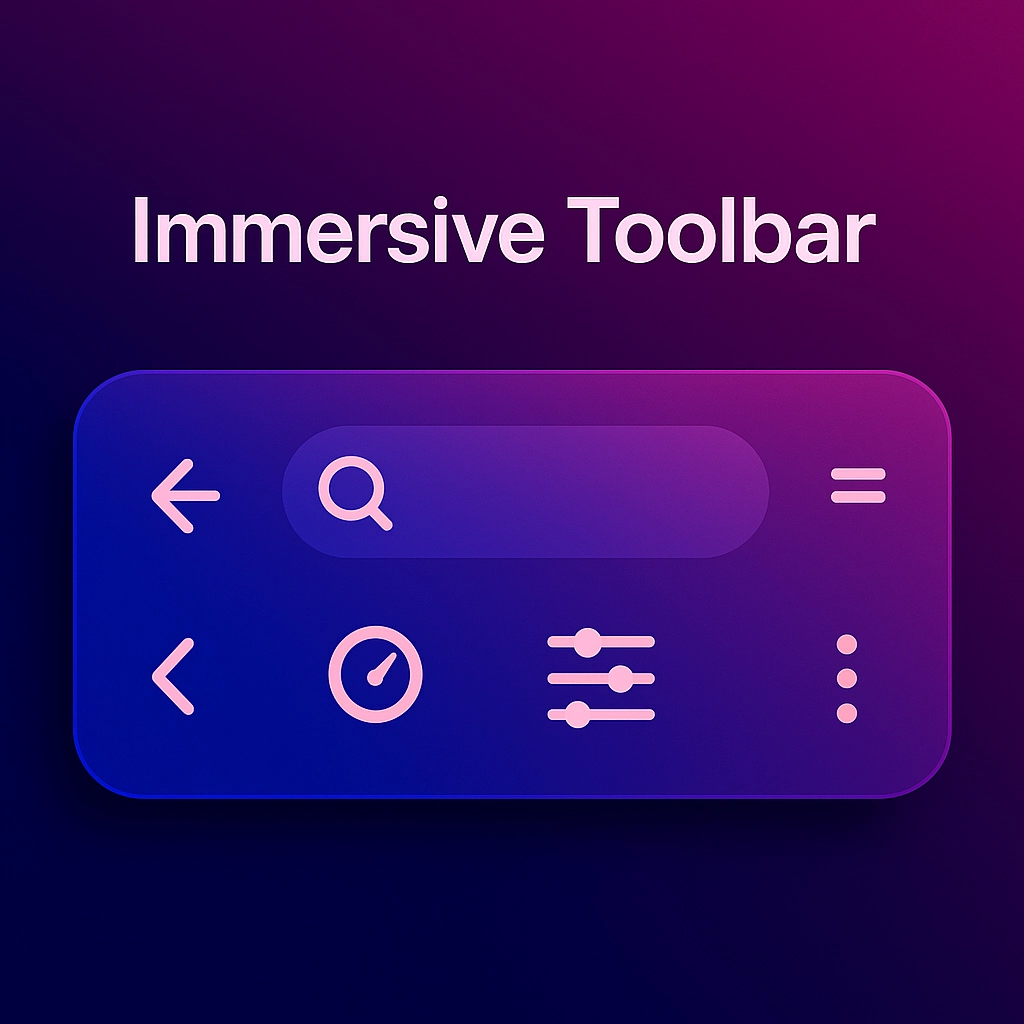
Orbit Theme redesigns SeelenUI’s toolbar, dock, app menu, notifications and popups with coordinated appearances, creative shapes, animated backgrounds and deeply customizable details.
Choose your favorite appearance, mix and match shapes, add a little motion, then fine tune the details to make everything feel yours :)
Features:
- 52 appearance choices: Orbit, Liquid Glass, Frost, Midnight, Catppuccin, Nord, Tokyo Night, OLED, Neon Circuit, Synthwave, Cyberpunk and many more, alongside Custom, Follow Seelen and Follow Windows Accent.
- A coordinated interface: matching styling across the toolbar, dock, app menu, notifications, task switcher, previews, context menus and supported system popups.
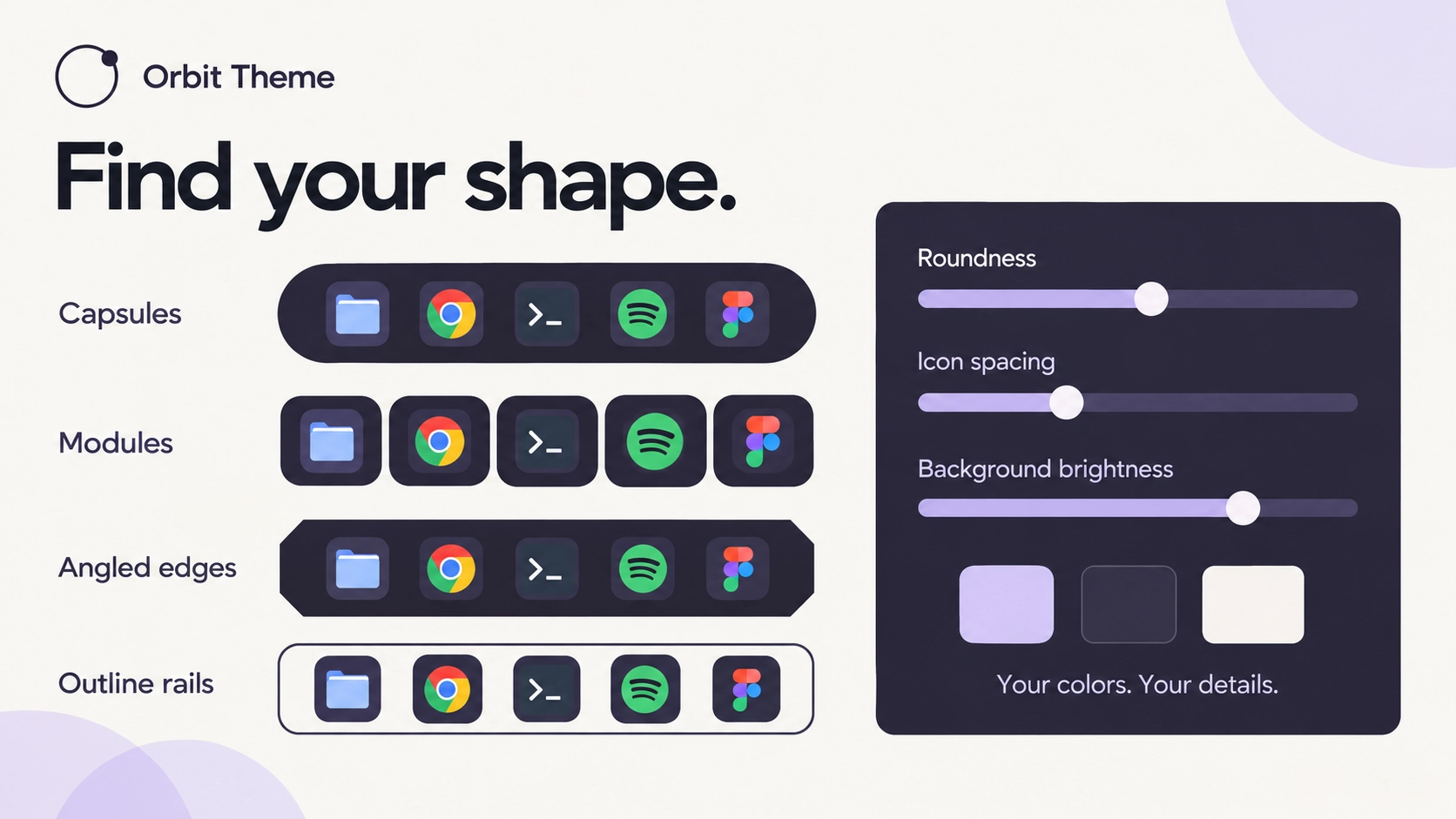
- 53 toolbar and dock shape choices: keep Seelen’s native shape or explore floating panels, capsules, notches, rails, angled edges and individually shaped modules.
- 37 app menu shape choices: rounded panels, squircles, arches, chamfers, tickets, frames and more.
- 56 animated backgrounds: twinkling stars, meteor showers, auroras, waves, fireflies, neon patterns, colorful gradients and other decorative effects.
- Independent background controls: choose different animations for the toolbar, dock and app menu, with shared speed controls, separate brightness adjustments and optional readability protection.
- Dynamic window colors: let the toolbar and dock follow SeelenUI’s sampled colors from maximized windows, or turn this off to keep your chosen appearance.
- Ten surface finishes: Soft, Liquid Glass, Outlined, Flat, Accent edge, Floating text, Pill, Gradient, Instrument and Holographic.
- Adjustable glass: choose Clear, Balanced or Frosted clarity, then fine tune opacity and reflection strength.
- Dock hover effects: 23 optional effects, including Magnify, Zoom, Lift, Bounce, Glow, Float, Spotlight, Spring, Focus and Grayscale reveal—or keep movement disabled.
- Customizable icon colors: preserve system colors, match the appearance preset, use the accent or choose a custom color independently for toolbar and dock icons. Dock recoloring also supports third-party app and game artwork.
- Shape and spacing controls: adjust toolbar and dock edge roundness, dock end padding, icon spacing, decorative insets and more.
- Independent surface styling: give the toolbar, dock, notifications and popups their own appearance and finish, or keep everything coordinated through the shared settings.
- Custom colors: choose your own accent, panel, card and text colors, with preset, Windows accent and custom accent sources.
- Comfortable popup layouts: choose Comfortable, Balanced or Compact spacing, alongside adjustable control corners, text size and notification spacing.
- Motion controls: use Full, Gentle or Off, adjust interaction timing and choose different hover highlights.
- Accessibility options: high contrast styling, visible keyboard focus, clear selection markers and support for reduced motion preferences.
- Additional resource support: coordinated styling for the official Better Clipboard and Quick Notes widgets.
- Organized settings: 90 controls arranged into thirteen categories, with descriptions and default values.
Four ready made combinations: Orbit Classic, Clear Glass, Neon Nights and Quiet Desktop—provide coordinated color, material and lighting setups. Switch back to “Use my settings” to return to your individual choices without losing them.
Designed for SeelenUI 2.8.9 or later.
If you have a suggestion, or wanna request something for a future update, feel free to ask in the official SeelenUI Discord server: https://discord.com/invite/seelen-network-751144791596597561
Orbit collection :
https://seelen.io/resources/collection/5b86b663-aefd-4d5c-90ac-c6c80722080f
Nola erabili?
- Deskargatu eta instalatu Seelen UI
- Ziurtatu aplikazioa martxan dagoela
- Egin klik goiko deskargatzeko botoian
- Onartu arakatzailearen gonbita Seelen UI irekitzeko
- Aplikazioak instalazioa kudeatuko du
- Eta hori da dena!
Baterako
- Seelen UI: 2.8.9+
- Nasa: Windows
Gehiago ickyaidy


Lotutako baliabideak





Baliabideen informazioa
- ID: 9dadbc53-a1e5-4f17-ad02-a525d3382abe
- Tipo: Gai
- Kokapen: Azaldu
- Sortua: 2026(e)ko urriaren 16(a), ostirala (11:41:52 (UTC))
- Azken eguneraketa: 2026(e)ko urriaren 21(a), asteazkena (05:21:31 (UTC))
- Berrikusita: 2026(e)ko urriaren 21(a), asteazkena (05:21:31 (UTC))
- Berrikusita:@eythaann