La ressource ne fonctionne pas
Cette ressource doit être mise à jour pour fonctionner correctement avec la dernière version de l'application.
Captures d'écran
Description
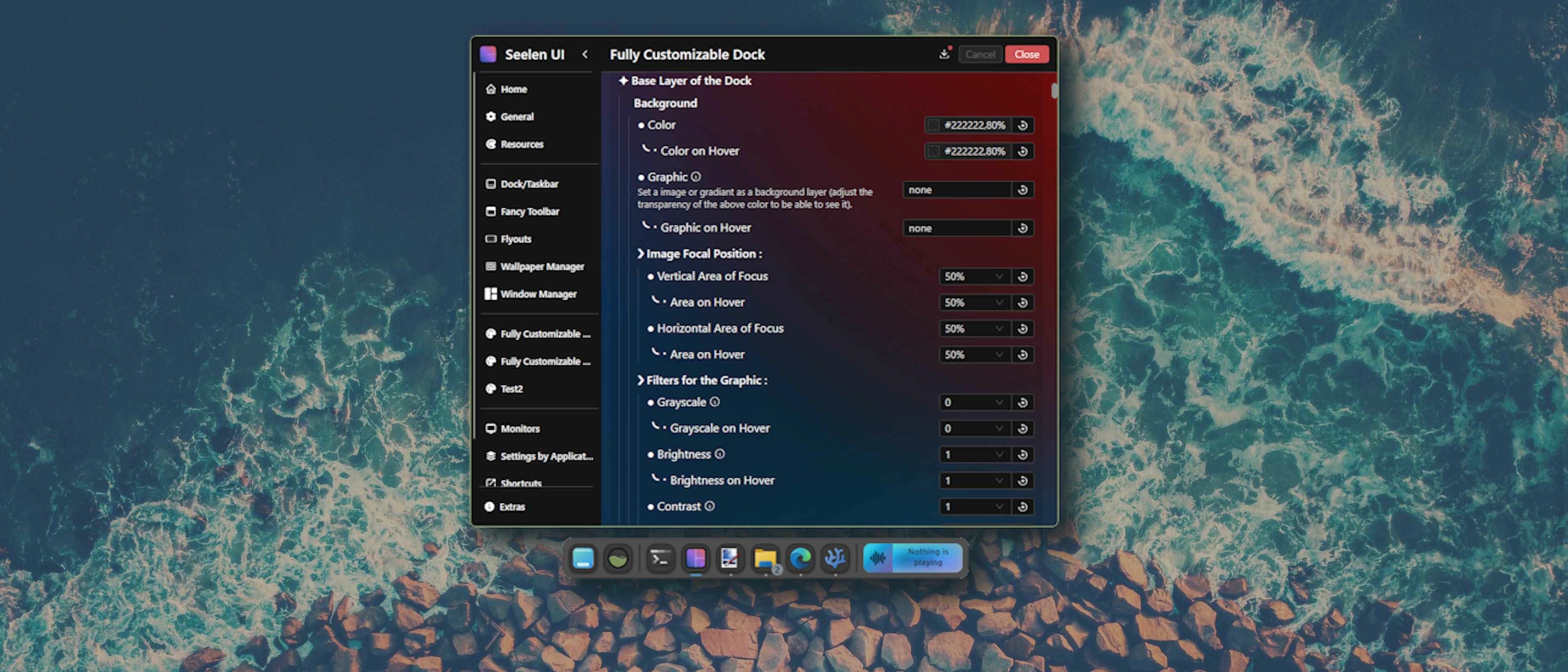
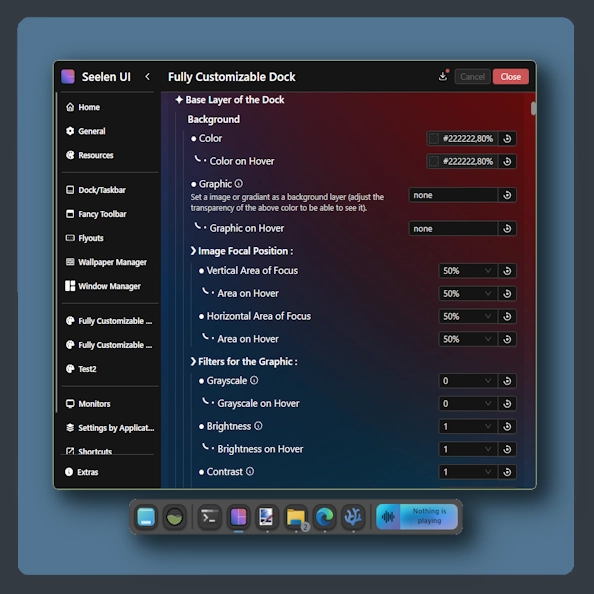
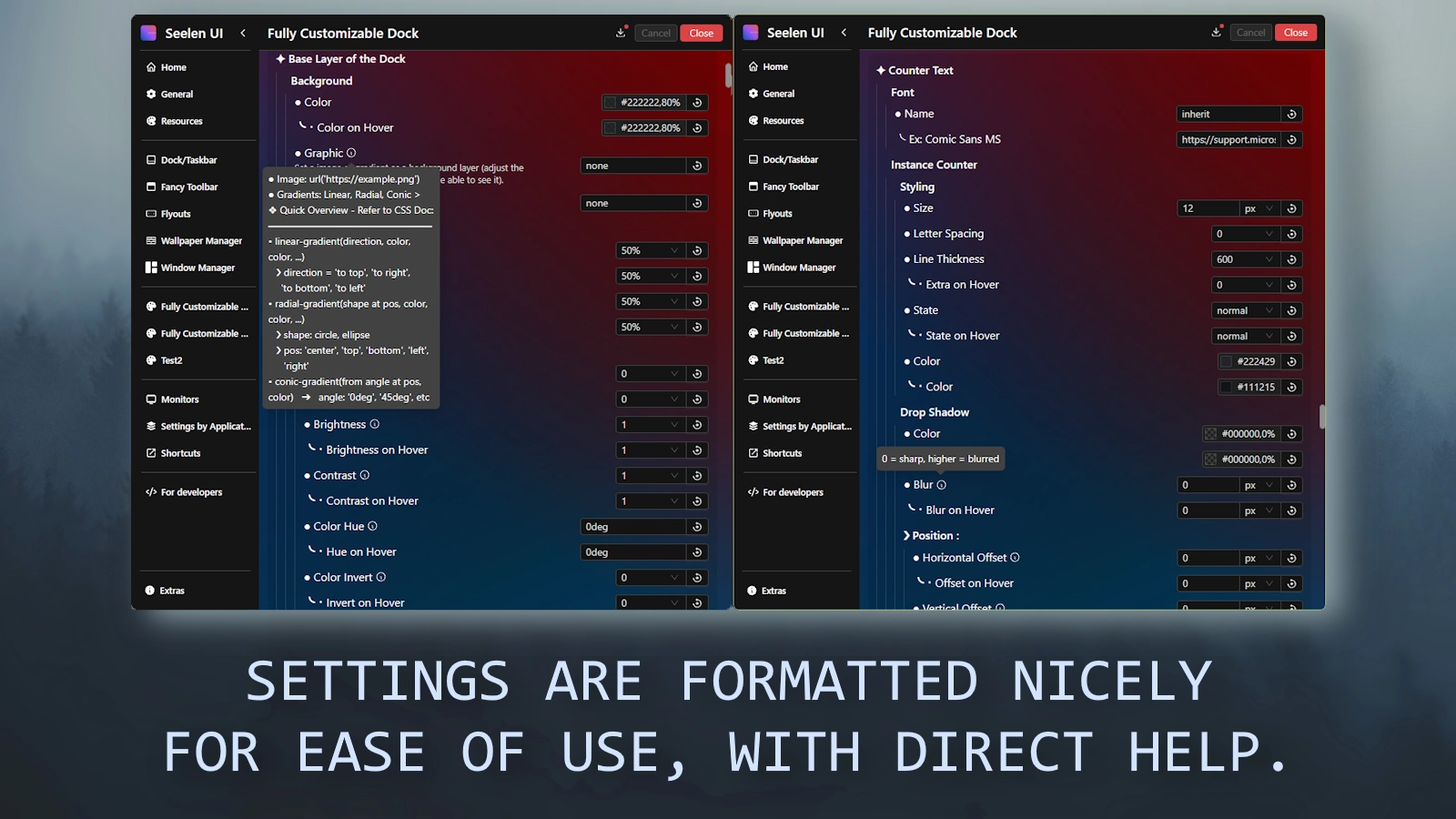
This theme allows you to EXTENSIVELY customize the dock all through nicely formatted settings.
- It is lightweight (as it does not add heavy modifications such as additional animations).
Comment l'utiliser ?
- Télécharger et installer Seelen UI
- S'assurer que l'application fonctionne
- Cliquez sur le bouton de téléchargement ci-dessus
- Accepter l'invitation du navigateur à ouvrir Seelen UI
- L'application se charge de l'installation
- Et c'est tout !
Compatibilité
- Seelen UI: 2.5.3+
- Plate-forme: Windows
Plus par k-ivy
 Customizable Dock Player
 Grid Style Tray - Hover for Label
 Grid Style Tray - Always Show Label
 Hide Media Source Icons
 Indiviual Coloring of Toolbar Modules
 Windows 11 Start Icon
 Windows Concept Start Icon
 Warp Start Icon
 Apple Start Icon
 NixOS Start Icon
 Dots Start Icon
 Animated Windows XP Start Icon
 Animated Vista Start Icon
 Animated Windows 10 Start Icon
 Animated Whiteout Win 7 Start Icon
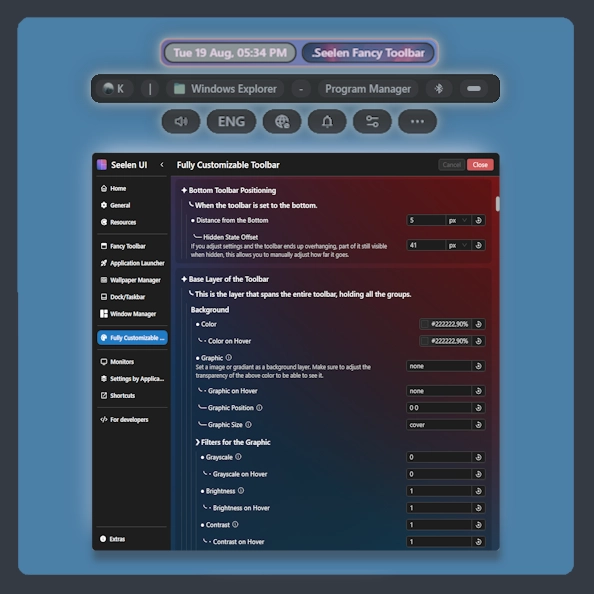 Fully Customizable Toolbar
 Media Thumbnail Fill
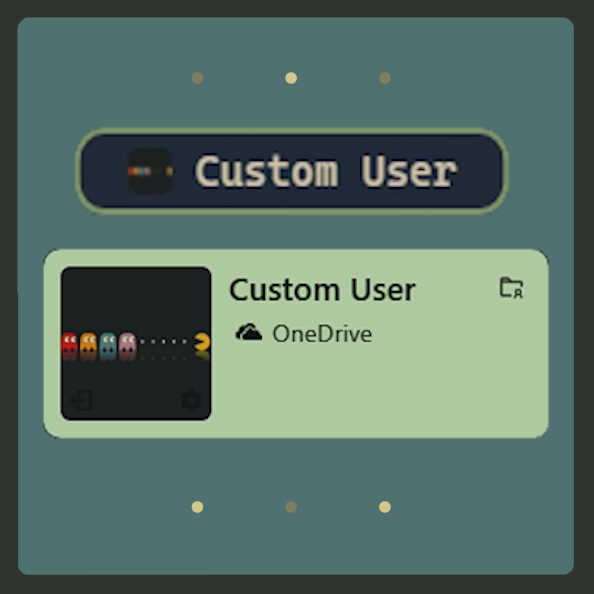 Custom User
 Slide - Wallpaper Switch Animation
 Zoom - Wallpaper Switch Animation
 Blur - Wallpaper Switch Animation
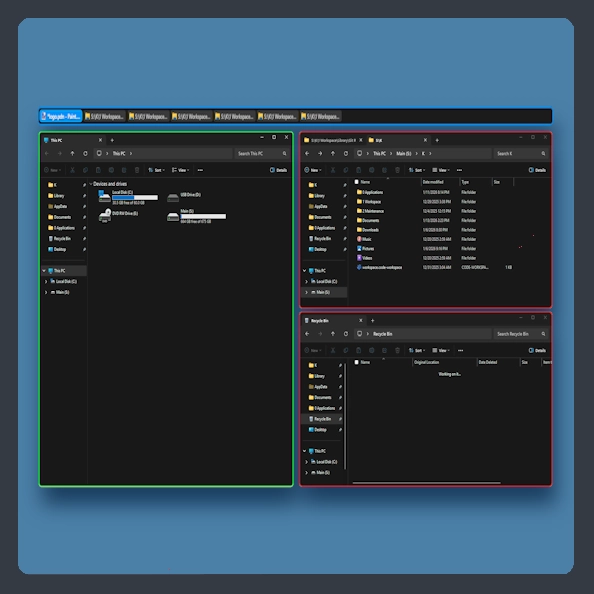 Fully Customizable Window Manager
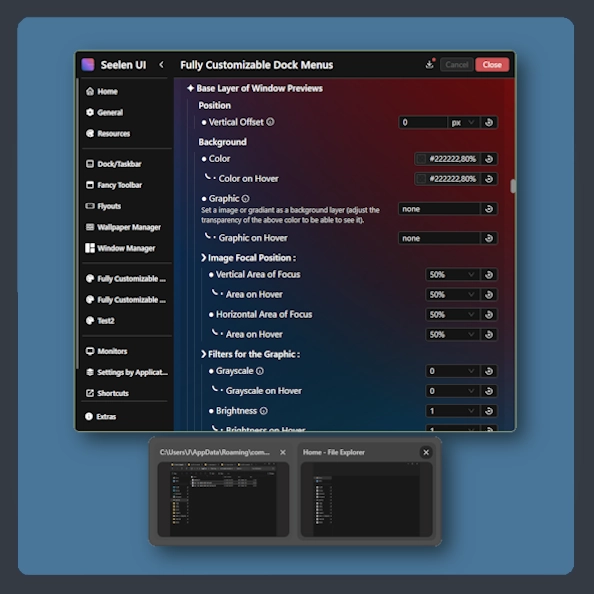 Fully Customizable Dock Menus
 Animated Start Icon Creator
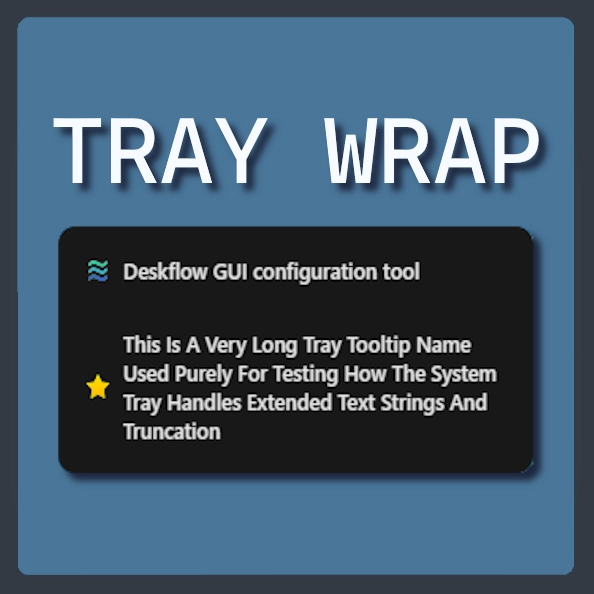 System Tray - Label Wrap
 Cicle Out - Wallpaper Switch Animation
 Glitch - Wallpaper Switch Animation
 Shutter - Wallpaper Switch Animation
Ressources connexes









Informations sur les ressources
- ID: e97ff774-0084-4455-b19b-28b6bb102682
- Type: Thème
- Statut: Publié
- Créé à: samedi 7 juin 2025 à 17:00:44 UTC
- Dernière mise à jour le: mardi 3 mars 2026 à 03:14:31 UTC
- Révisé à: mardi 3 mars 2026 à 03:41:41 UTC
- Révisé par:@k-ivy