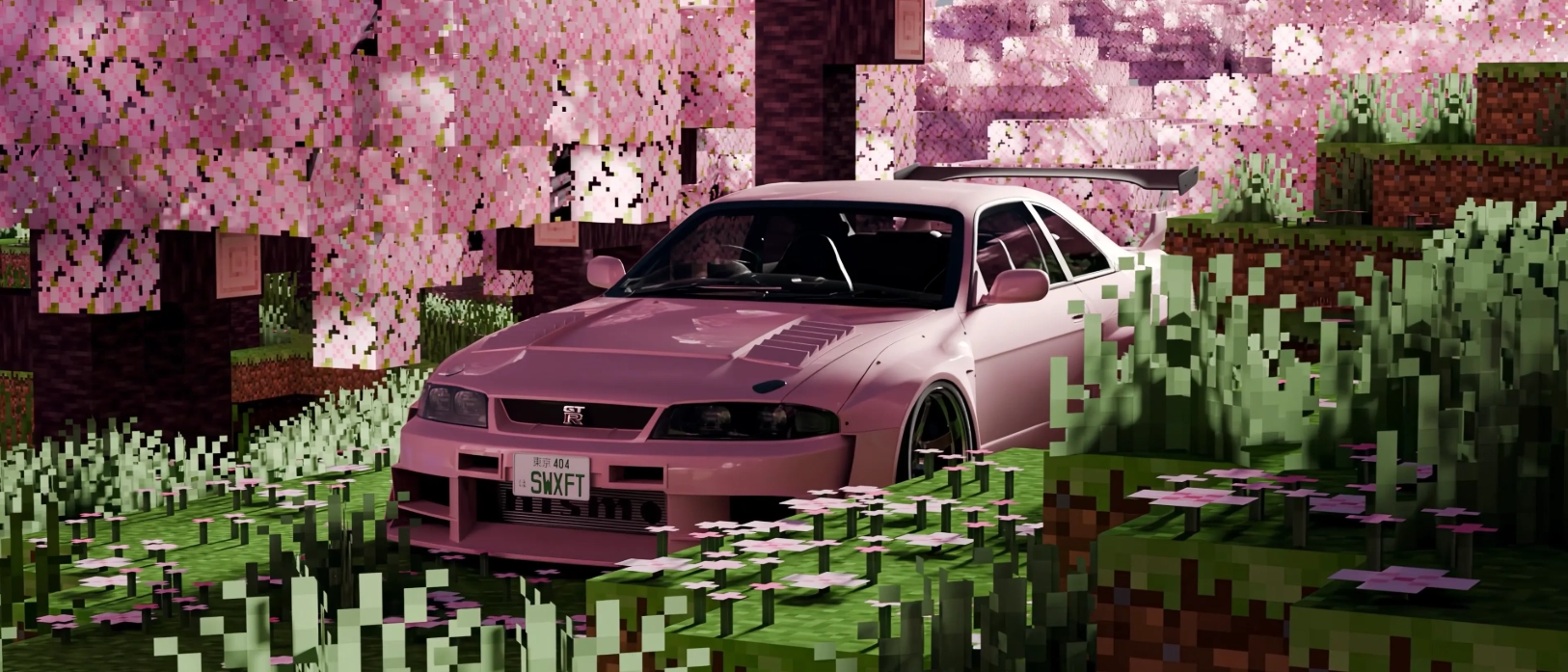
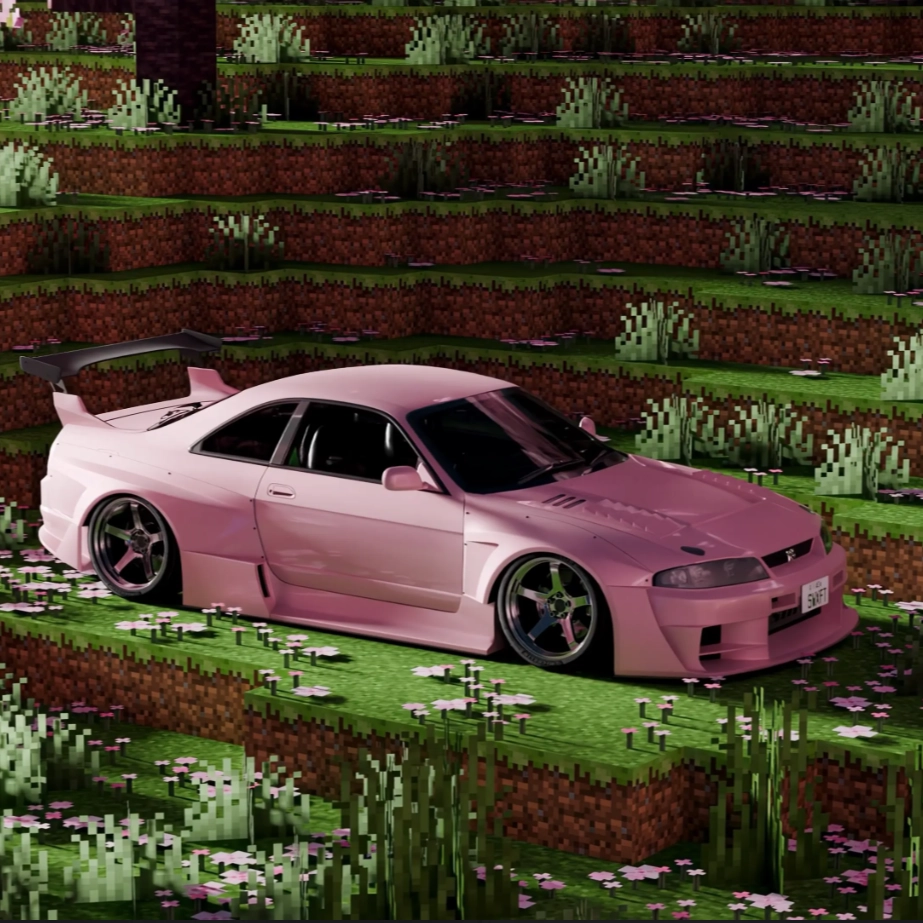
Captures d'écran
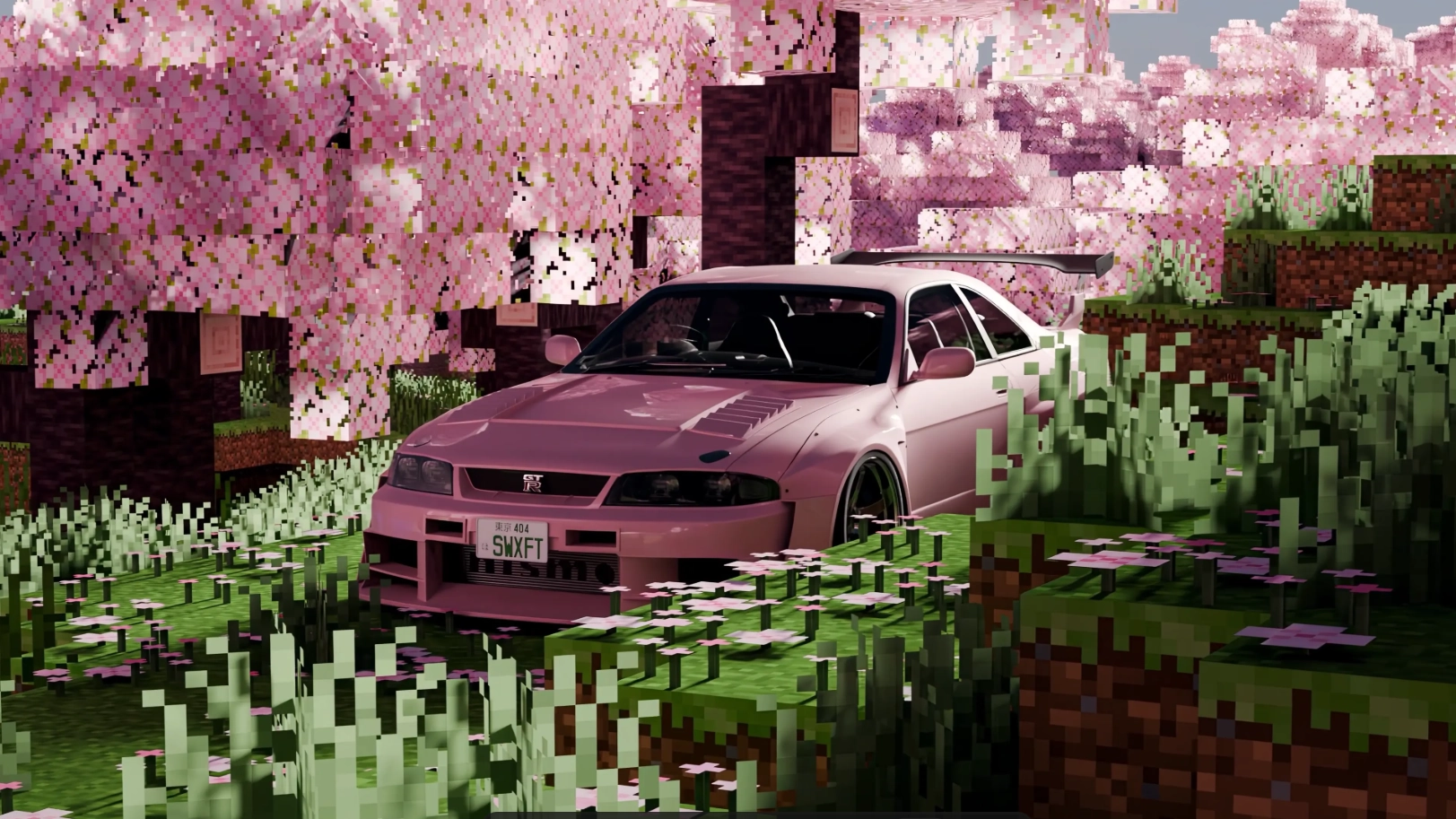
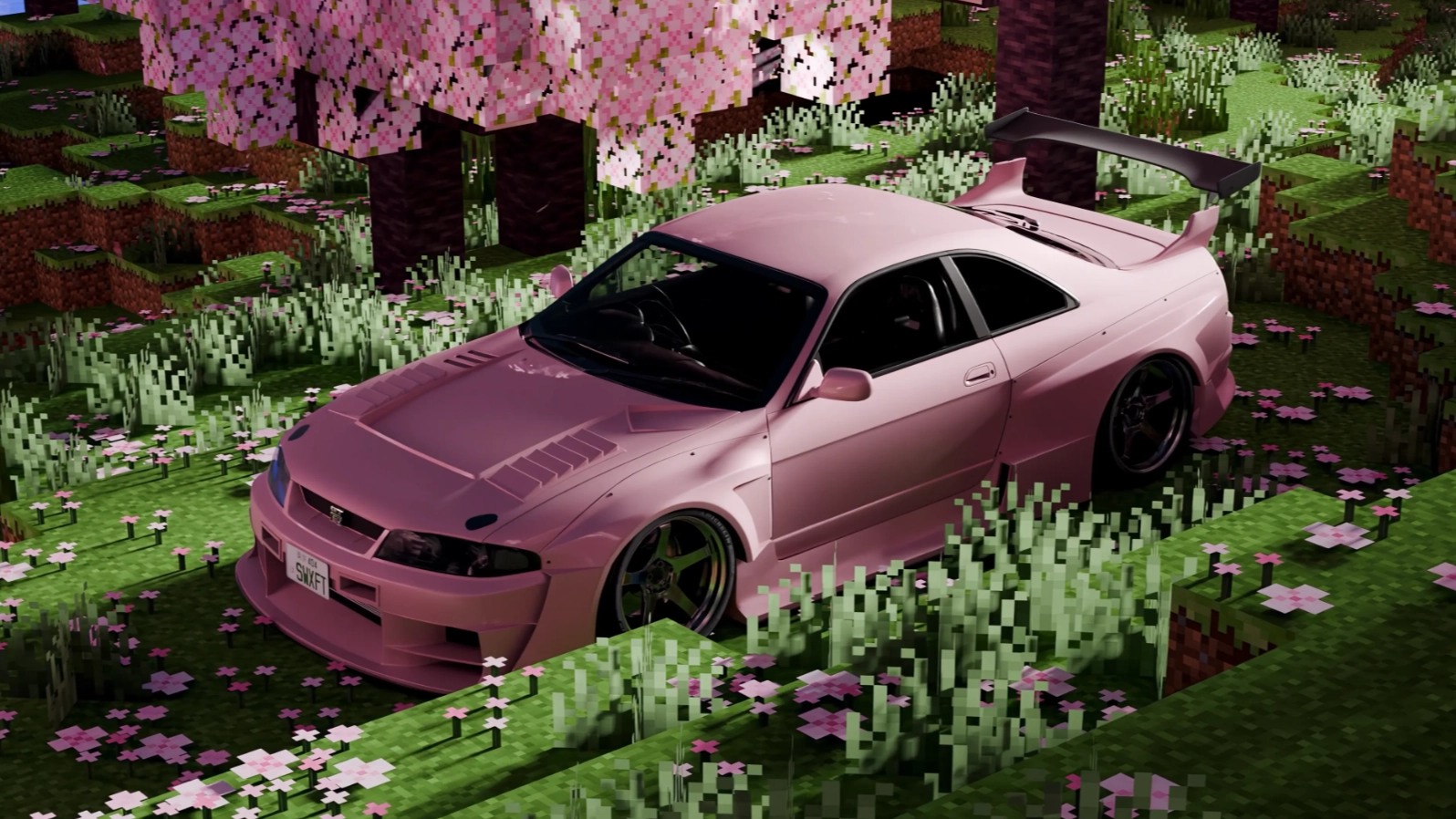
Description
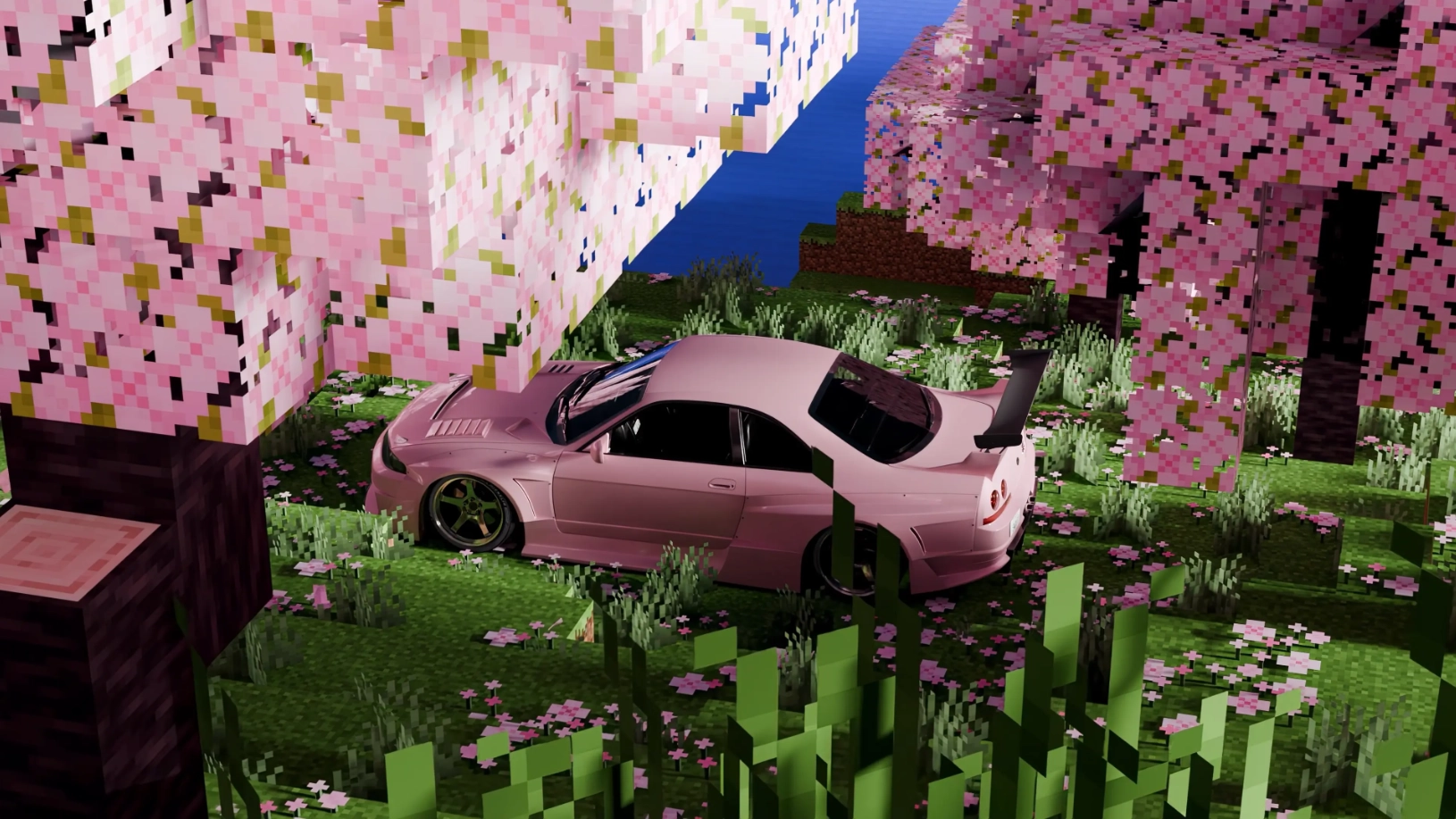
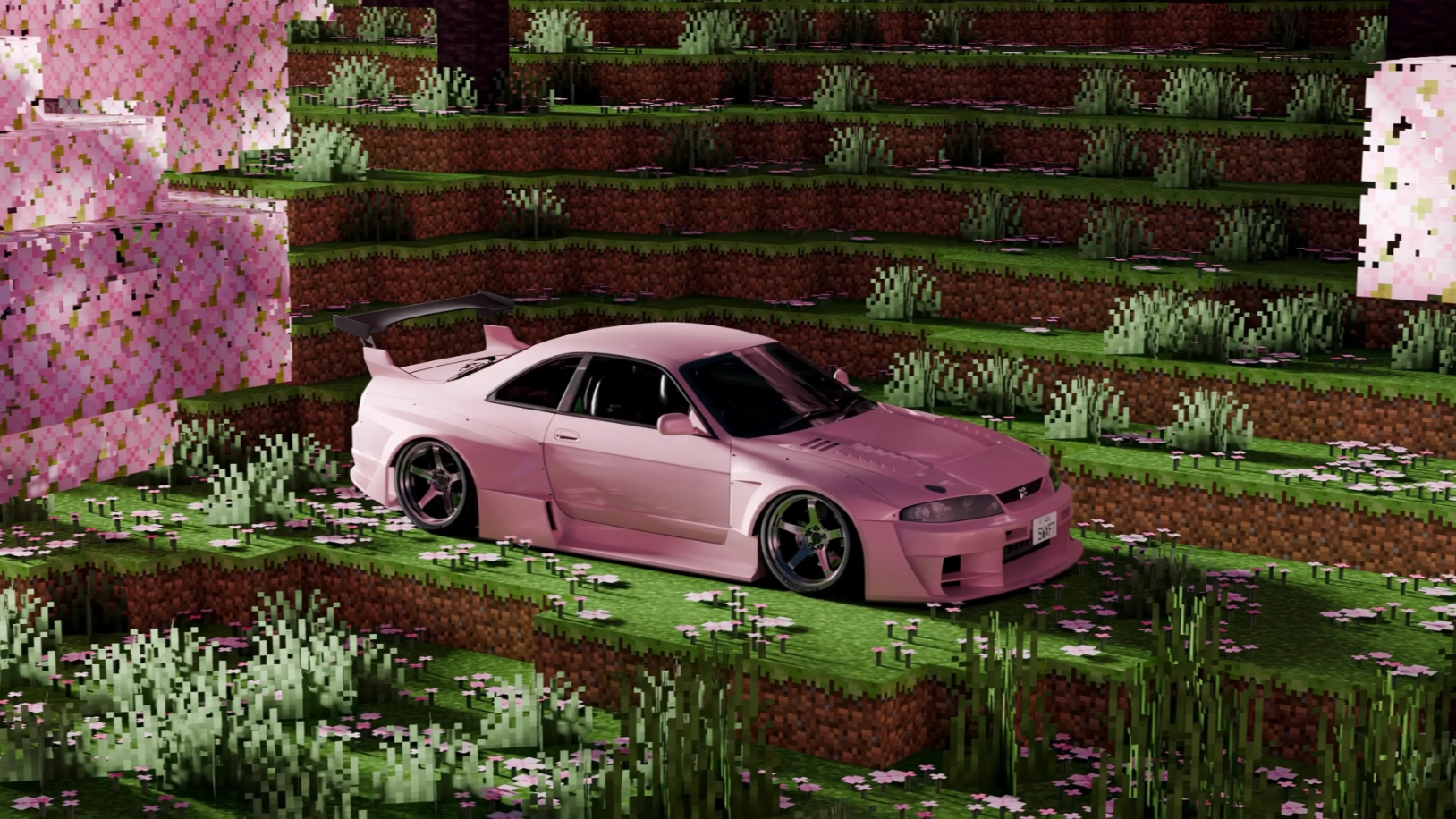
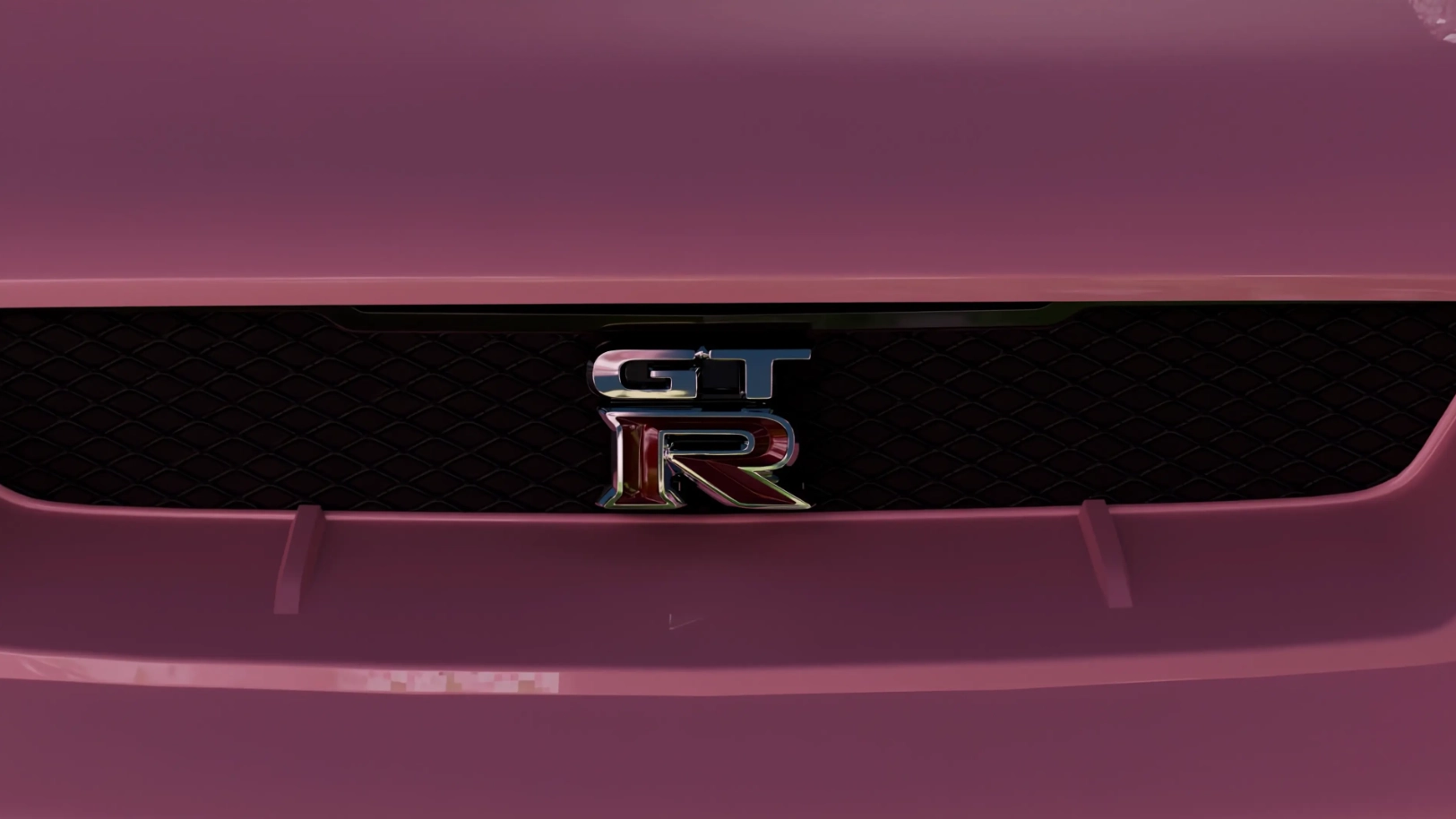
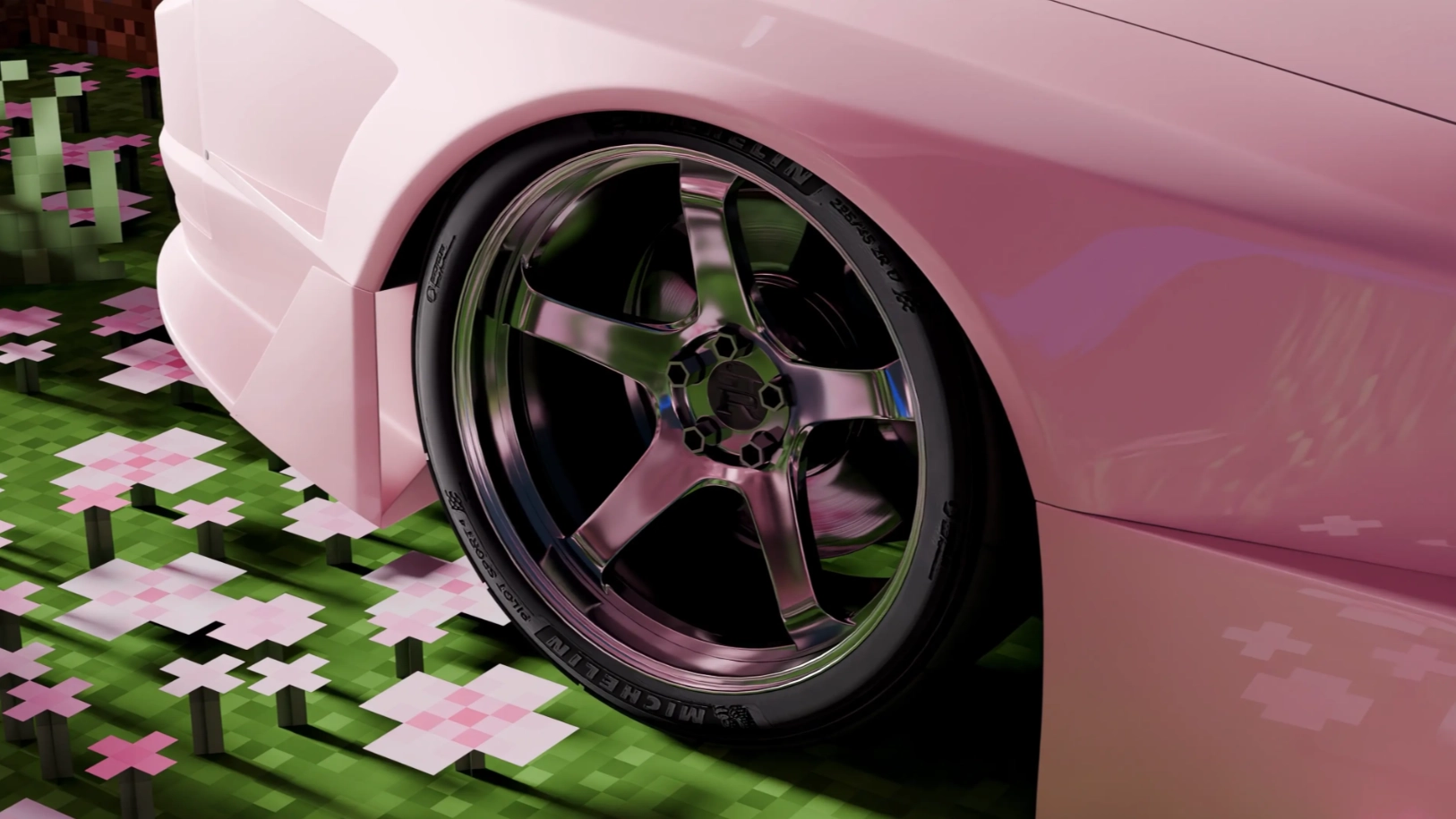
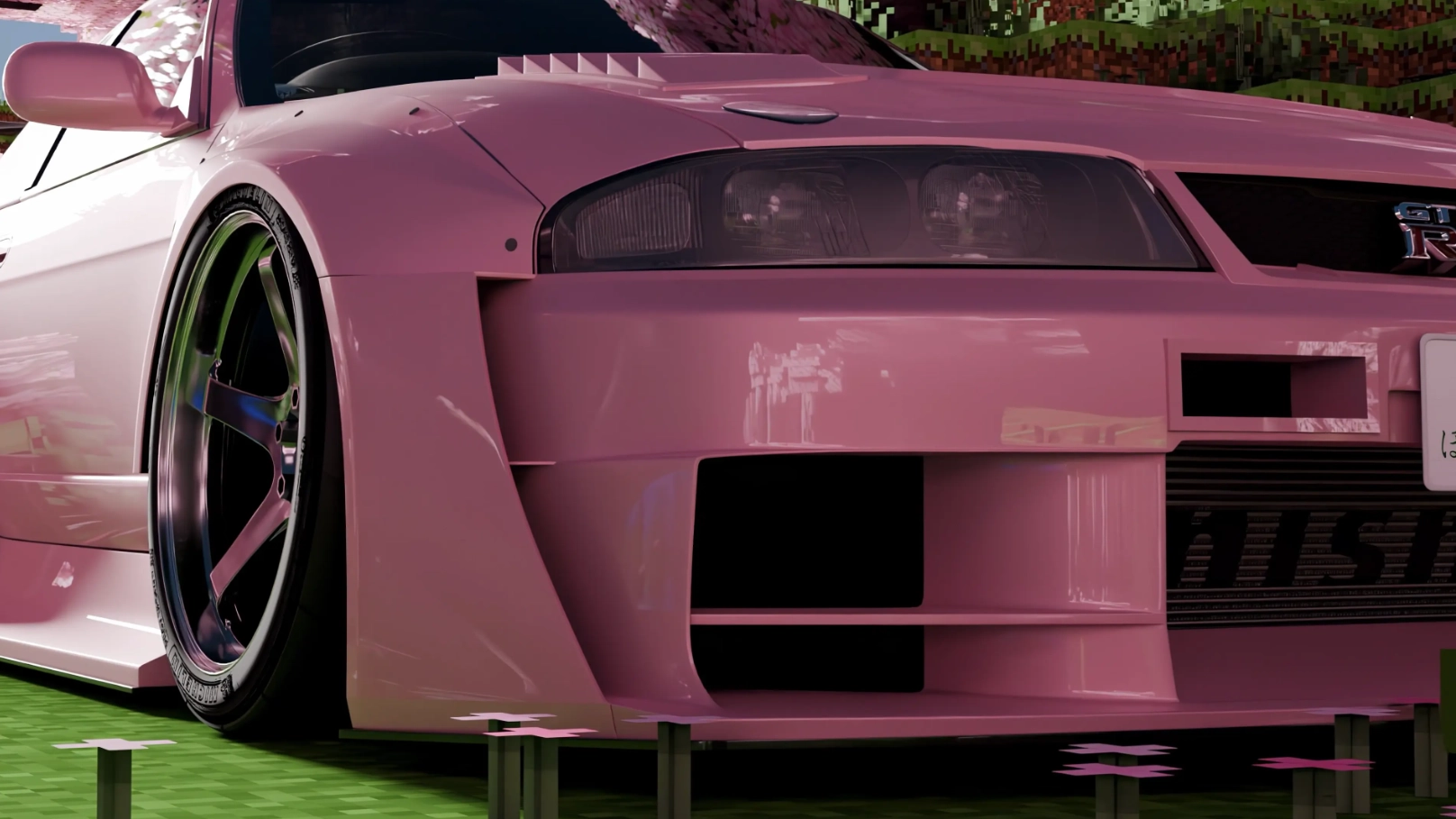
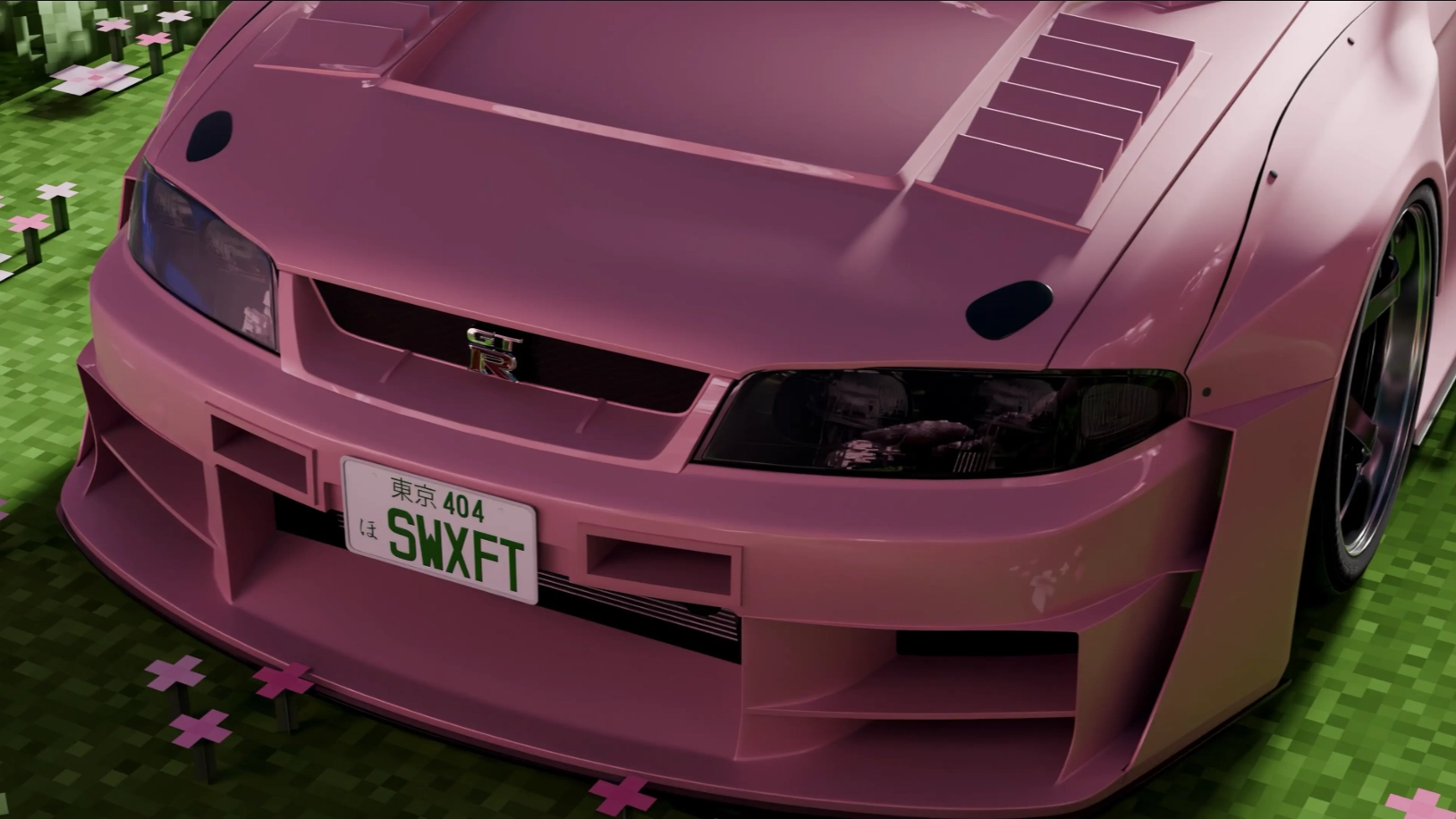
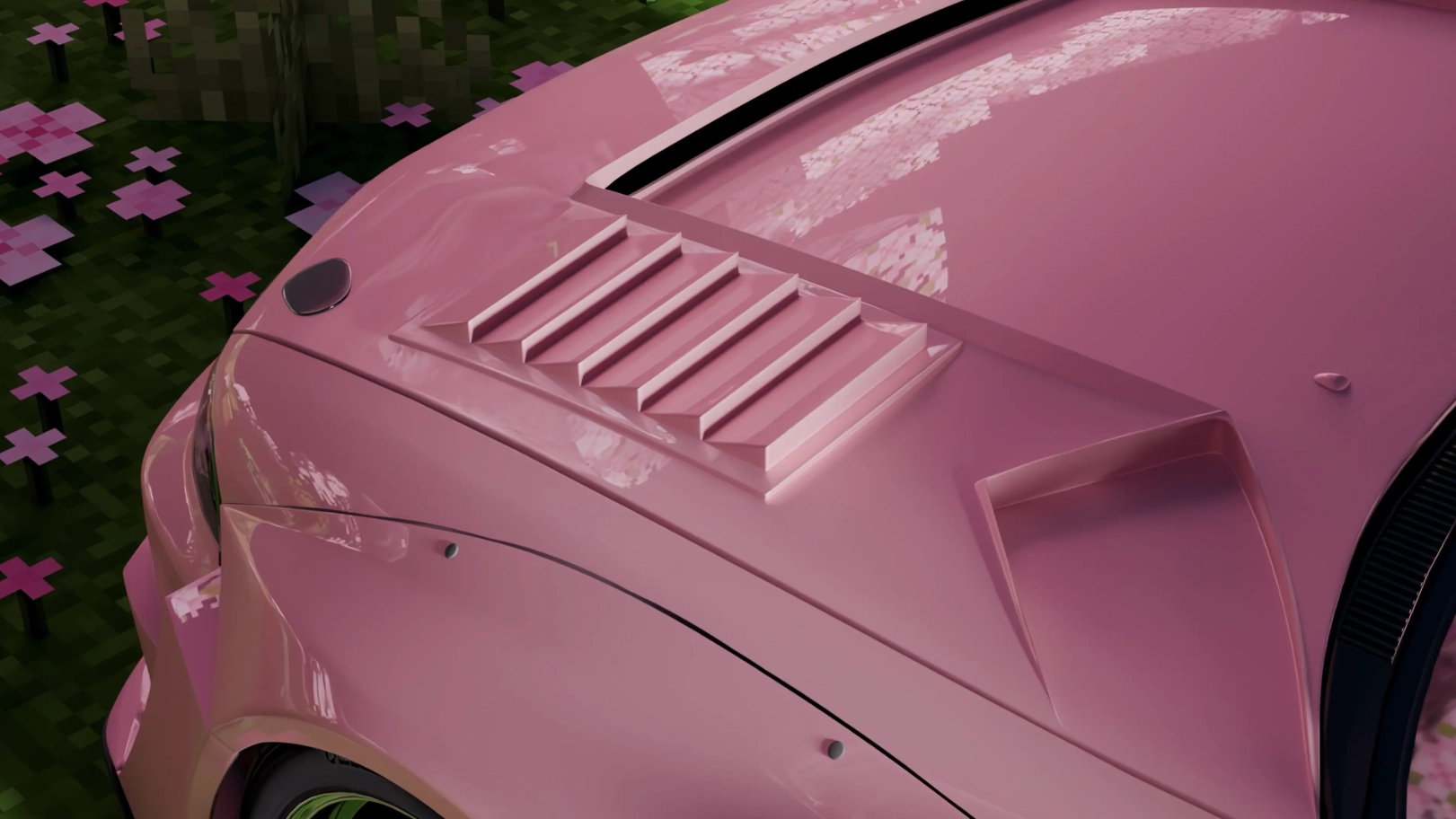
Dynamic shots of a pink Nissan Skyline IX (R33) standing silently in the pixel world of Minecraft. Eye-catching coloring combined with cherry blossoms. Animated foliage and highlights on the body.
Best with Pastel Pink Theme ft. @eythaann https://seelen.io/resources/Ha0vMIrUT7CiXymqvSxcuA/pastel-pink-theme
Informations supplémentaires
- Taper: Video
- Taille: 73.33MB
- Résolution: 3840x2160
Comment l'utiliser ?
- Télécharger et installer Seelen UI
- S'assurer que l'application fonctionne
- Cliquez sur le bouton de téléchargement ci-dessus
- Accepter l'invitation du navigateur à ouvrir Seelen UI
- L'application se charge de l'installation
- Et c'est tout !
Compatibilité
- Seelen UI: 2.7.1+
- Plate-forme: Windows
Plus par agp_studios


Ressources connexes




Informations sur les ressources
- ID: 200026ca-78c2-47df-b633-c8f6689988d3
- Type: Papier peint
- Statut: Publié
- Créé à: samedi 23 mai 2026 à 04:40:56 UTC
- Dernière mise à jour le: jeudi 18 juin 2026 à 16:03:44 UTC
- Révisé à: jeudi 18 juin 2026 à 16:03:44 UTC
- Révisé par:@eythaann