Screenshot
Descrizione
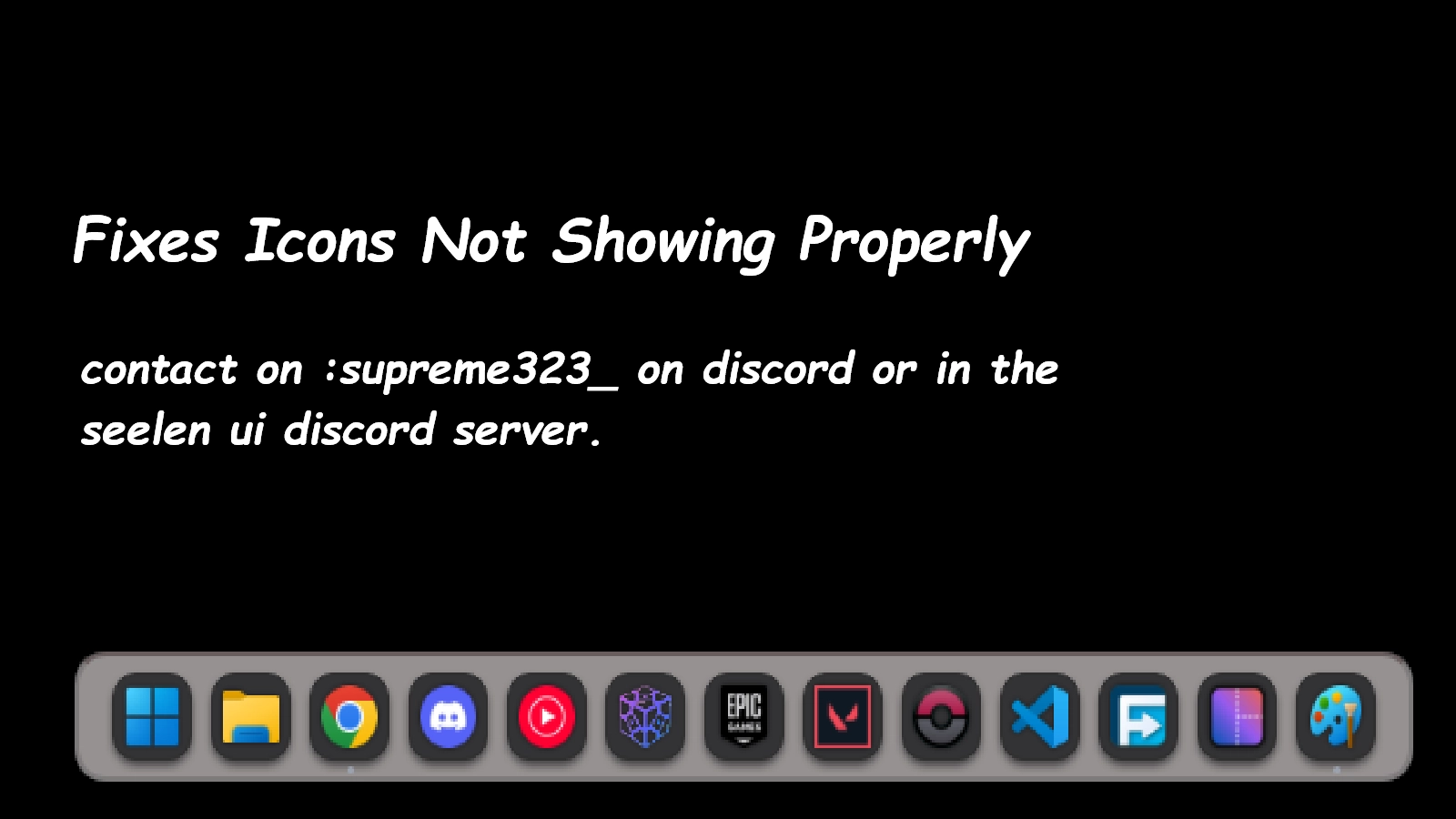
This icon pack fixes all the icons not showing properly in seelen ui feel free to reach me at the seelen ui discord named Supreme323_ if you find any weird icons while using a program (Icon fixed : Minecraft ,The control panel ) There can be situations where the control panel shows up in the file explorer icon , this is expected and this icon pack doesnt ensour it
Come si usa?
- Scaricare e installare Seelen UI
- Assicurarsi che l'applicazione sia in esecuzione
- Fare clic sul pulsante di download qui sopra
- Accettare la richiesta del browser per aprire l'interfaccia utente di Seelen.
- L'applicazione gestirà l'installazione
- E questo è tutto!
Compatibilità
- Seelen UI: 2.4.11+
- Piattaforma: Windows
Altro da supreme323thelabgoosehonk

Risorse correlate









Informazioni sulle risorse
- ID: e85d823a-8509-4c56-9467-9919f2b1ec95
- Tipo: Pacchetto icone
- Stato: Pubblicato
- Creato a: martedì 6 gennaio 2026 alle ore 16:09:20 UTC
- Ultimo aggiornamento al: domenica 29 marzo 2026 alle ore 23:10:32 UTC
- Recensito presso: domenica 29 marzo 2026 alle ore 23:10:32 UTC
- Recensito da:@k-ivy