

Screenshot

Descrizione
This theme removes the source app icons on the dock's player and the toolbar's media module.
Enjoy!
Come si usa?
- Scaricare e installare Seelen UI
- Assicurarsi che l'applicazione sia in esecuzione
- Fare clic sul pulsante di download qui sopra
- Accettare la richiesta del browser per aprire l'interfaccia utente di Seelen.
- L'applicazione gestirà l'installazione
- E questo è tutto!
Compatibilità
- Seelen UI: 2.4.7+
- Piattaforma: Windows
Altro da k-ivy
 Dock Player Customizer
 Grid Style Tray - Hover for Label
 Grid Style Tray - Always Show Label
 Filled Window Previews
 Indiviual Coloring of Toolbar Modules
 Windows 11 Start Icon
 Windows Concept Start Icon
 Warp Start Icon
 Apple Start Icon
 NixOS Start Icon
 Dots Start Icon
 Animated Windows XP Start Icon
 Animated Vista Start Icon
 Animated Windows 10 Start Icon
 Animated Whiteout Win 7 Start Icon
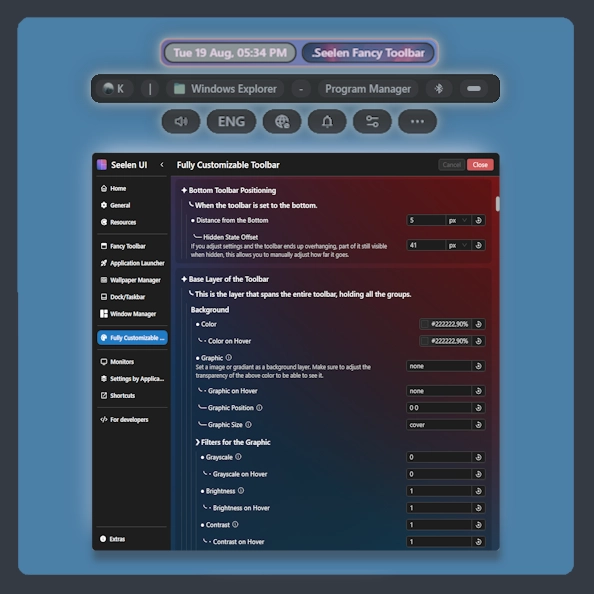 Fully Customizable Toolbar
 Filled Media Thumbnails
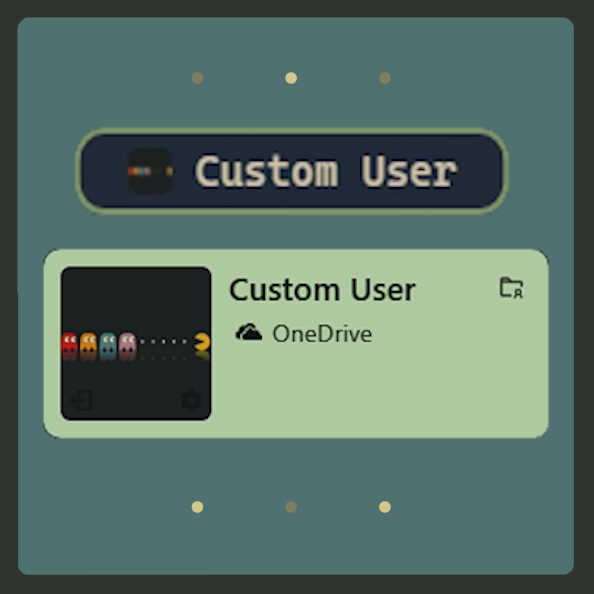 Custom Username
 Media Module Player Customizer
 Slide - Wallpaper Switch Animation
 Zoom Fade - Wallpaper Switch Animation
 Blur - Wallpaper Switch Animation
 Fade - Wallpaper Switch Animation
Risorse correlate








Informazioni sulle risorse
- ID: a1e616bf-0f85-40ab-8f6e-75aaa559ae16
- Identificatore amichevole: @k-ivy/hide-media-app-icon
- Tipo: Tema
- Stato: Pubblicato
- Creato a: martedì 6 maggio 2025 alle ore 13:46:20 UTC
- Ultimo aggiornamento al: venerdì 21 novembre 2025 alle ore 04:15:09 UTC
- Recensito presso: venerdì 21 novembre 2025 alle ore 04:18:17 UTC
- Recensito da:@k-ivy