

スクリーンショット
説明
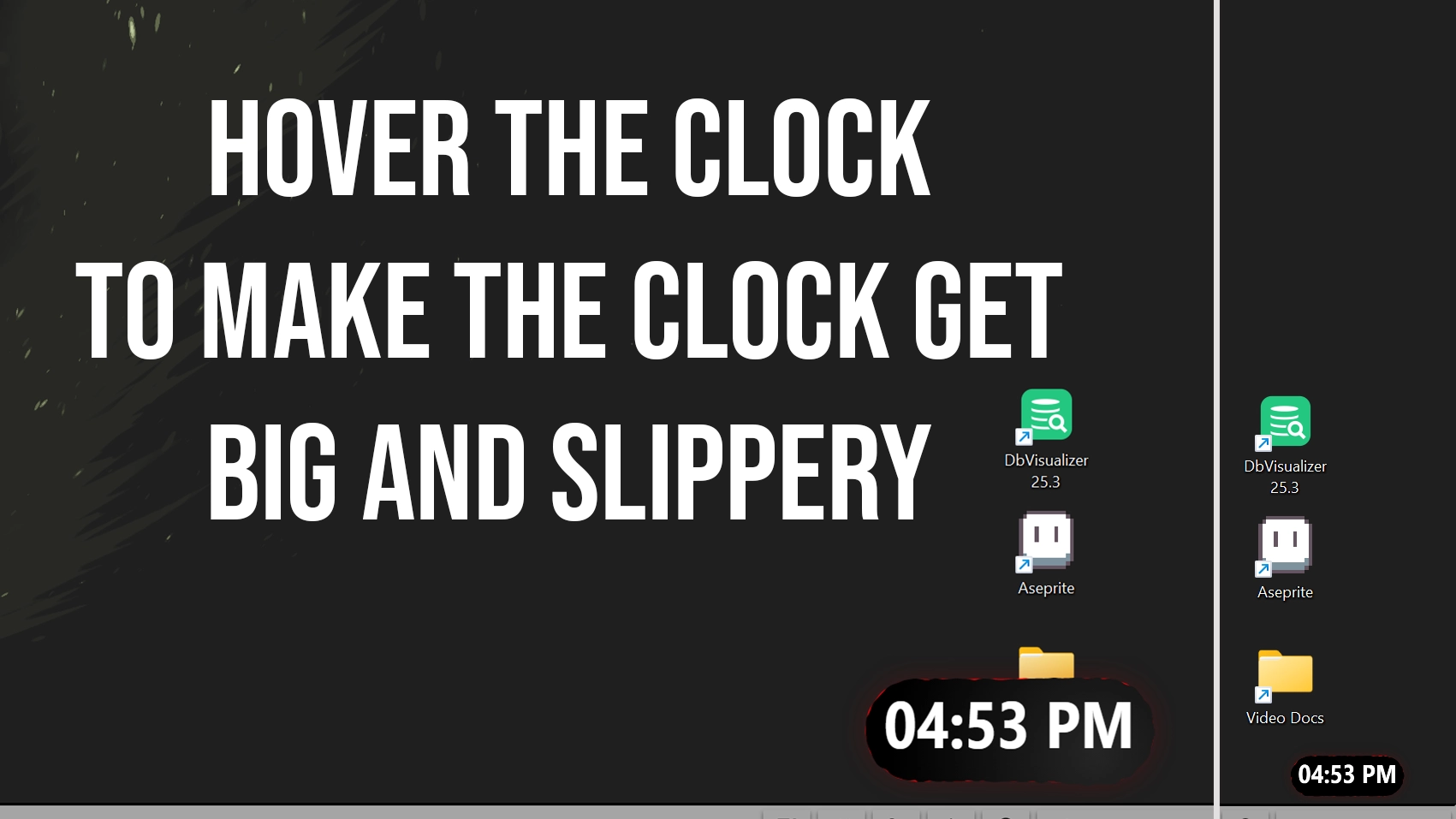
I made a slippery clock for seelen-ui
when you hover it, it grows big
its slippery but small but hey if you hover that thing it will get bigger...
anyways this is what it looks like
使い方は?
- ダウンロードとインストール Seelen UI
- アプリが起動していることを確認する
- 上のダウンロードボタンをクリック
- Seelen UIを開くためのブラウザのプロンプトを承認する。
- インストールはアプリが行います。
- それだけだ!
互換性
- Seelen UI: 2.4.11+
- プラットフォーム: Windows
関連リソース


リソース情報
- ID: 5b719531-c585-41c1-b4f6-66a765de18c9
- フレンドリー識別子: @bryanthaboi/slippery-clock-fixed
- タイプ: ウィジェット
- ステータス: 出版
- 作成日時: 2026年1月16日金曜日 21:58:18 UTC
- 最終更新日: 2026年1月16日金曜日 22:48:42 UTC
- レビュー: 2026年1月16日金曜日 22:56:24 UTC
- レビュー:@eythaann