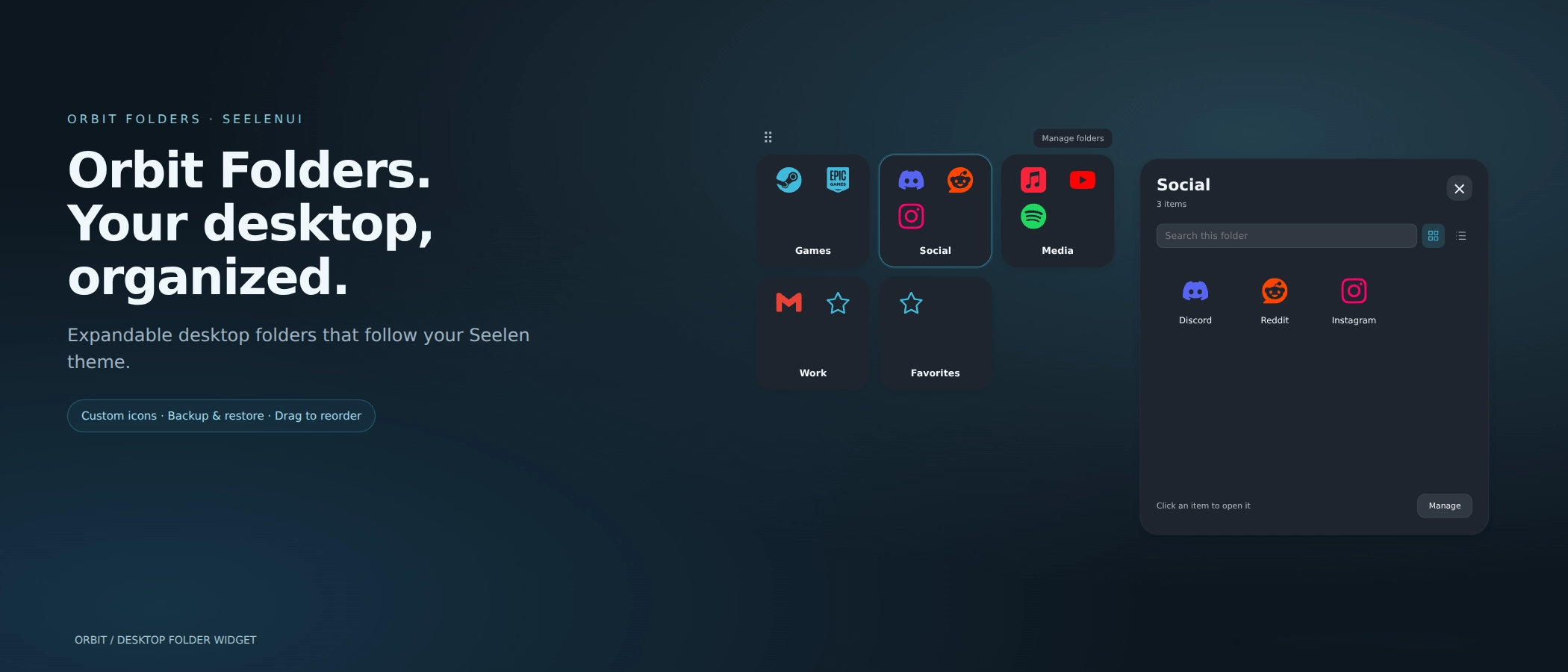
スクリーンショット
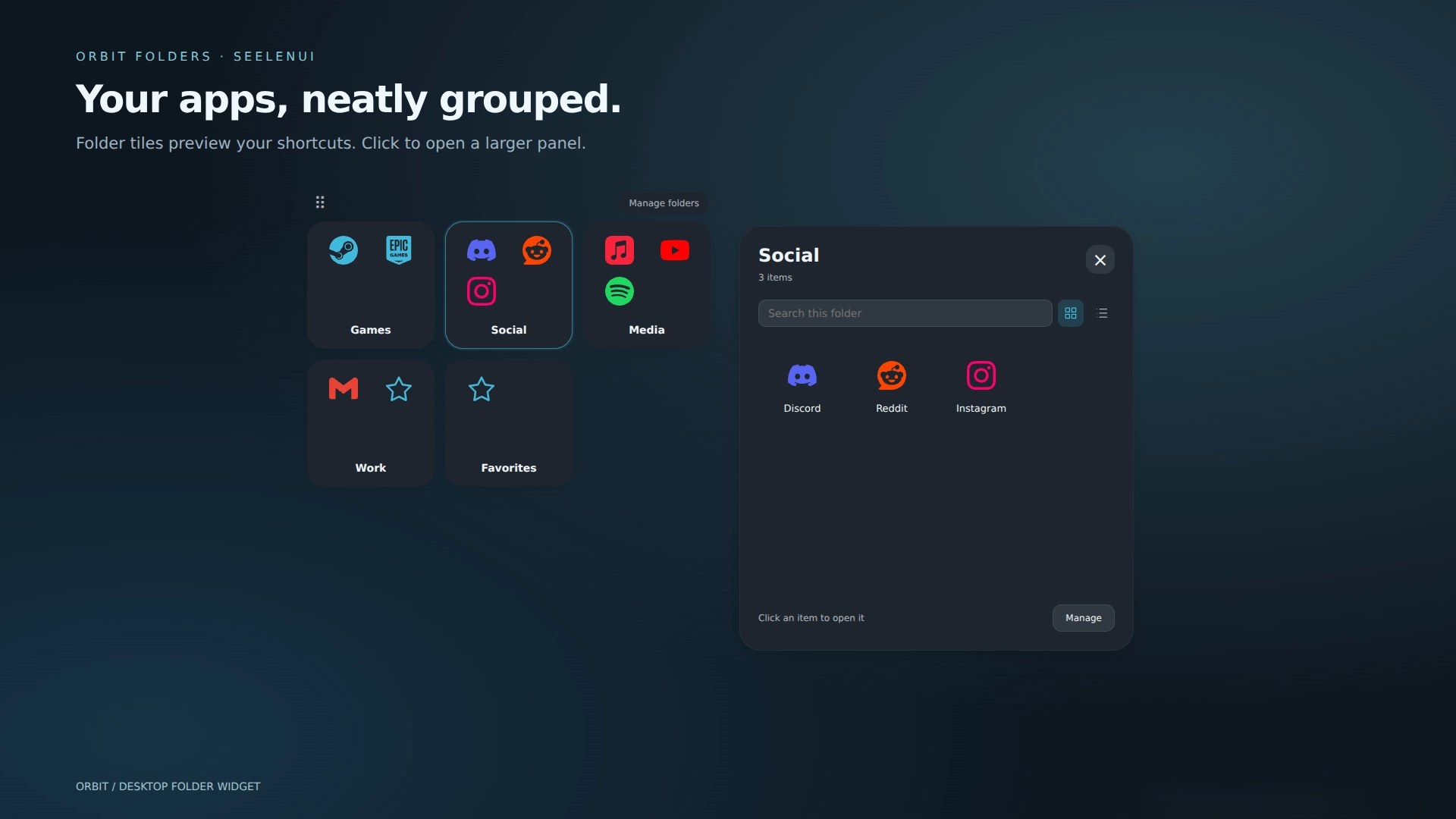
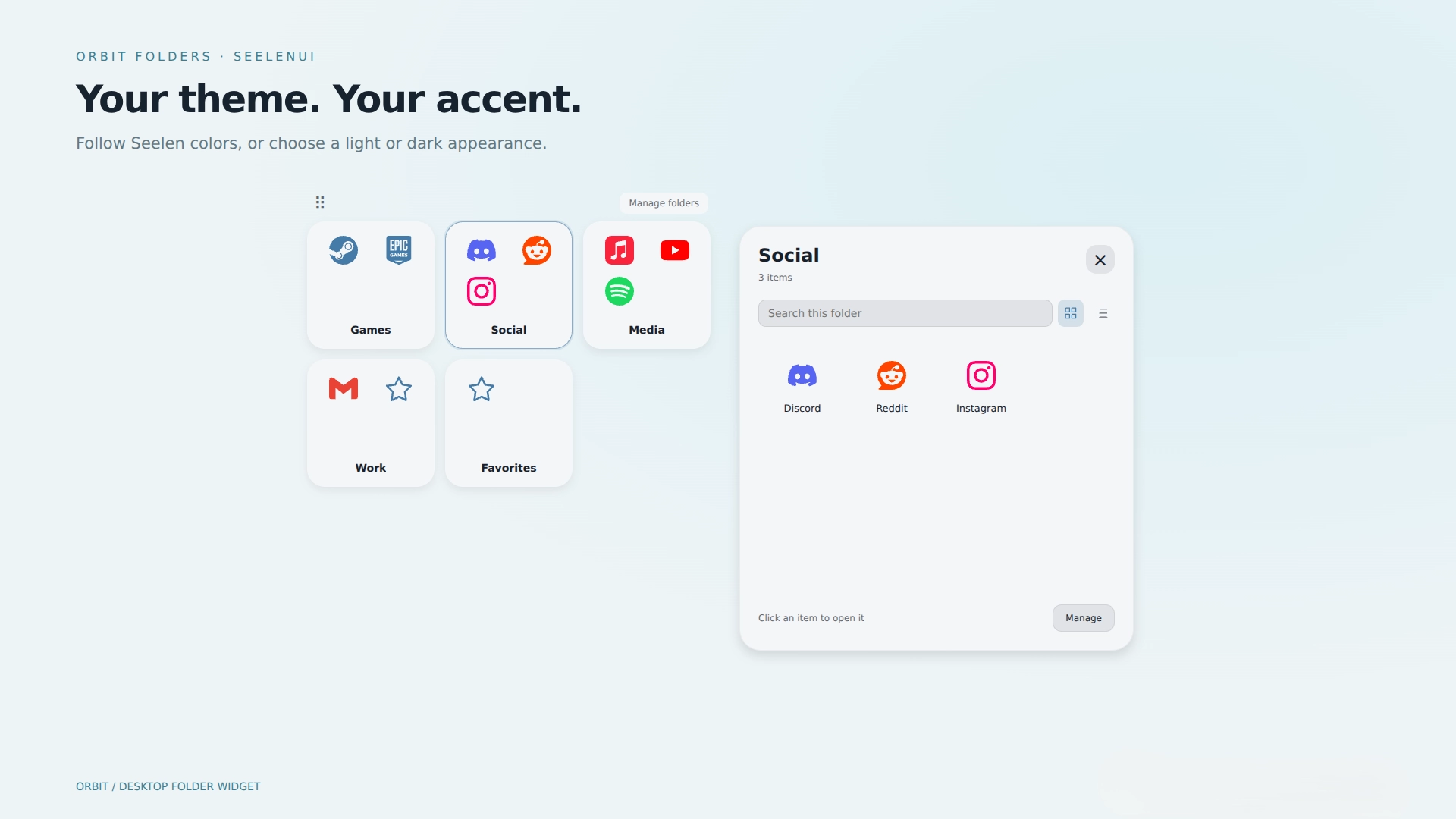
説明
Orbit Folders <3
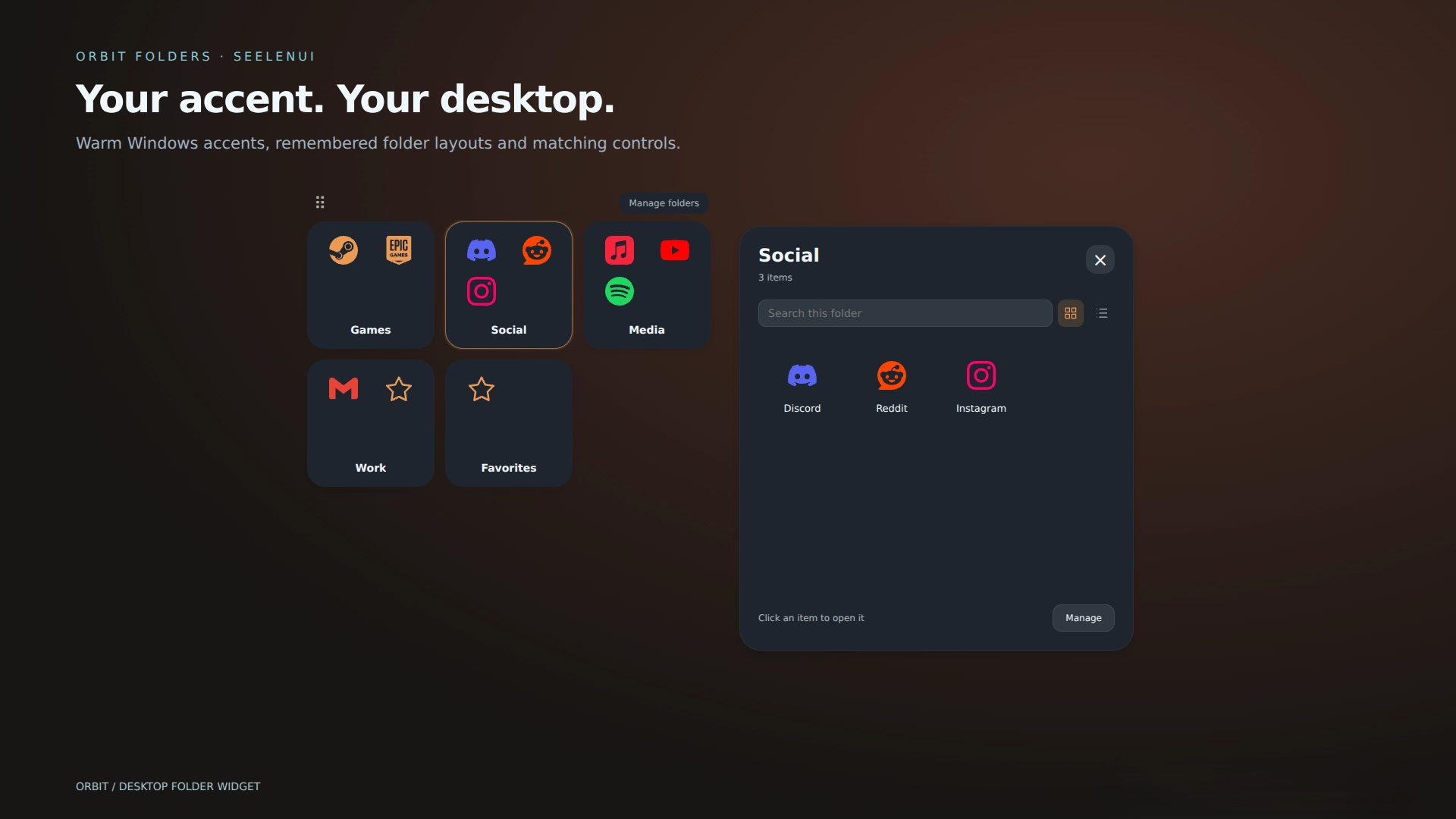
Tidy up your desktop and give it a little breathing room :) Orbit Folders groups your apps, games, websites, files and shortcuts into modern expandable folders, with smooth animations and fully customizable appearances that can follow SeelenUI and your Windows accent.
Create as many folders as you need .. all inside one customizable widget. You can also connect a folder to a real Windows directory and browse its files directly inside Orbit Folders.
Features:
- Drag to reorder: arrange folder tabs and items visually, with a floating preview and insertion indicator.
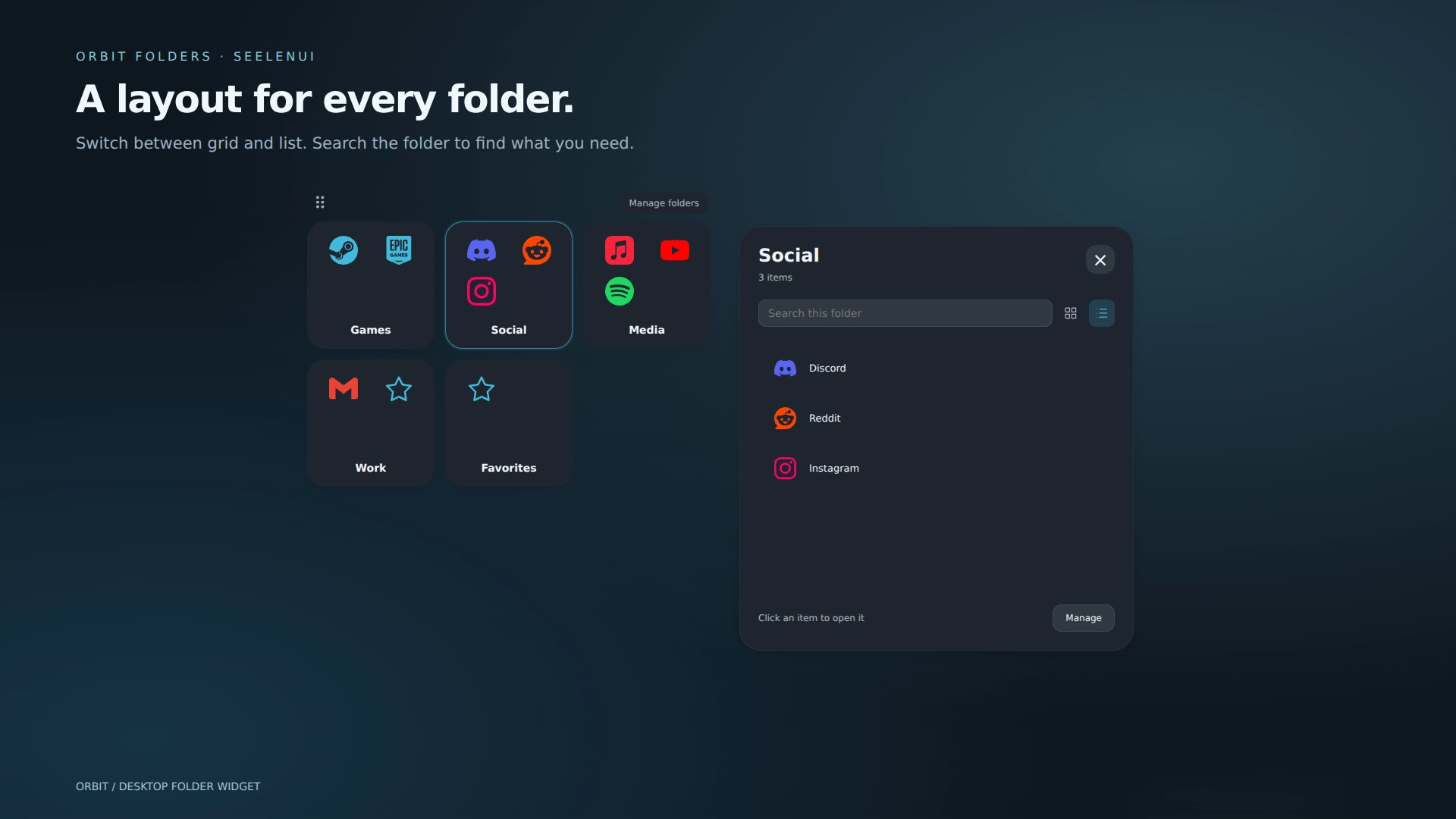
- Grid or list: each shortcut folder remembers its layout. Search inside a folder to find an item quickly.
- Expandable folders: four item previews, a custom cover icon or a simple folder symbol, with smooth opening and closing animations. Click the folder again, press Escape or click outside to close it.
- Folder file listing: optionally connect an Orbit folder to a real Windows directory and browse its files and subfolders without leaving the widget.
- Four browsing styles: choose between Cascading Menus, the original Orbit Panel, Explorer with a compact list and path sidebar, or Gallery with large thumbnail cards.
- File thumbnails: display previews for pictures, videos and supported documents. Unsupported files keep their normal Windows icons.
- File sorting: sort listed files by name, file type or date modified, in ascending or descending order.
- Folder navigation: search the current directory, move backward through folders, use breadcrumbs, refresh the listing or open the location in Explorer.
- Easy shortcut selection: browse for apps, files and shortcuts. Original browser installed PWA shortcuts retain their names, icons and launch arguments.
- Web links and manual paths: add websites alongside local apps and files.
- Custom icons: choose a local PNG, ICO, JPEG or WebP, use an image URL or built-in symbol, preview the result, or reset to the original Explorer icon. Local images are embedded in your saved configuration.
- Themed icons: automatically recolor folders and added items to match the selected appearance, follow the Seelen or Windows accent, use a custom color, or preserve their original icon colors.
- Folder covers: let every folder use its own custom cover or preview, always show four-item previews, or always use a folder symbol.
- 13 appearance styles: choose between Orbit, Midnight, Frost, Graphite, Ocean, Rose, Liquid Glass, Catppuccin, Nord, Tokyo Night, Aurora, Ember and OLED.
- Light and dark appearances: every style supports light mode, dark mode or automatically following Seelen.
- Liquid Glass: a translucent wallpaper aware appearance with glass surfaces, reflections, soft highlights and matching browsing panels.
- Matching interface: folder tiles, expanded panels, browsing views, controls, icons, highlights and scrollbars adapt to the selected appearance and accent.
- Right-click actions: open, rename, change an item’s target or icon, and remove it from its folder.
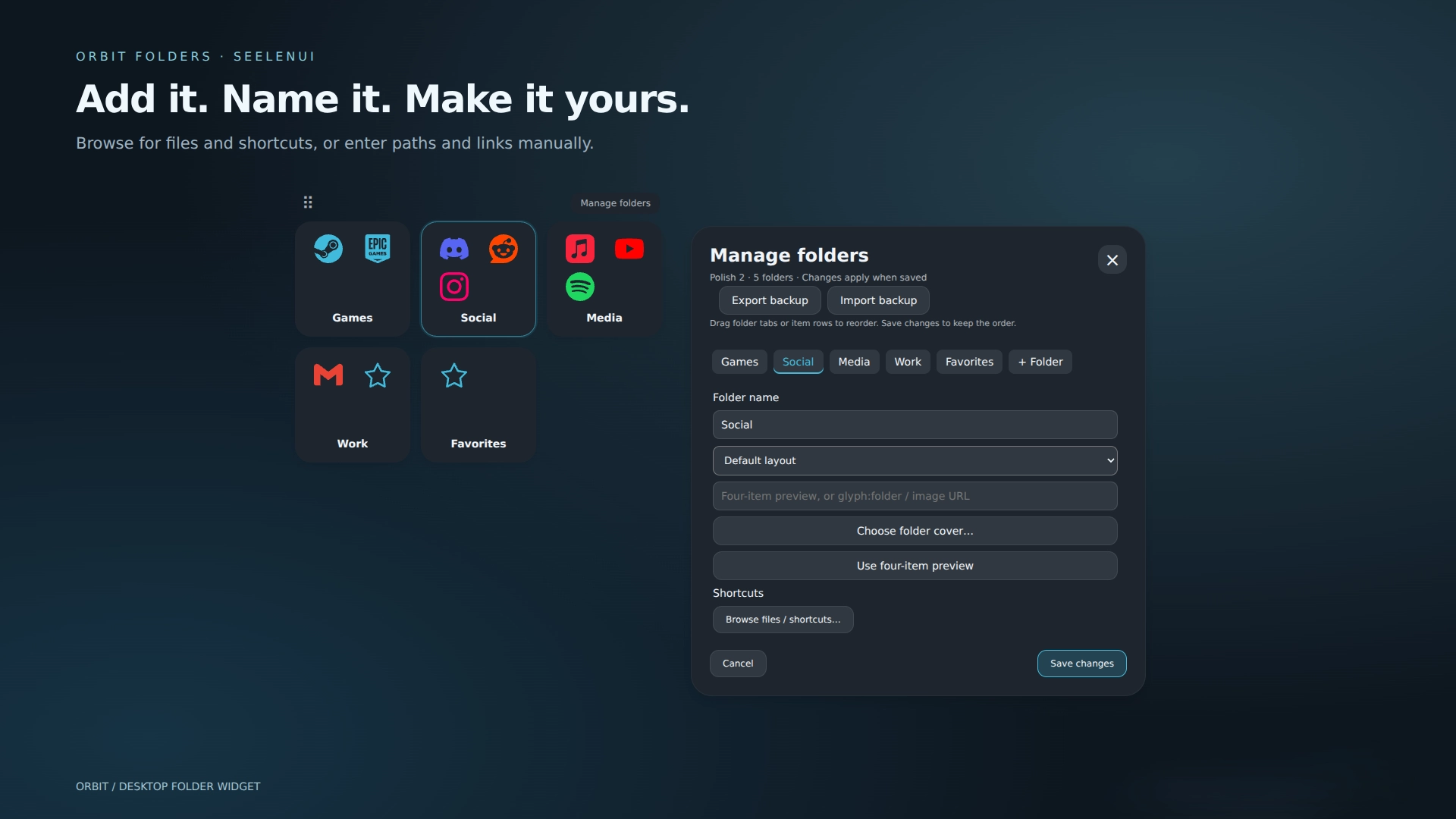
- Easy management: add, rename and remove folders .. edit or remove items with buttons, select a Windows directory and choose custom folder covers. Save applies your changes, Cancel discards them, and Undo recovers the most recent item removal in the editing session.
- Backup and restore: export folders, shortcuts, icons, covers, layouts and appearance settings to JSON.
- Seelen appearance integration: follow Seelen’s theme and Windows accent, choose light or dark mode, match the selected appearance style, preserve original icon colors, or set a custom accent.
- Flexible sizing: customize tile size, folder columns, item columns, panel size, panel placement and font. Individual size controls can be reset without affecting your folders.
- Keyboard navigation: focus a tile or item with Tab, then use arrows or Home/End; Enter opens it and Escape dismisses menus or folders. Cascading Menus also support Left and Right arrows to enter or leave folders.
- Lock mode: hides management controls and the movement grip while keeping folders, shortcuts and file browsing usable.
- Motion controls: turn animations off .. reduced motion preferences are respected.
- Multiple instances: create separate widget instances for different desktop arrangements, with shared or individual appearance settings.
- Performance optimized: directory caching, background preloading, lazy thumbnail generation and optimized rendering reduce repeated filesystem work and resource usage.
Getting started :
Open Manage folders to create folders, browse for shortcuts, customize their contents or connect a folder to a real Windows directory. Choose local icons under an item’s "Edit" button. Export and import controls are at the top of Manage folders. Appearance, browsing style, file sorting, thumbnails, sizing, Lock and global folder cover options are in Seelen’s widget settings.
For a browser installed app, select its original .lnk shortcut (not the browser executable). Create a desktop shortcut from the browser if needed.
Standard shortcut folders do not require Windows Script Host. The optional native features—including folder file listing, Windows thumbnail generation, native shortcut selection and backup export—use local Windows PowerShell helpers. Windows Script Host is only used to launch those helpers silently so terminal windows do not appear. Seelen may ask for permission the first time.
If Windows Script Host was intentionally disabled on your system, you can leave folder file listing disabled and continue using Orbit Folders normally as a shortcut organizer.
Local custom images must be under 1 MB. Screenshots show the actual widget rendered in a browser preview with sample accents .. they are not Windows desktop captures.
Designed for SeelenUI 2.8.8 or later.
If you have a suggestion, found an issue or wanna request something for a future update, feel free to ask in the official SeelenUI Discord server: https://discord.com/invite/seelen-network-751144791596597561
使い方は?
- ダウンロードとインストール Seelen UI
- アプリが起動していることを確認する
- 上のダウンロードボタンをクリック
- Seelen UIを開くためのブラウザのプロンプトを承認する。
- インストールはアプリが行います。
- それだけだ!
互換性
- Seelen UI: 2.8.8+
- プラットフォーム: Windows
ickyaidyの詳細

関連リソース



リソース情報
- ID: ca4e2ea0-477e-457e-a8ac-d347a06cf0e6
- タイプ: ウィジェット
- ステータス: 出版
- 作成日時: 2026年10月7日水曜日 10:01:03 UTC
- 最終更新日: 2026年10月9日金曜日 21:28:13 UTC
- レビュー: 2026年10月9日金曜日 21:28:13 UTC
- レビュー:@eythaann