
스크린샷
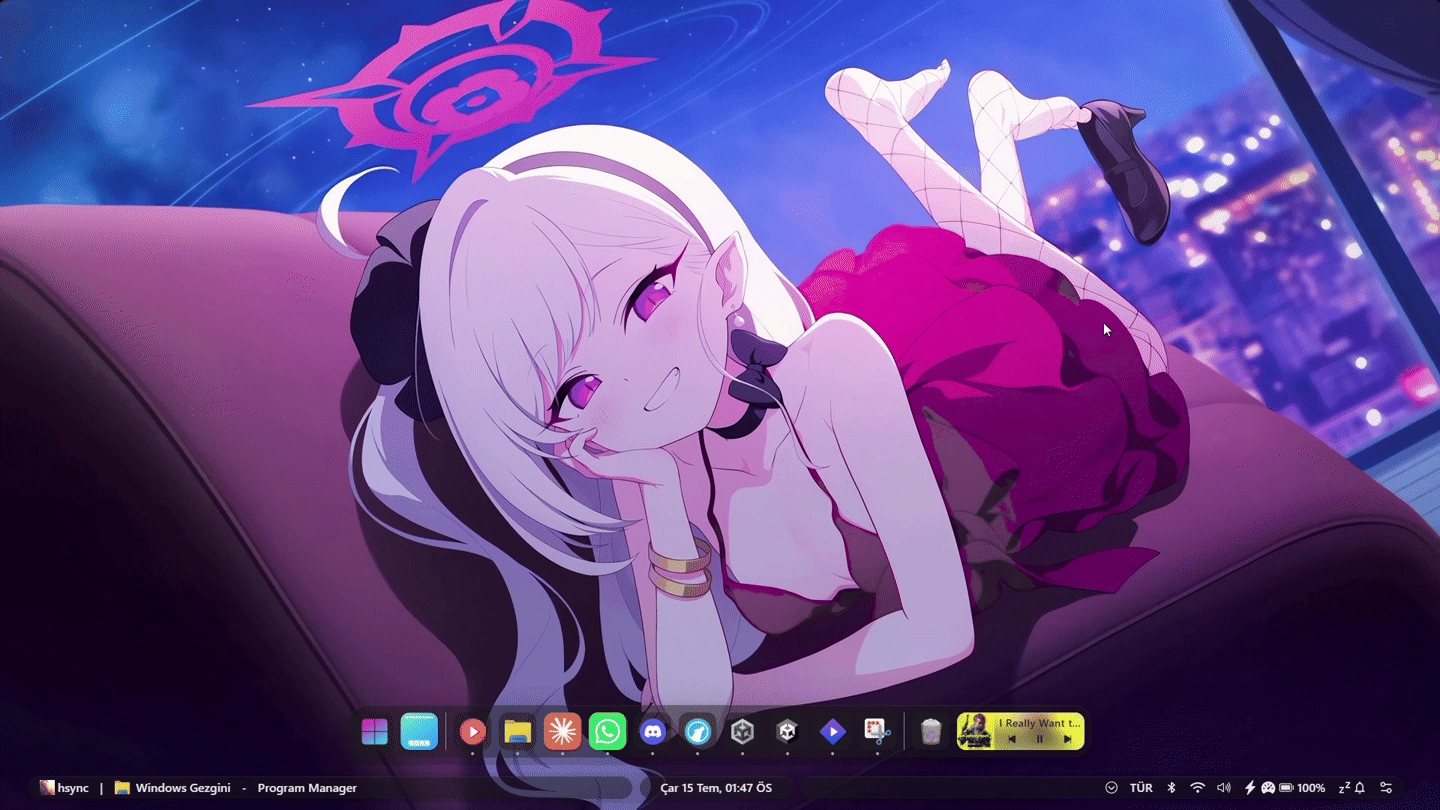
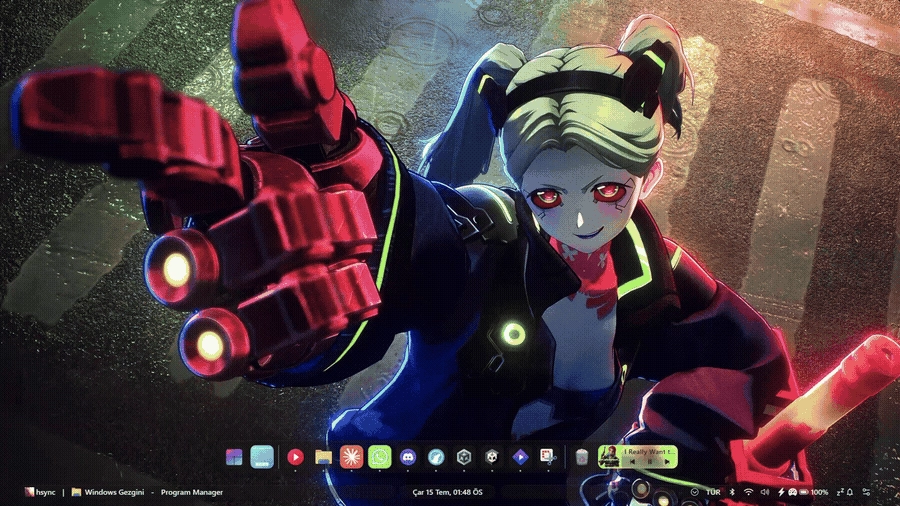
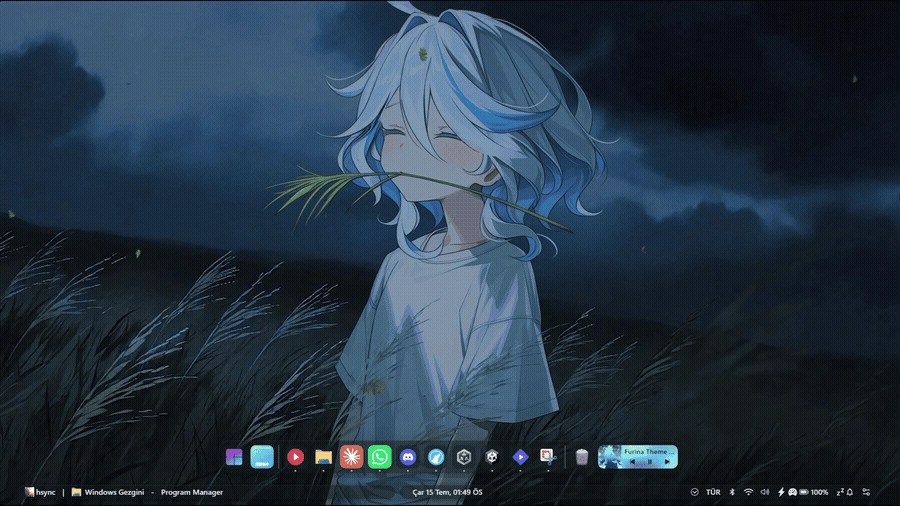
설명
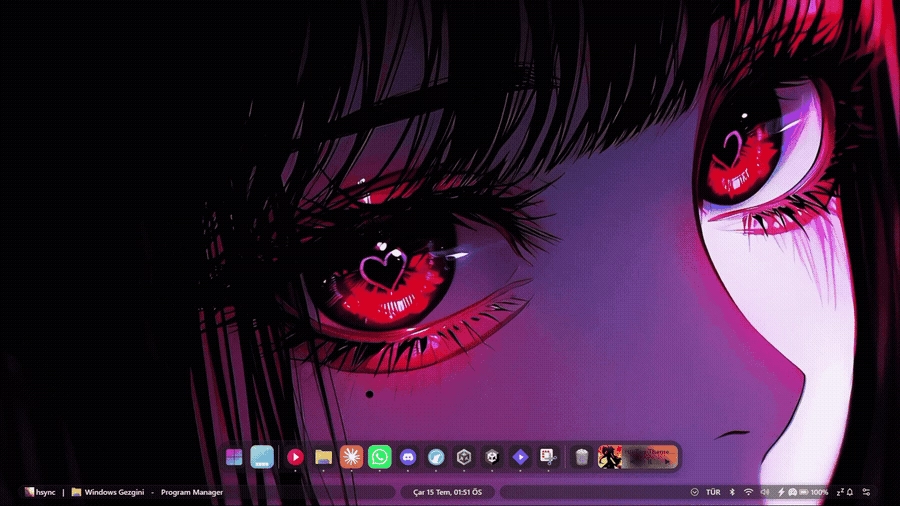
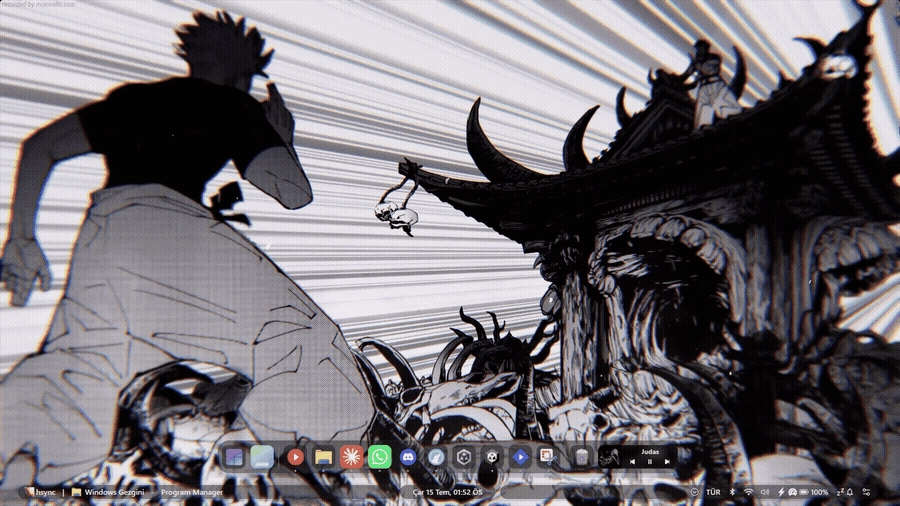
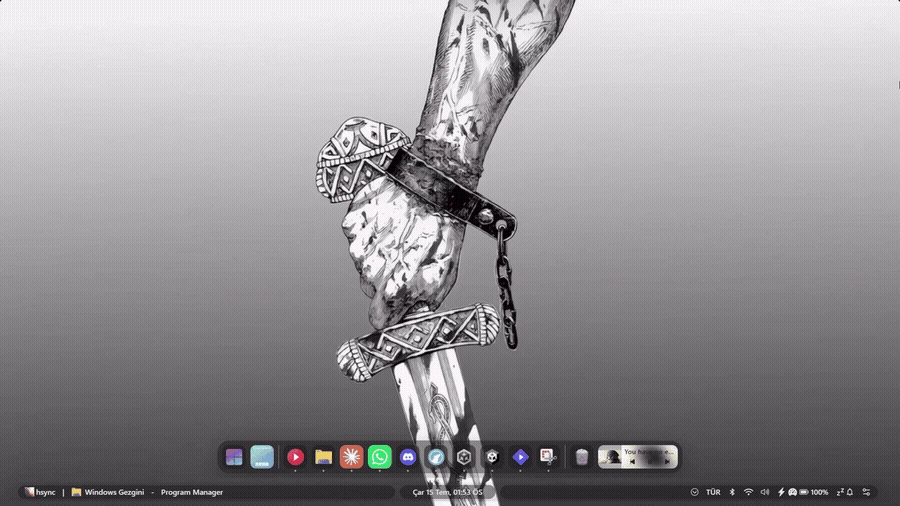
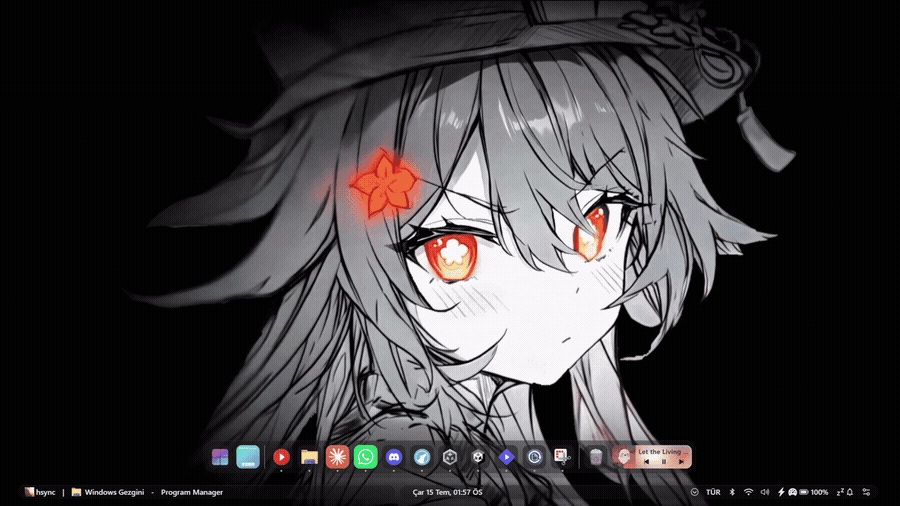
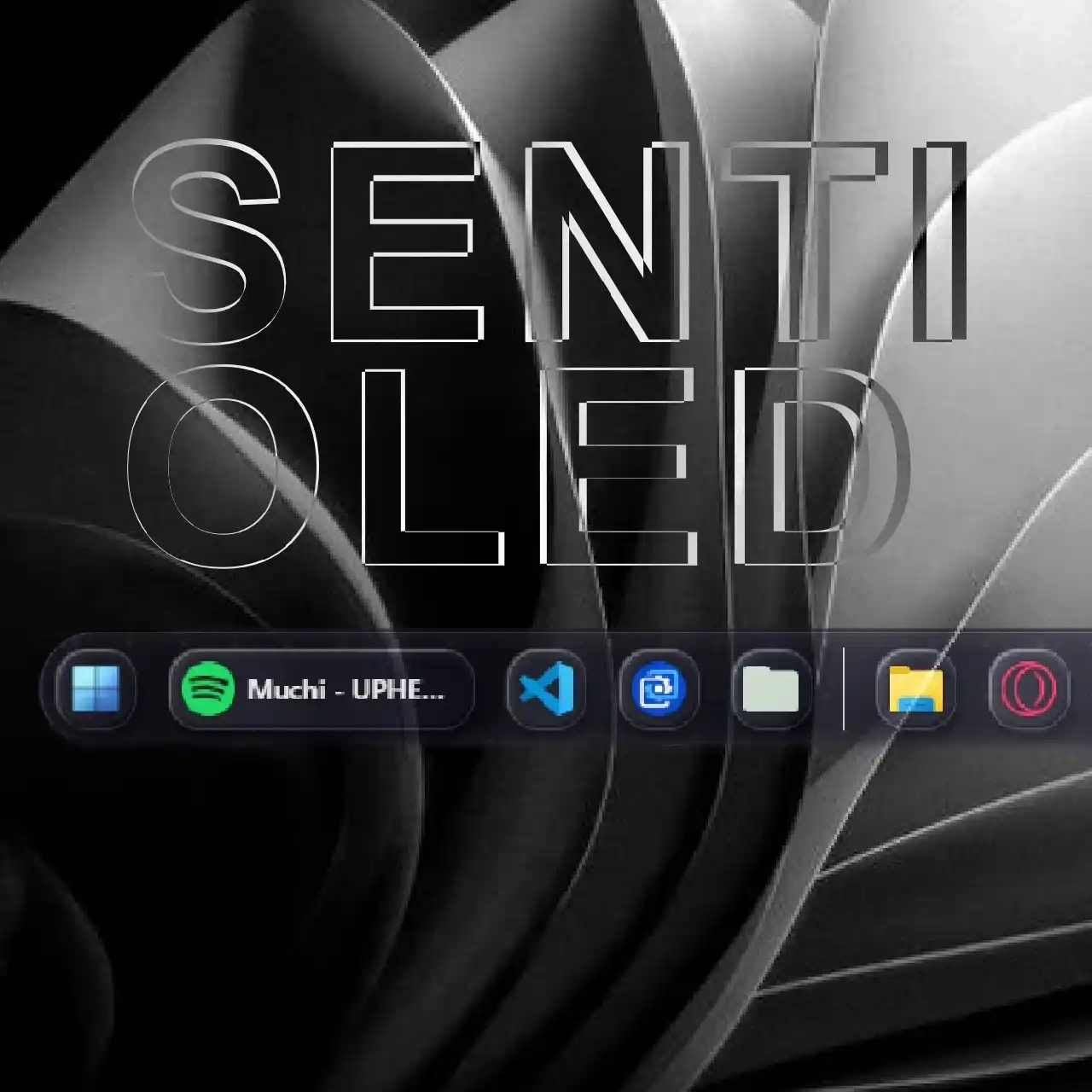
A neo-minimalist glassmorphism theme for the dock, toolbar, and every popup/flyout panel — written entirely from scratch.
Inspired by "(Almost) Liquid Glass DockBar" (the liquid-glass blur/shine language on the dock) and "Onyx Bubbles Light & Dark (Adaptive)" (the soft, light/dark-aware bubble items on the toolbar), reimagined as one cohesive, minimal system.
The toolbar floats as independent left/center/right glass islands instead of one solid bar. The dock uses the same liquid-glass language, with adjustable blur, glow, and edge highlight.
Styling stays consistent and legible across 17 widgets — quick settings, media controls, notifications, context menus, and more — so text stays readable no matter what's behind the panel.
Six variables (blur, opacity, corner radius, border strength) are live-tunable straight from Seelen UI's settings, no restart needed. It's built on Seelen UI's current --slu-std-* design tokens, so it automatically adapts to your Windows accent color and light/dark system theme.
Source & full documentation: https://github.com/huseyincancalti/SeelenUI-NM-Glassy
어떻게 사용하나요?
- 다운로드 및 설치 Seelen UI
- 앱이 실행 중인지 확인
- 위의 다운로드 버튼을 클릭하세요.
- 브라우저 프롬프트에 동의하여 Seelen UI를 엽니다.
- 앱이 설치를 처리합니다.
- 그게 다입니다!
호환성
- Seelen UI: 2.7.4+
- 플랫폼: Windows
관련 리소스





리소스 정보
- ID: fd747e7e-50f7-46cc-a889-c34cc4db7fbe
- 유형: 테마
- 상태: 게시됨
- 만든 곳: 2026년 7월 15일 수요일 오후 12시 2분 56초 UTC
- 마지막 업데이트 날짜: 2026년 7월 15일 수요일 오후 12시 2분 56초 UTC
- 검토 장소: 2026년 7월 15일 수요일 오후 9시 38분 19초 UTC
- 검토자:@k-ivy