Ekrānšāviņi
Apraksts
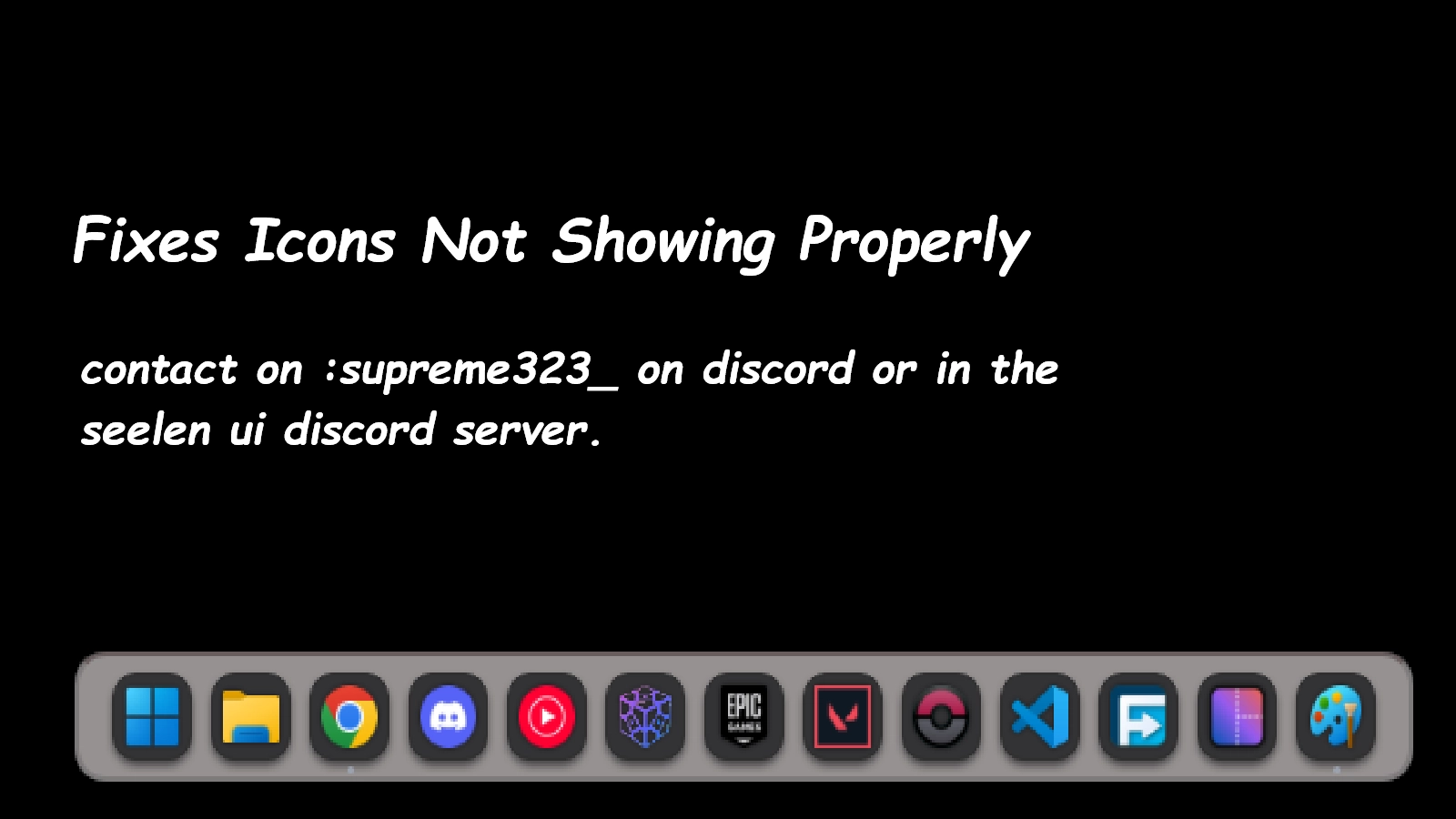
This icon pack fixes all the icons not showing properly in seelen ui feel free to reach me at the seelen ui discord named Supreme323_ if you find any weird icons while using a program (Icon fixed : Minecraft ,The control panel ) There can be situations where the control panel shows up in the file explorer icon , this is expected and this icon pack doesnt ensour it
Kā lietot?
- Lejupielādēt un instalēt Seelen UI
- Pārliecinieties, vai darbojas lietotne
- Noklikšķiniet uz augšpusē esošās lejupielādes pogas
- Piekrītu pārlūkprogrammas aicinājumam atvērt Seelen UI
- Programma nodrošinās instalēšanu
- Un tas ir viss!
Savietojamība
- Seelen UI: 2.4.11+
- Platforma: Windows
Vairāk ar supreme323thelabgoosehonk

Saistītie resursi








Informācija par resursiem
- ID: e85d823a-8509-4c56-9467-9919f2b1ec95
- Tips: Ikonu pakete
- Statuss: Publicēts
- Izveidots pie: otrdiena, 2026. gada 6. janvāris 16:09:20 UTC
- Pēdējo reizi atjaunināts: svētdiena, 2026. gada 29. marts 23:10:32 UTC
- Pārskatīts: svētdiena, 2026. gada 29. marts 23:10:32 UTC
- Pārskatīja:@k-ivy