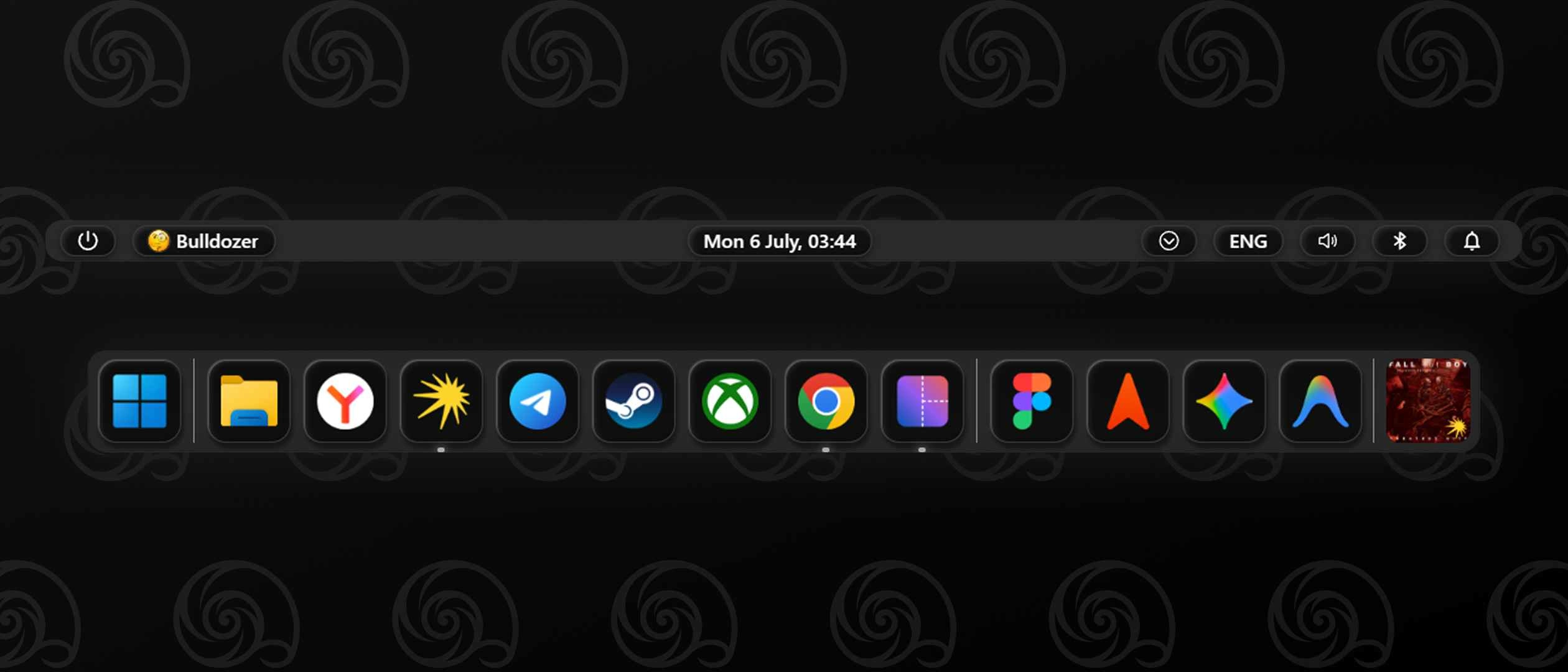

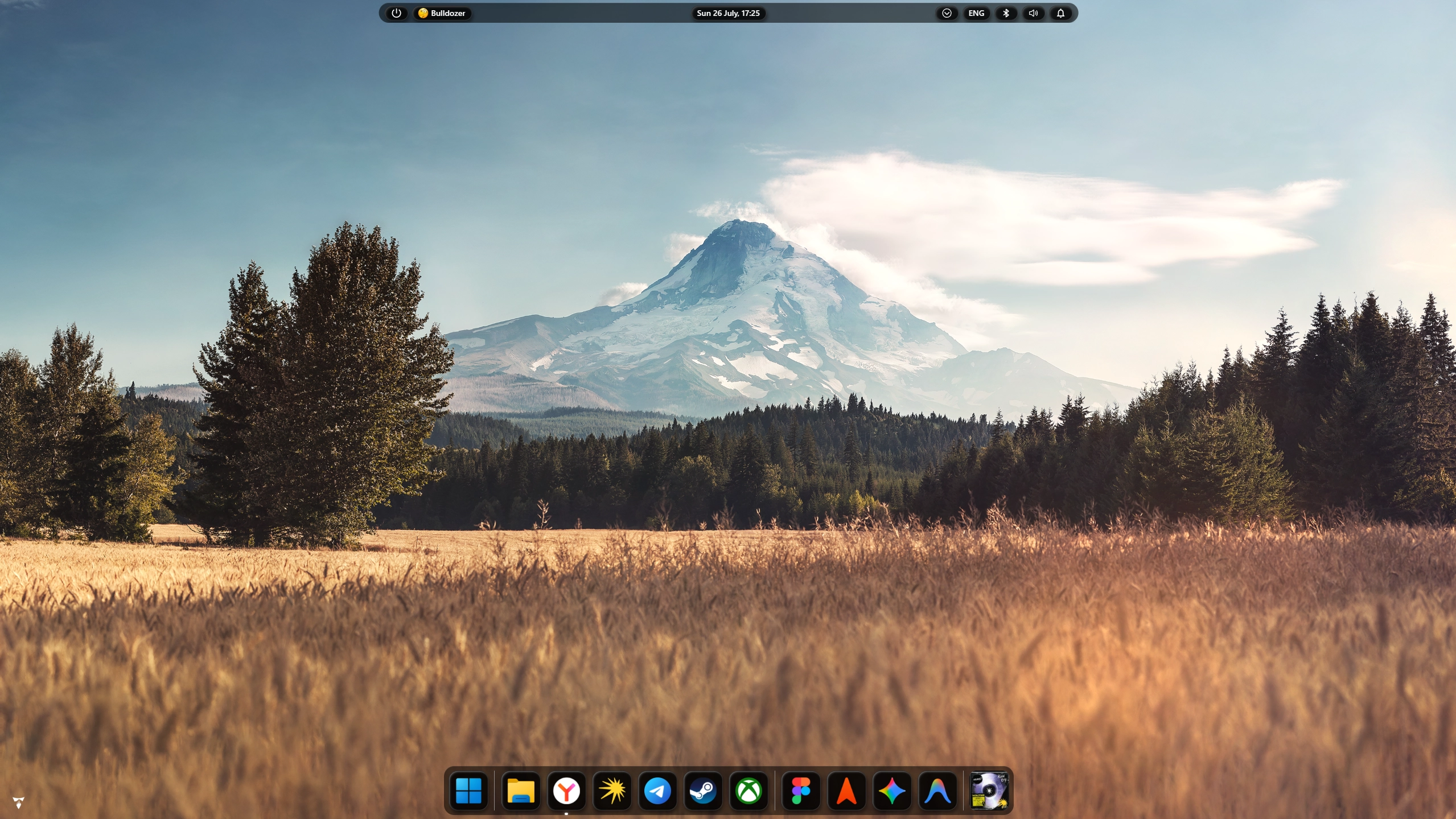
Zrzuty ekranu
Opis
Dark interface with polished obsidian glass effect, adaptive dock, modular system tray, comprehensive coverage of 18 key widgets, and 49 streamlined settings.
⚠️ It is recommended to disable all other active themes to prevent style conflicts.
Jak używać?
- Pobierz i zainstaluj Seelen UI
- Upewnij się, że aplikacja jest uruchomiona
- Kliknij przycisk pobierania powyżej
- Zaakceptuj monit przeglądarki, aby otworzyć Seelen UI
- Aplikacja zajmie się instalacją
- I to wszystko!
Kompatybilność
- Seelen UI: 2.8.8+
- Platforma: Windows
Powiązane zasoby





Informacje o zasobach
- ID: f4ebf6c1-d2aa-4b38-a3b4-81617d6a0548
- Typ: Temat
- Status: Opublikowano
- Utworzono w: poniedziałek, 6 lipca 2026 00:52:21 UTC
- Ostatnia aktualizacja: środa, 7 października 2026 08:55:12 UTC
- Recenzowane na: środa, 7 października 2026 08:55:12 UTC
- Recenzja:@eythaann