
Zrzuty ekranu
Opis
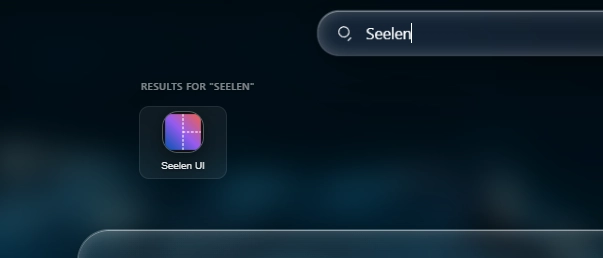
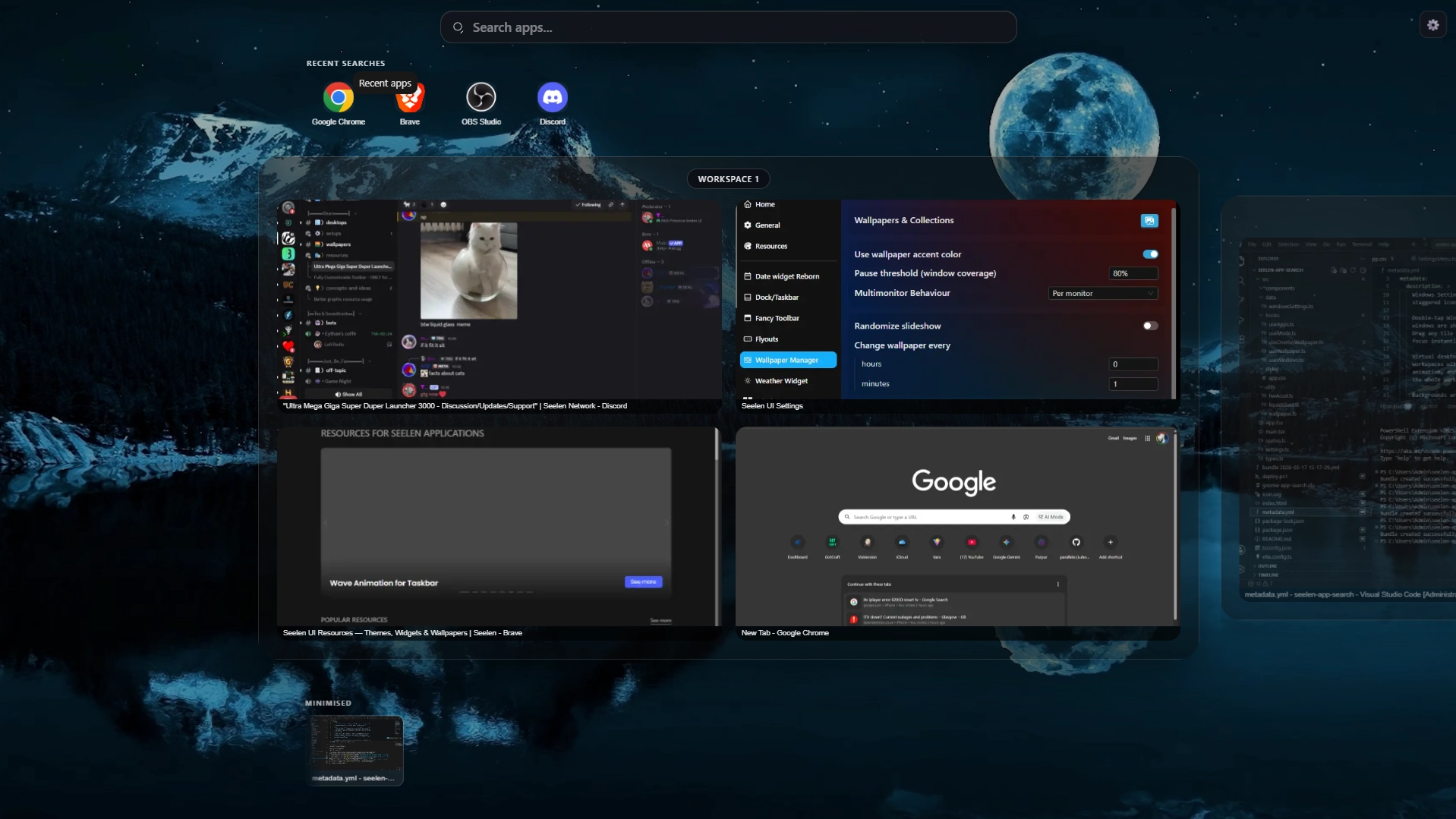
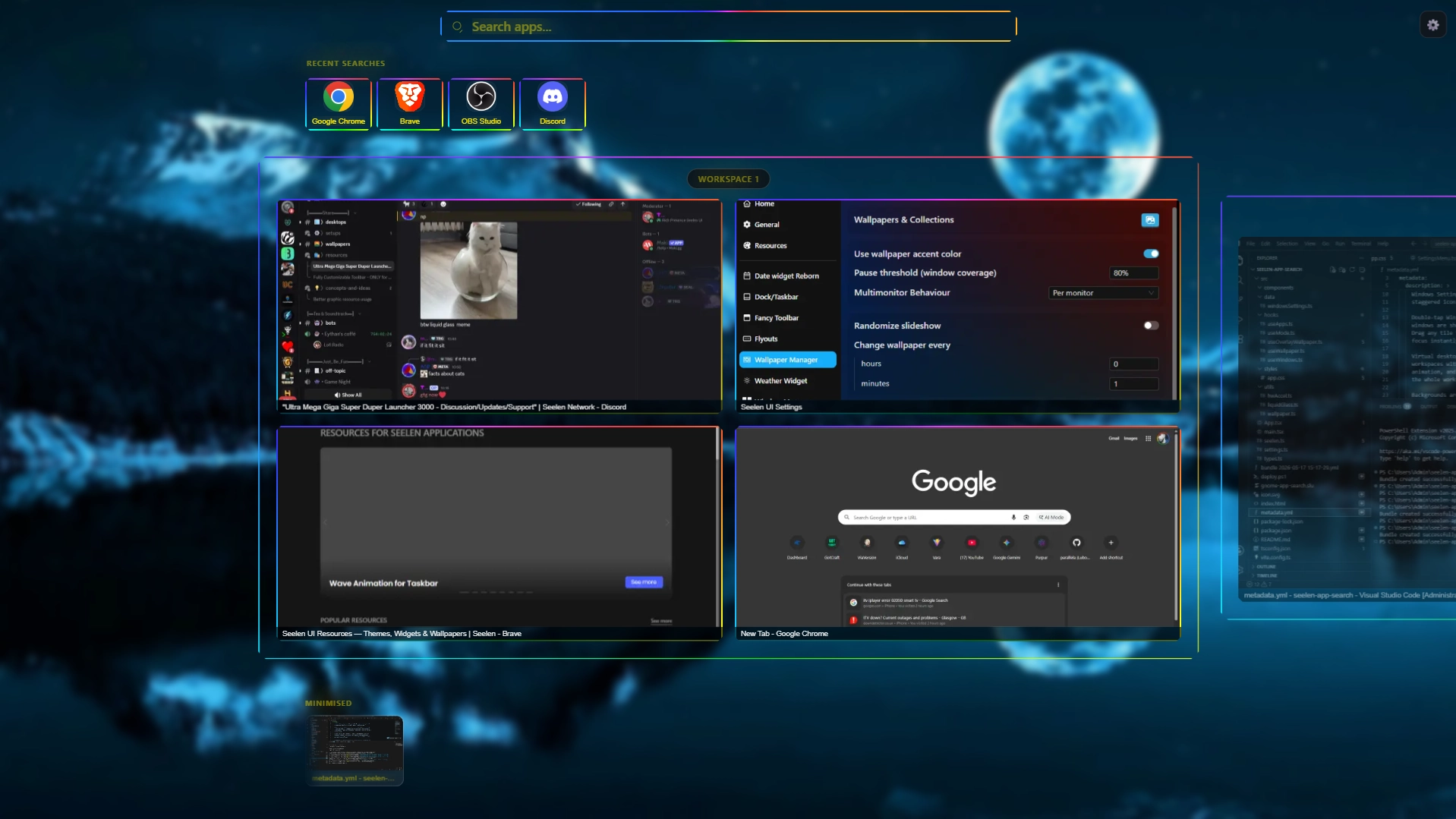
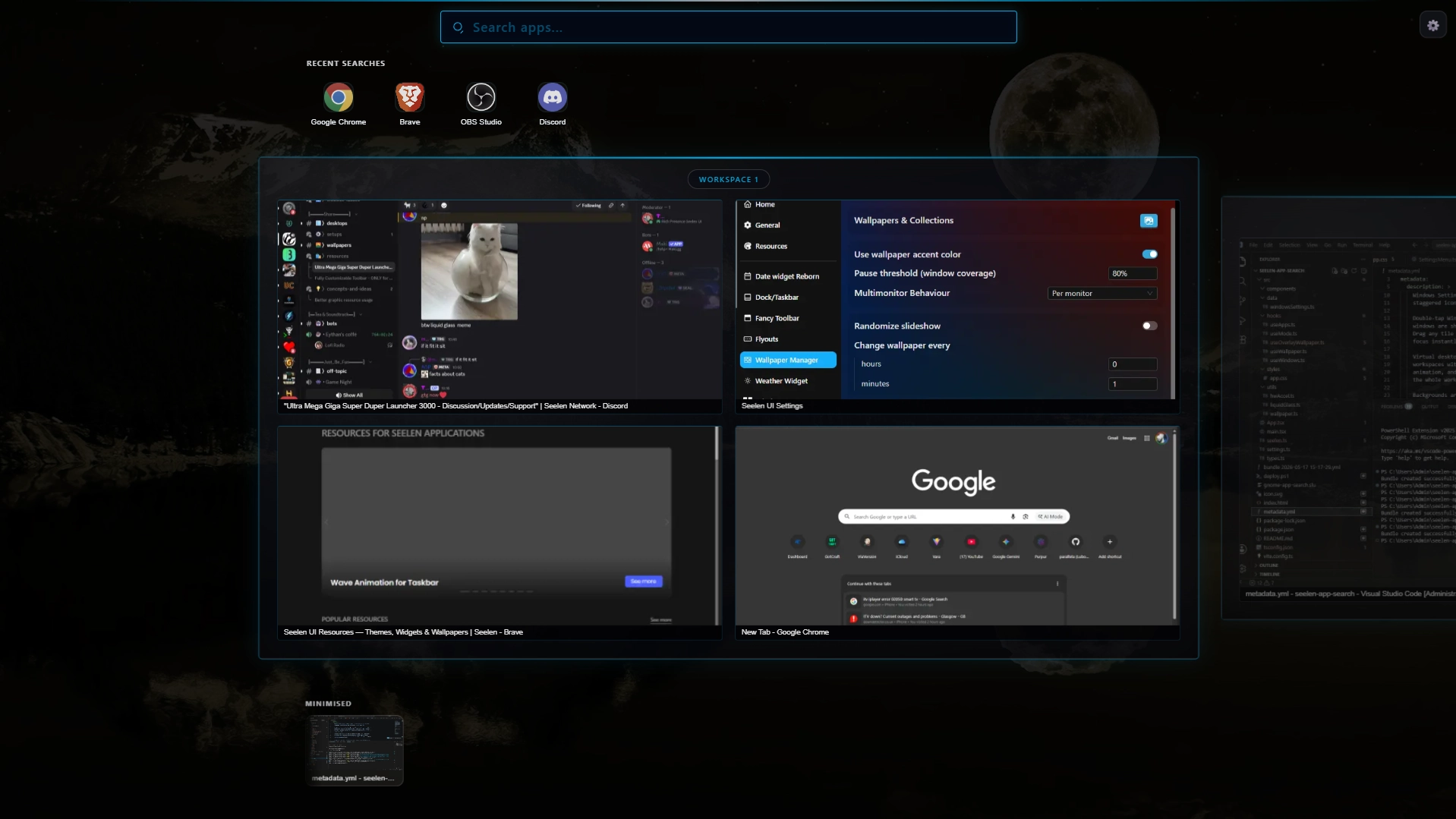
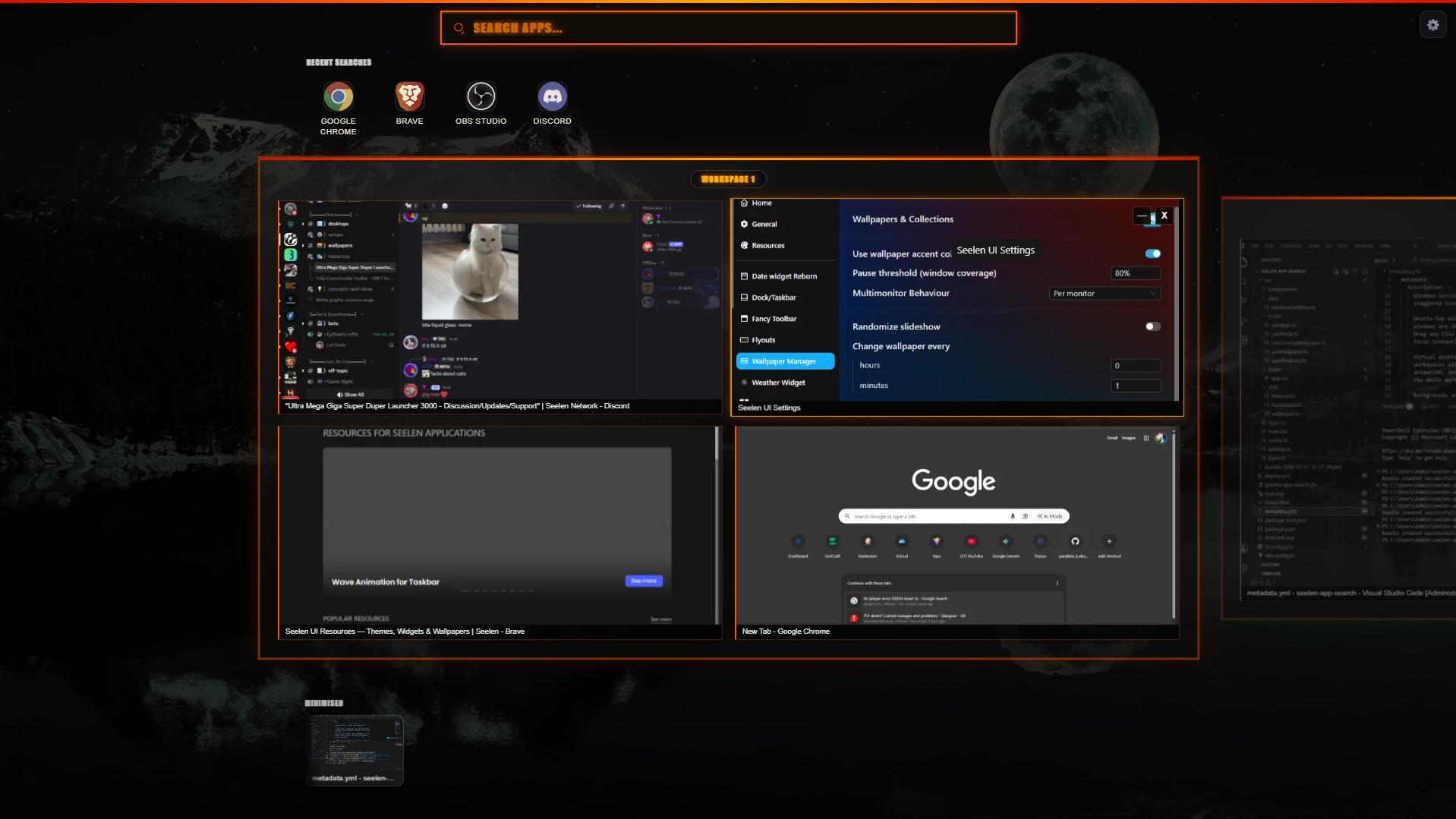
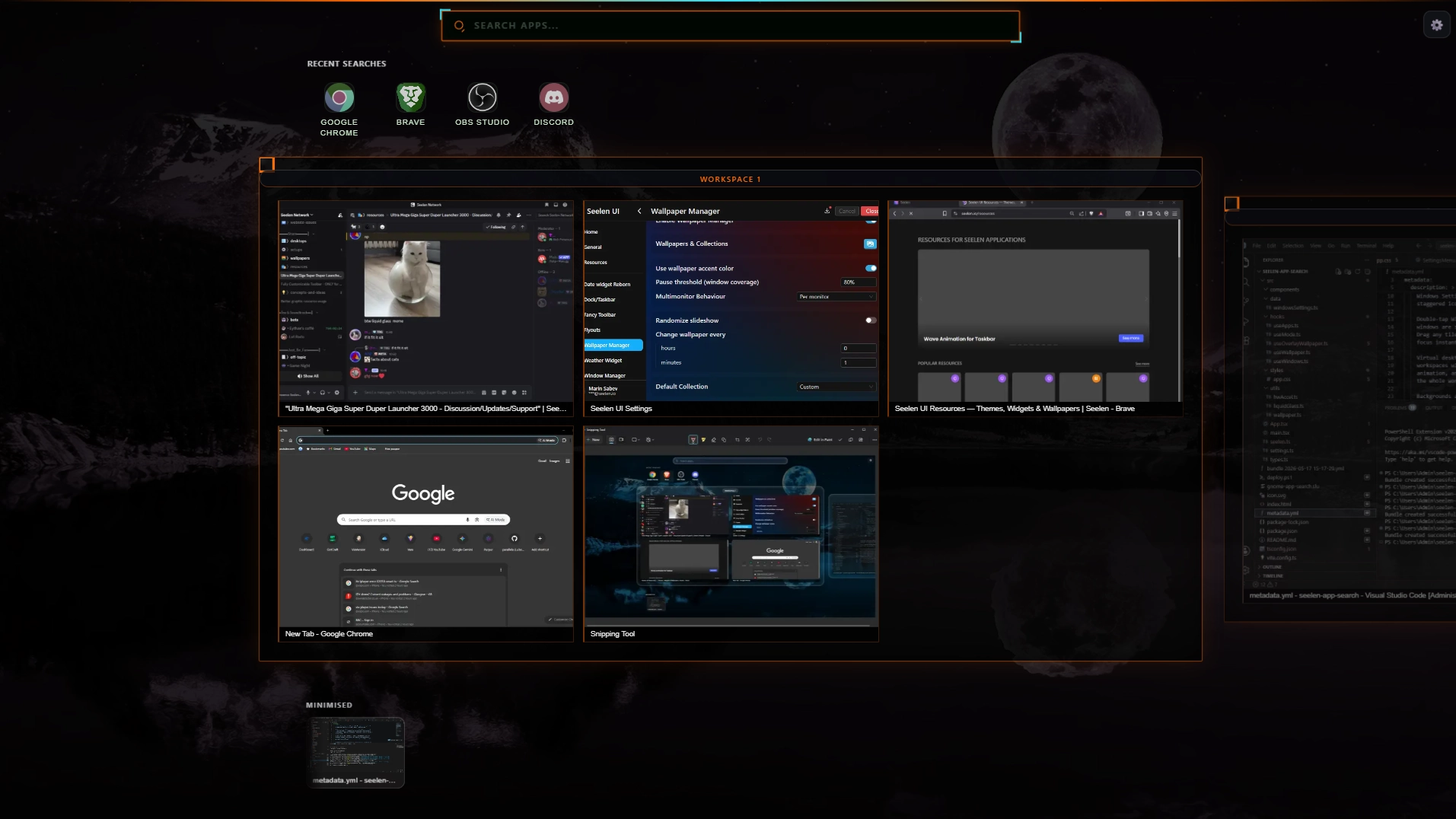
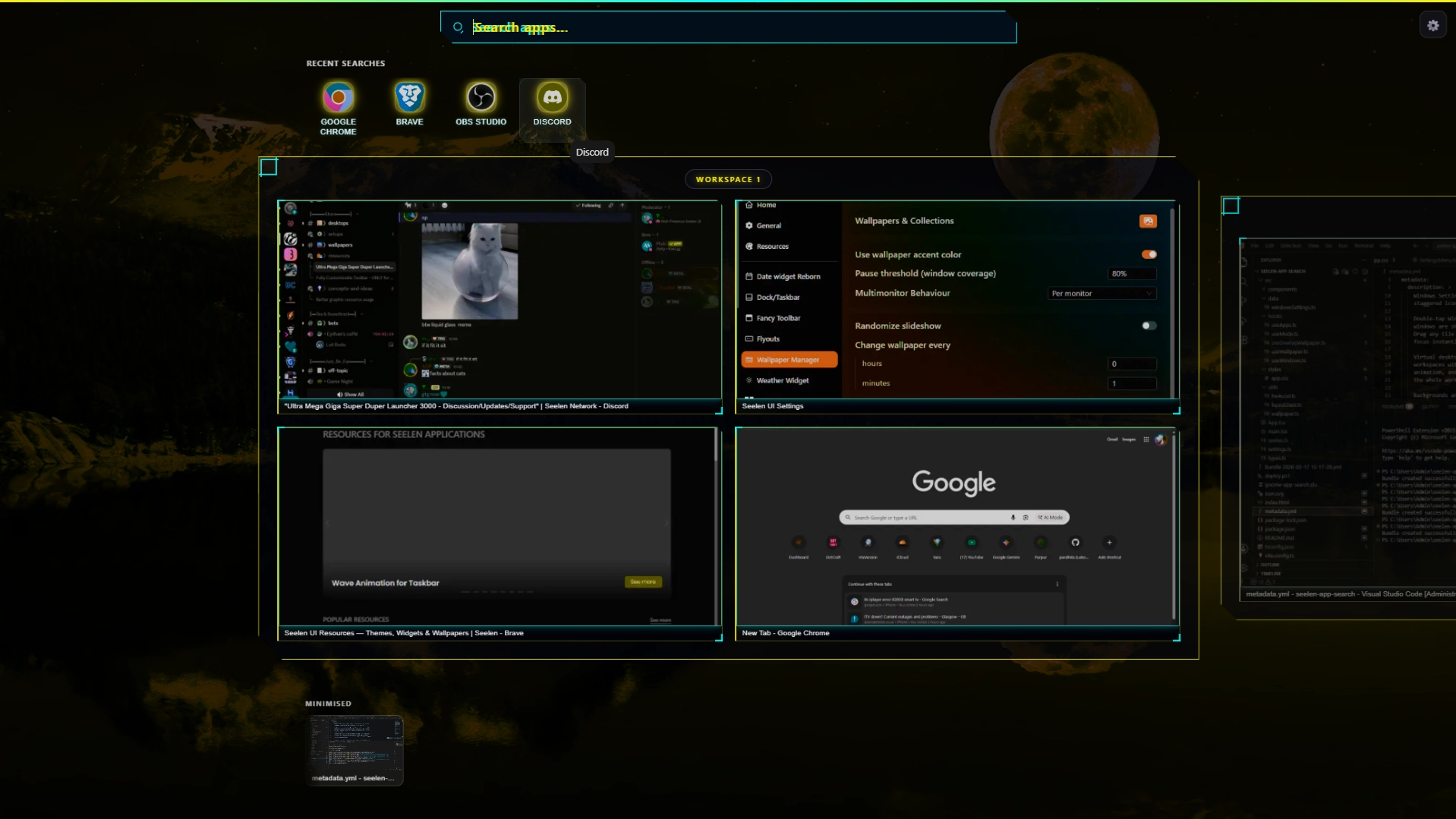
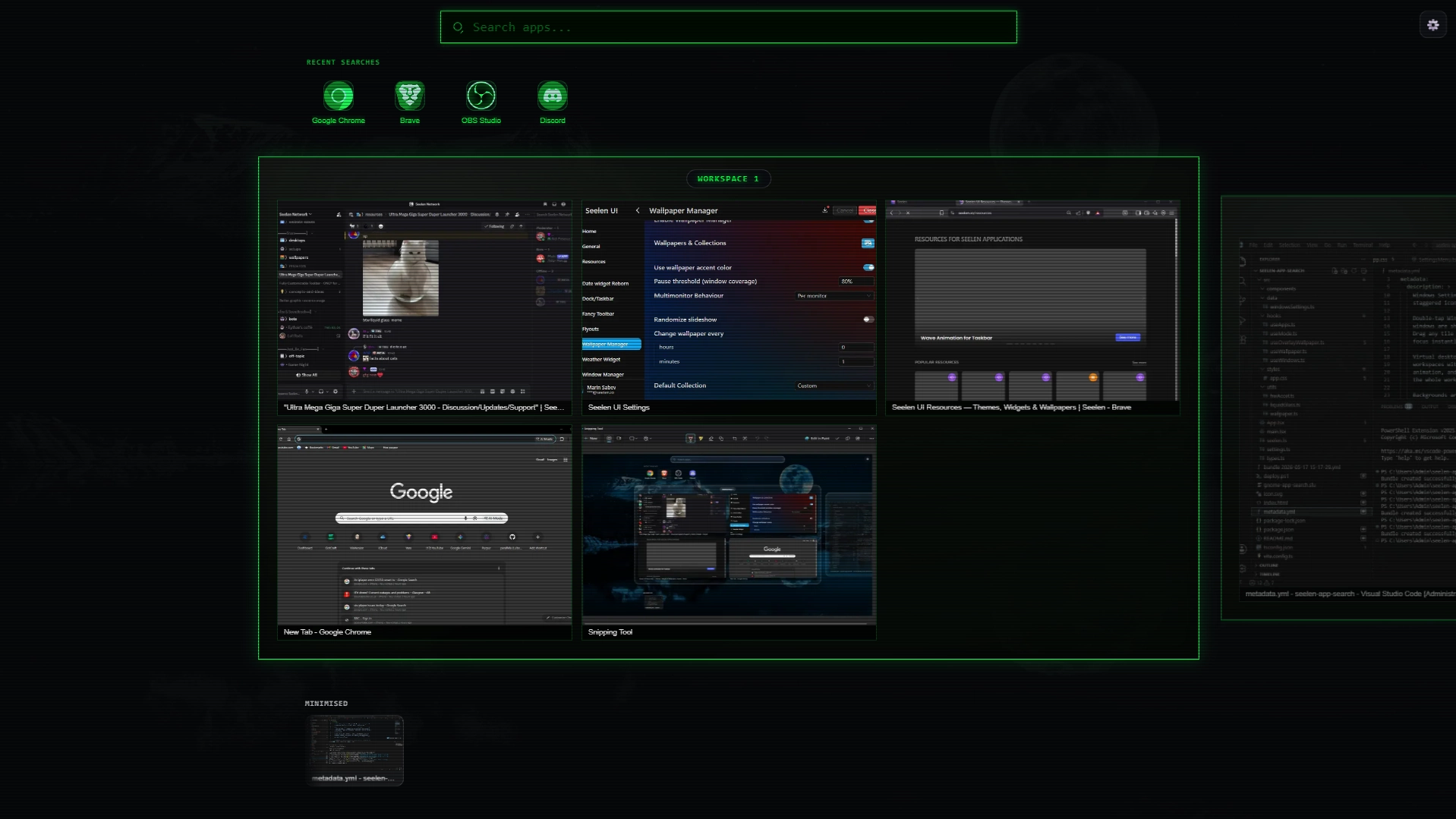
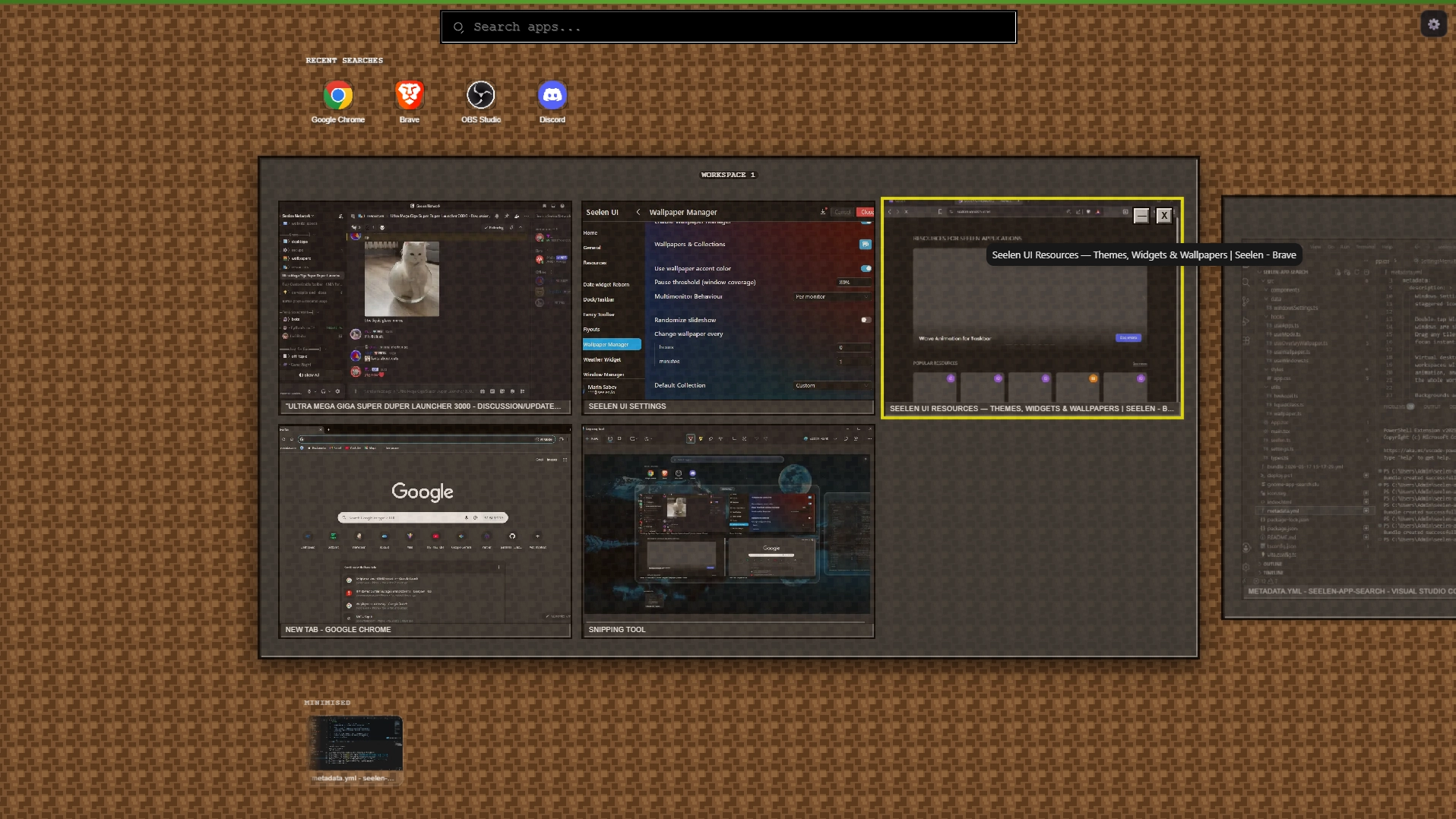
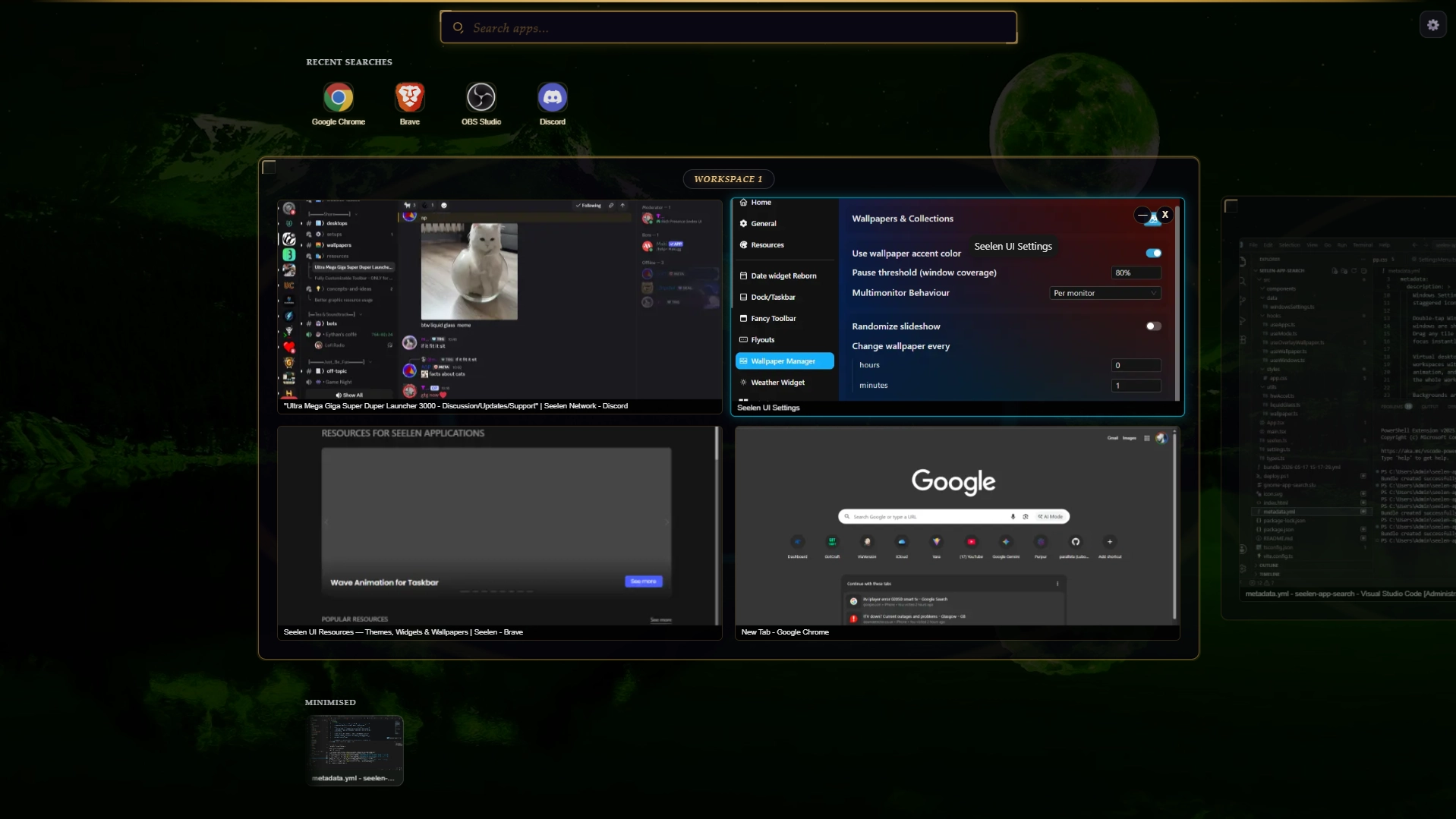
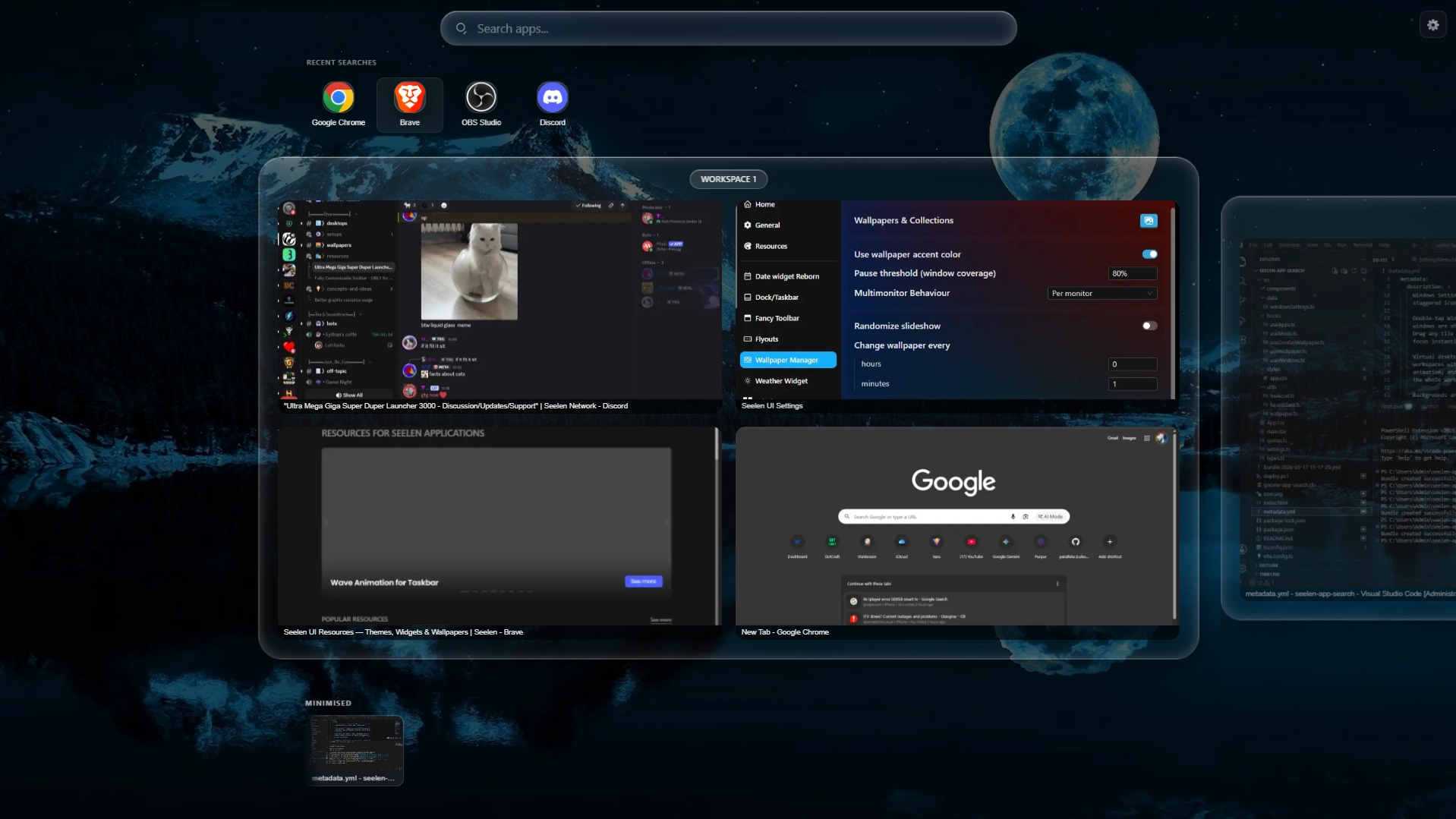
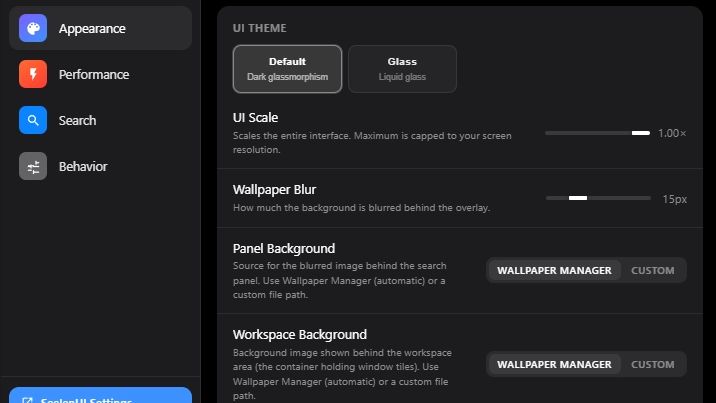
A full GNOME 50 Activities–style app launcher, window switcher, and virtual desktop manager for SeelenUI. Press Win to open the overlay and instantly search every installed app, Windows Settings page, and web engine. Results appear as you type with staggered icon animations and launch with a single keystroke. Double-tap Win to switch into window-preview mode: all open and minimised windows are shown as live thumbnail tiles across your virtual desktops. Drag any tile to a different workspace, close windows inline, or click to focus instantly. Virtual desktops are displayed as interactive stage cards. Create new workspaces with one click, delete empty ones with a smooth collapse animation, and navigate between them by clicking, scrolling, or dragging the whole workspace strip. Backgrounds are fully customisable: set a separate panel background and workspace background, each sourced from the SeelenUI Wallpaper Manager or a custom image or video file. When both are set to Wallpaper Manager the workspace cards turn transparent and blend seamlessly into the global background. The widget respects your SeelenUI theme through two settings-panel modes: Default (hand-crafted dark glassmorphism) and Glass (fully theme-adaptive using the SeelenUI component library, including light/dark mode and custom color palettes). Designed to feel native on any resolution — scales from laptop to 4K with a single UI Scale slider.
Jak używać?
- Pobierz i zainstaluj Seelen UI
- Upewnij się, że aplikacja jest uruchomiona
- Kliknij przycisk pobierania powyżej
- Zaakceptuj monit przeglądarki, aby otworzyć Seelen UI
- Aplikacja zajmie się instalacją
- I to wszystko!
Kompatybilność
- Seelen UI: 2.6.5+
- Platforma: Windows
Więcej według th3troller


Powiązane zasoby





Informacje o zasobach
- ID: 43a5924d-36b3-482c-bff3-90183e02727e
- Typ: Widget
- Status: Opublikowano
- Utworzono w: piątek, 15 maja 2026 22:57:13 UTC
- Ostatnia aktualizacja: środa, 24 czerwca 2026 08:07:08 UTC
- Recenzowane na: środa, 24 czerwca 2026 08:07:08 UTC
- Recenzja:@eythaann