

Zrzuty ekranu
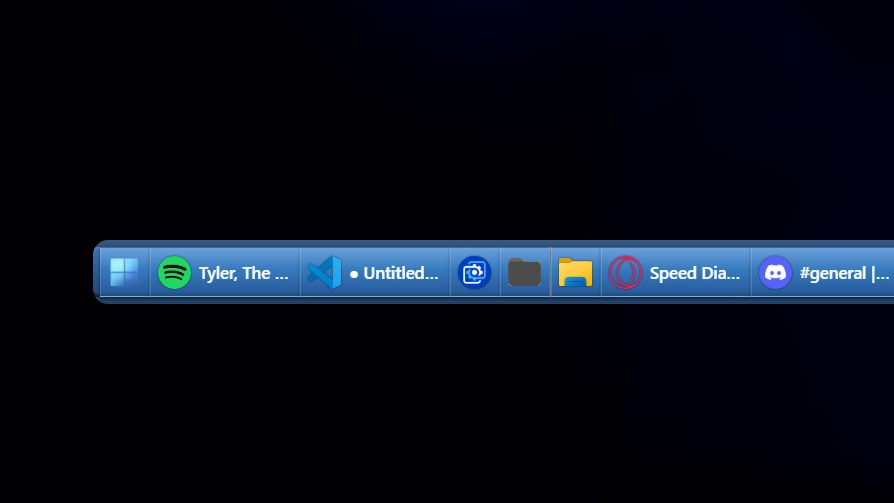
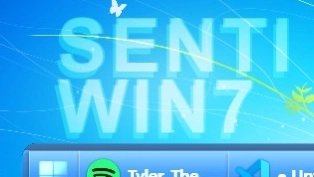
Opis
This theme recreates the classic Windows 7-era taskbar with smooth blue gradients and subtle glass effects. It captures the familiar look and feel of that time while offering a clean, minimal design. The style focuses on usability and nostalgia with modern touches.
Jak używać?
- Pobierz i zainstaluj Seelen UI
- Upewnij się, że aplikacja jest uruchomiona
- Kliknij przycisk pobierania powyżej
- Zaakceptuj monit przeglądarki, aby otworzyć Seelen UI
- Aplikacja zajmie się instalacją
- I to wszystko!
Kompatybilność
- Seelen UI: 2.3.12+
- Platforma: Windows
Więcej według senti




Powiązane zasoby








Informacje o zasobach
- ID: 0d94c57c-14b6-469f-9181-53b9de5f3880
- Przyjazny identyfikator: @senti/WIN7
- Typ: Temat
- Status: Opublikowano
- Utworzono w: środa, 23 lipca 2025 11:03:57 UTC
- Ostatnia aktualizacja: środa, 23 lipca 2025 11:03:57 UTC
- Recenzowane na: czwartek, 24 lipca 2025 18:37:20 UTC
- Recenzja:@eythaann