
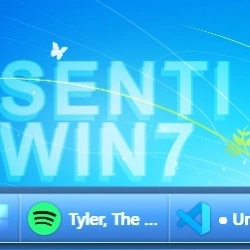
سکرین شاټونه
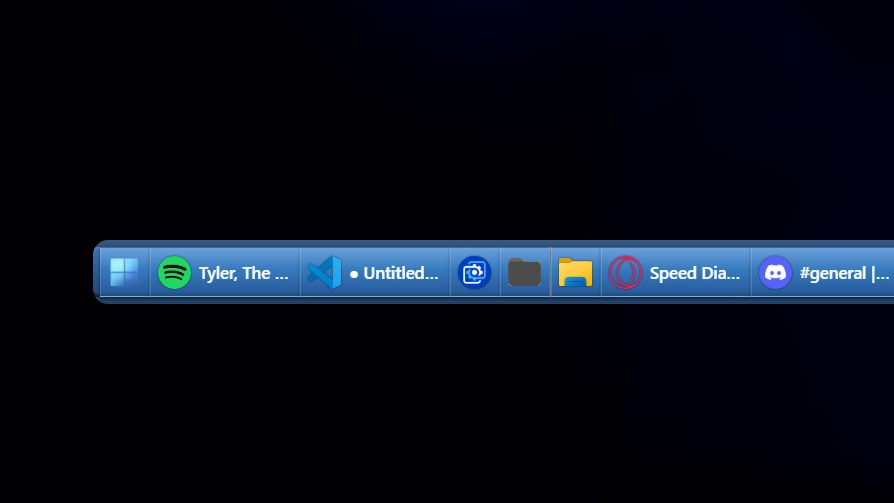
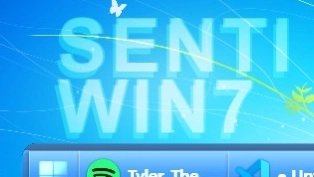
تفصیل
This theme recreates the classic Windows 7-era taskbar with smooth blue gradients and subtle glass effects. It captures the familiar look and feel of that time while offering a clean, minimal design. The style focuses on usability and nostalgia with modern touches.
څنګه کارول کیږي؟
- ډاونلوډ او نصب کړئ Seelen UI
- ډاډ ترلاسه کړئ چې اپلیکیشن روان دی
- پورته د ډاونلوډ تڼۍ کلیک وکړئ
- د سیلین UI خلاصولو لپاره د براوزر پرامپټ ومنئ
- ایپ به انسټالشن اداره کړي
- او دا ټول دي!
مطابقت
- Seelen UI: 2.3.12+
- پلیټ فارم: Windows
نور د senti لخوا




اړوند سرچینې









د سرچینو معلومات
- ID: 0d94c57c-14b6-469f-9181-53b9de5f3880
- ډول: موضوع
- حالت: خپور شوی
- جوړ شوی: AP ۱۴۰۴ زمری ۱, څلرنۍ په ۱۱:۰۳:۵۷ (UTC)
- وروستی تازه شوی: AP ۱۴۰۴ زمری ۱, څلرنۍ په ۱۱:۰۳:۵۷ (UTC)
- بیاکتل شوی: AP ۱۴۰۴ زمری ۲, پينځنۍ په ۱۸:۳۷:۲۰ (UTC)
- د:@eythaann