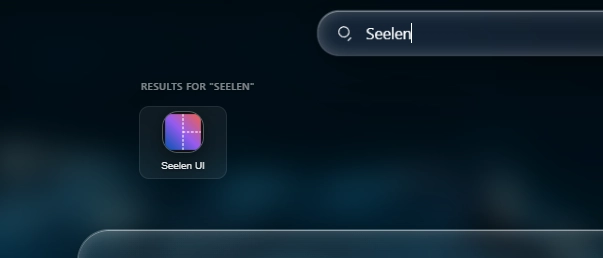

سکرین شاټونه
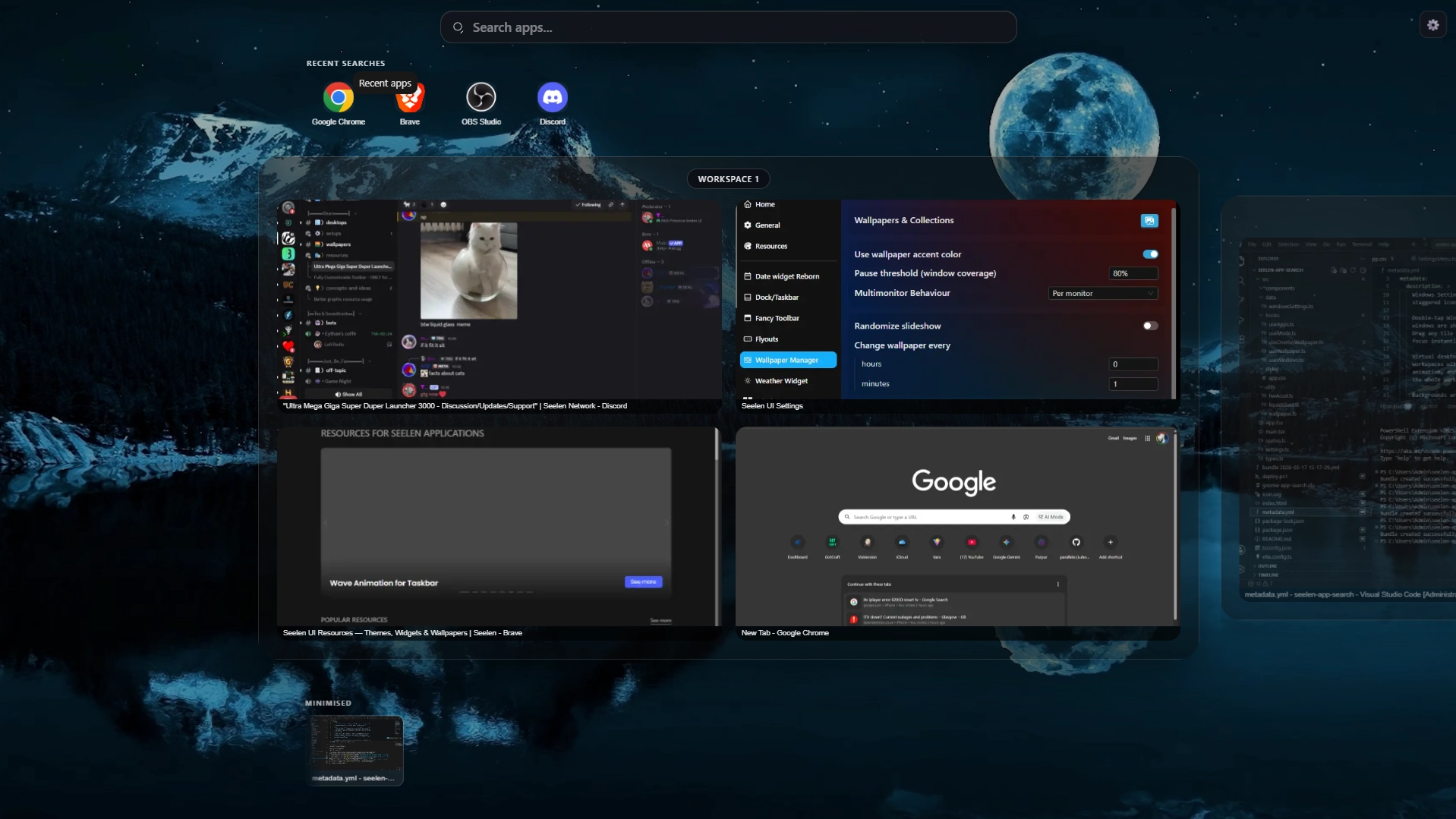
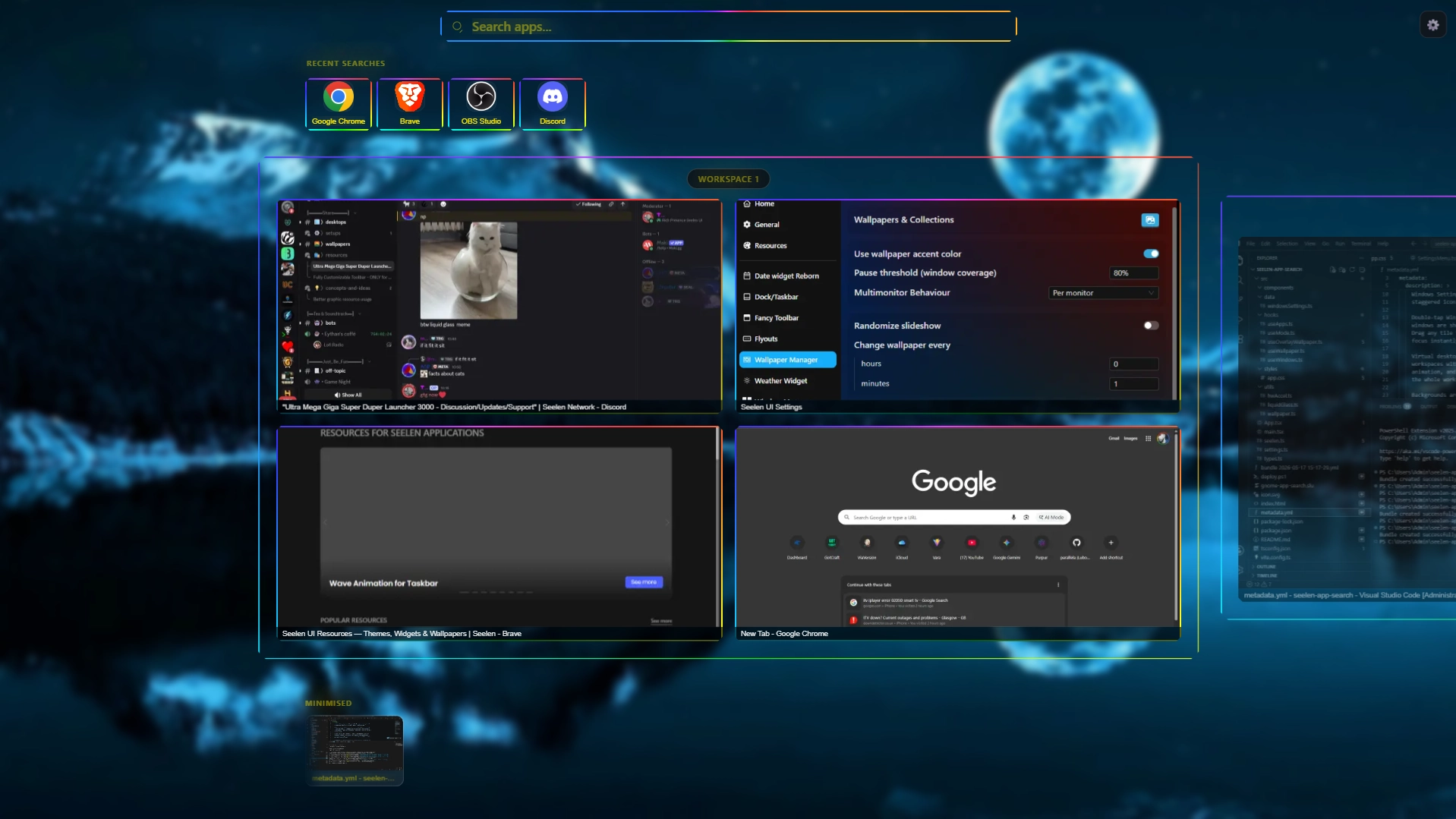
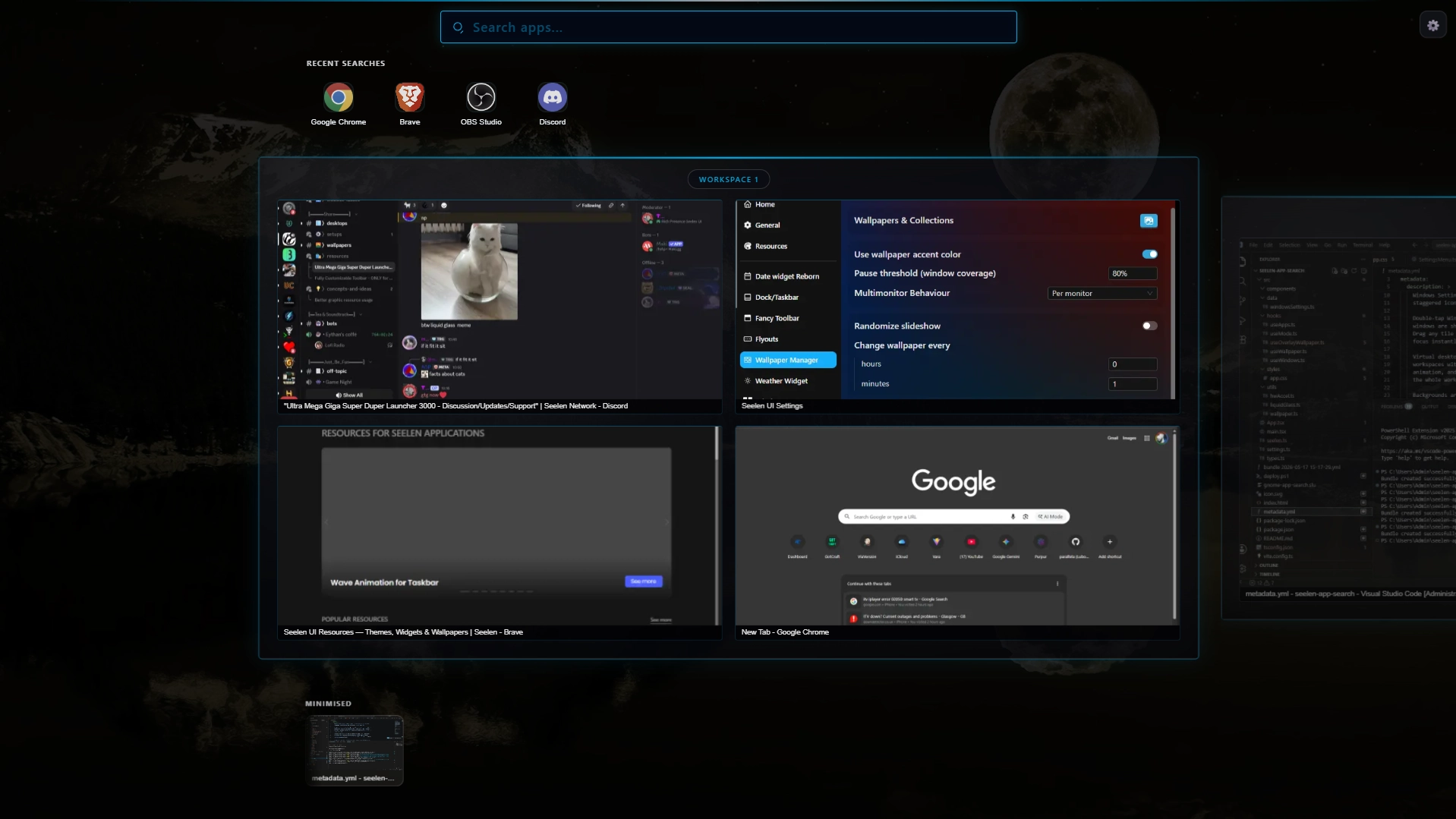
تفصیل
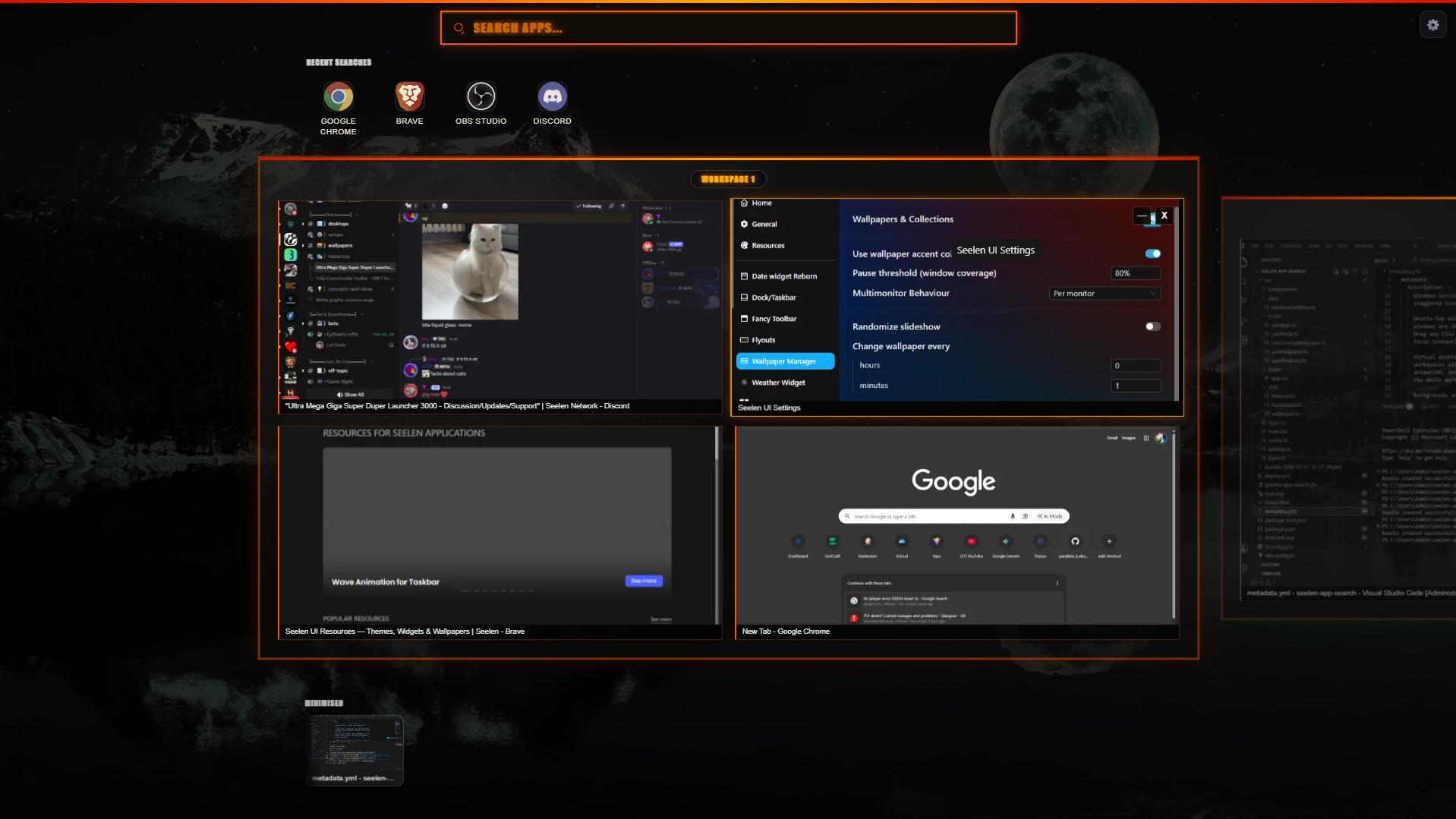
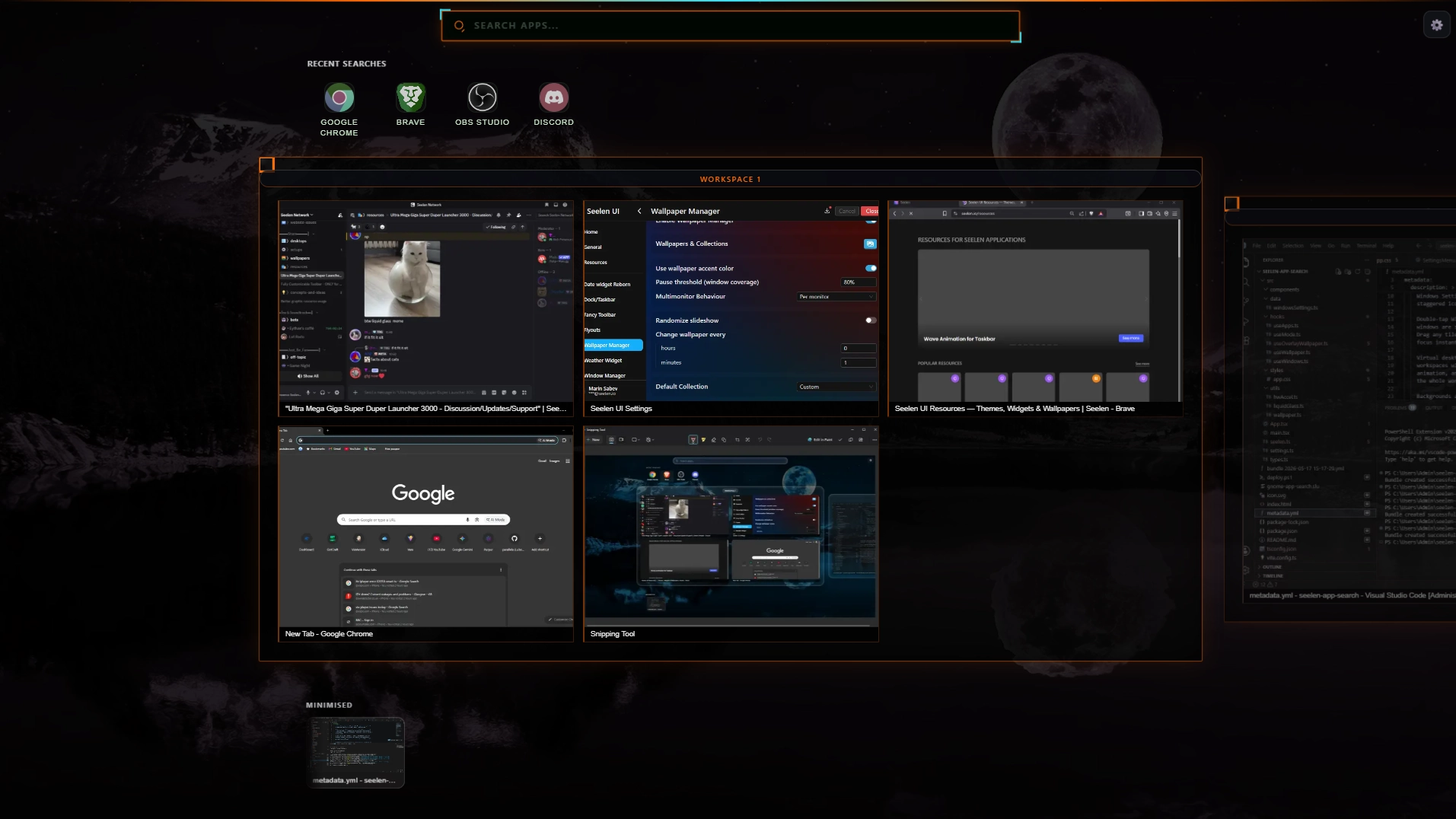
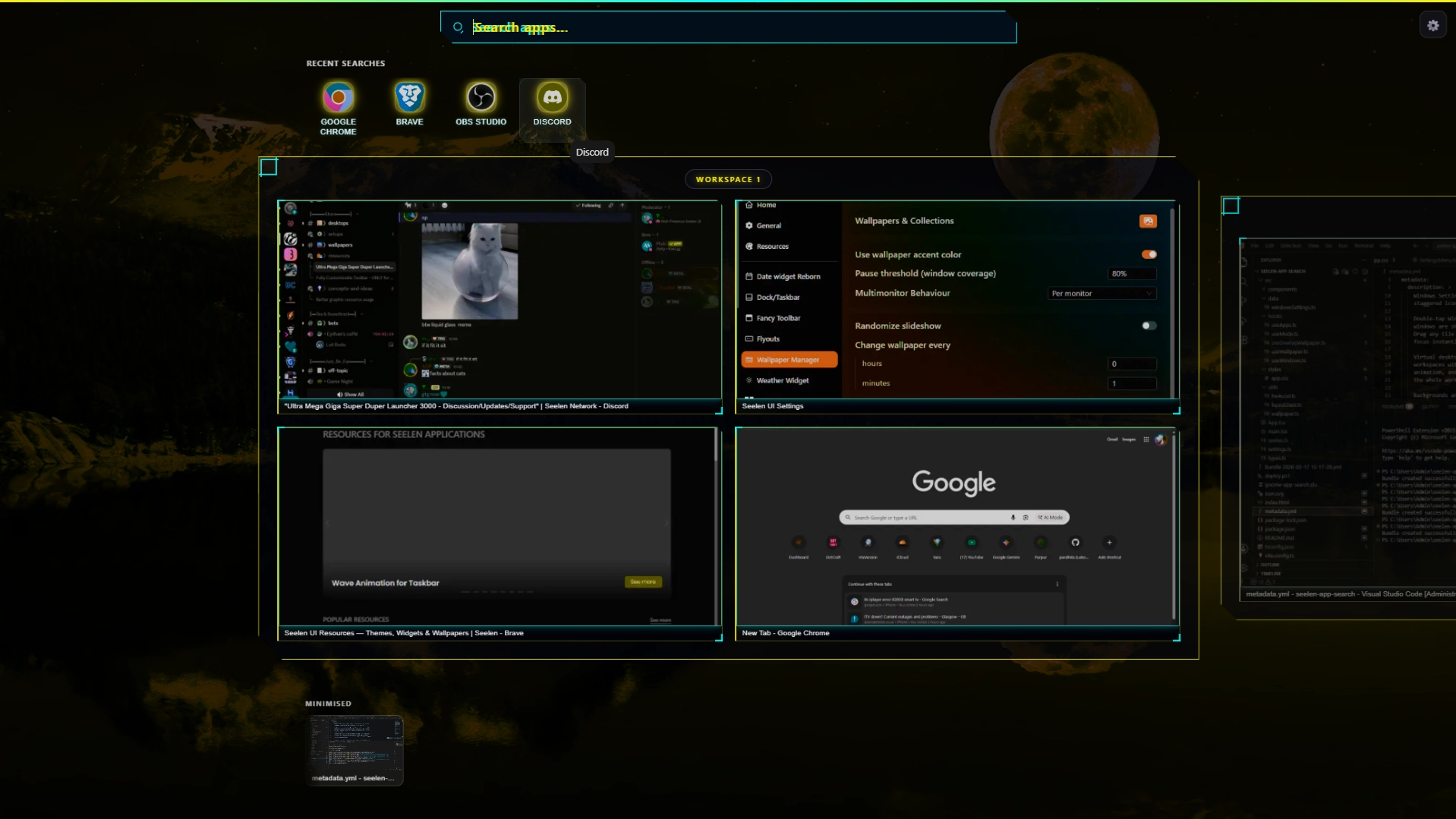
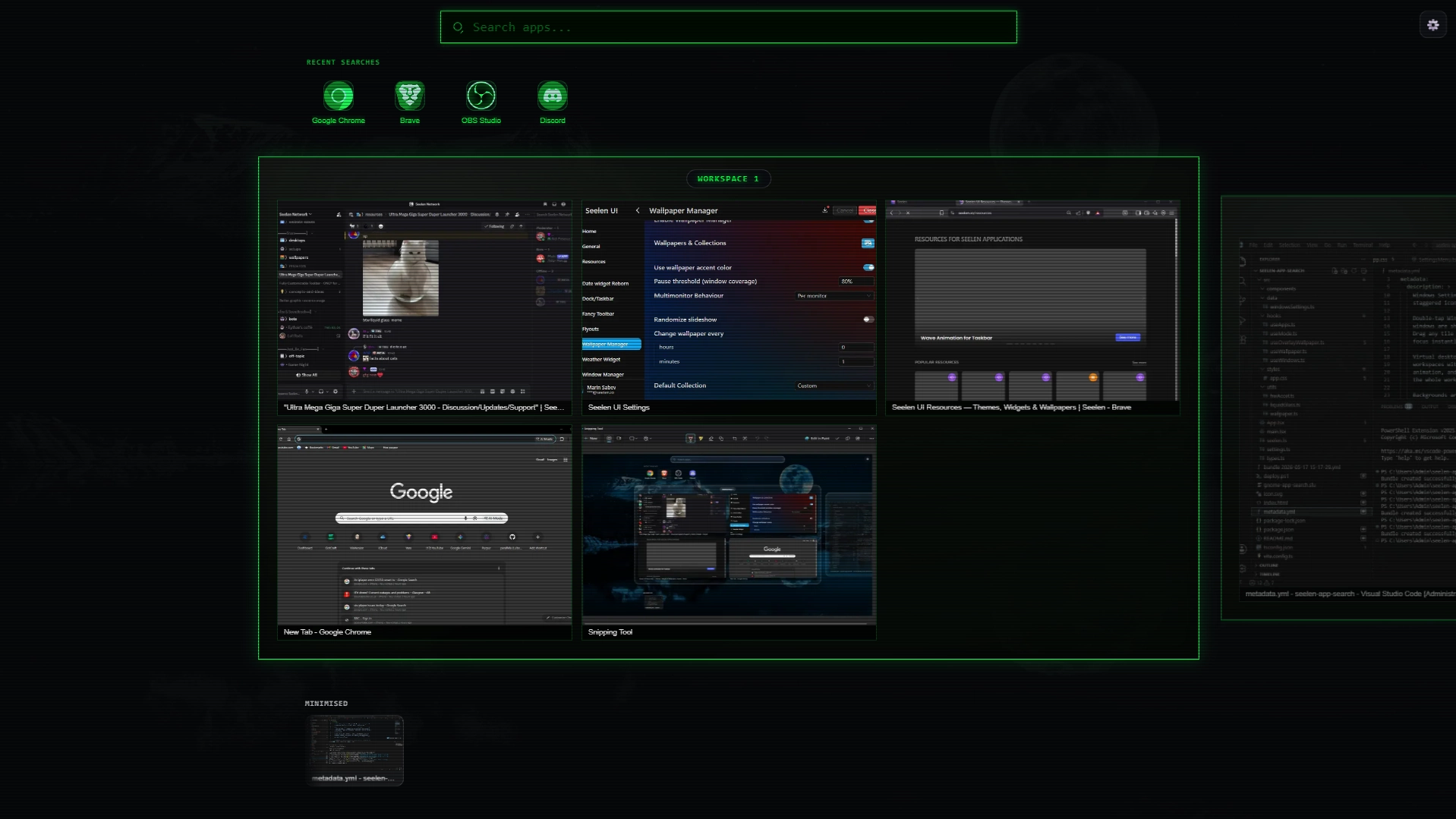
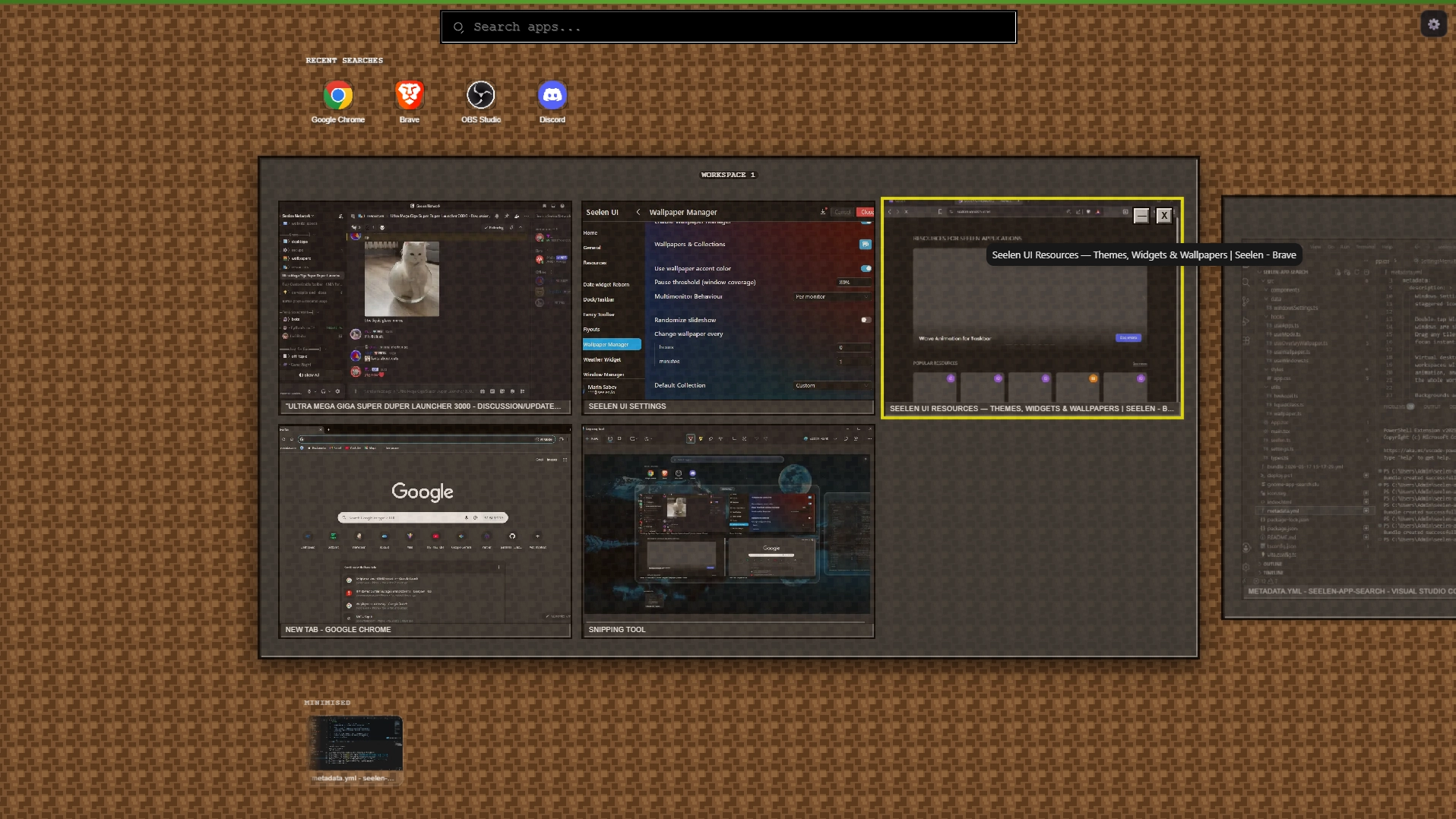
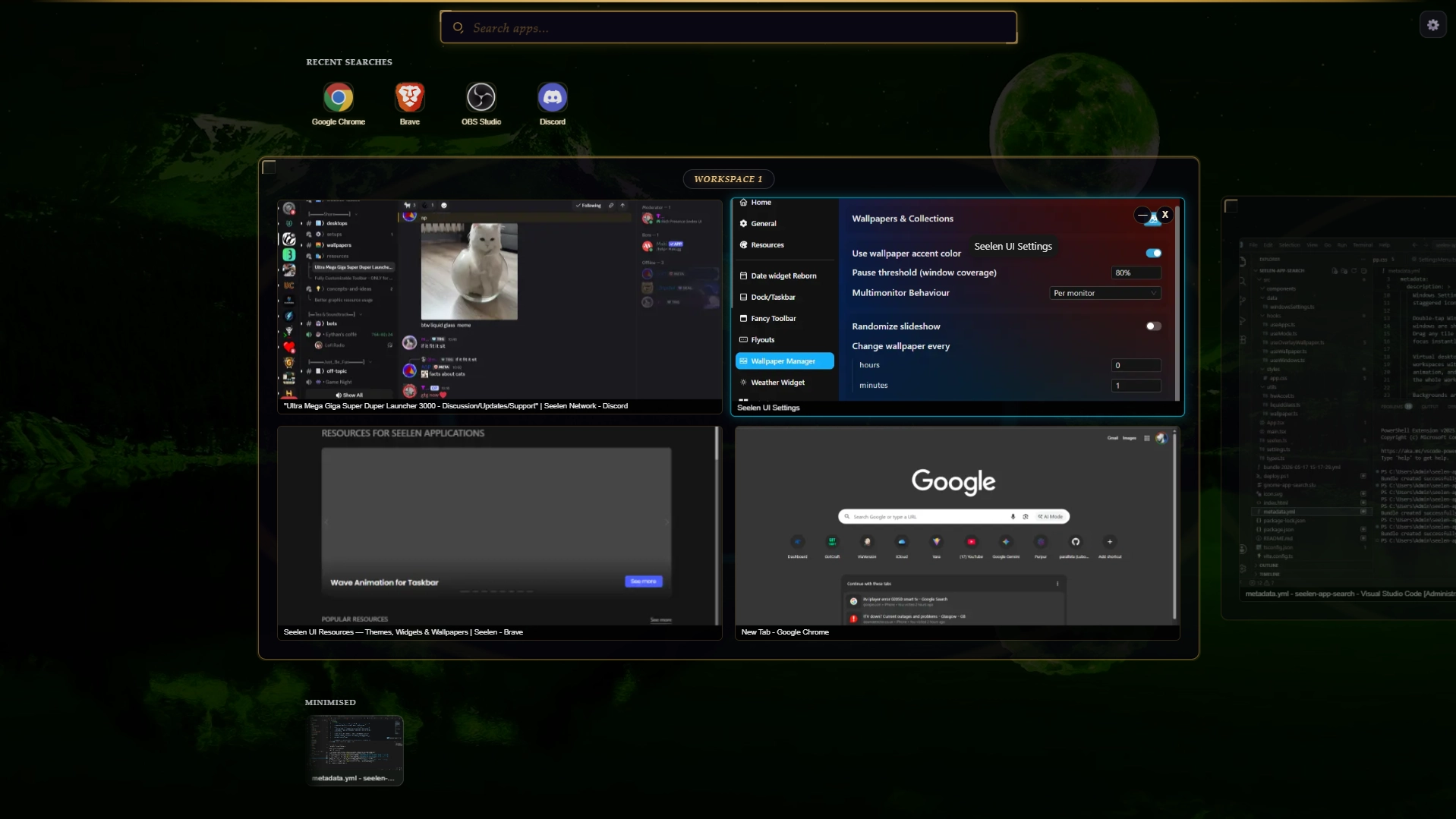
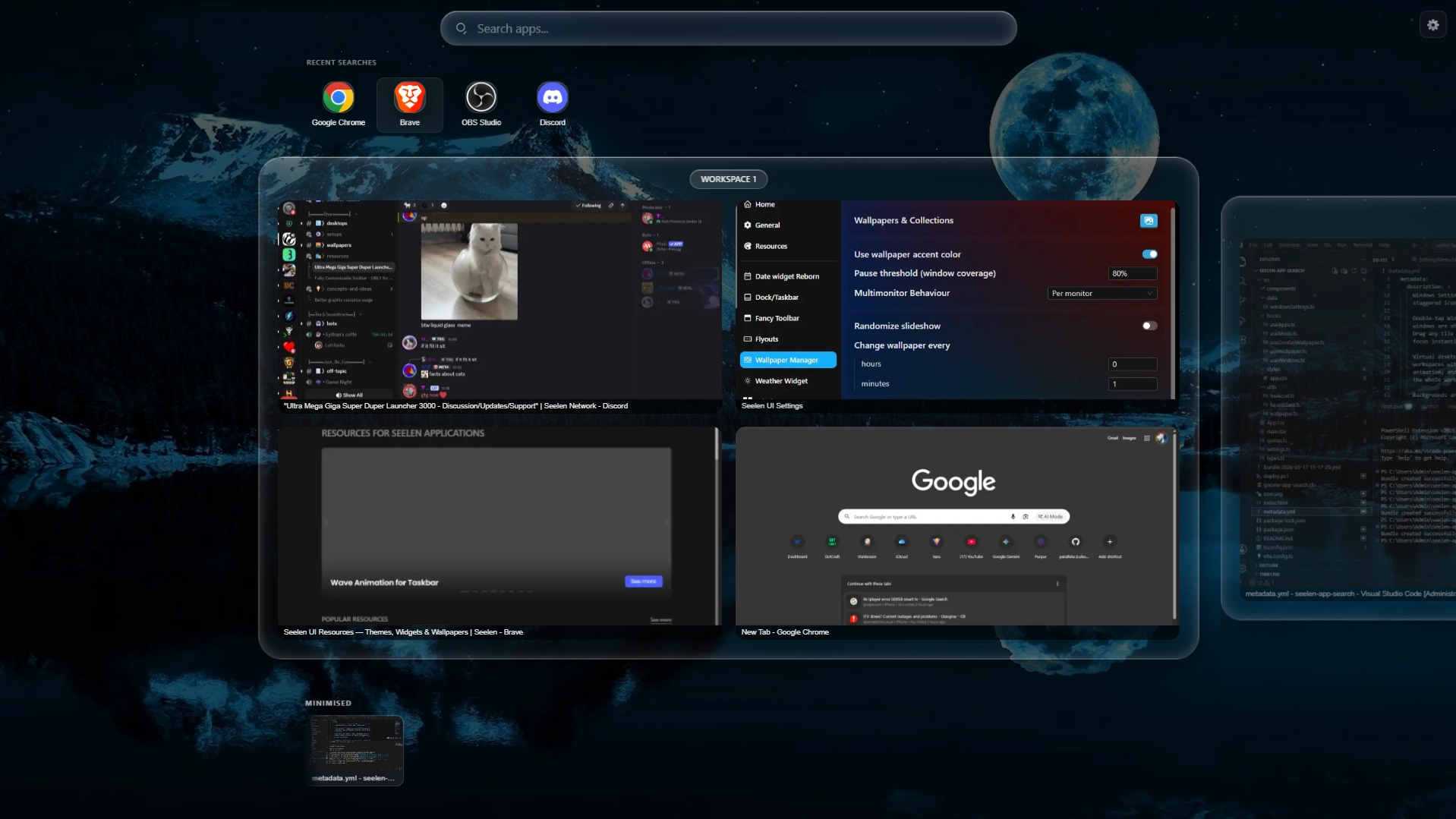
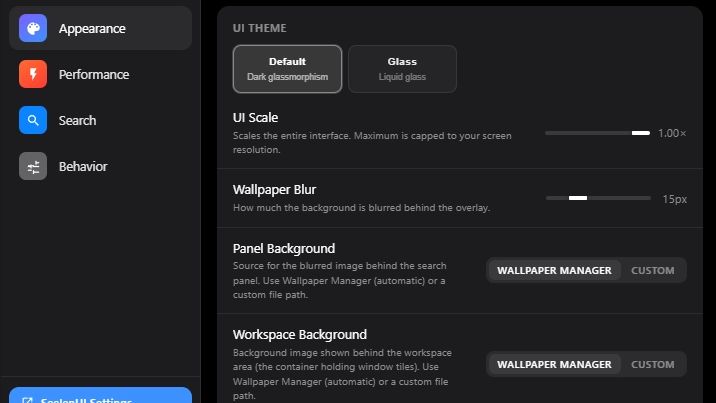
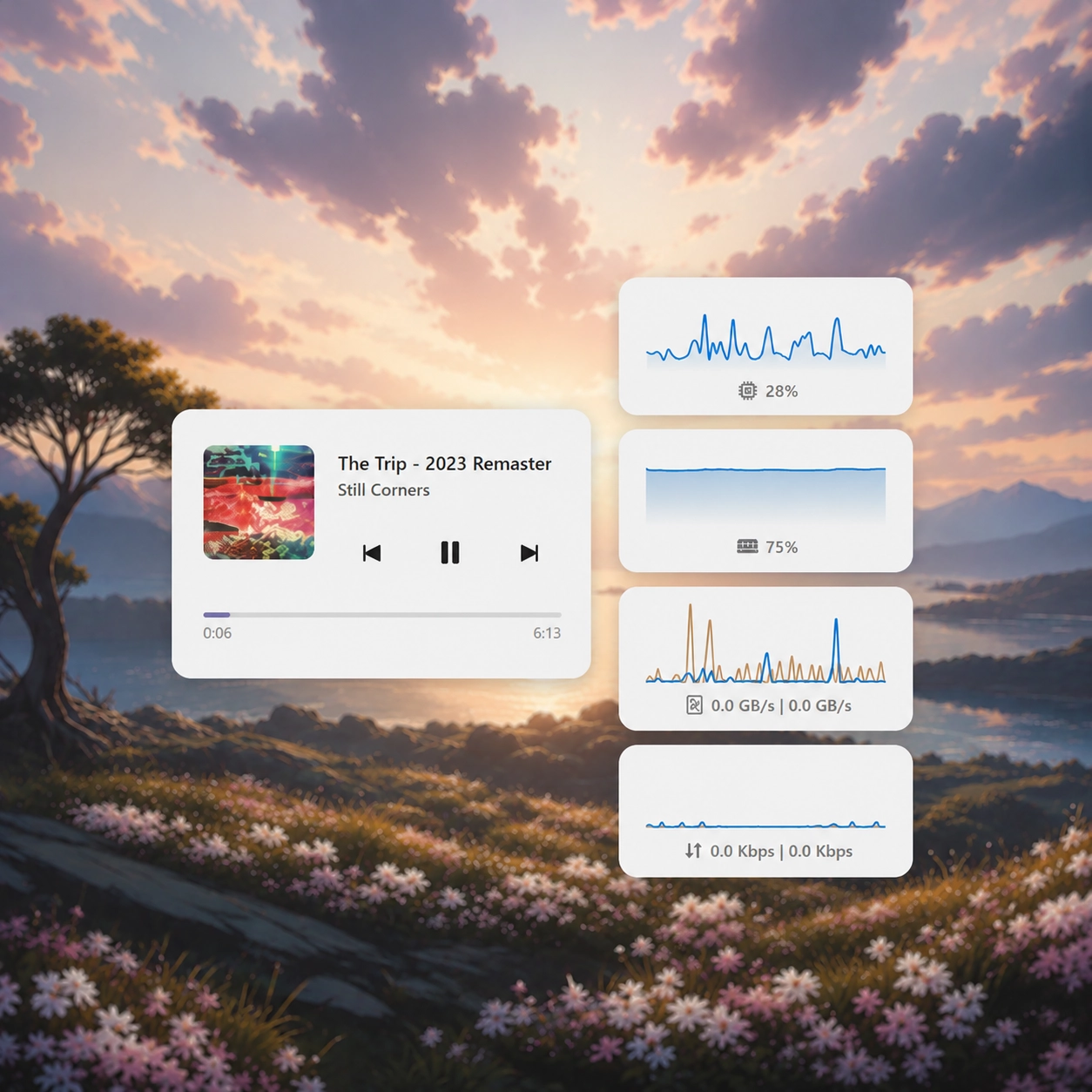
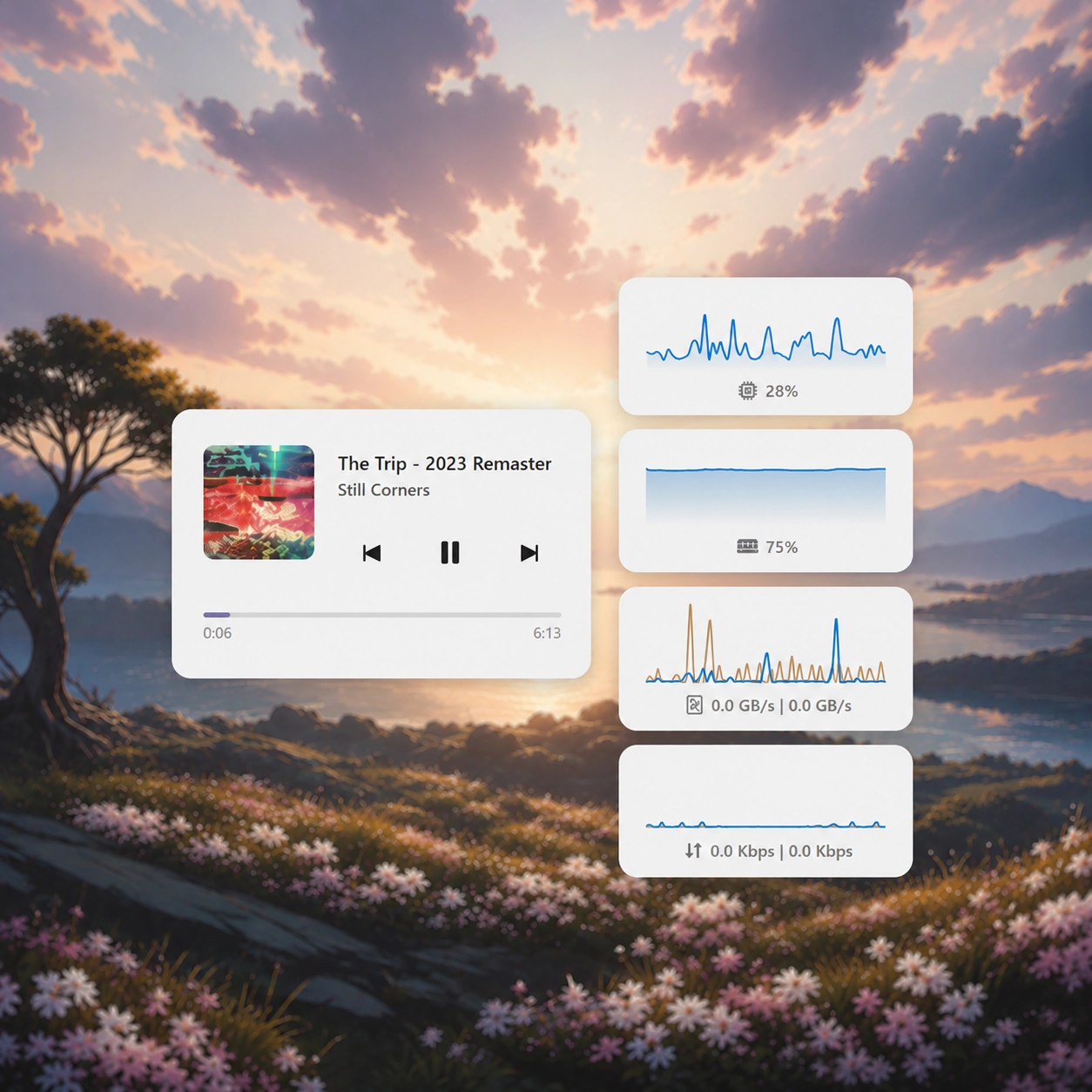
A full GNOME 50 Activities–style app launcher, window switcher, and virtual desktop manager for SeelenUI. Press Win to open the overlay and instantly search every installed app, Windows Settings page, and web engine. Results appear as you type with staggered icon animations and launch with a single keystroke. Double-tap Win to switch into window-preview mode: all open and minimised windows are shown as live thumbnail tiles across your virtual desktops. Drag any tile to a different workspace, close windows inline, or click to focus instantly. Virtual desktops are displayed as interactive stage cards. Create new workspaces with one click, delete empty ones with a smooth collapse animation, and navigate between them by clicking, scrolling, or dragging the whole workspace strip. Backgrounds are fully customisable: set a separate panel background and workspace background, each sourced from the SeelenUI Wallpaper Manager or a custom image or video file. When both are set to Wallpaper Manager the workspace cards turn transparent and blend seamlessly into the global background. The widget respects your SeelenUI theme through two settings-panel modes: Default (hand-crafted dark glassmorphism) and Glass (fully theme-adaptive using the SeelenUI component library, including light/dark mode and custom color palettes). Designed to feel native on any resolution — scales from laptop to 4K with a single UI Scale slider.
څنګه کارول کیږي؟
- ډاونلوډ او نصب کړئ Seelen UI
- ډاډ ترلاسه کړئ چې اپلیکیشن روان دی
- پورته د ډاونلوډ تڼۍ کلیک وکړئ
- د سیلین UI خلاصولو لپاره د براوزر پرامپټ ومنئ
- ایپ به انسټالشن اداره کړي
- او دا ټول دي!
مطابقت
- Seelen UI: 2.6.5+
- پلیټ فارم: Windows
نور د th3troller لخوا


اړوند سرچینې






د سرچینو معلومات
- ID: 43a5924d-36b3-482c-bff3-90183e02727e
- ډول: کافر
- حالت: خپور شوی
- جوړ شوی: AP ۱۴۰۵ غویی ۲۵, جمعه په ۲۲:۵۷:۱۳ (UTC)
- وروستی تازه شوی: AP ۱۴۰۵ چنگاښ ۳, څلرنۍ په ۸:۰۷:۰۸ (UTC)
- بیاکتل شوی: AP ۱۴۰۵ چنگاښ ۳, څلرنۍ په ۸:۰۷:۰۸ (UTC)
- د:@eythaann