

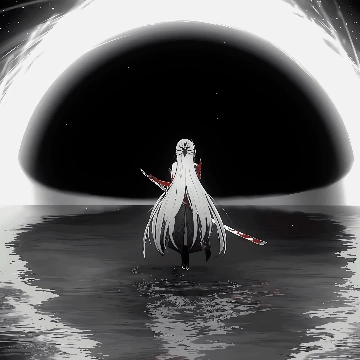
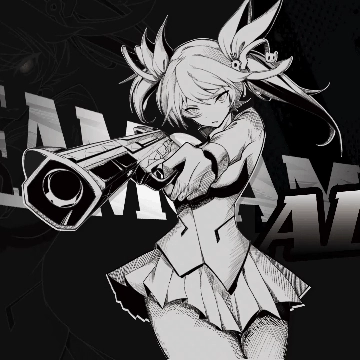
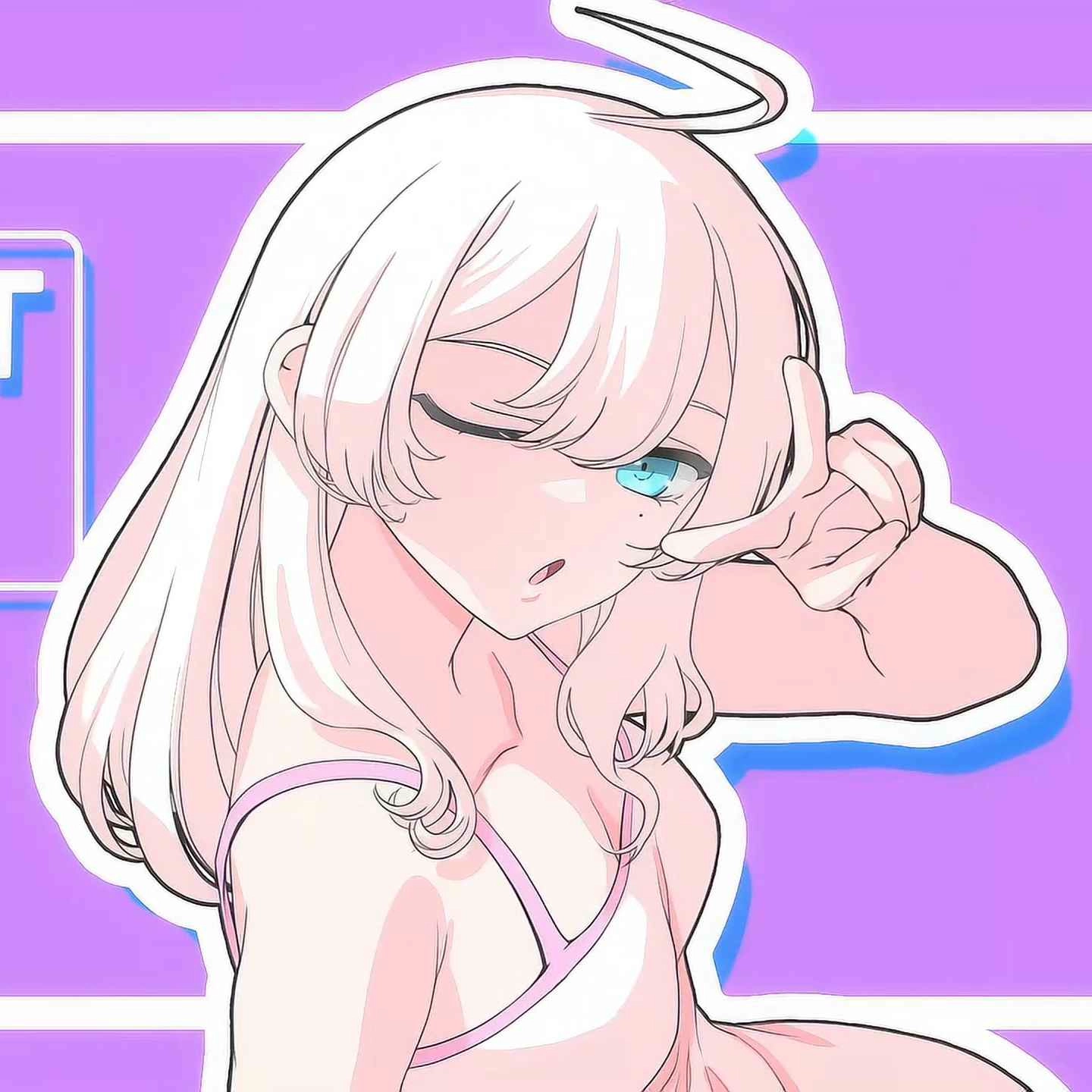
Screenshots




Description
my girl
Extra Information
- Type: Image
How to use?
- Download and install Seelen UI
- Make sure the app is running
- Click the download button above
- Accept the browser prompt to open Seelen UI
- The app will handle the installation
- And that's all!
Compatibility
- Seelen UI: 2.8.3+
- Platform: Windows
Related Resources







Resource Information
- ID: df1bf60a-2ced-425d-9a59-aee9f6ad446d
- Type: Wallpaper
- Status: Published
- Created At: Saturday, September 5, 2026 at 10:39:43 PM UTC
- Last Updated At: Sunday, September 6, 2026 at 5:19:09 AM UTC
- Reviewed At: Sunday, September 6, 2026 at 10:12:04 AM UTC
- Reviewed By:@eythaann