Resource is not working
This resource needs to be updated to work properly on newest version of the application.
Screenshots
Description
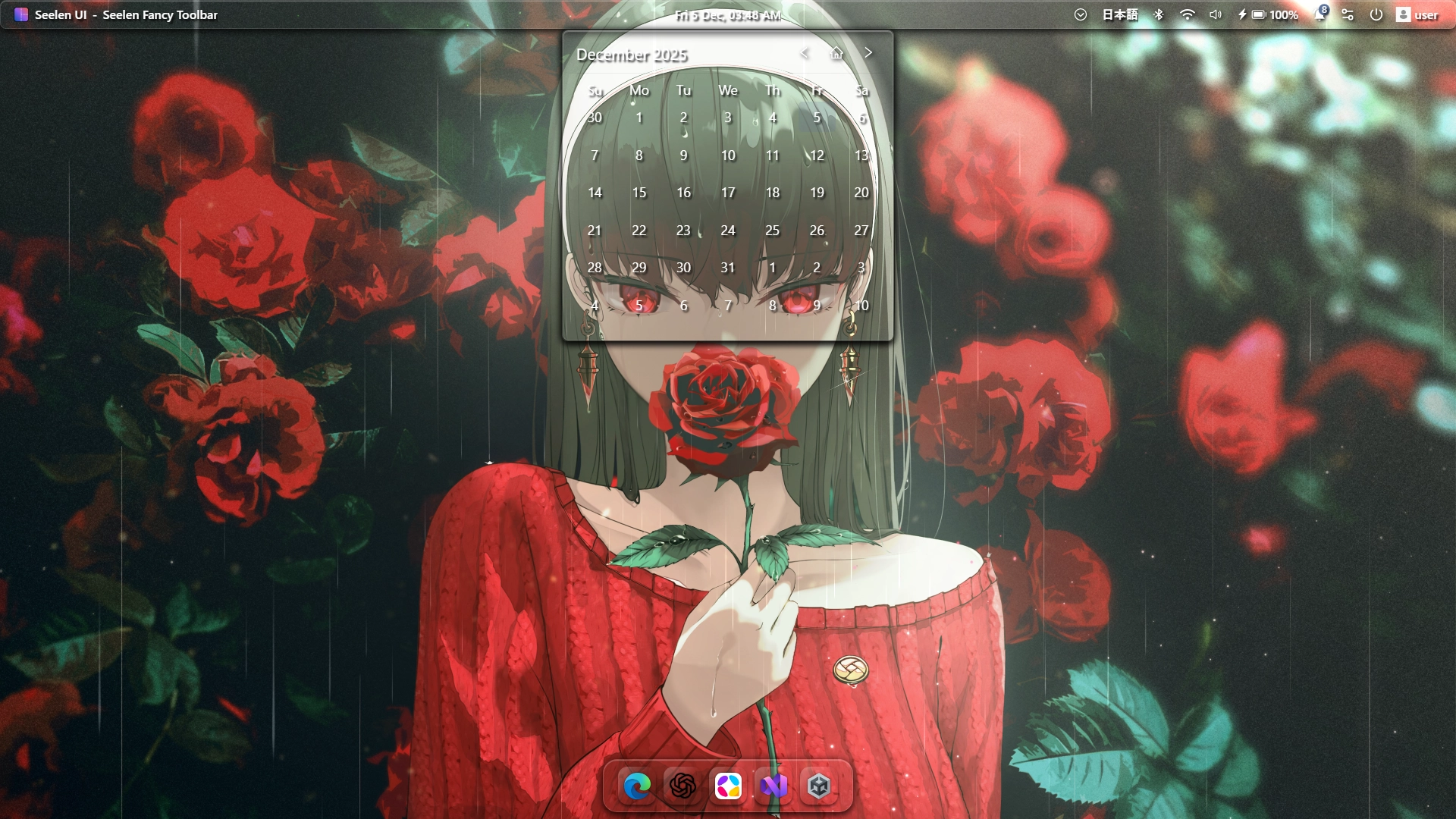
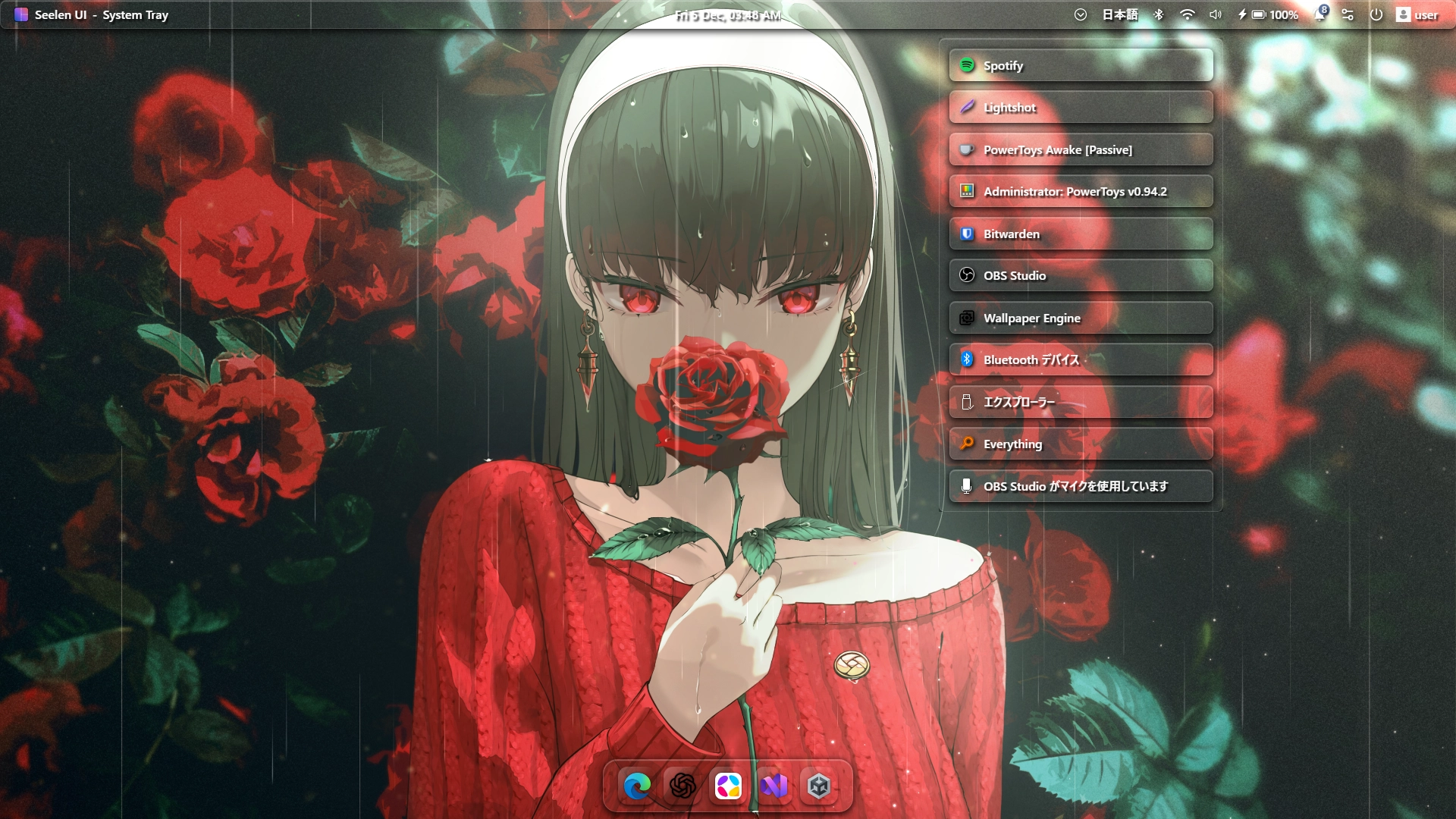
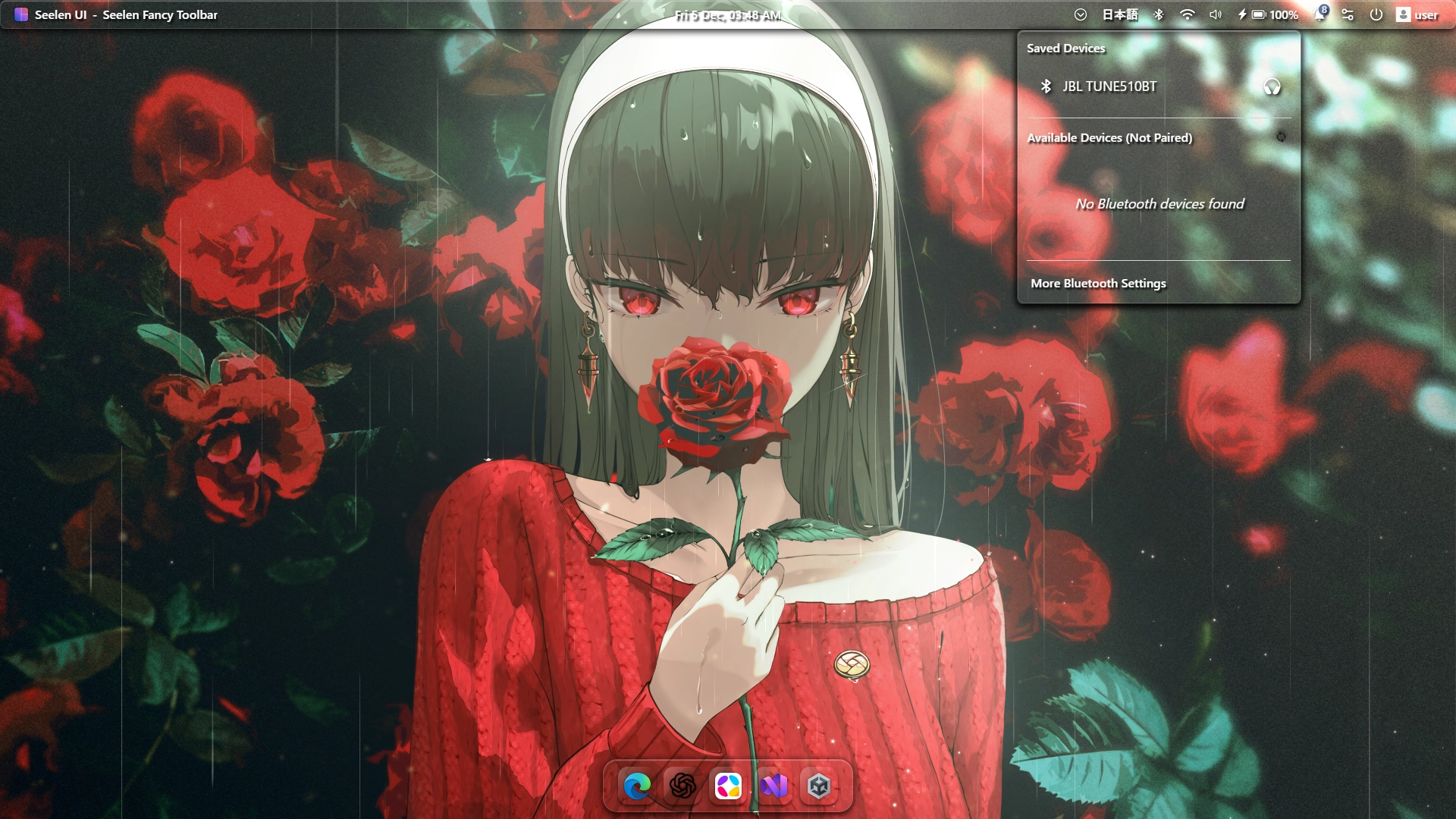
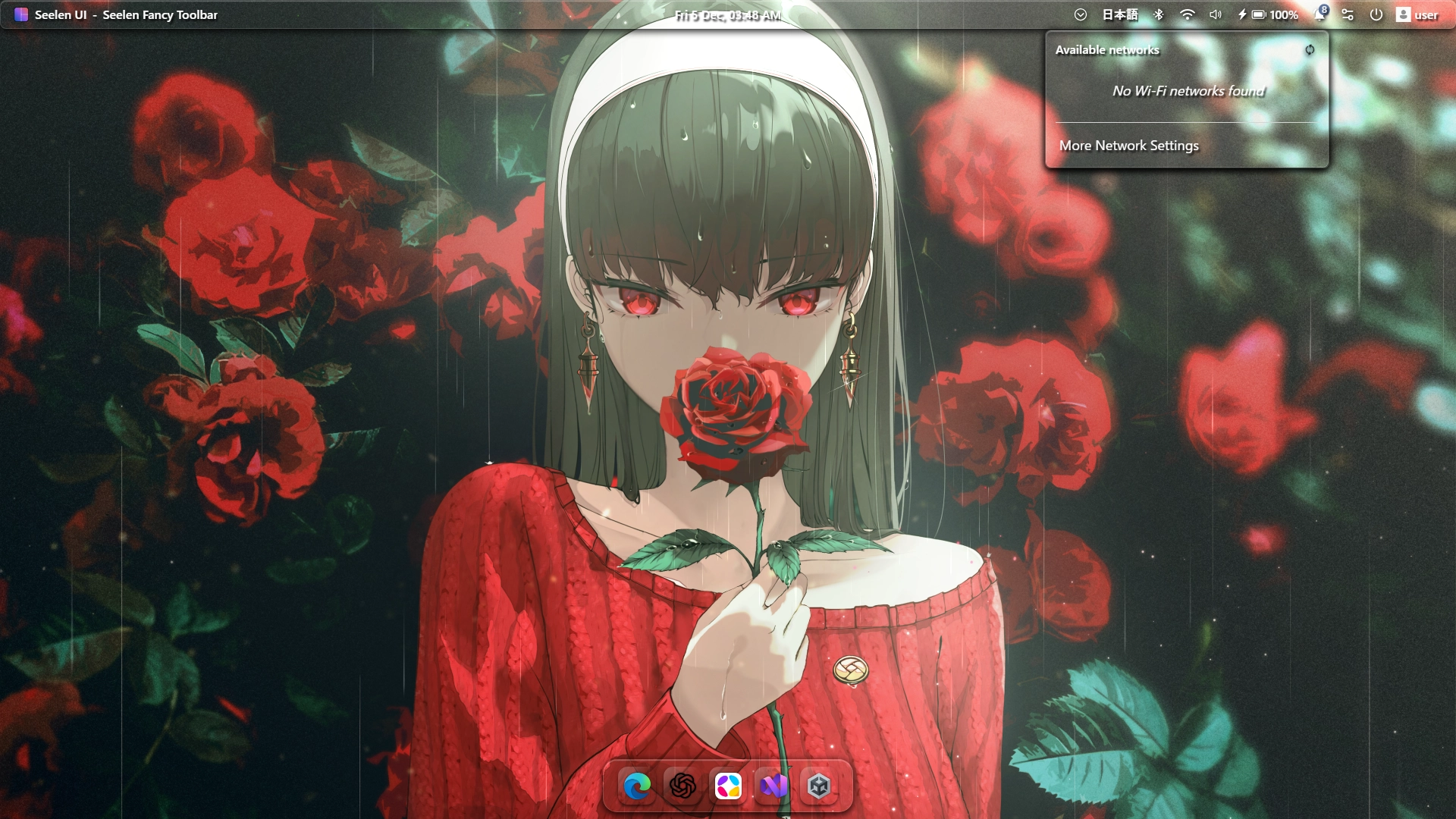
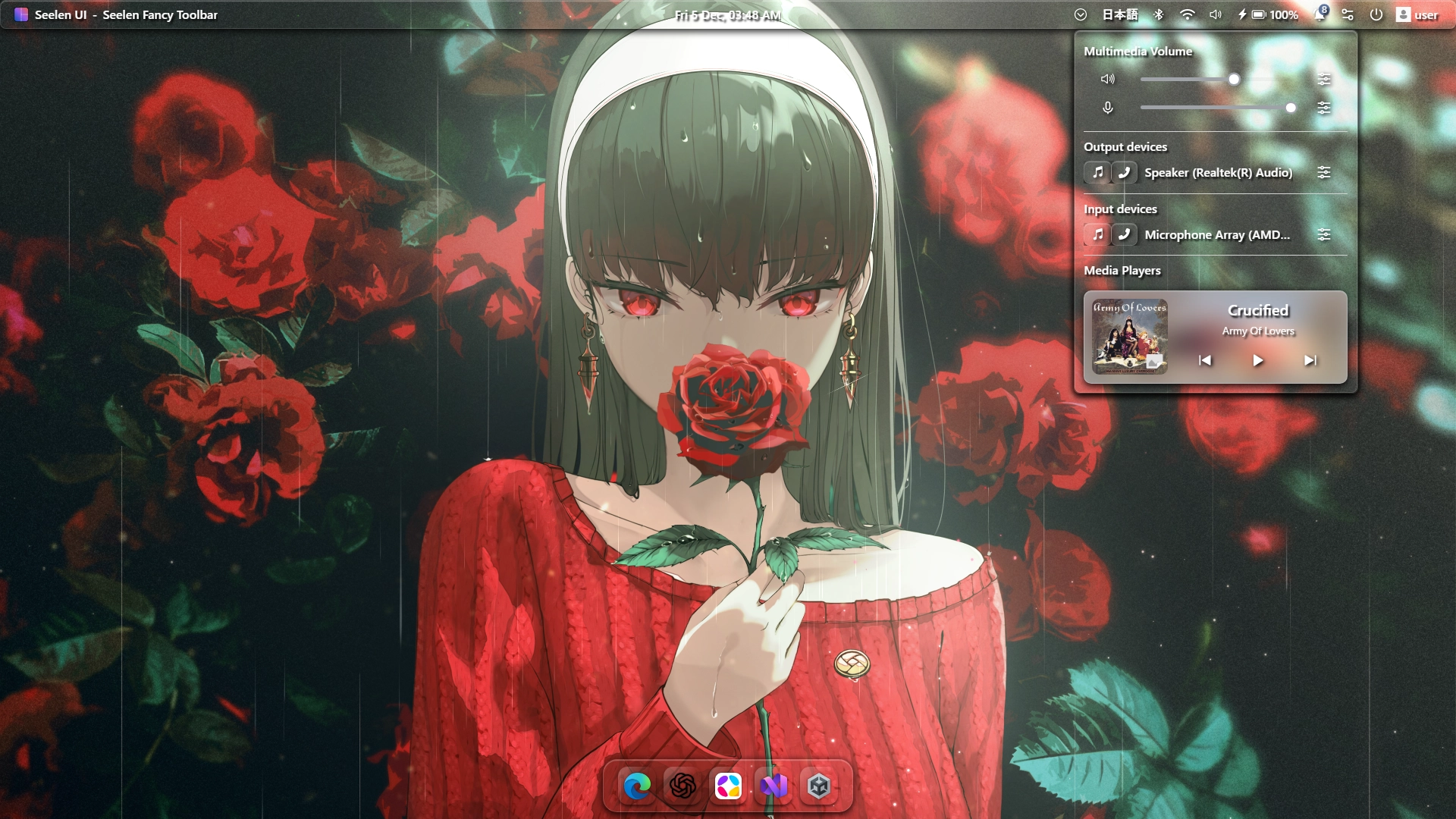
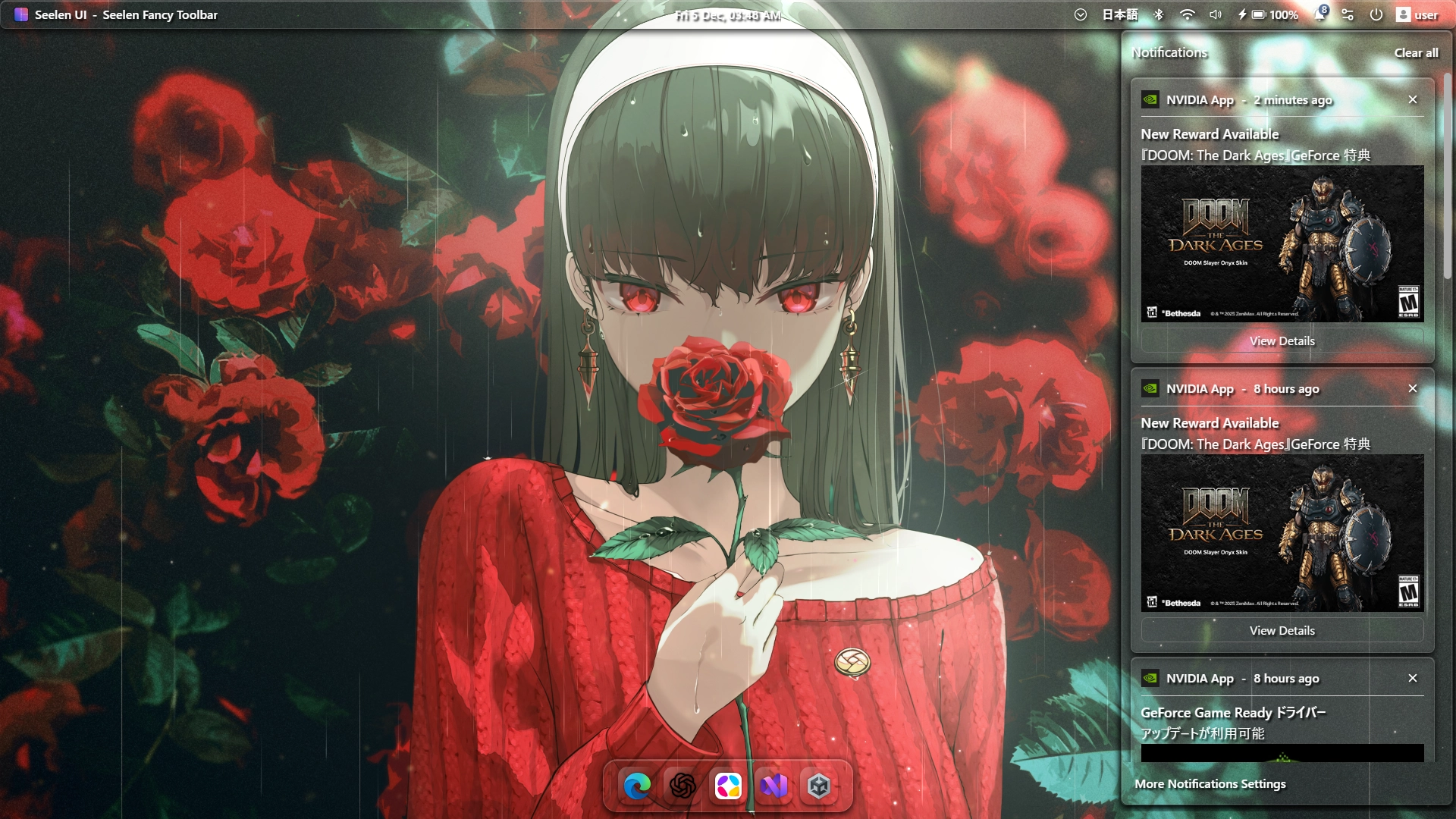
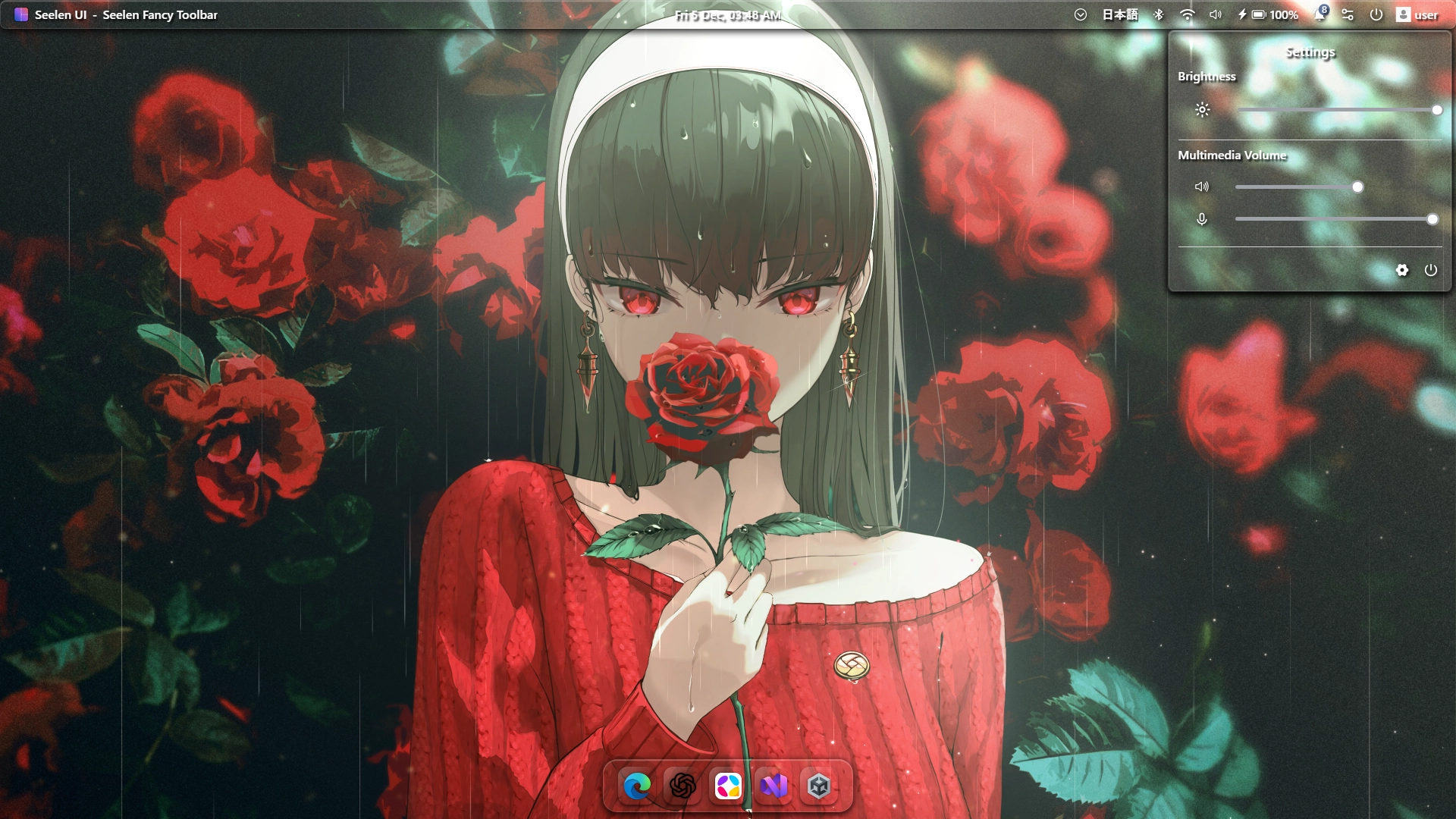
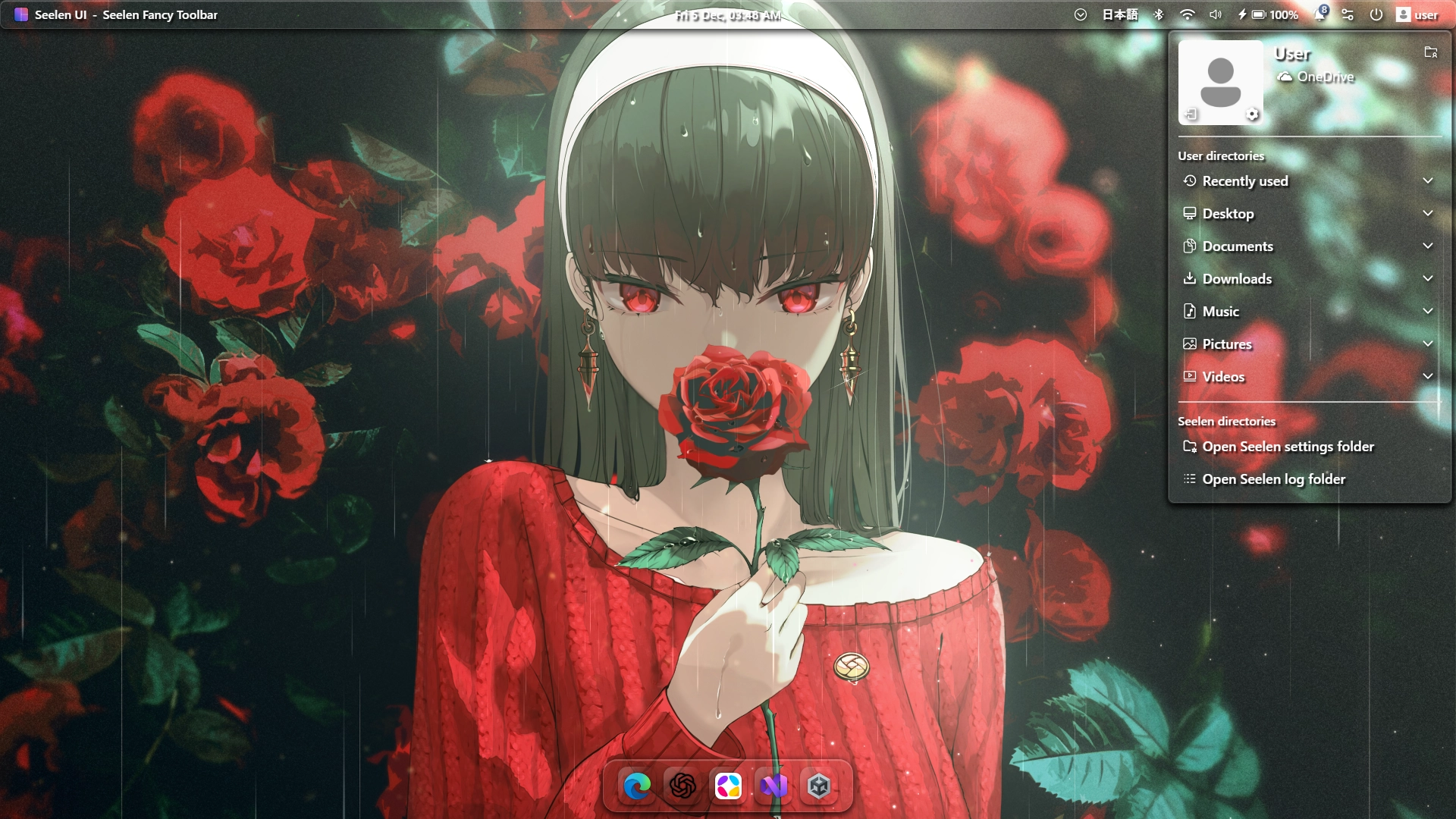
Clean Glass Modules & System Tray.
- Calendar,
- System Tray,
- Keyboard Layout,
- Bluetooth & Devices,
- WIFI Interface,
- Volume/Sound Interface,
- Notifications,
- User
How to use?
- Download and install Seelen UI
- Make sure the app is running
- Click the download button above
- Accept the browser prompt to open Seelen UI
- The app will handle the installation
- And that's all!
Compatibility
- Seelen UI: 2.4.9+
- Platform: Windows
More by radless
Related Resources









Resource Information
- ID: e22596c8-cb02-4aff-8a1a-e7a9ad2eee24
- Type: Theme
- Status: Published
- Created At: Friday, December 5, 2025 at 12:57:47 AM UTC
- Last Updated At: Friday, December 5, 2025 at 12:57:47 AM UTC
- Reviewed At: Friday, December 5, 2025 at 12:41:03 PM UTC
- Reviewed By:@eythaann