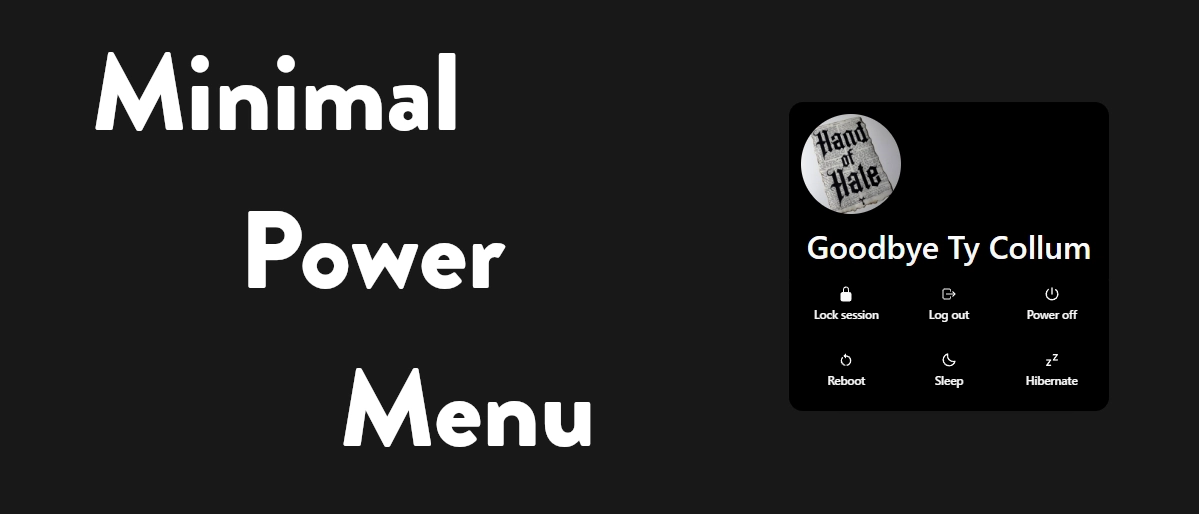

스크린샷
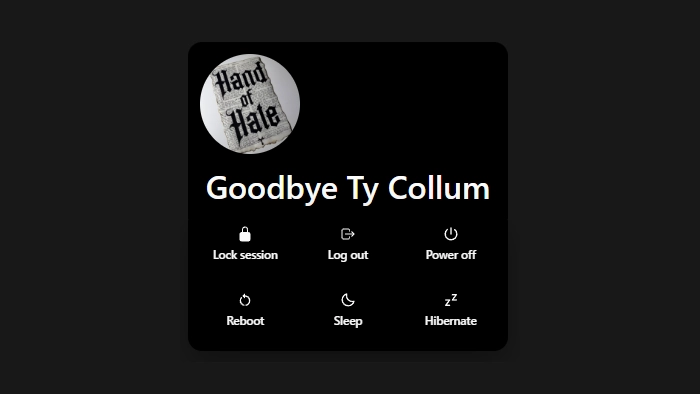
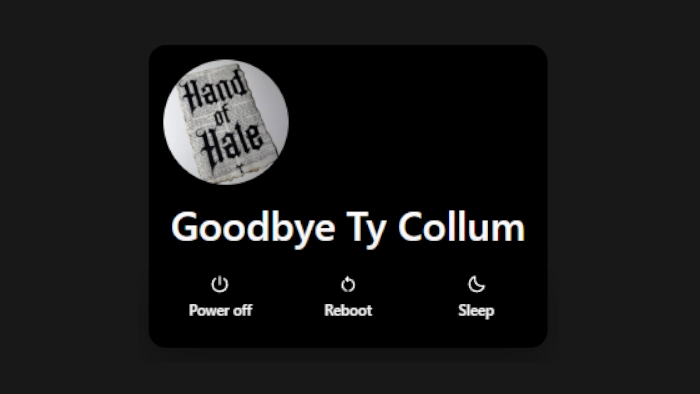
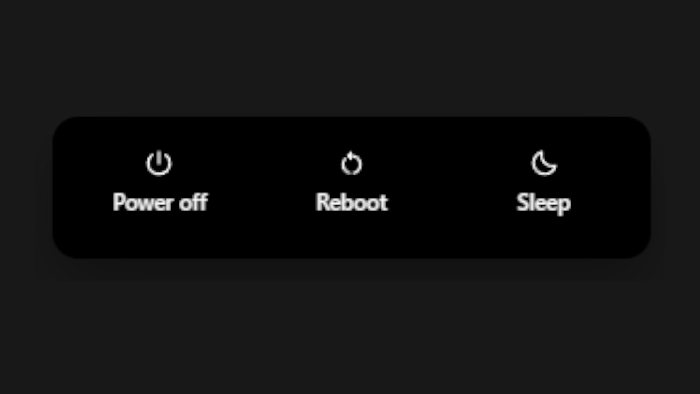
설명
Minimal, compact power menu with configurable actions and placement.
This version has been replaced in favor of a more reliable solution, which can be found here:
https://seelen.io/resources/OyqqWv3OTxq0DEr8k5WmdQ/minimal-power-menu
어떻게 사용하나요?
- 다운로드 및 설치 Seelen UI
- 앱이 실행 중인지 확인
- 위의 다운로드 버튼을 클릭하세요.
- 브라우저 프롬프트에 동의하여 Seelen UI를 엽니다.
- 앱이 설치를 처리합니다.
- 그게 다입니다!
호환성
- Seelen UI: 2.5.9+
- 플랫폼: Windows
더보기 handofhate

관련 리소스









리소스 정보
- ID: 01fd117f-dab8-4259-a4c3-5dc8b3681b8b
- 유형: 테마
- 상태: 게시됨
- 만든 곳: 2026년 4월 27일 월요일 오후 7시 5분 20초 UTC
- 마지막 업데이트 날짜: 2026년 9월 1일 화요일 오전 5시 35분 24초 UTC
- 검토 장소: 2026년 9월 1일 화요일 오전 5시 35분 24초 UTC
- 검토자:@eythaann