
لقطات الشاشة
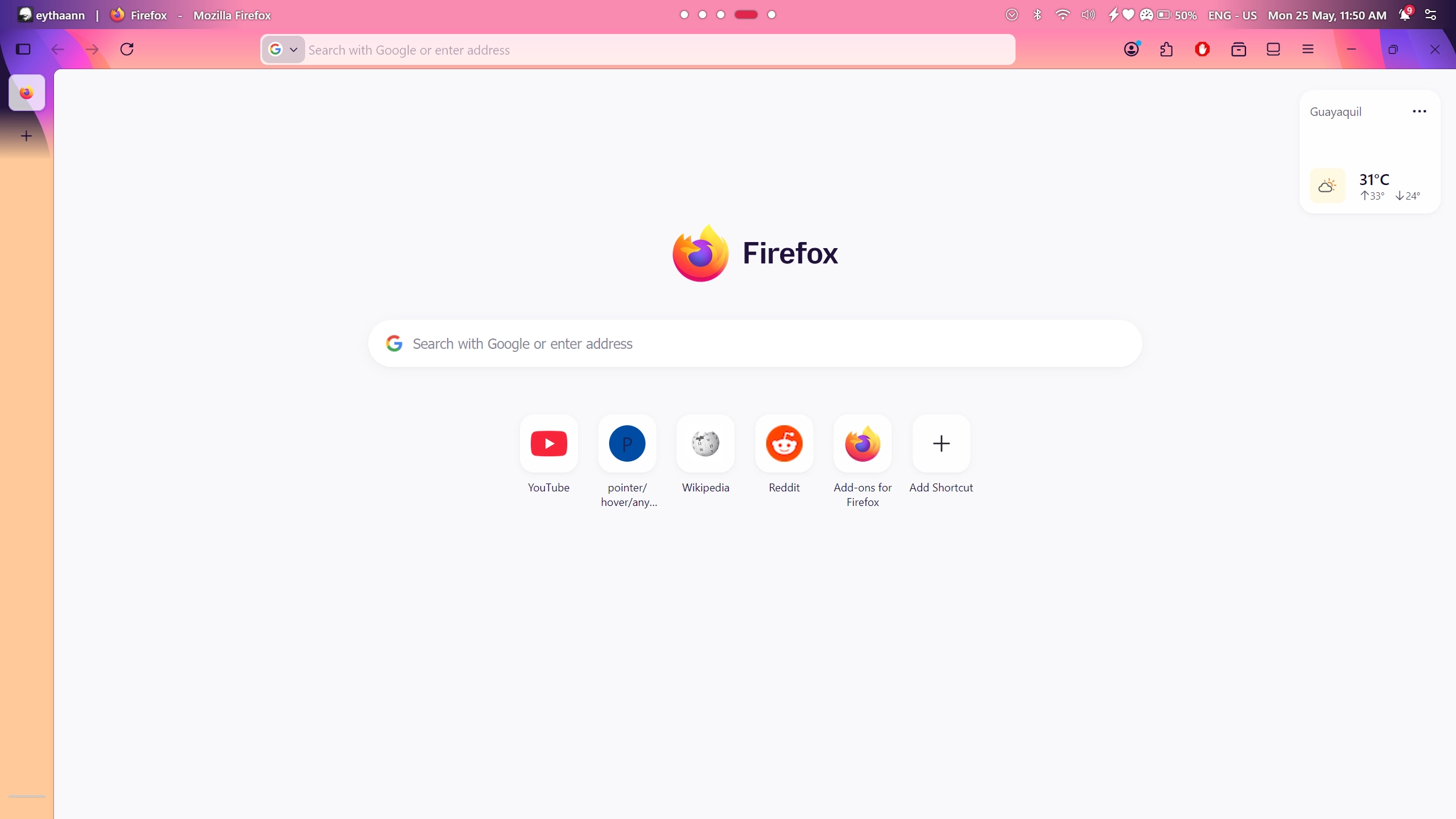
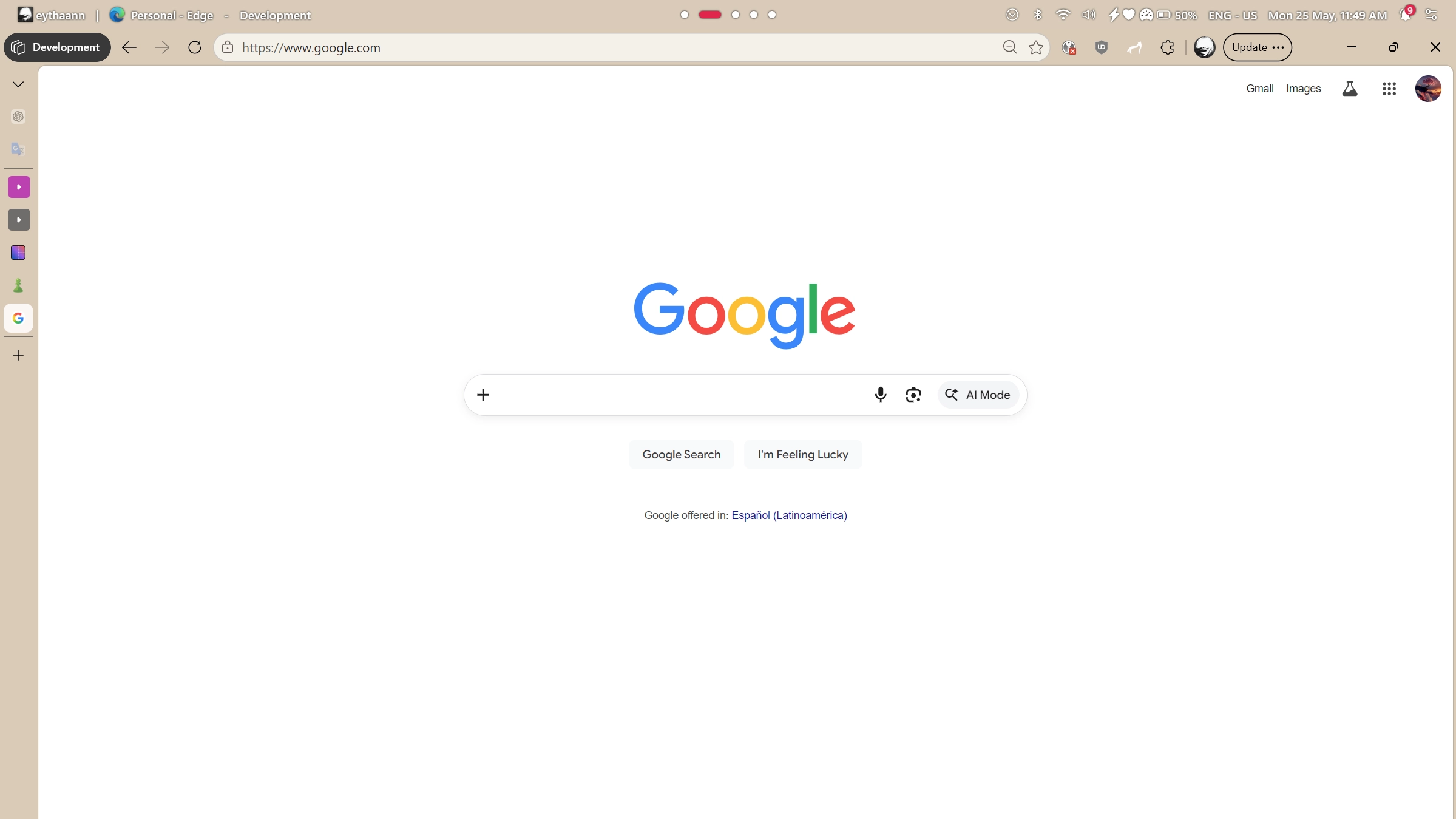
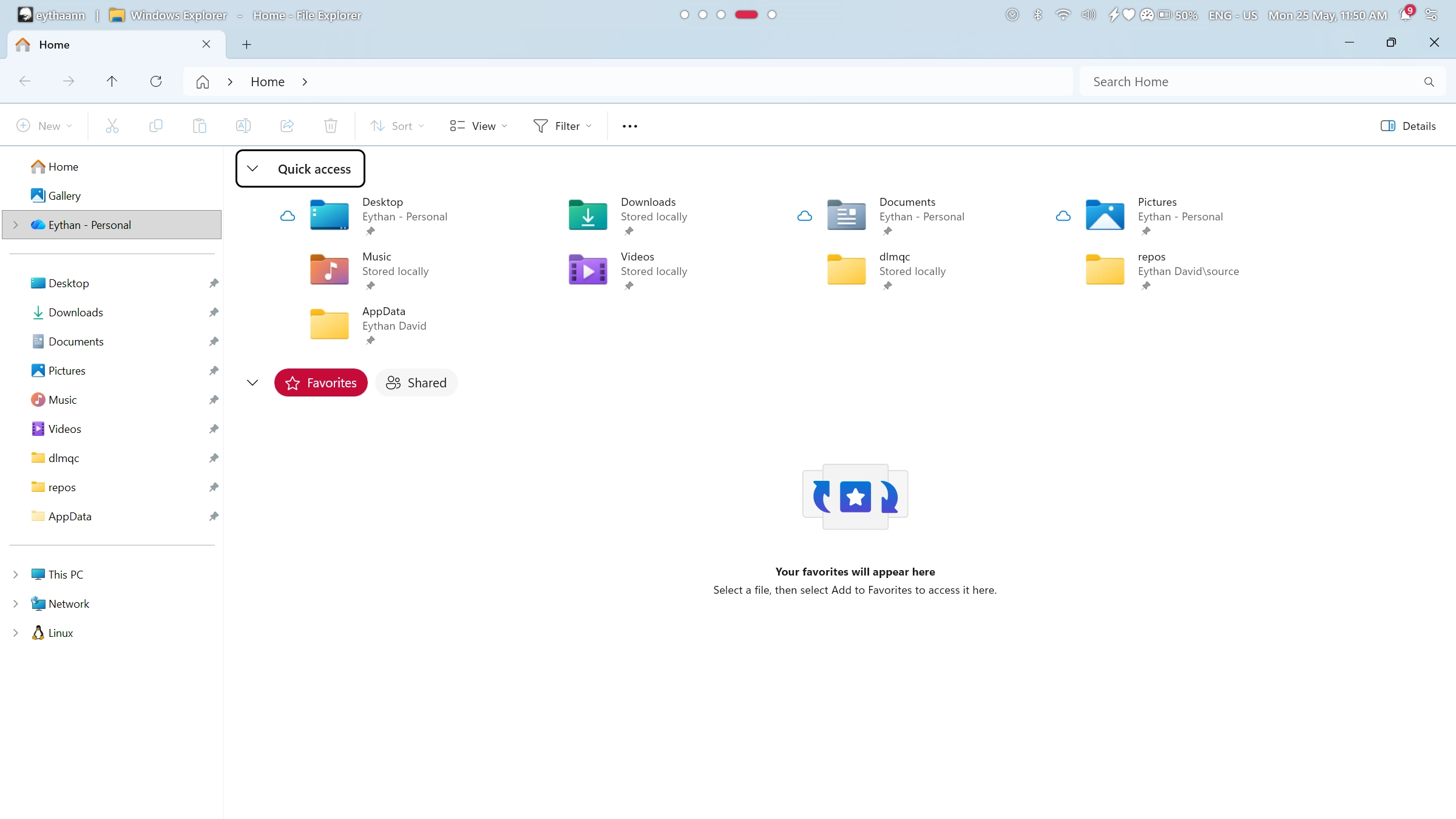
الوصف
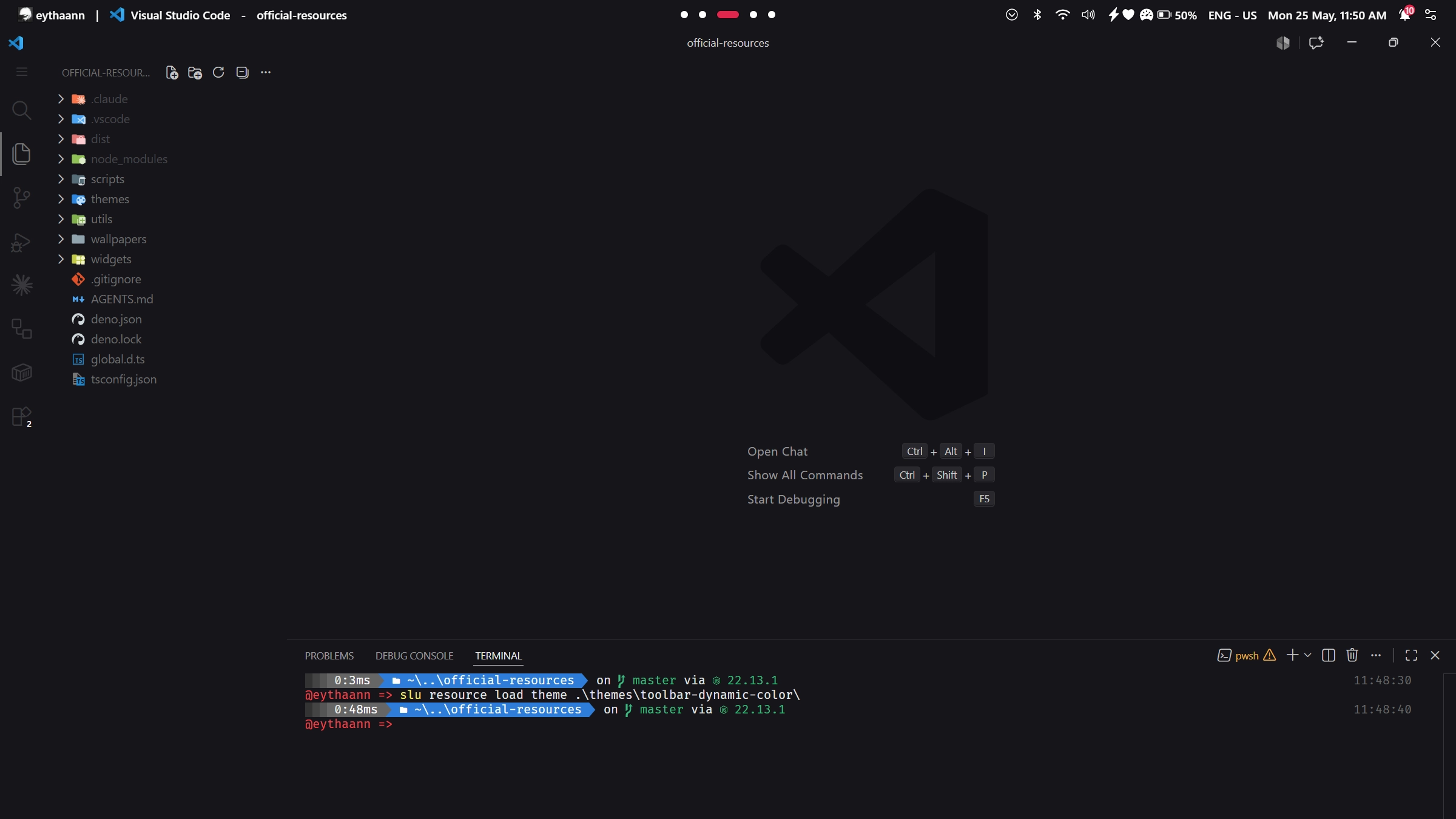
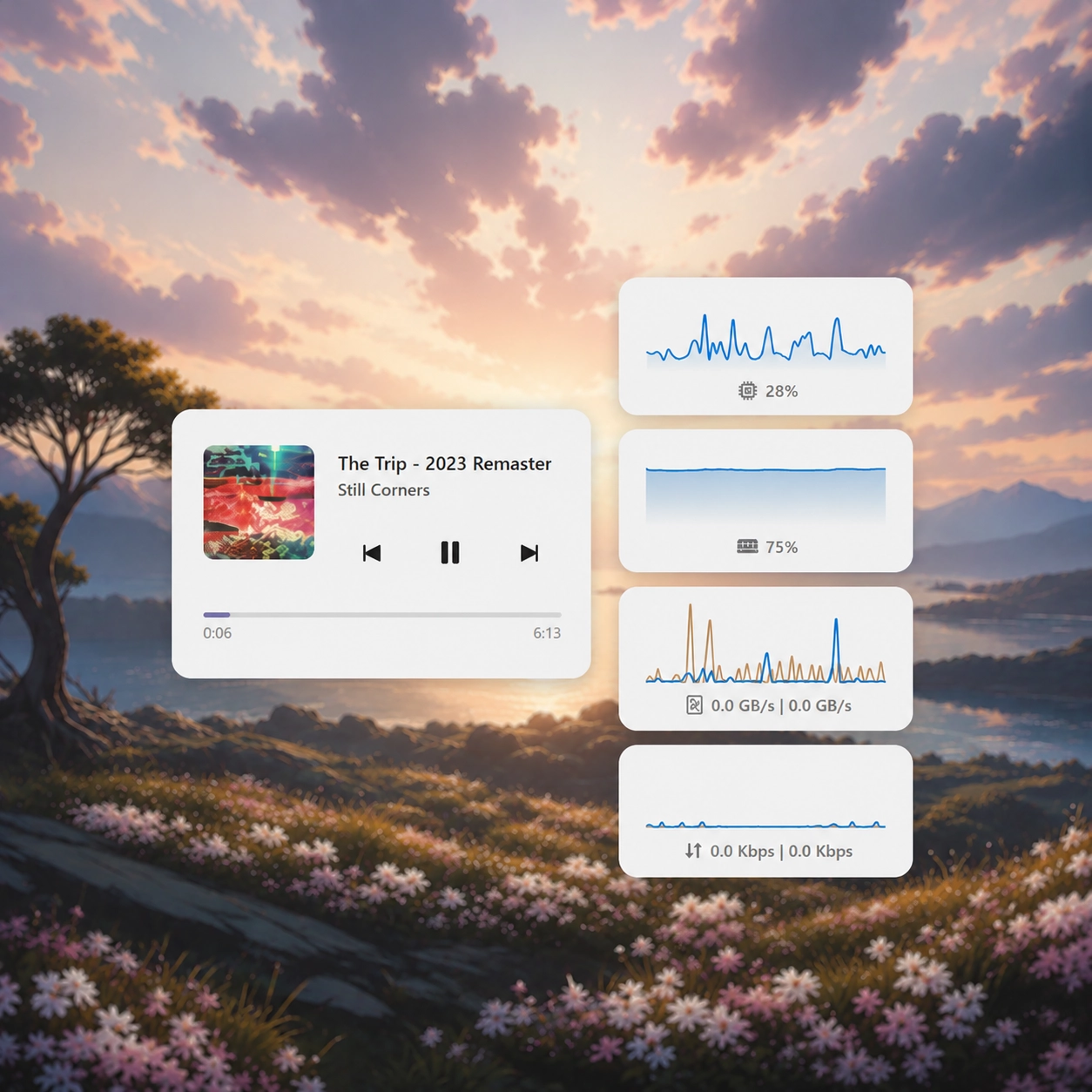
يقوم بتكييف لون شريط الأدوات ديناميكيًا ليتوافق مع اللون المميز للنافذة المكبرة، مما يؤدي إلى إنشاء تجربة سطح مكتب متماسكة وغامرة.
كيفية الاستخدام؟
- التنزيل والتثبيت Seelen UI
- تأكد من تشغيل التطبيق
- انقر على زر التنزيل أعلاه
- قبول مطالبة المتصفح بفتح واجهة مستخدم سيلين
- سيتعامل التطبيق مع التثبيت
- وهذا كل شيء!
التوافق
- Seelen UI: 2.8.4+
- المنصة: Windows
المزيد بواسطة seelen





الموارد ذات الصلة









معلومات عن الموارد
- ID: 04777d41-f968-42bc-8531-c1a3c15a6656
- النوع: الموضوع
- الحالة: منشورة
- تم إنشاؤها في: الاثنين، 25 مايو 2026 في 5:41:21 م UTC
- آخر تحديث في: الاثنين، 7 سبتمبر 2026 في 11:30:44 ص UTC
- تمت المراجعة في: الاثنين، 7 سبتمبر 2026 في 11:30:44 ص UTC
- تمت المراجعة من قبل:@eythaann