
屏幕截图
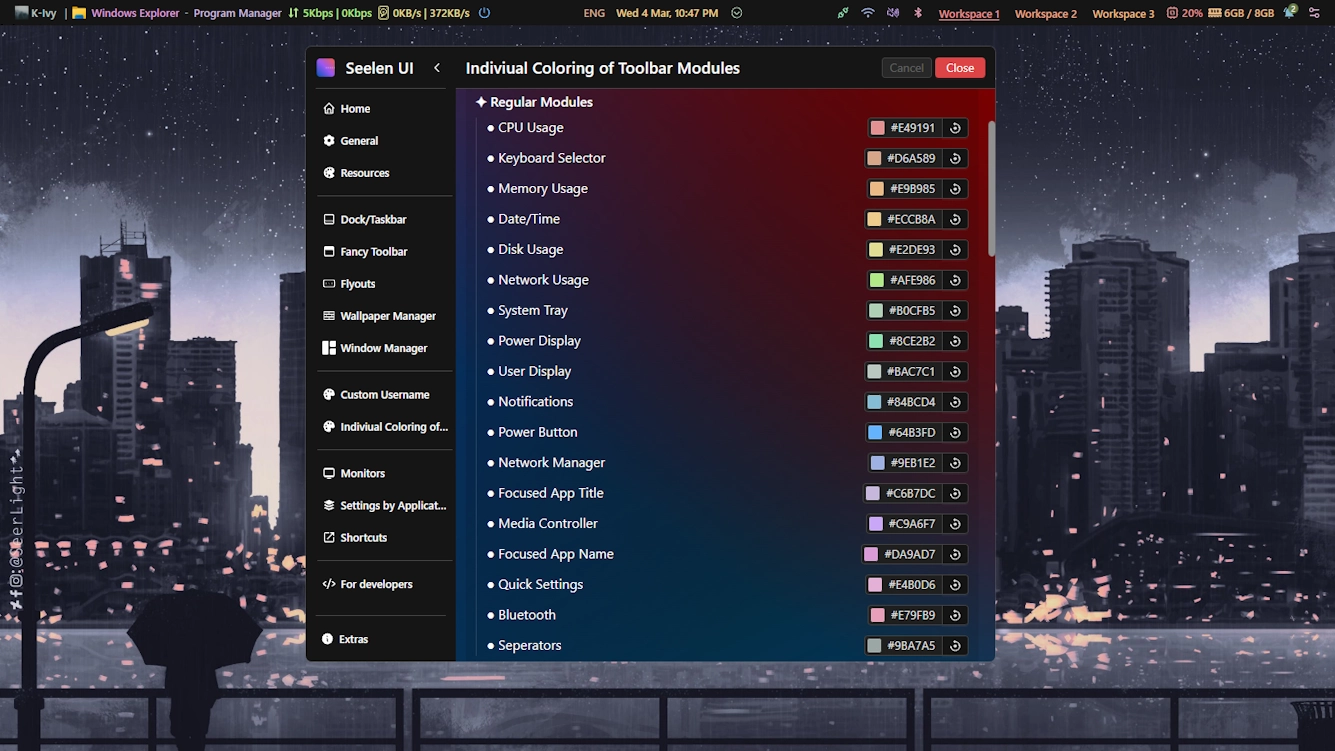

说明
This theme allows you to individually color each module of the toolbar.
In addition, this has a placeholder system in place to allow you to color any custom module (from plugins) directly from within this theme's settings.
UPDATES: (3/4/26) >
- Updated for 2.5.X+ and added the new modules.
- Made final adjustments to the default palette.
- Removed colorful border around active workspace (numbered & named) due to it going beyond the theme's purpose and interfering with other resources. Instead to make the active workspace clear, text decoration is used, the default an underline - shown in the first screenshot.
- Placeholder slots increased to 25.
如何使用?
- 下载并安装 Seelen UI
- 确保应用程序正在运行
- 点击上面的下载按钮
- 接受浏览器提示打开 Seelen UI
- 该应用程序将处理安装
- 仅此而已!
兼容性
- Seelen UI: 2.5.3+
- 平台: Windows
k-ivy的更多作品
 Dock Player Customizer
 Grid Style Tray - Hover for Label
 Grid Style Tray - Always Show Label
 Hide Media Source Icons
 Filled Window Previews
 Fully Customizable Dock
 Windows 11 Start Icon
 Windows Concept Start Icon
 Warp Start Icon
 Apple Start Icon
 NixOS Start Icon
 Dots Start Icon
 Animated Windows XP Start Icon
 Animated Vista Start Icon
 Animated Windows 10 Start Icon
 Animated Whiteout Win 7 Start Icon
 Fully Customizable Toolbar
 Filled Media Thumbnails
 Custom User
 Media Module Player Customizer
 Slide - Wallpaper Switch Animation
 Zoom Fade - Wallpaper Switch Animation
 Blur - Wallpaper Switch Animation
 Fade - Wallpaper Switch Animation
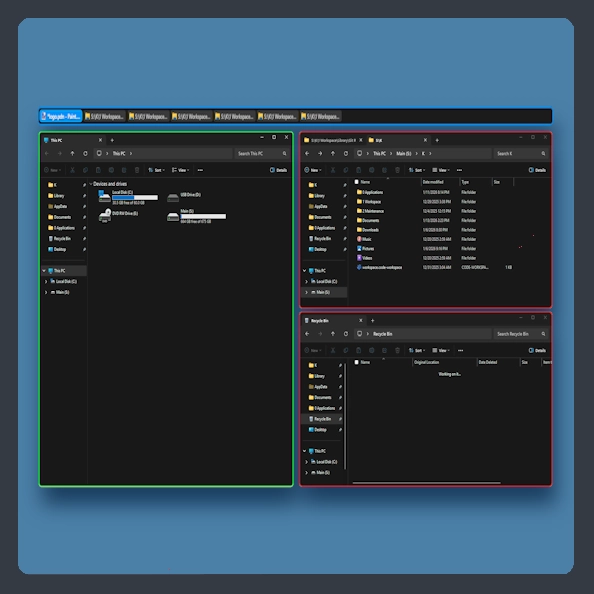 Fully Customizable Window Manager
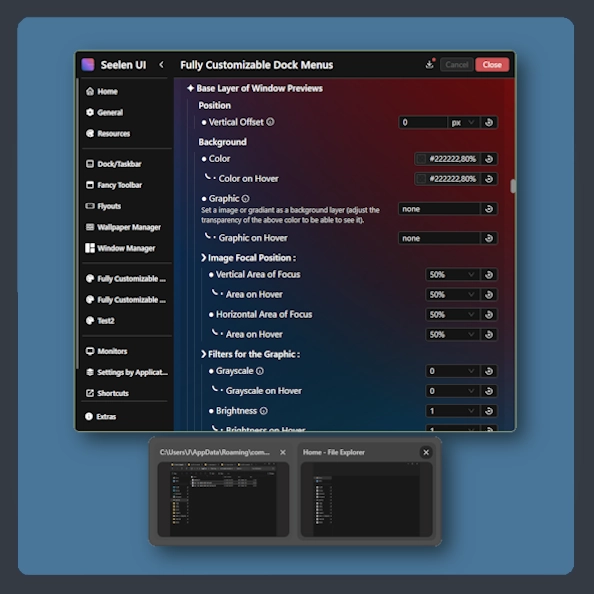 Fully Customizable Dock Menus
相关资源








资源信息
- ID: 918ba595-e529-4f0c-8227-e72826d54ddc
- 友好标识符: @k-ivy/ftbr-mod-color
- 类型: 主题
- 现状: 已出版
- 创建于: 2025年5月24日星期六 UTC 00:36:26
- 最后更新时间: 2026年3月5日星期四 UTC 08:58:15
- 在: 2026年3月5日星期四 UTC 08:58:26
- 评论者:@k-ivy