
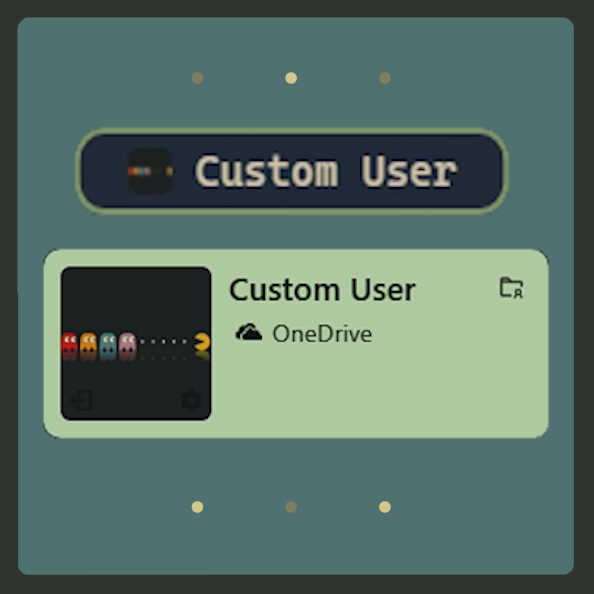
Screenshots
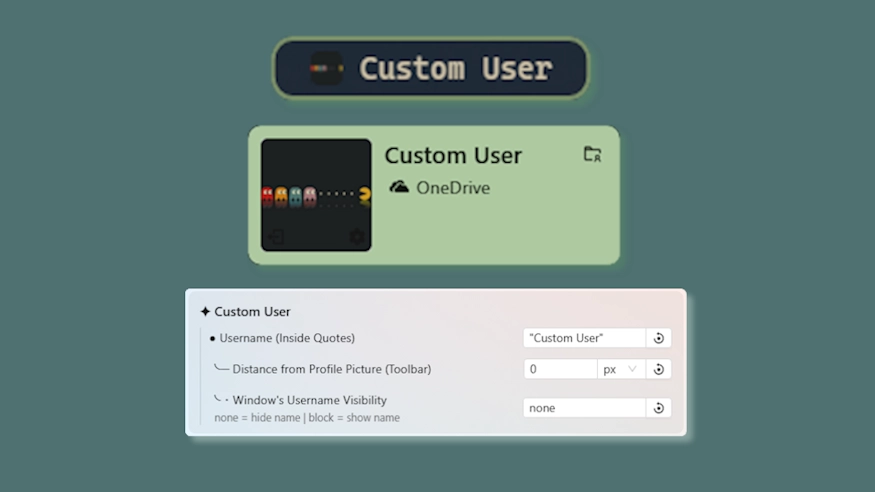
Description
This theme allows you to change the username shown on the toolbar, userhome, and powermenu without having to change your windows name with some other related options.
Updates:
(8/5/26)
- Tooltip adjustment.
- Link add.
(7/16/26)
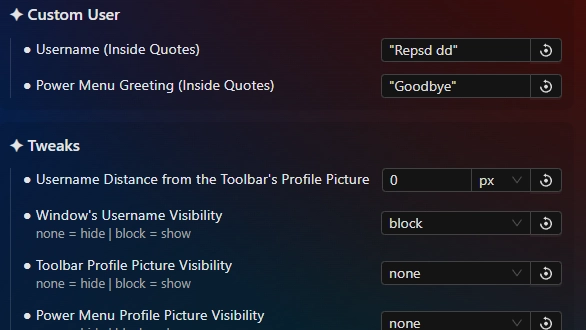
- Username in powermenu is now also changed. In addition, you can change the power menu greet "Goodbye" with anything you want.
- Indiviual profile picture hider for the toolbar and power menu, userhome excluded since it's more special and would require unrelated changes.
- Settings restructure.
(3/6/26)
- Added an option to hide the profile picture & ensured long names on toolbar do not wrap.
How to use?
- Download and install Seelen UI
- Make sure the app is running
- Click the download button above
- Accept the browser prompt to open Seelen UI
- The app will handle the installation
- And that's all!
Compatibility
- Seelen UI: 2.8.2+
- Platform: Windows
More by k-ivy


Related Resources







Resource Information
- ID: b2eebdc4-2091-4b1e-9a70-a1fa70e0ebb2
- Type: Theme
- Status: Published
- Created At: Saturday, November 22, 2025 at 6:15:05 PM UTC
- Last Updated At: Sunday, August 16, 2026 at 5:53:51 PM UTC
- Reviewed At: Sunday, August 16, 2026 at 5:53:51 PM UTC
- Reviewed By:@eythaann