Mga screenshot
Paglalarawan
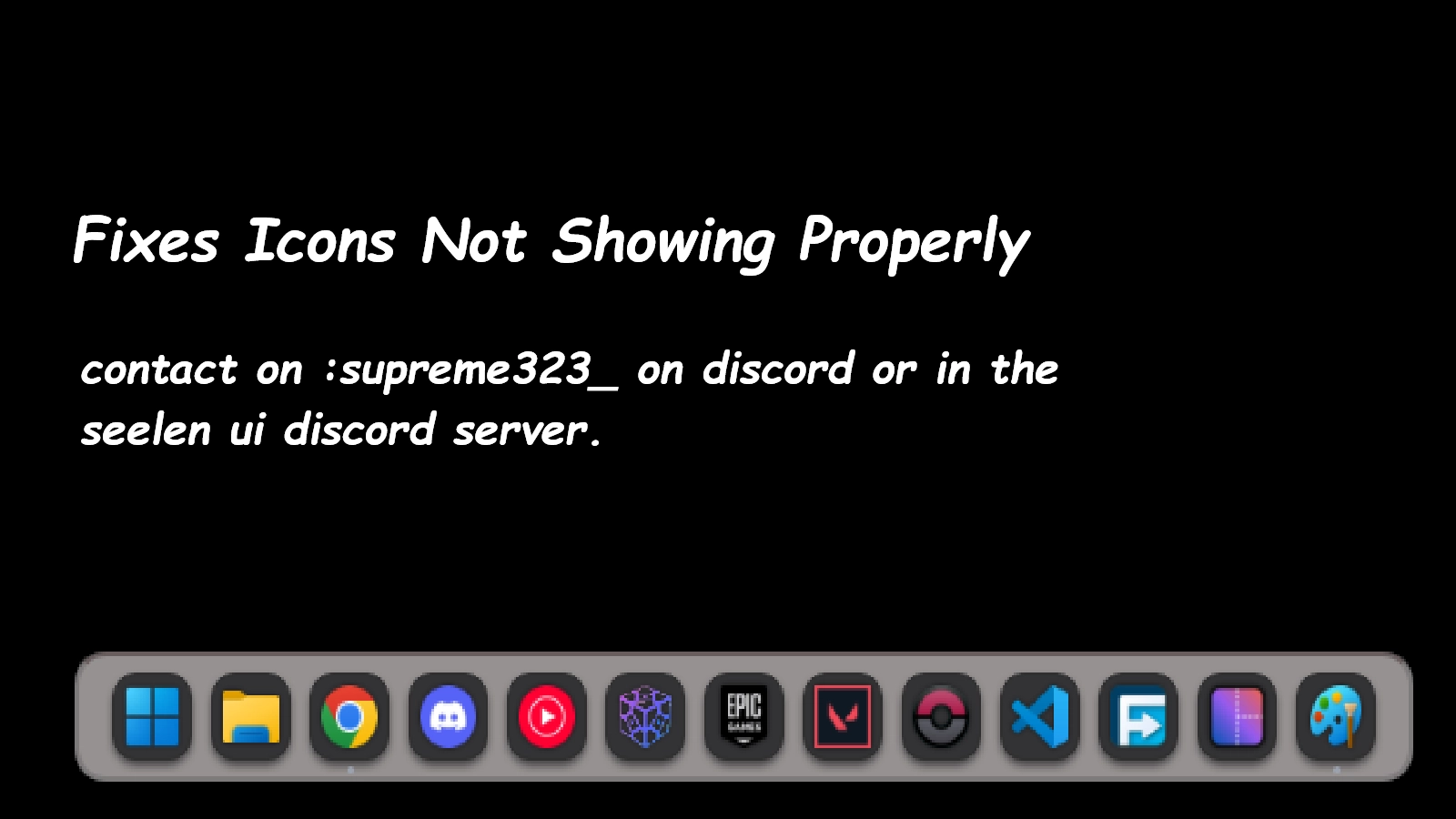
This icon pack fixes all the icons not showing properly in seelen ui feel free to reach me at the seelen ui discord named Supreme323_ if you find any weird icons while using a program (Icon fixed : Minecraft ,The control panel ) There can be situations where the control panel shows up in the file explorer icon , this is expected and this icon pack doesnt ensour it
Paano gamitin?
- I -download at i -install Seelen UI
- Tiyaking tumatakbo ang app
- I -click ang pindutan ng pag -download sa itaas
- Tanggapin ang browser prompt upang buksan ang Seelen UI
- Hahawakan ng app ang pag -install
- At iyon lang!
Pagiging tugma
- Seelen UI: 2.4.11+
- Platform: Windows
Higit pa sa pamamagitan ng supreme323thelabgoosehonk

Mga kaugnay na mapagkukunan







Impormasyon ng mapagkukunan
- ID: e85d823a-8509-4c56-9467-9919f2b1ec95
- I -type: Icon Pack
- Katayuan: Nai -publish
- Nilikha sa: Martes, Enero 6, 2026 nang 4:09:20 PM UTC
- Huling na -update sa: Linggo, Marso 29, 2026 nang 11:10:32 PM UTC
- Sinuri sa: Linggo, Marso 29, 2026 nang 11:10:32 PM UTC
- Sinuri ng:@k-ivy