
Mga screenshot
Paglalarawan
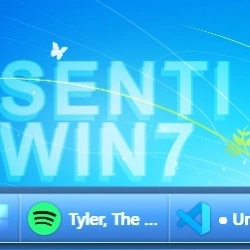
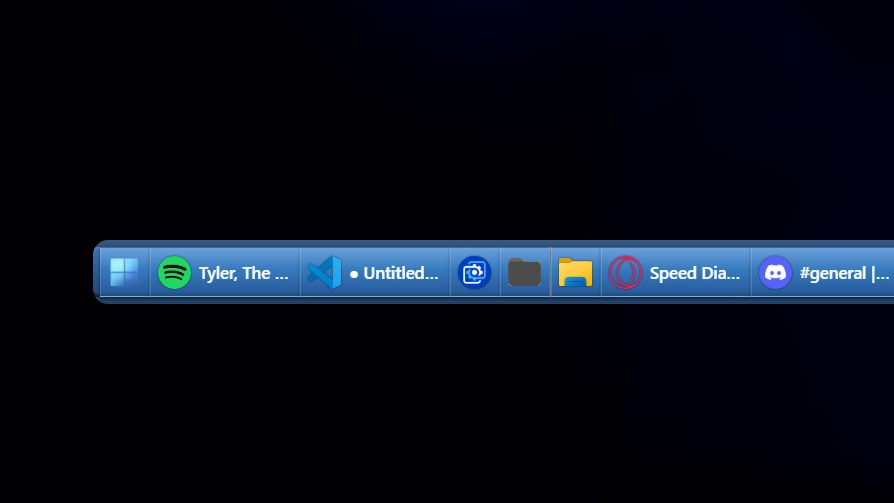
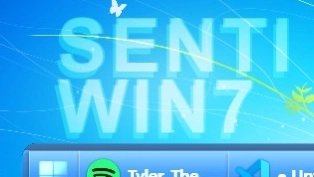
This theme recreates the classic Windows 7-era taskbar with smooth blue gradients and subtle glass effects. It captures the familiar look and feel of that time while offering a clean, minimal design. The style focuses on usability and nostalgia with modern touches.
Paano gamitin?
- I -download at i -install Seelen UI
- Tiyaking tumatakbo ang app
- I -click ang pindutan ng pag -download sa itaas
- Tanggapin ang browser prompt upang buksan ang Seelen UI
- Hahawakan ng app ang pag -install
- At iyon lang!
Pagiging tugma
- Seelen UI: 2.3.12+
- Platform: Windows
Higit pa sa pamamagitan ng senti




Mga kaugnay na mapagkukunan









Impormasyon ng mapagkukunan
- ID: 0d94c57c-14b6-469f-9181-53b9de5f3880
- I -type: Tema
- Katayuan: Nai -publish
- Nilikha sa: Miyerkules, Hulyo 23, 2025 nang 11:03:57 AM UTC
- Huling na -update sa: Miyerkules, Hulyo 23, 2025 nang 11:03:57 AM UTC
- Sinuri sa: Huwebes, Hulyo 24, 2025 nang 6:37:20 PM UTC
- Sinuri ng:@eythaann