

Mga screenshot

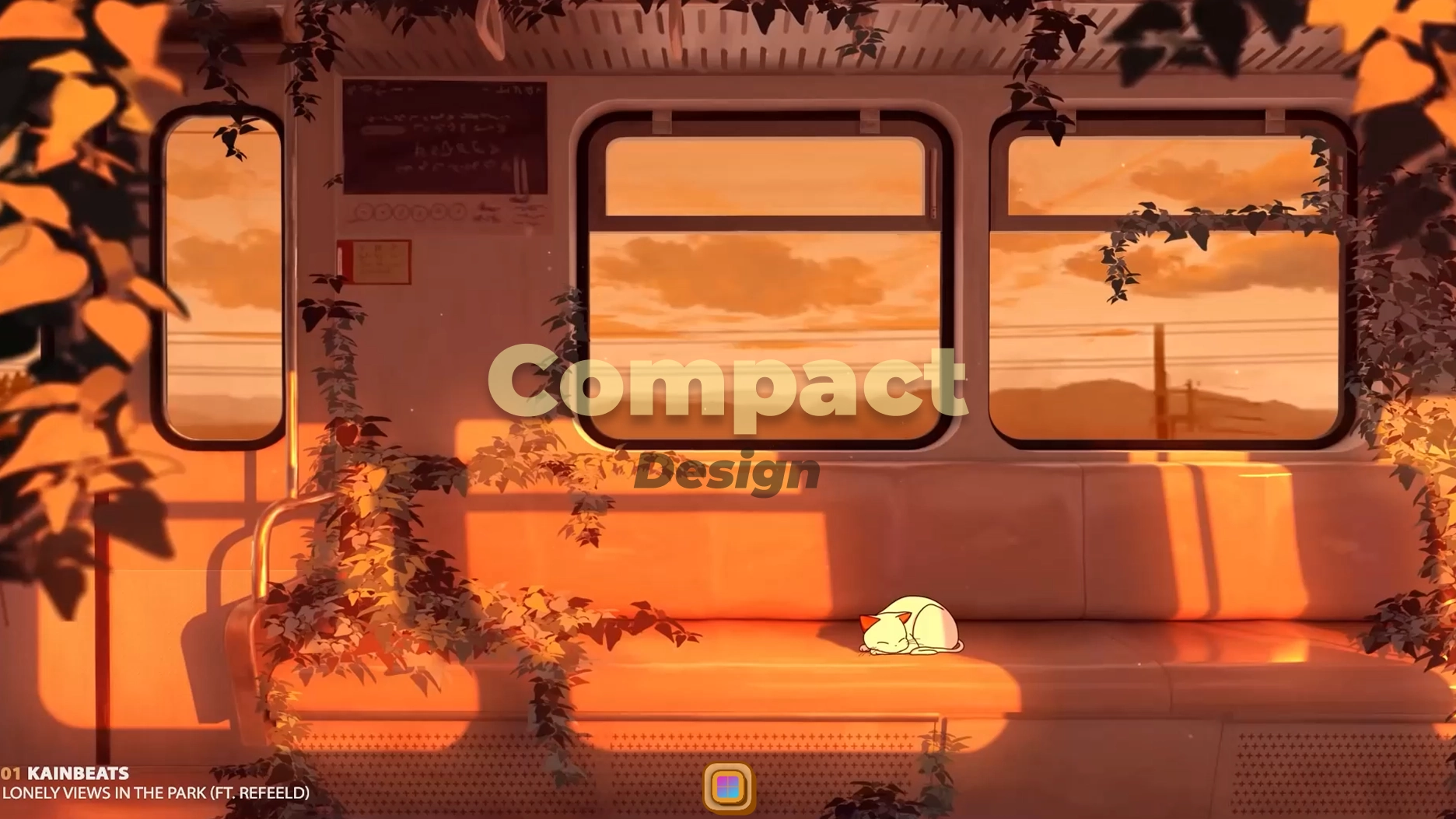
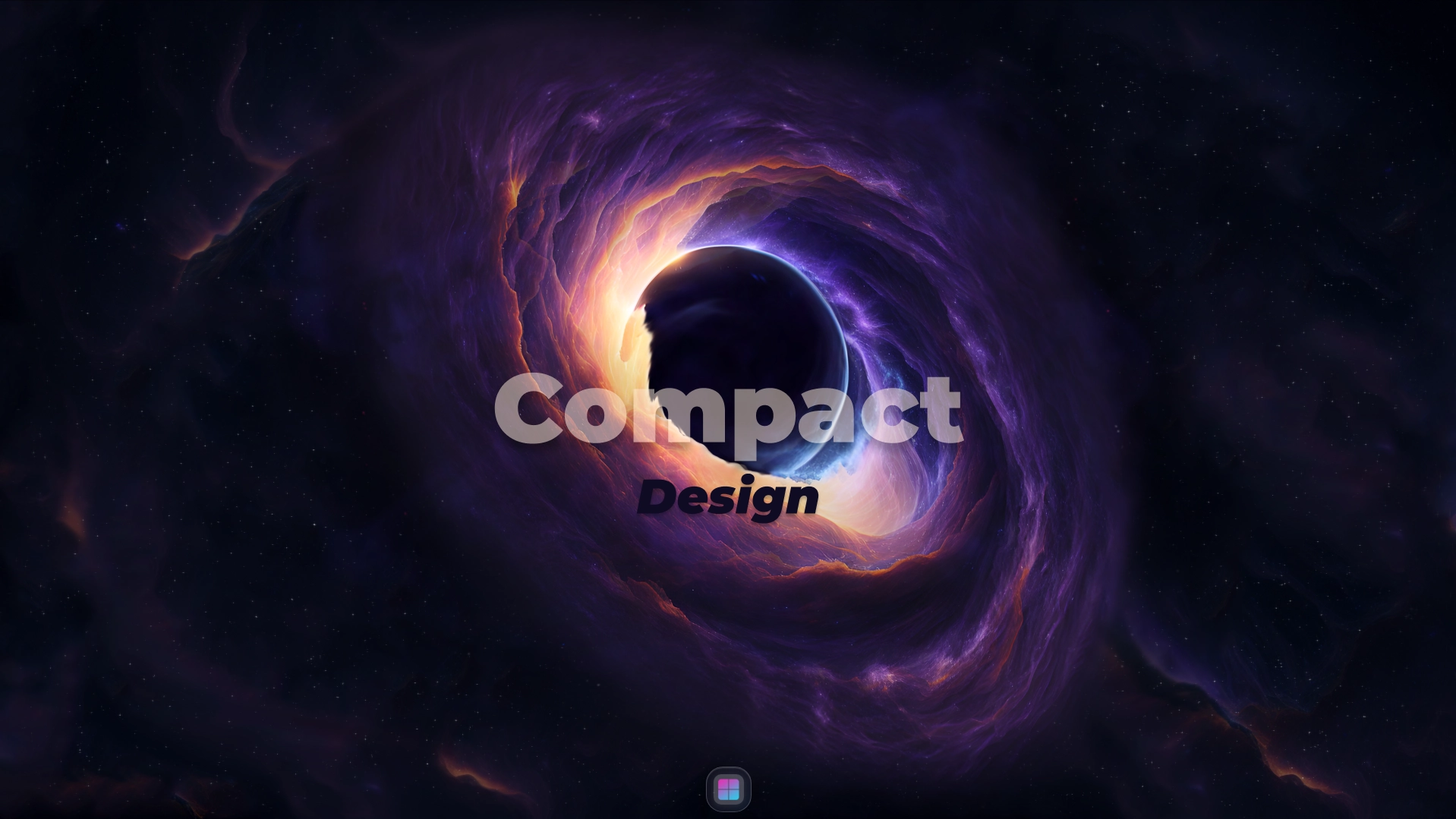
Paglalarawan
A theme that makes your desktop even more minimalist by reducing the size of the dock with beautiful animations.
⚠️ Important :
- This theme requires the startup module to be enabled.
latest fix:
- Shadow during the animation appear
Paano gamitin?
- I -download at i -install Seelen UI
- Tiyaking tumatakbo ang app
- I -click ang pindutan ng pag -download sa itaas
- Tanggapin ang browser prompt upang buksan ang Seelen UI
- Hahawakan ng app ang pag -install
- At iyon lang!
Pagiging tugma
- Seelen UI: 2.4.2+
- Platform: Windows
Higit pa sa pamamagitan ng tanours


Mga kaugnay na mapagkukunan








Impormasyon ng mapagkukunan
- ID: 5f401f51-c73c-4eac-91bf-c3d9aefa6057
- I -type: Tema
- Katayuan: Nai -publish
- Nilikha sa: Sabado, Setyembre 6, 2025 nang 6:20:09 PM UTC
- Huling na -update sa: Linggo, Setyembre 21, 2025 nang 11:27:48 AM UTC
- Sinuri sa: Martes, Setyembre 23, 2025 nang 6:55:28 AM UTC
- Sinuri ng:@eythaann