Mga screenshot
Paglalarawan
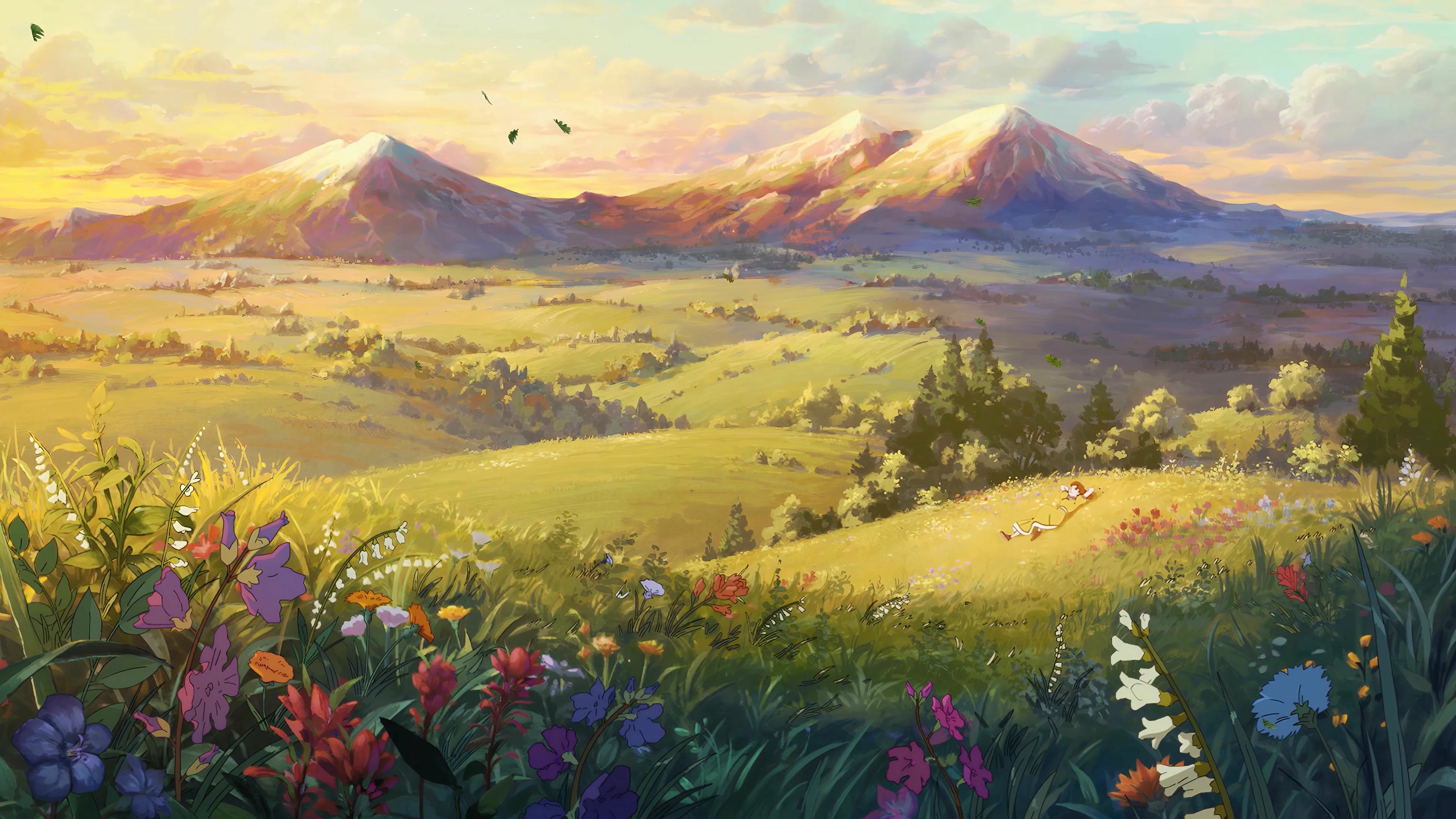
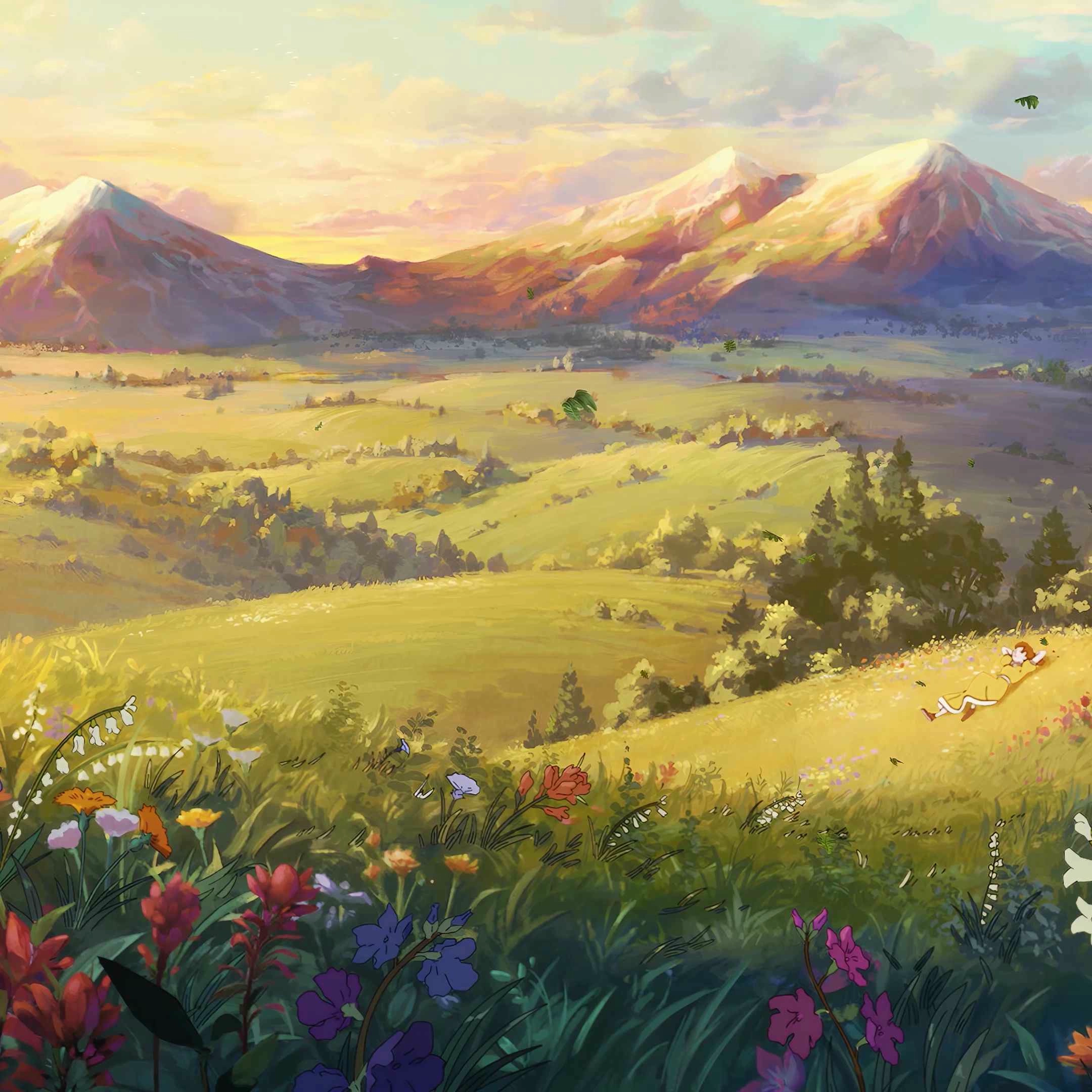
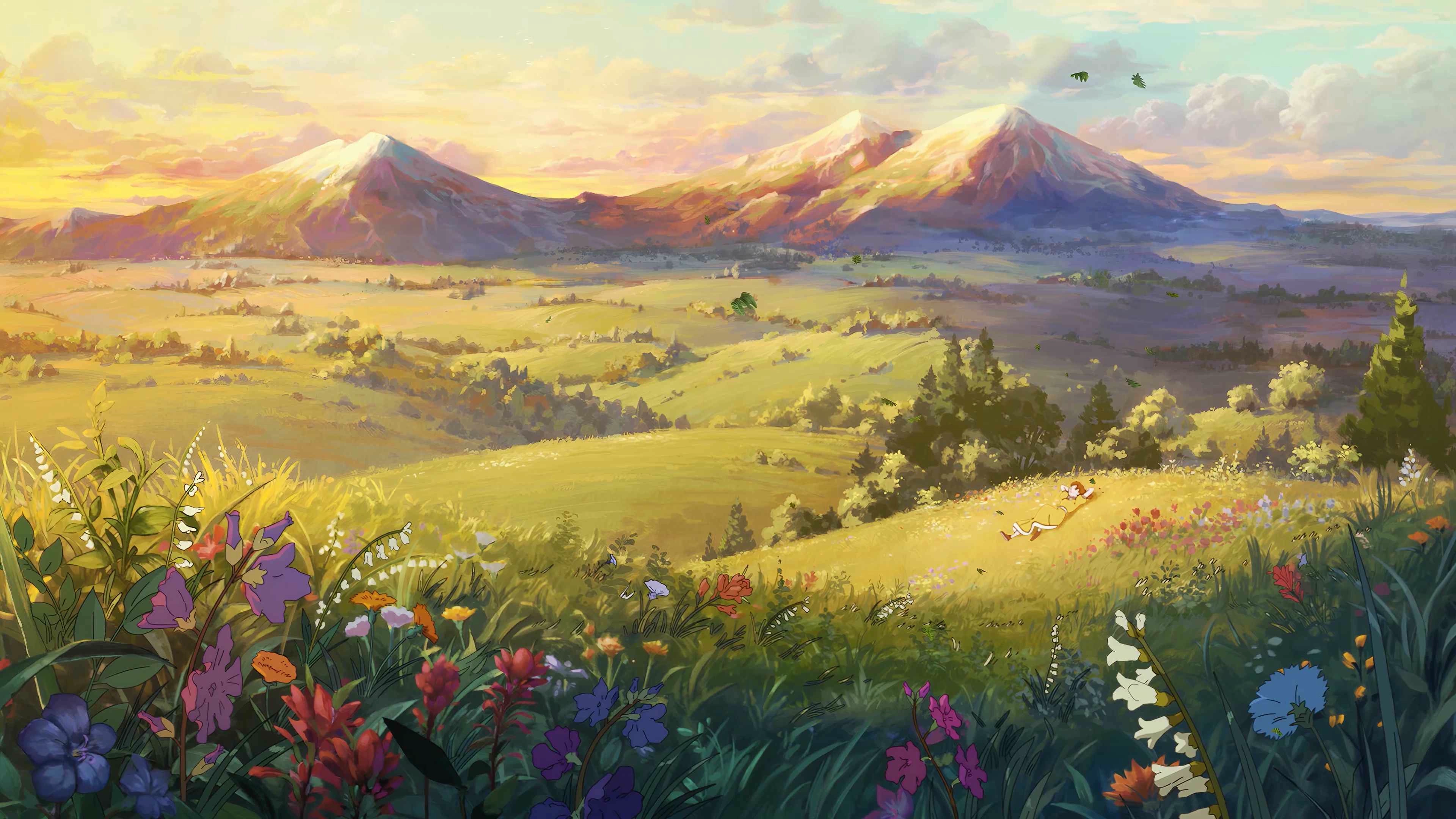
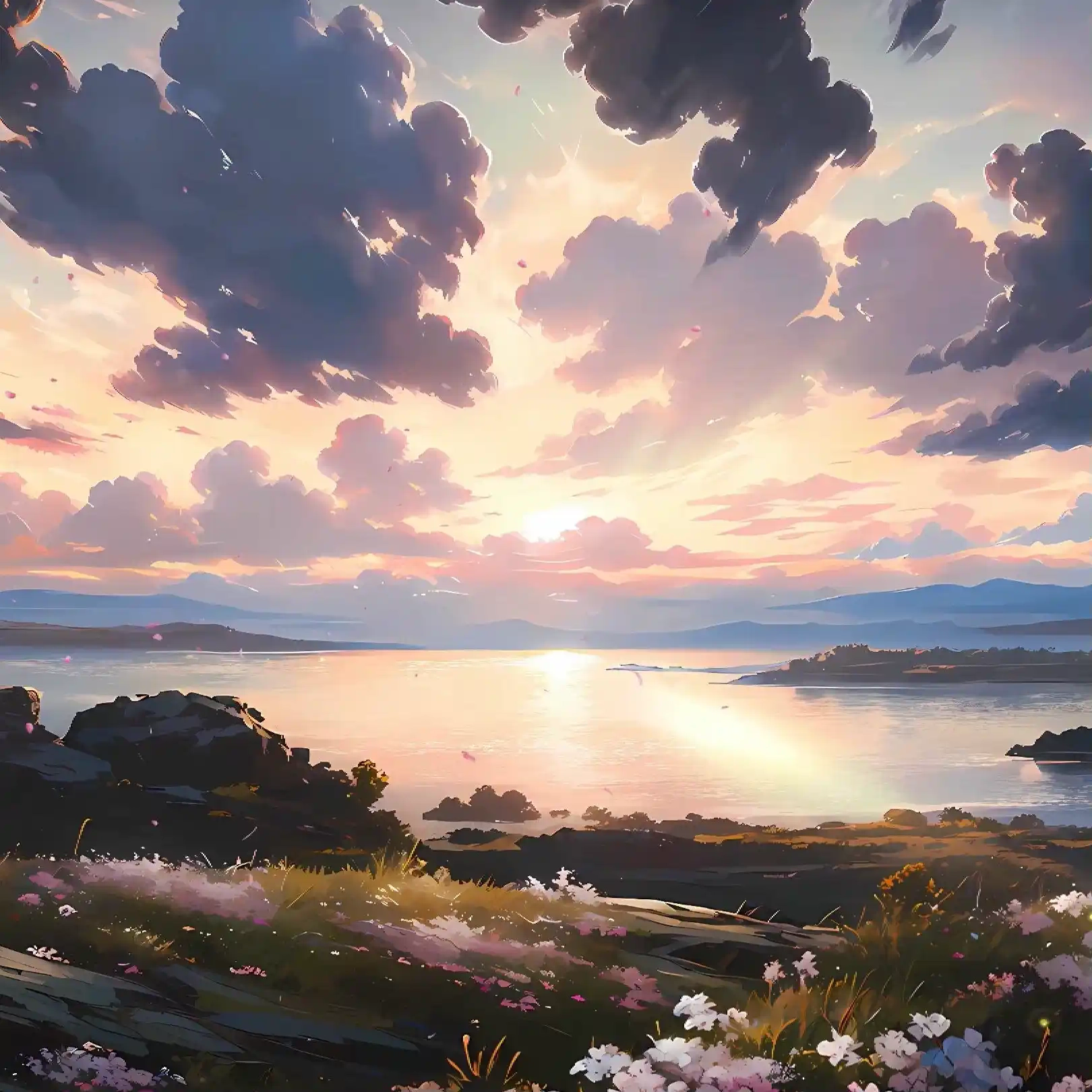
There is something timeless about wide open landscapes where the horizon stretches endlessly beneath towering mountains. This live wallpaper captures that feeling with remarkable warmth, blending rolling green hills, colorful wildflowers, and snow-capped peaks beneath a soft golden sky. A gentle breeze carries petals across the meadow while butterflies drift lazily through the air, creating a peaceful atmosphere that feels untouched by time. The tiny figure resting on the hillside quietly reminds you to slow down, breathe, and simply enjoy the view.
The animation focuses on subtle natural movement rather than overwhelming visual effects. Wildflowers sway with the wind, butterflies glide across the valley, and distant clouds slowly reshape as sunlight washes over the landscape. Soft environmental animations give the entire scene a living quality without becoming distracting, making it an excellent animated desktop background for work, gaming, or moments when you simply want a calmer desktop experience. Rendered in crisp 4K quality, the wallpaper looks stunning on standard displays, ultrawide monitors, and dual monitor setups while maintaining smooth performance throughout the loop.
Inspired by classic hand-painted fantasy landscapes, the composition combines vibrant colors with peaceful scenery to create a desktop that never feels repetitive. Every section of the environment offers small visual details to discover, from the blooming flowers in the foreground to the layered mountain ranges fading into the distance. The warm lighting changes the mood of the valley, while the gentle motion keeps the world feeling alive without demanding attention.
Dagdag na impormasyon
- Uri: Video
- Laki: 19.96MB
- Paglutas: 3840x2160
Paano gamitin?
- I -download at i -install Seelen UI
- Tiyaking tumatakbo ang app
- I -click ang pindutan ng pag -download sa itaas
- Tanggapin ang browser prompt upang buksan ang Seelen UI
- Hahawakan ng app ang pag -install
- At iyon lang!
Pagiging tugma
- Seelen UI: 2.8.3+
- Platform: Windows
Higit pa sa pamamagitan ng agp_studios




Mga kaugnay na mapagkukunan







Impormasyon ng mapagkukunan
- ID: 67dfa5b2-ddc2-4e78-b081-538c7c684725
- I -type: Wallpaper
- Katayuan: Nai -publish
- Nilikha sa: Sabado, Setyembre 5, 2026 nang 7:29:28 PM UTC
- Huling na -update sa: Sabado, Setyembre 5, 2026 nang 7:29:28 PM UTC
- Sinuri sa: Linggo, Setyembre 6, 2026 nang 10:08:48 AM UTC
- Sinuri ng:@eythaann