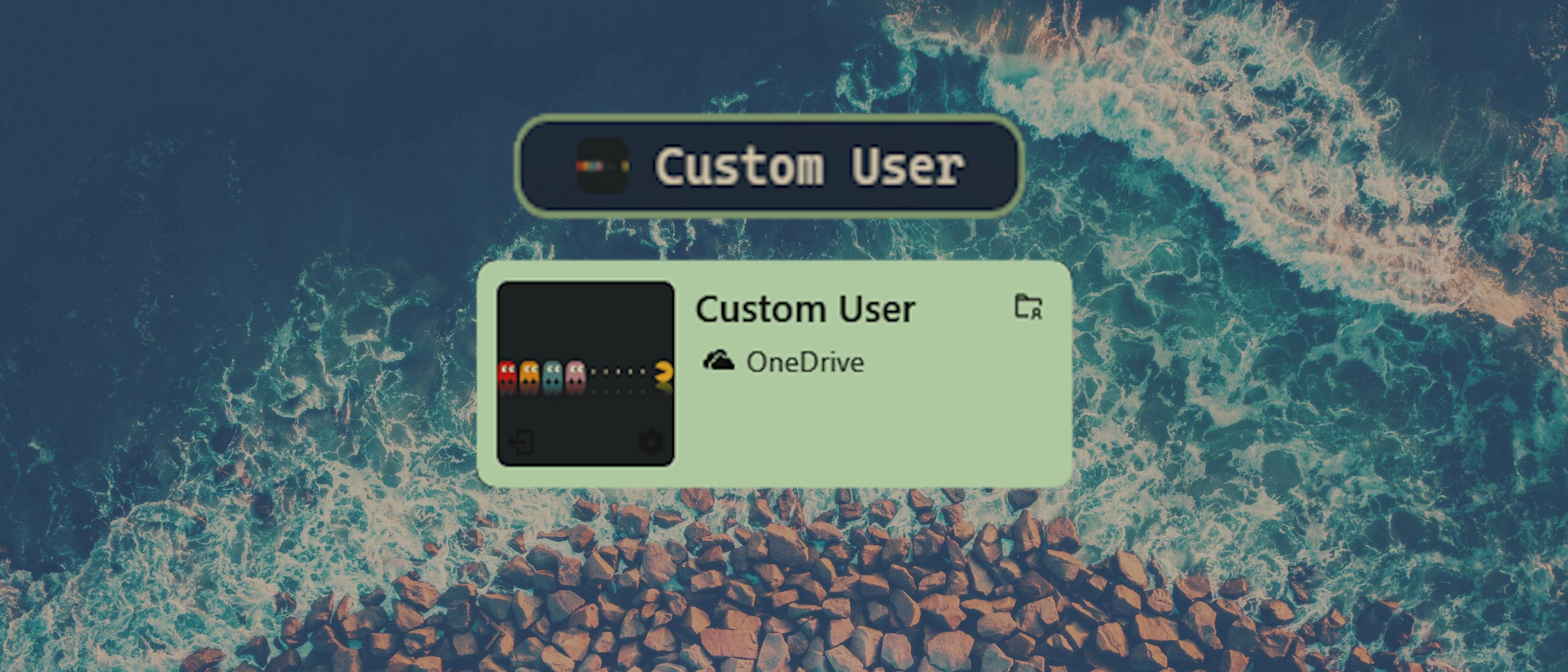
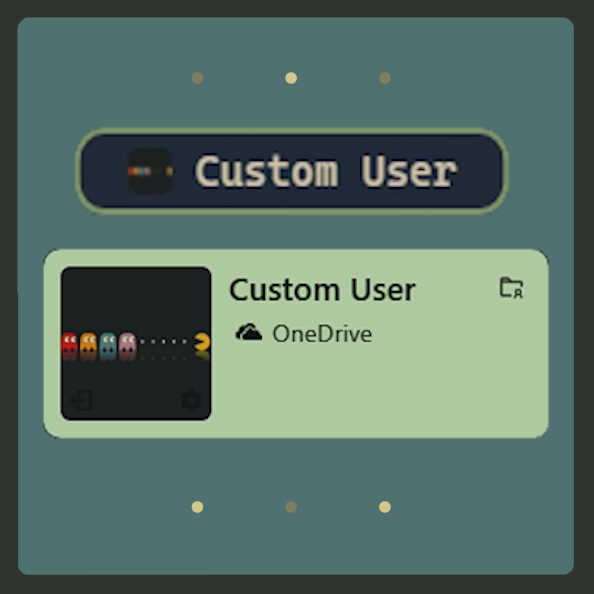
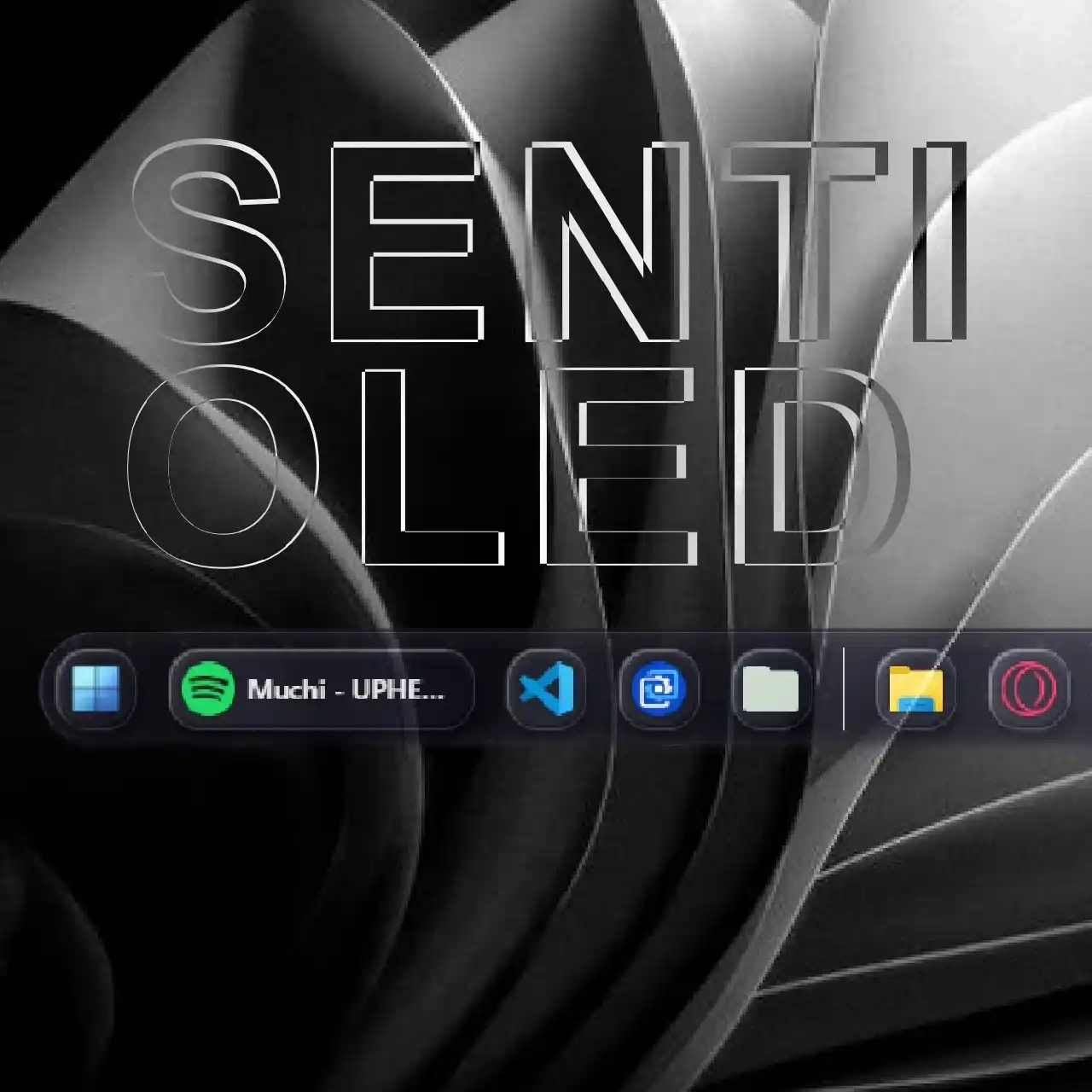
Mga screenshot
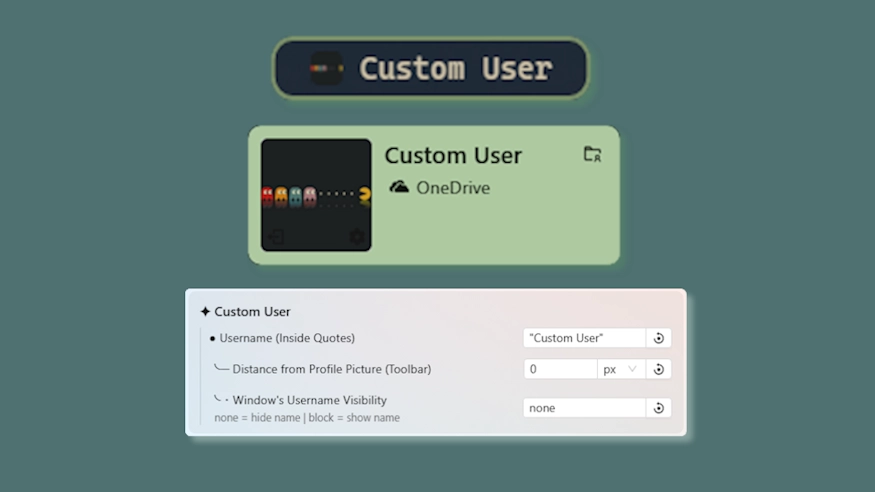
Paglalarawan
This theme allows you to change the username shown on the toolbar, userhome, and powermenu without having to change your windows name with some other related options.
Updates:
(8/5/26)
- Tooltip adjustment.
- Link add.
(7/16/26)
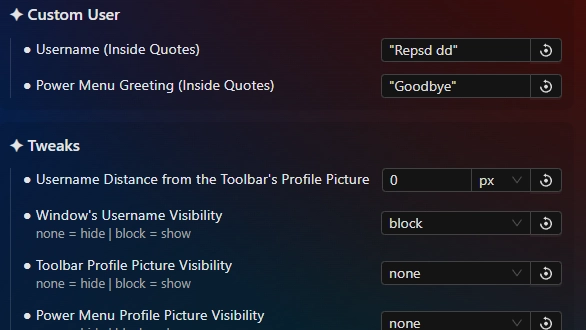
- Username in powermenu is now also changed. In addition, you can change the power menu greet "Goodbye" with anything you want.
- Indiviual profile picture hider for the toolbar and power menu, userhome excluded since it's more special and would require unrelated changes.
- Settings restructure.
(3/6/26)
- Added an option to hide the profile picture & ensured long names on toolbar do not wrap.
Paano gamitin?
- I -download at i -install Seelen UI
- Tiyaking tumatakbo ang app
- I -click ang pindutan ng pag -download sa itaas
- Tanggapin ang browser prompt upang buksan ang Seelen UI
- Hahawakan ng app ang pag -install
- At iyon lang!
Pagiging tugma
- Seelen UI: 2.8.2+
- Platform: Windows
Higit pa sa pamamagitan ng k-ivy


Mga kaugnay na mapagkukunan







Impormasyon ng mapagkukunan
- ID: b2eebdc4-2091-4b1e-9a70-a1fa70e0ebb2
- I -type: Tema
- Katayuan: Nai -publish
- Nilikha sa: Sabado, Nobyembre 22, 2025 nang 6:15:05 PM UTC
- Huling na -update sa: Linggo, Agosto 16, 2026 nang 5:53:51 PM UTC
- Sinuri sa: Linggo, Agosto 16, 2026 nang 5:53:51 PM UTC
- Sinuri ng:@eythaann