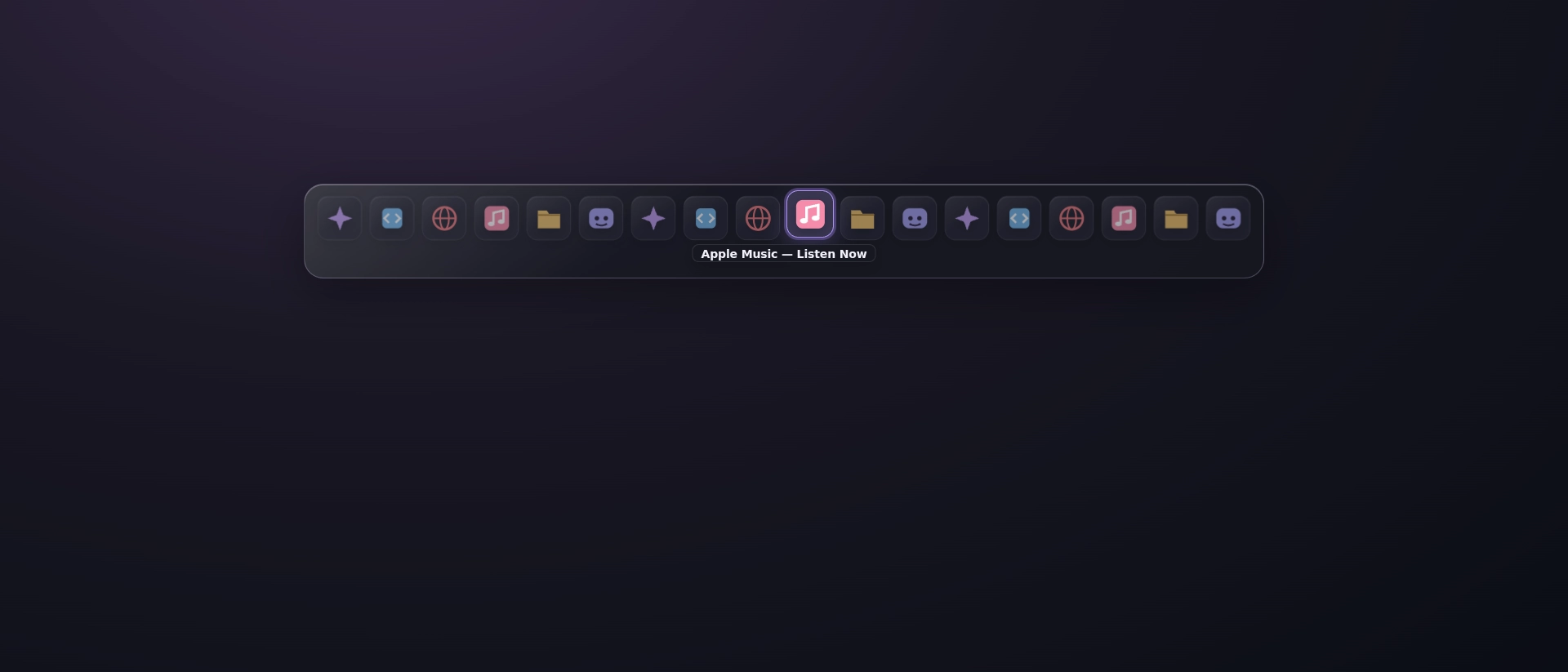
Snímky obrazovky
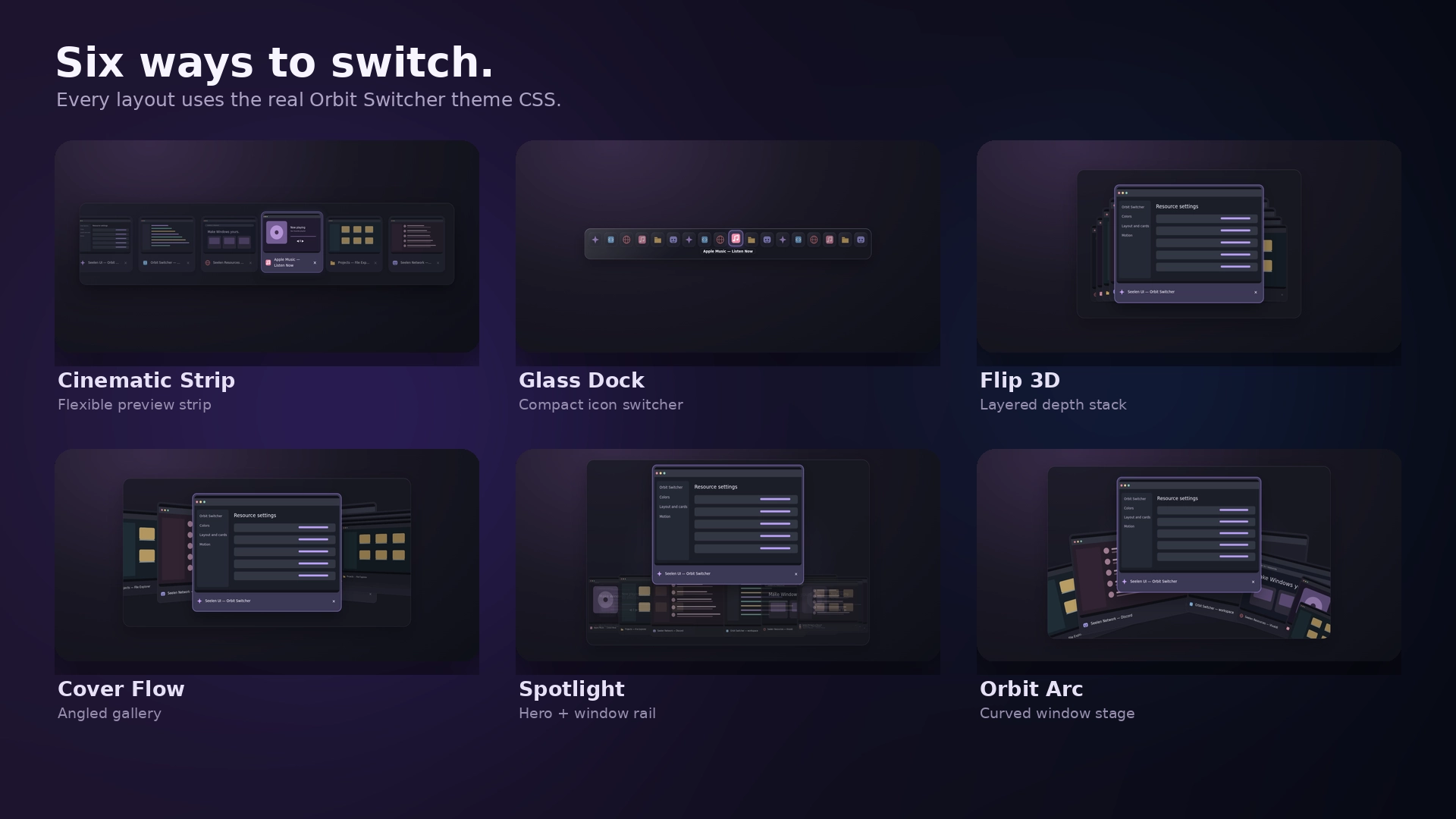
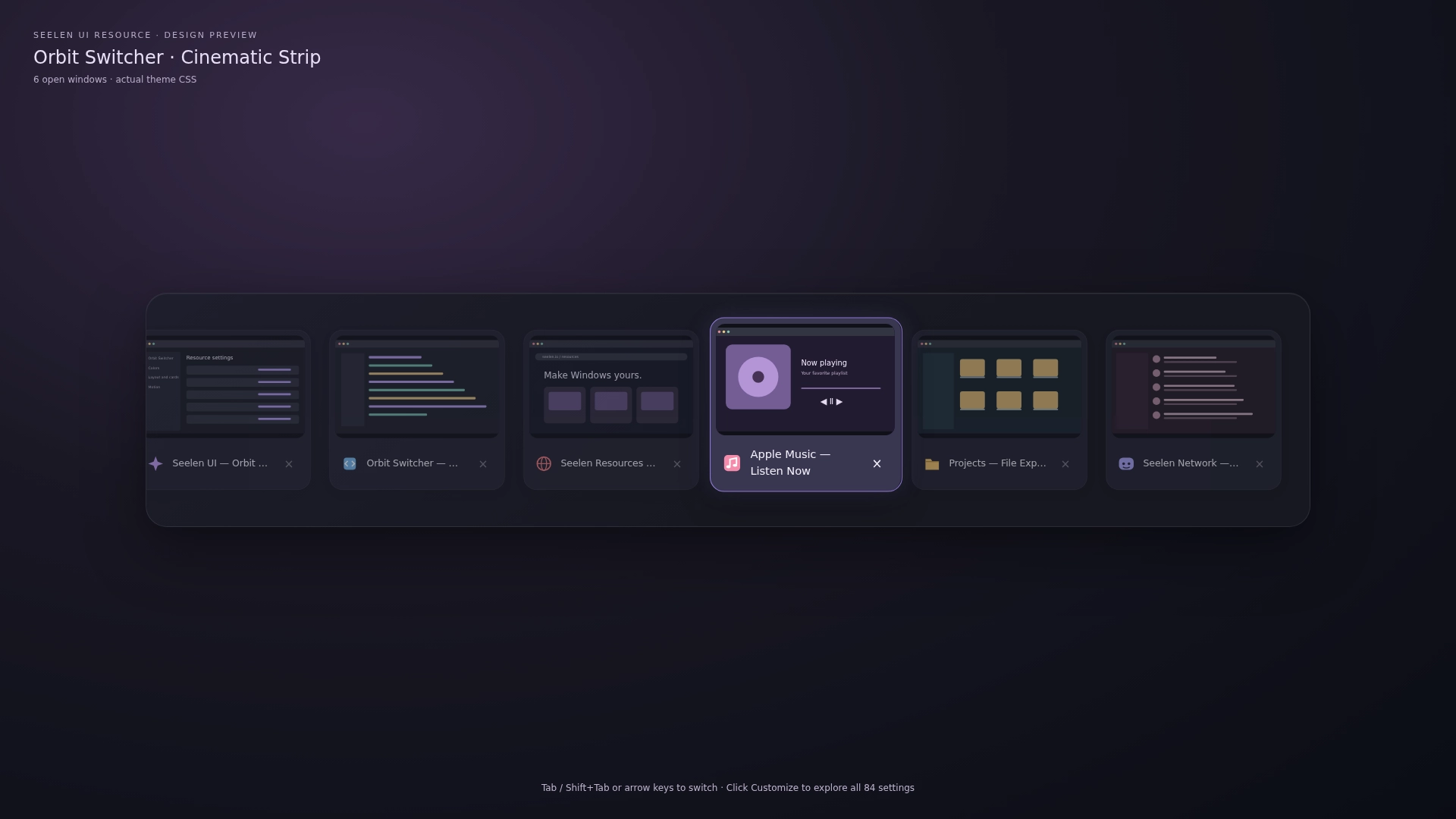
Popis
Orbit Switcher <3
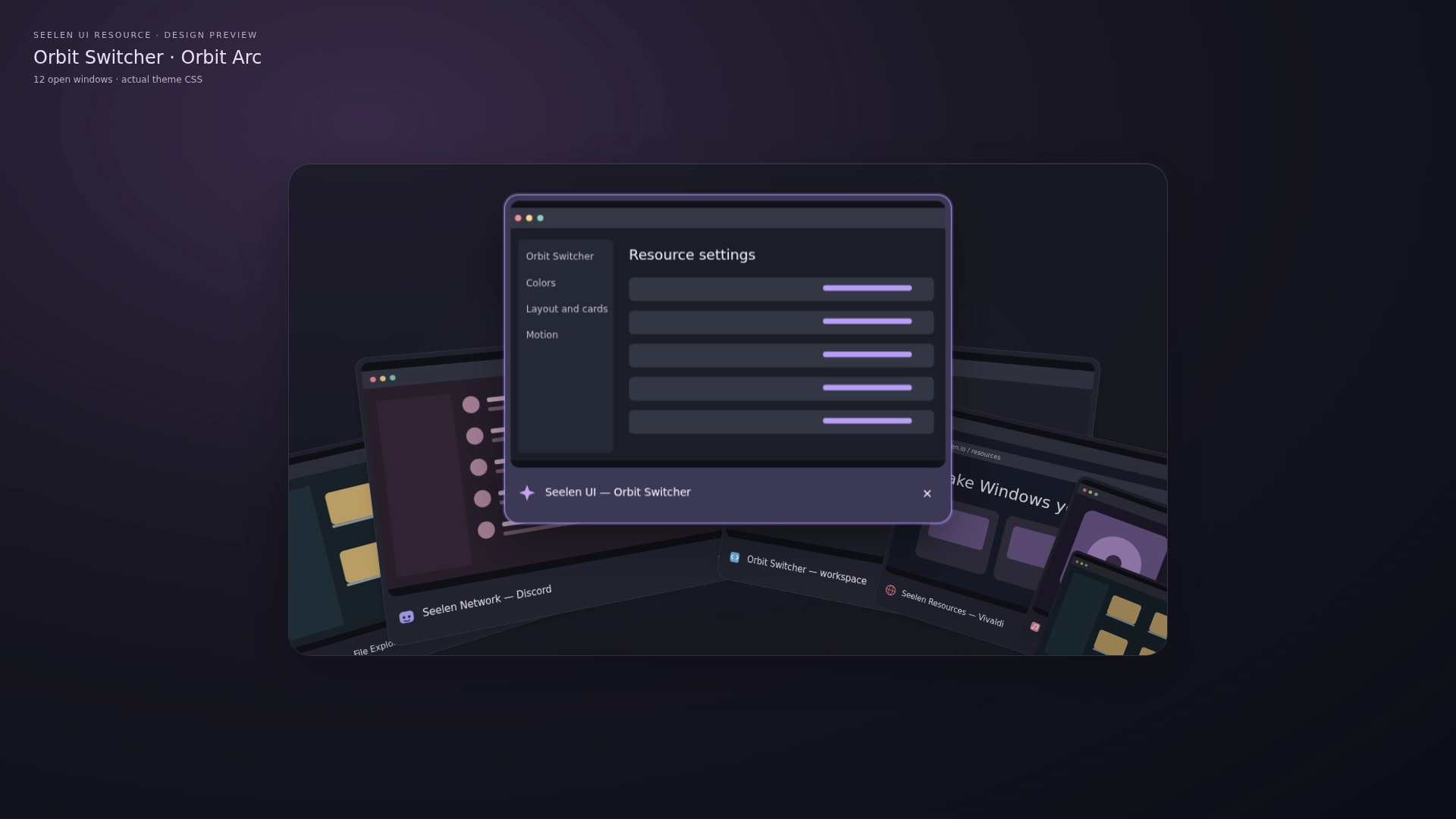
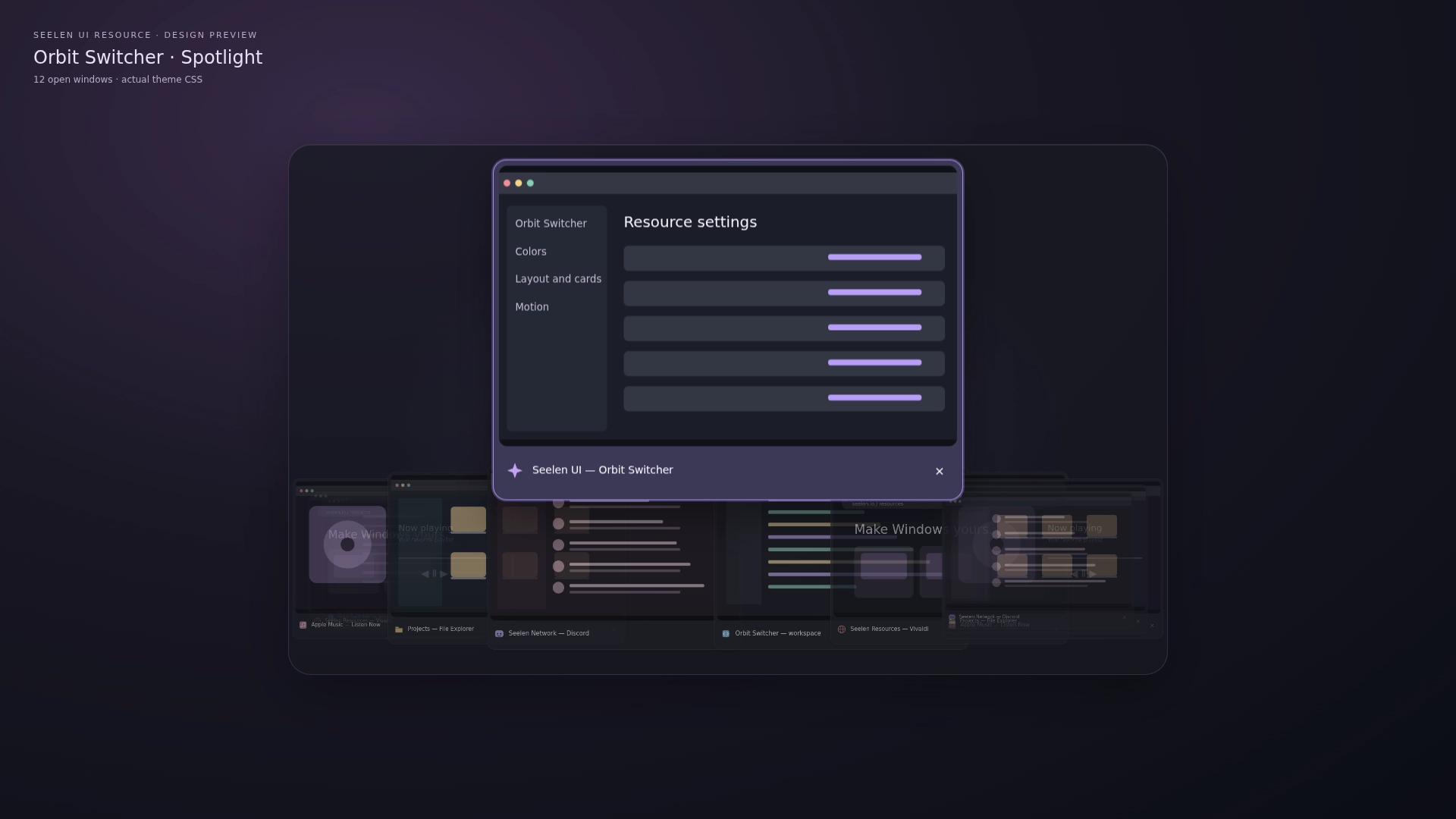
Orbit Switcher transforms SeelenUI's task switching interface into a customizable experience with cinematic window previews, smooth animations, unique layouts and beautiful appearance styles.
Choose from 18 different layouts, ranging from compact glass inspired switchers to immersive 3D presentations. Customize how windows are arranged, how transitions behave and how much of the switcher's background you want to see.
Features:
- 18 switching layouts: explore a variety of window arrangements, each offering a different presentation and interaction style.
- 33 appearance presets: choose between Orbit, Midnight, Frost, Graphite, Ocean, Rose, Liquid Glass, Catppuccin, Nord, Tokyo Night, Aurora, Ember, OLED, Ivory, Sakura, Cobalt, Terminal, Amethyst, Lavender, Forest, Sage, Matcha, Turquoise, Arctic, Indigo, Plum, Crimson, Copper, Sandstone, Mocha, Slate, Citrus and Cyber.
- Layout specific customization: adjust available spacing, positioning, scale and presentation settings to suit your selected layout.
- Window previews: recognize running applications using their available thumbnails.
- Application information: display supported application icons, window titles and selection details.
- Smooth transitions: animated movement between selected windows, with behavior tailored to each layout.
- Animation speed: customize how quickly supported switching transitions play.
- Continuous looping: cycle from the final window back to the first through supported looping transitions.
- Mouse navigation: hover over and select supported window previews using your mouse.
- Selected window highlights: clearly distinguish the currently focused selection from surrounding previews.
- Privacy mode: obscure sensitive window content using the available preview privacy options.
- Privacy blur: apply supported blur effects when you'd rather not display application contents normally.
- Switcher background: choose Auto, On or Off to control the outer switcher surface independently of the window previews.
- Background-free appearance: hide the surrounding panel, border and shadow for a cleaner presentation while keeping window cards and selection indicators visible.
- Matching Orbit Collection colors: use coordinated appearance palettes shared with other supported Orbit resources.
- Liquid Glass: translucent preview surfaces with adjustable opacity, subtle highlights, reflections and matching title panels.
- Light and dark appearances: choose your preferred color mode or automatically follow SeelenUI.
- Accent integration: follow SeelenUI, use your Windows accent or choose supported custom colors.
- Consistent styling: preview cards, application titles, selection indicators and surrounding surfaces adapt to the selected appearance.
- Responsive layouts: supported window arrangements adapt to different display sizes and numbers of open applications.
- Multiple window handling: navigate larger groups of applications through layouts designed to remain usable as the window count increases.
- Organized settings: appearance, layouts and motion controls are arranged into clearer sections, with additional options grouped separately.
Getting started :
Install Orbit Switcher from Seelen's resource website and enable its task-switching customization in SeelenUI.
Open the available Orbit Switcher settings to choose your preferred layout, appearance, window preview behavior and animation preferences.
Browse the 18 layouts and choose the presentation that best suits your desktop.
Cinematic Strip, Cover Flow and Panorama are great for a larger visual experience, while Glass Dock and other compact layouts are better suited to a simpler presentation.
Customize the animation speed, window spacing and available layout-specific options to adjust how switching feels.
Under Appearance, choose one of the 33 presets, follow SeelenUI's colors or select your own available accent settings.
Liquid Glass lets you customize transparency and highlights for a more translucent presentation.
If you'd prefer to remove the large outer background, set "Switcher background" to Off. The individual previews and selection details remain visible.
Once configured, use Alt+Tab as you normally would to move between open windows.
You can also use supported mouse and scroll wheel interactions depending on the selected layout.
For additional privacy, enable the available preview blur options.
A few things to know:
Orbit Switcher customizes SeelenUI's existing task-switching interface and relies on the application windows and previews detected by SeelenUI.
Some protected applications, fullscreen games and unusual window types may not provide standard previews or may behave differently during switching.
The available layouts use different amounts of screen space. Larger previews and more complex animations may require additional graphics resources, especially with many open windows.
Other active themes that customize SeelenUI's task switcher can interfere with Orbit Switcher's appearance.
If you notice conflicting colors or layouts, check whether another theme is modifying the same interface.
Designed for SeelenUI 2.8.10 or later.
If you have a suggestion, found an issue or wanna request something for a future update, feel free to ask in the official SeelenUI Discord server: https://discord.com/invite/seelen-network-751144791596597561 Specifically in this channel : https://discord.com/channels/751144791596597561/1560624521176817664
Orbit collection :
https://seelen.io/resources/collection/5b86b663-aefd-4d5c-90ac-c6c80722080f
Jak používat?
- Stažení a instalace Seelen UI
- Ujistěte se, že je aplikace spuštěna
- Klikněte na tlačítko ke stažení výše
- Přijměte výzvu prohlížeče k otevření uživatelského rozhraní Seelen
- Aplikace se postará o instalaci
- A to je vše!
Kompatibilita
- Seelen UI: 2.8.11+
- Platforma: Windows
Více od ickyaidy


Související zdroje





Informace o zdrojích
- ID: 00ffe808-b43e-4dbc-8fba-281d436602ac
- Typ: Téma
- Stav: Zveřejněno na
- Vytvořeno v: pátek 9. října 2026 v 10:13:36 UTC
- Poslední aktualizace: čtvrtek 19. listopadu 2026 v 10:35:02 UTC
- Recenzováno na: čtvrtek 19. listopadu 2026 v 10:35:02 UTC
- Zhodnotil:@eythaann