
Snímky obrazovky
Popis
Orbit Menu <3
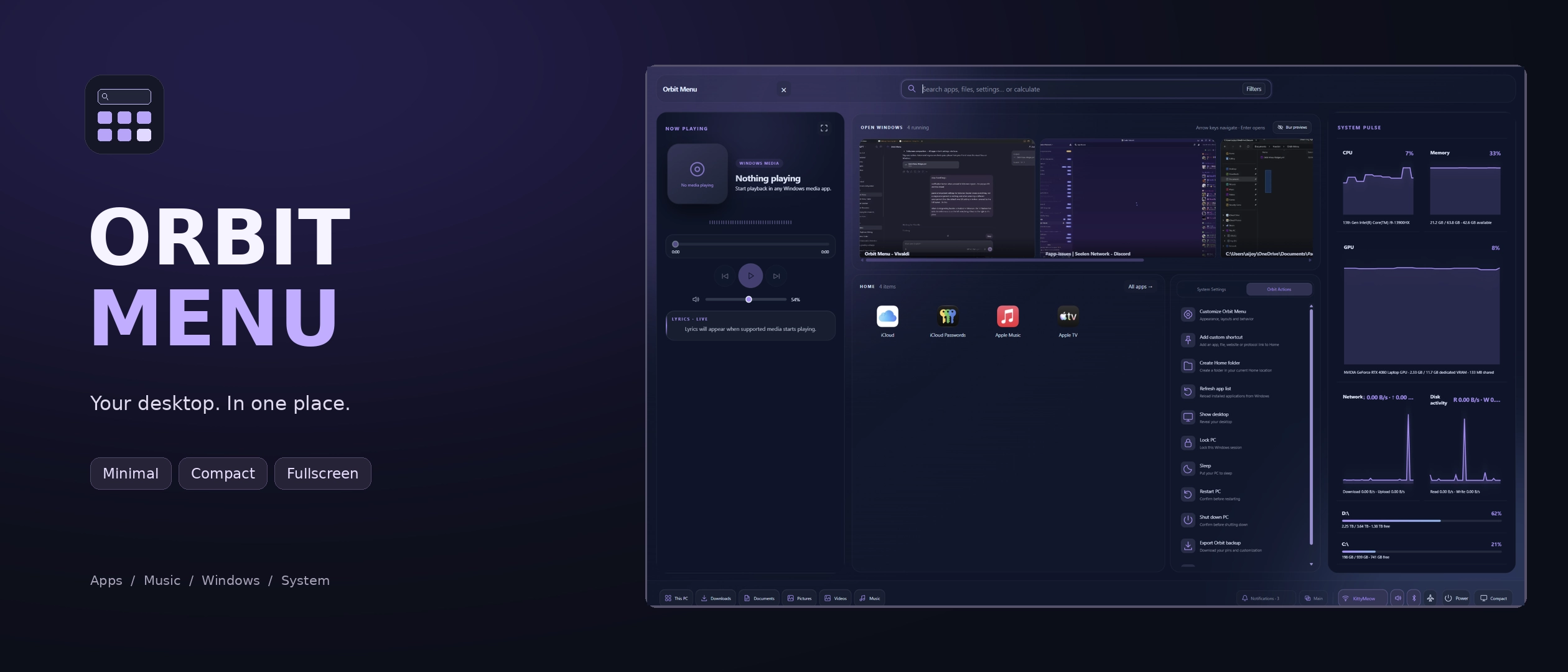
Orbit Menu is a modern, customizable alternative to SeelenUI's default application menu, bringing your applications, music, system controls and useful information together in one beautifully designed interface.
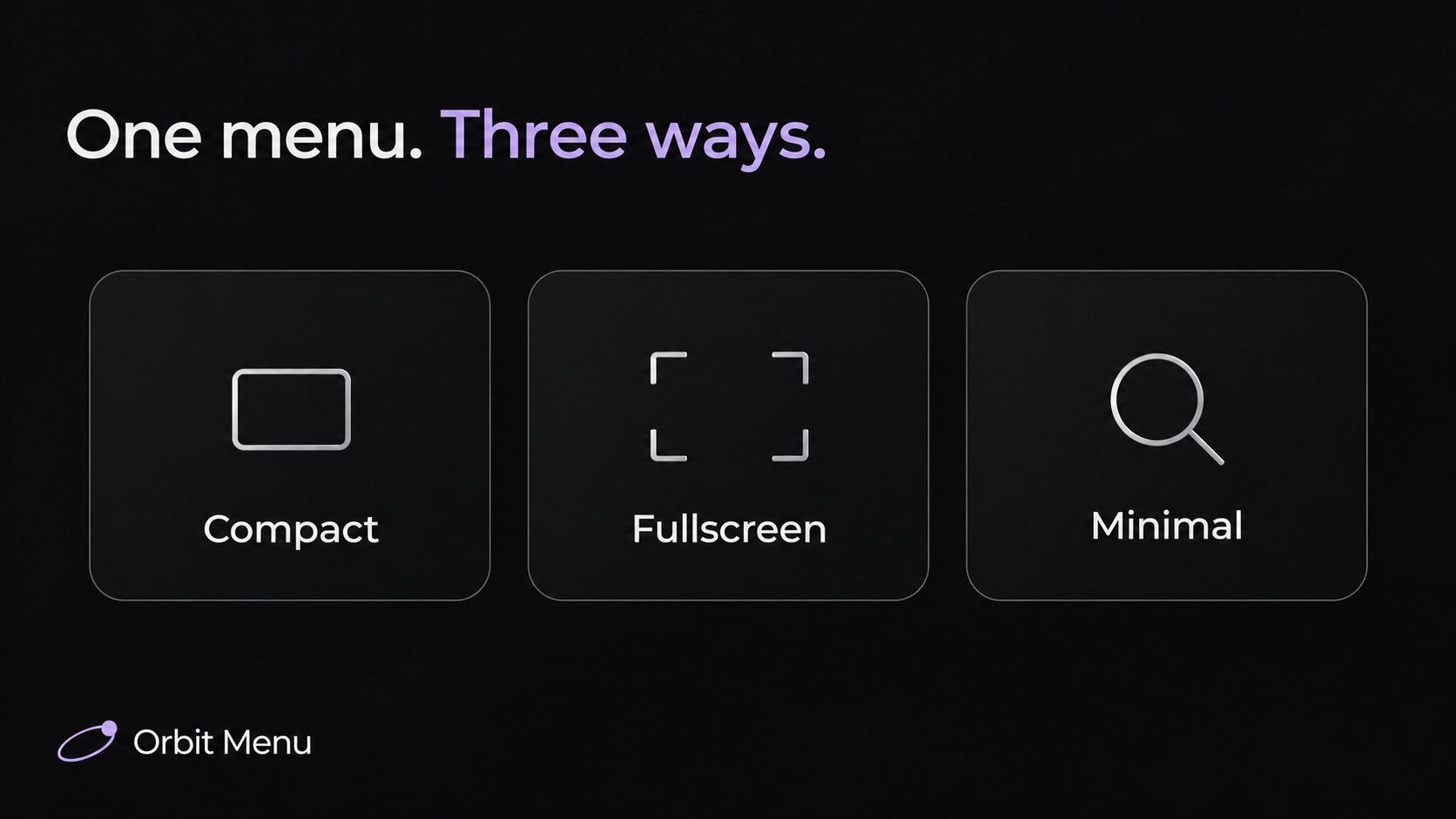
Choose between a feature rich Compact menu, an immersive Fullscreen experience or a clean, Spotlight inspired Minimal launcher. Each mode offers a different way to interact with your desktop, with flexible layouts, smooth animations and plenty of customization.
Search for apps, control your music, check your system resources or access common Windows settings .. all without having to jump between different interfaces.
Features:
- Three main modes: choose between Compact, Fullscreen and Minimal, each designed for a different way of interacting with your applications and system.
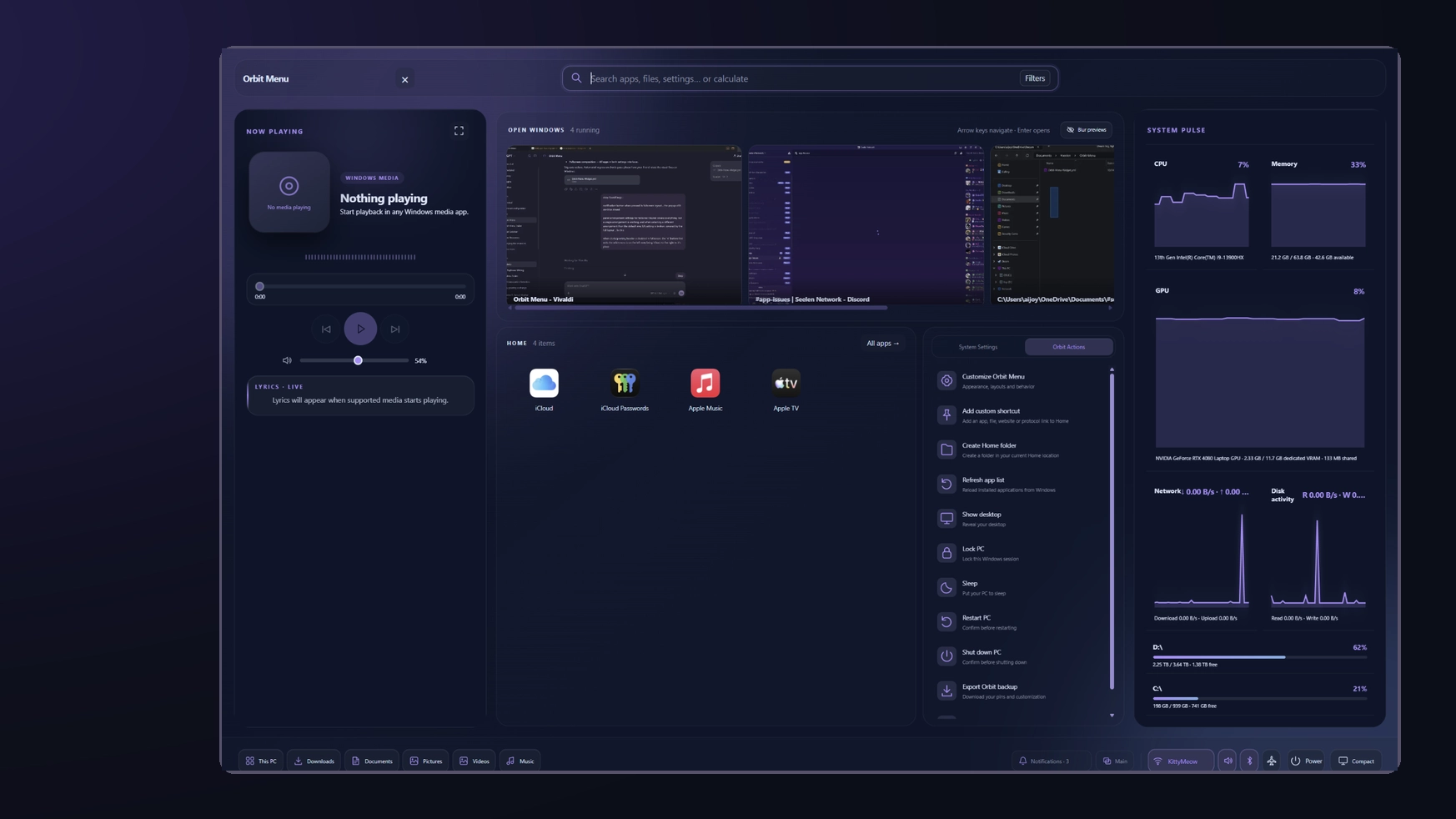
- Compact mode: a modern, space efficient Start menu with app search, customizable shortcuts, expandable utility panels and quick system controls.
- Fullscreen mode: an immersive application launcher with dedicated areas for browsing apps, searching, organizing shortcuts and accessing useful tools.
- Application search: quickly find installed programs without manually scrolling through your entire application library.
- Extended search: find supported applications, files, Windows settings and open windows directly from the menu.
- File search: take advantage of available Windows search indexing to locate files and folders.
- Search customization: configure supported search priorities and result behavior to suit your workflow.
- Pinned shortcuts: keep your most frequently used applications, folders and other supported items easily accessible.
- Custom app folders: group related shortcuts together for a cleaner, more organized Home area.
- Drag & drop organization: rearrange supported pinned shortcuts and folders directly inside the menu.
- Application management: browse installed applications, launch them and access available application specific actions.
- Context menus: right click supported applications and shortcuts to access additional options.
- Profile customization: personalize supported profile details, greetings and menu labels.
- Keyboard navigation: navigate search results, application lists and available controls using your keyboard.
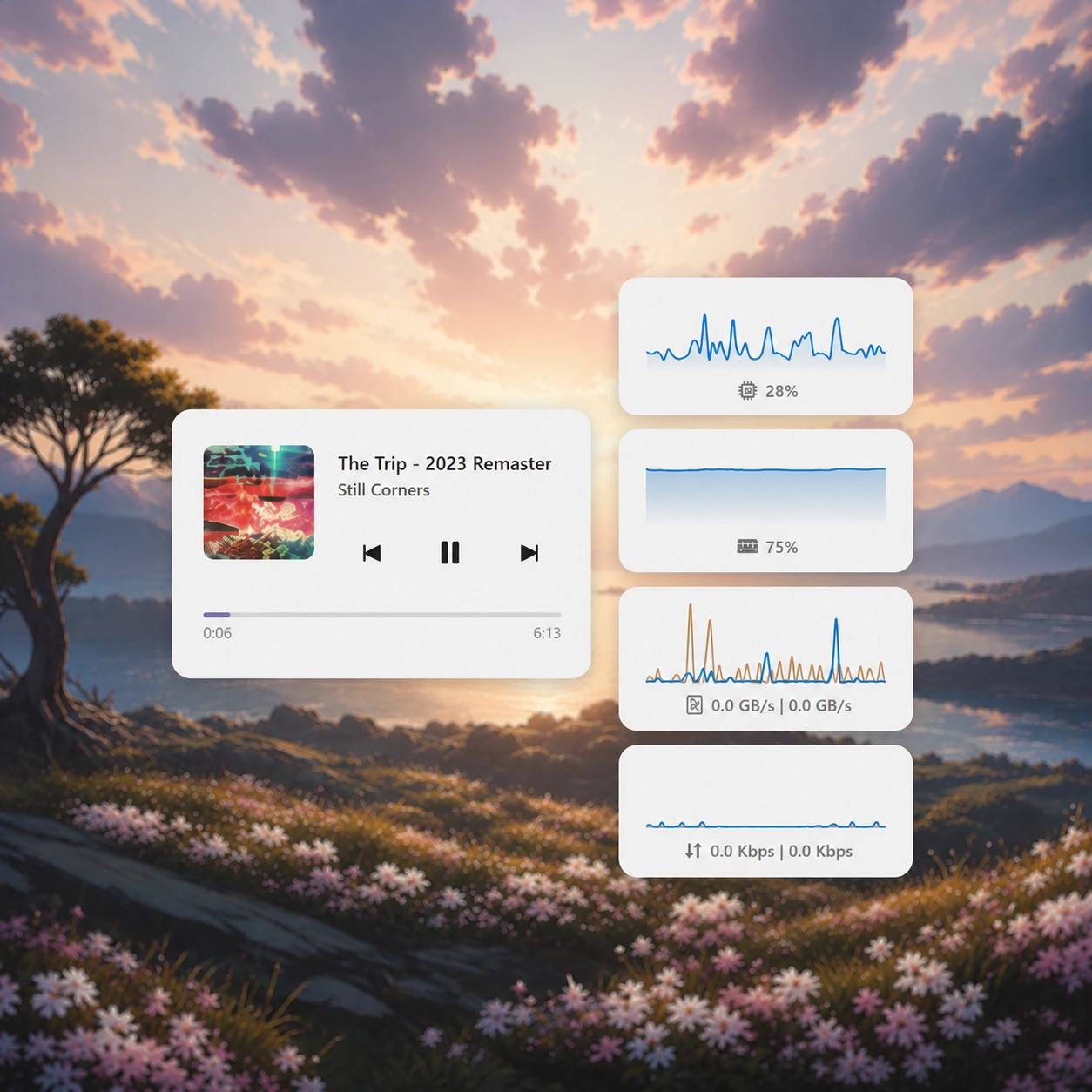
- Music panel: display your current media session with available album artwork, song information, playback progress and music controls.
- Media controls: play, pause, skip tracks and manage playback through supported Windows media sessions.
- Music visualizer: bring your music panel to life with animated audio visualizations, including supported spectrum, waveform and other visual styles.
- Visualizer customization: adjust supported visualizer colors, density, height, smoothing and presentation.
- Music Focus: enjoy a dedicated visualizer-focused presentation with additional audio-reactive effects.
- Lyrics integration: display available song lyrics, including synchronized lyrics when supported.
- System Resources panel: view CPU, GPU, memory, network and other available system information without leaving the menu.
- Open Windows panel: browse detected running applications and switch between available windows.
- Window previews: identify open applications through their available titles, icons and thumbnails.
- Expandable panels: open Music, Resources, Open Windows and other supported sections whenever you need them.
- Independent side panels: keep compatible panels open together without forcing one to close when another is opened.
- Non intrusive panel behavior: expanded sections appear without unnecessarily pushing or resizing the main launcher.
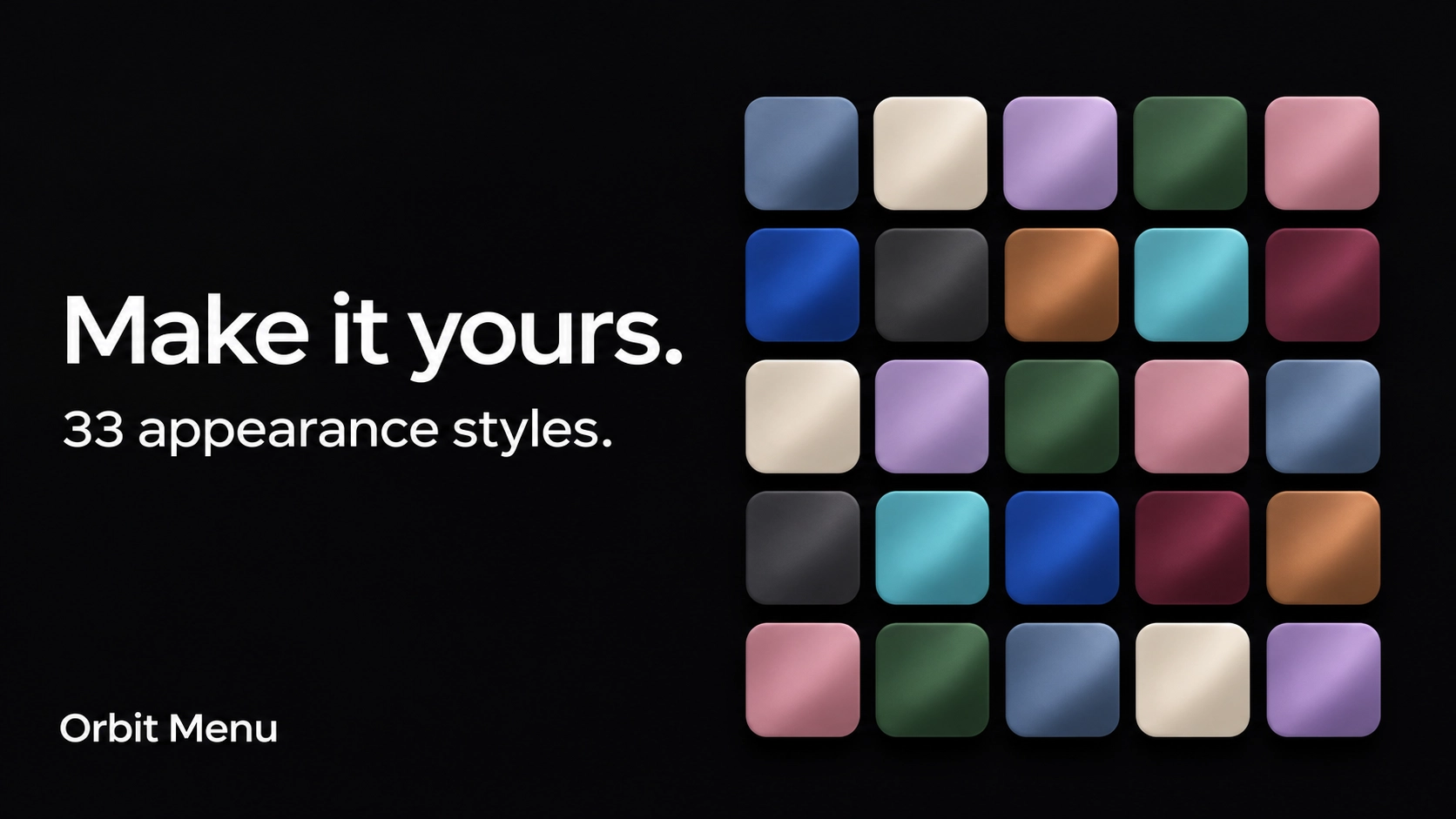
- 33 appearance presets: choose between Orbit, Midnight, Frost, Graphite, Ocean, Rose, Liquid Glass, Catppuccin, Nord, Tokyo Night, Aurora, Ember, OLED, Ivory, Sakura, Cobalt, Terminal, Amethyst, Lavender, Forest, Sage, Matcha, Turquoise, Arctic, Indigo, Plum, Crimson, Copper, Sandstone, Mocha, Slate, Citrus and Cyber.
- Matching Orbit Collection colors: appearance presets share coordinated color palettes with other Orbit resources, making it easier to create a consistent desktop setup.
- Liquid Glass: a translucent appearance with adjustable transparency, layered surfaces, subtle reflections and soft highlights inspired by the Orbit Collection's glass design.
- Light and dark modes: choose your preferred color mode or automatically follow SeelenUI.
- Accent integration: use the selected appearance colors, follow SeelenUI or Windows accents, or choose a custom accent.
- Consistent styling: application tiles, folders, buttons, panels, context menus, highlights and scrollbars adapt to the selected appearance.
- Smooth animations: polished transitions between menu states, application views and expandable panels.
- Multi-monitor options: configure supported display targeting and menu positioning.
- Responsive layouts: interface elements adapt to different display sizes, resolutions and scaling configurations.
And more.
Getting started :
Install Orbit Menu from Seelen's resource website and enable it in SeelenUI.
You should find an "Orbit Menu" button in your dock. Click it to open Orbit Menu and grant the required permissions when prompted.
You can remove the dock button after setting everything up if you no longer need it.
Inside Orbit Menu, head to "Actions" → "Customize Orbit Menu" to access the customization settings.
(Alternatively) Open SeelenUI → Widgets → Orbit Menu to access the available settings.
Choose between Compact, Fullscreen and Minimal depending on how you prefer to access your applications.
In Compact mode, you can customize your application layout, organize pinned shortcuts and expand the Music, Resources or Open Windows panels whenever you need them.
Fullscreen mode offers more space for browsing applications, managing shortcuts and accessing integrated tools.
Minimal mode keeps things simple .. open the launcher, search for what you need and press Enter.
Use the appearance settings to choose from the 33 presets, customize the accent, adjust Liquid Glass transparency and personalize the interface to match your desktop.
A few things to know:
Orbit Menu relies on application information, Windows media sessions and system data provided through SeelenUI and Windows.
Music artwork, playback controls, progress information and lyrics depend on the active media application and its supported integrations. Some players expose more information than others.
Available hardware readings depend on the information provided by SeelenUI. Certain advanced GPU or system statistics may not be accessible on every computer.
Some Windows quick settings require additional permissions or may behave differently depending on your hardware and system configuration.
Launching applications with administrator privileges may require confirmation from Windows.
Designed for SeelenUI 2.8.10 or later.
If you have a suggestion, found an issue or wanna request something for a future update, feel free to ask in the official SeelenUI Discord server: https://discord.com/invite/seelen-network-751144791596597561 Specifically in this channel : https://discord.com/channels/751144791596597561/1560624521176817664
Orbit collection :
https://seelen.io/resources/collection/5b86b663-aefd-4d5c-90ac-c6c80722080f
Jak používat?
- Stažení a instalace Seelen UI
- Ujistěte se, že je aplikace spuštěna
- Klikněte na tlačítko ke stažení výše
- Přijměte výzvu prohlížeče k otevření uživatelského rozhraní Seelen
- Aplikace se postará o instalaci
- A to je vše!
Kompatibilita
- Seelen UI: 2.8.11+
- Platforma: Windows
Více od ickyaidy
Související zdroje



Informace o zdrojích
- ID: 9c7d717f-c631-410d-9128-d97fe428b7c3
- Typ: Widget
- Stav: Zveřejněno na
- Vytvořeno v: pátek 16. října 2026 v 11:34:55 UTC
- Poslední aktualizace: čtvrtek 19. listopadu 2026 v 10:34:57 UTC
- Recenzováno na: čtvrtek 19. listopadu 2026 v 10:34:57 UTC
- Zhodnotil:@eythaann