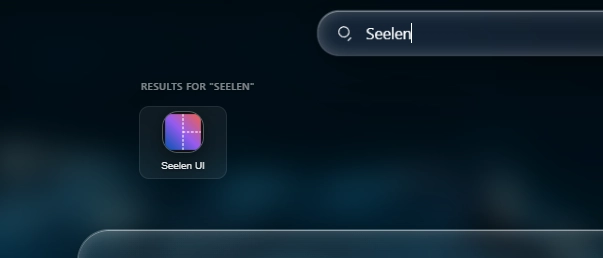

Screenshot
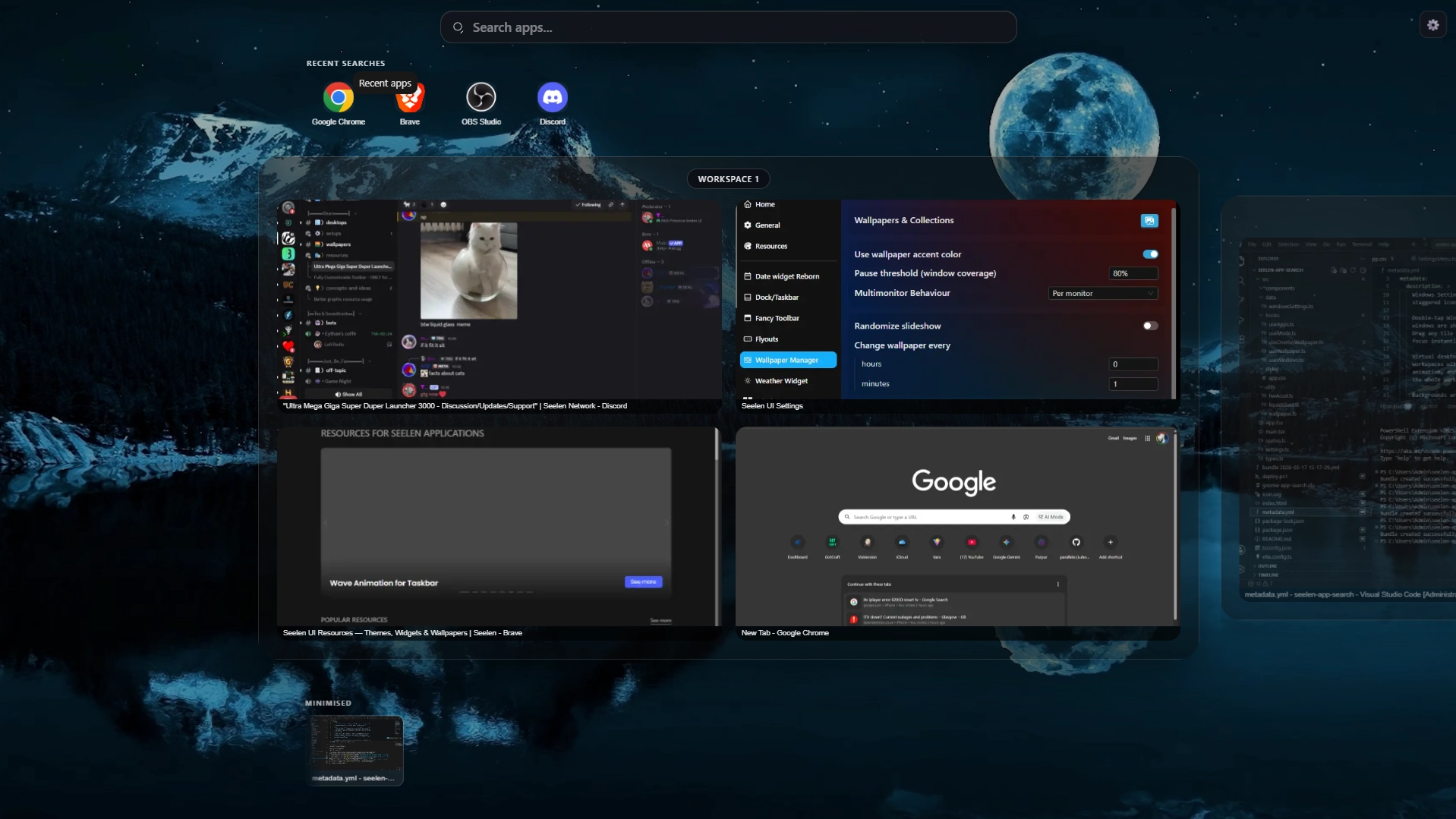
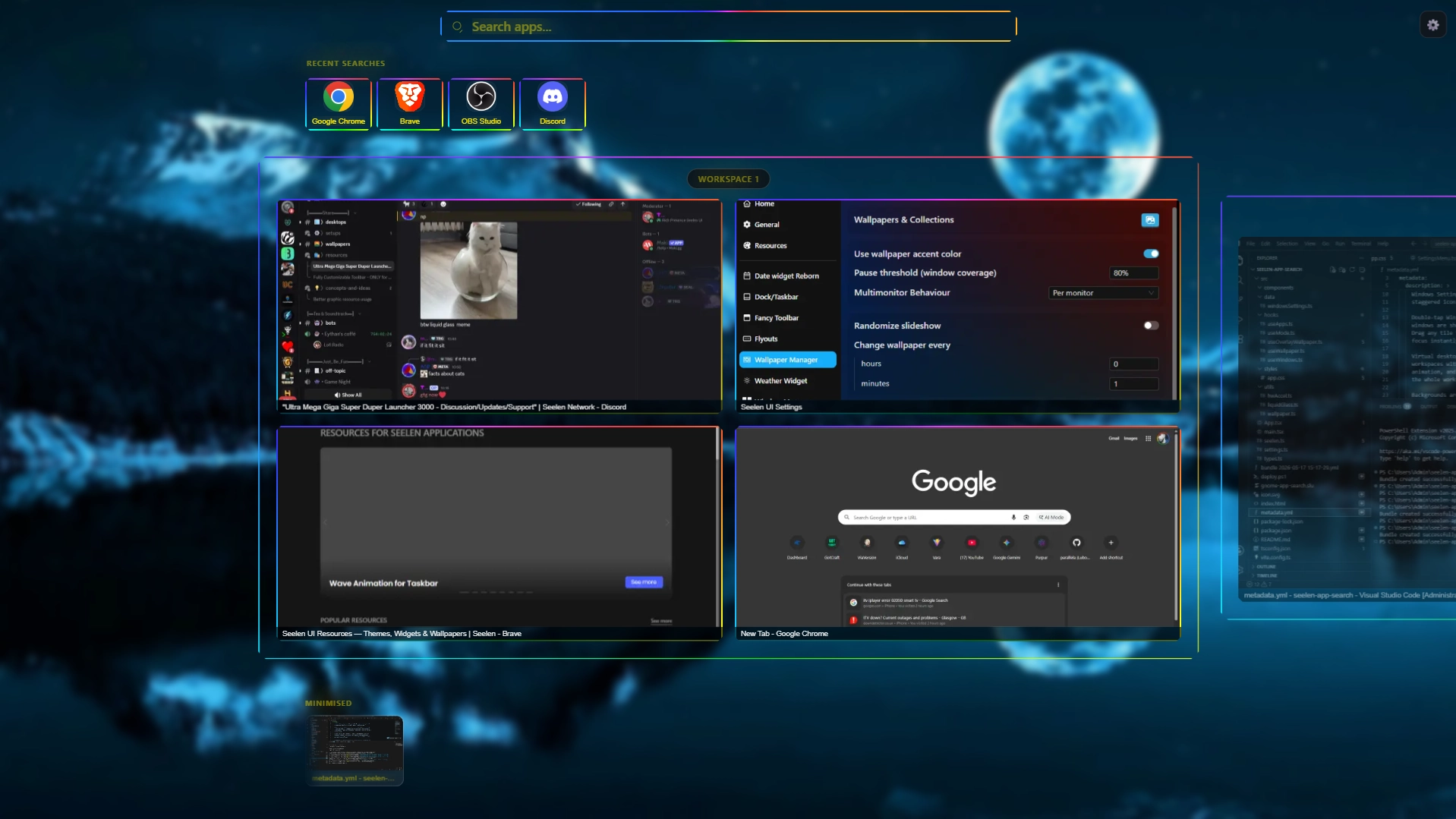
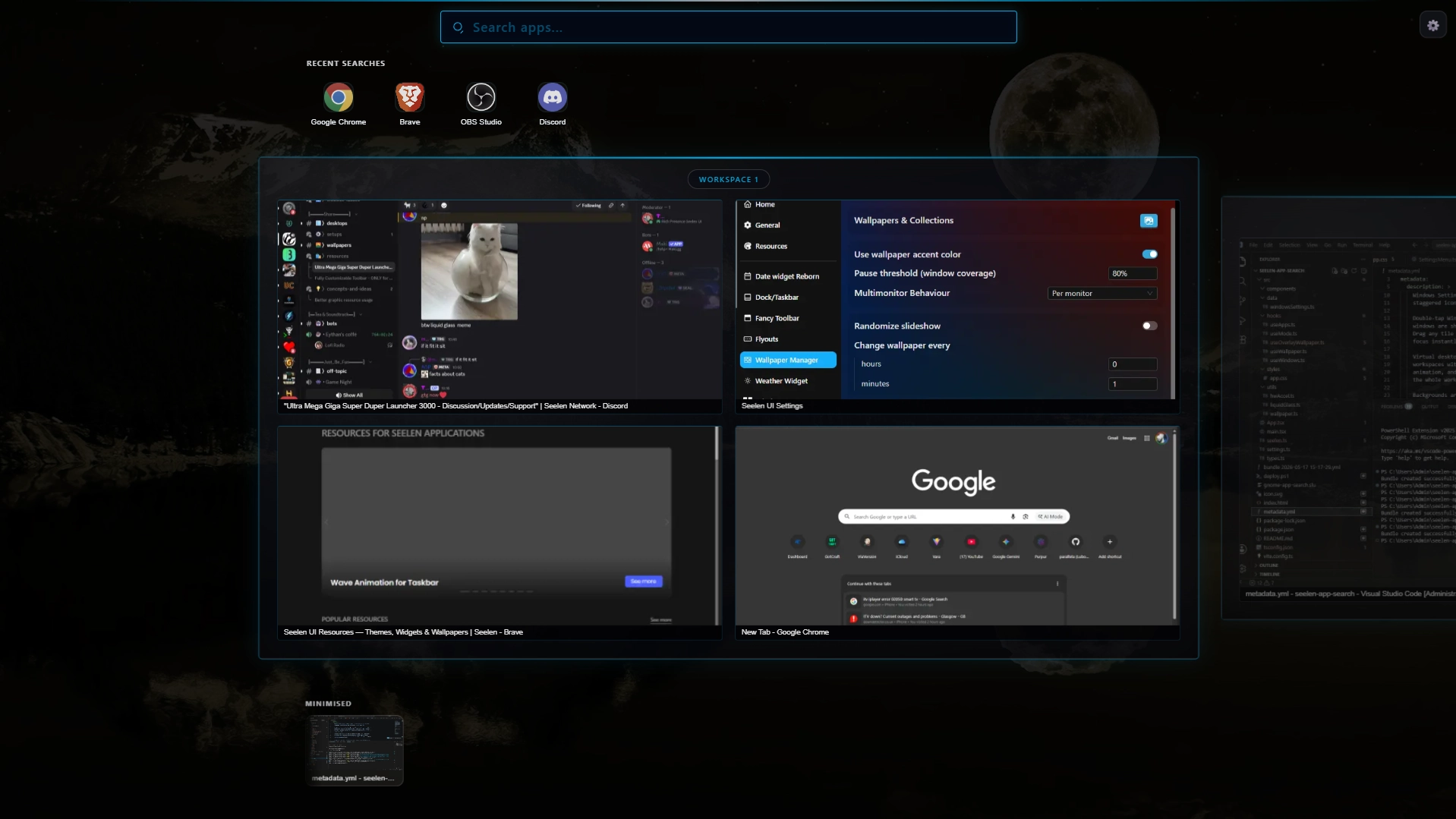
Descrizione
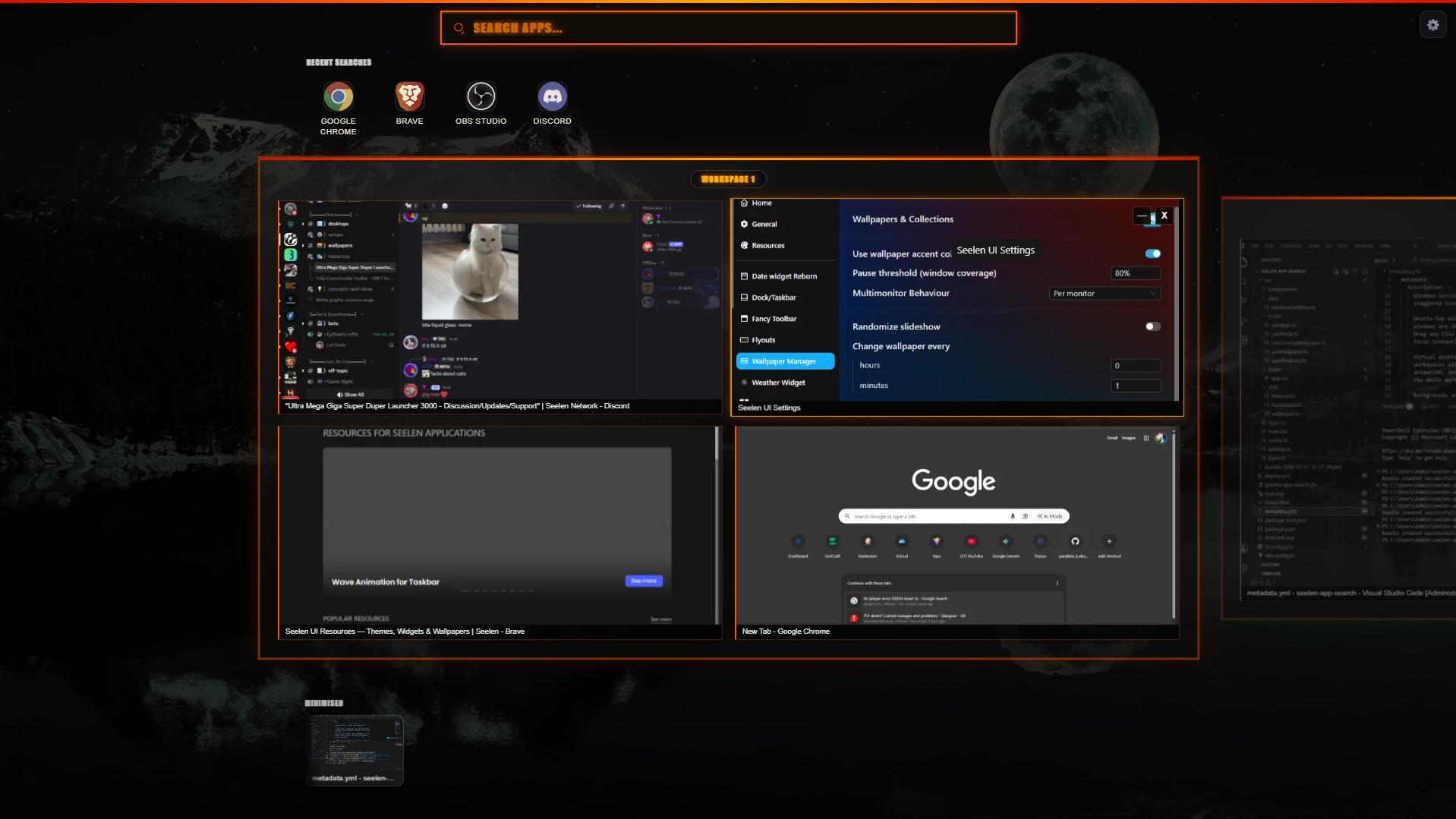
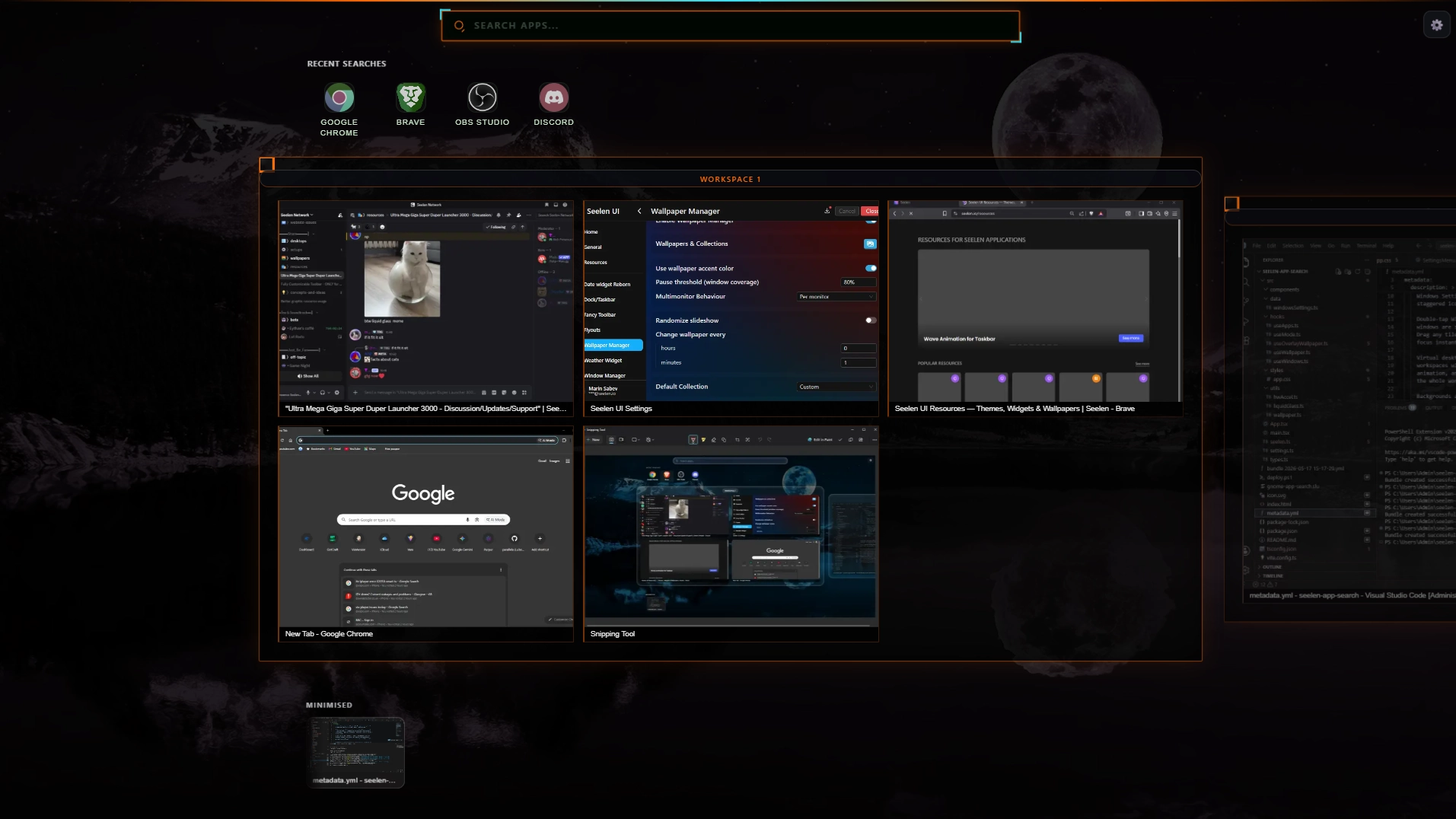
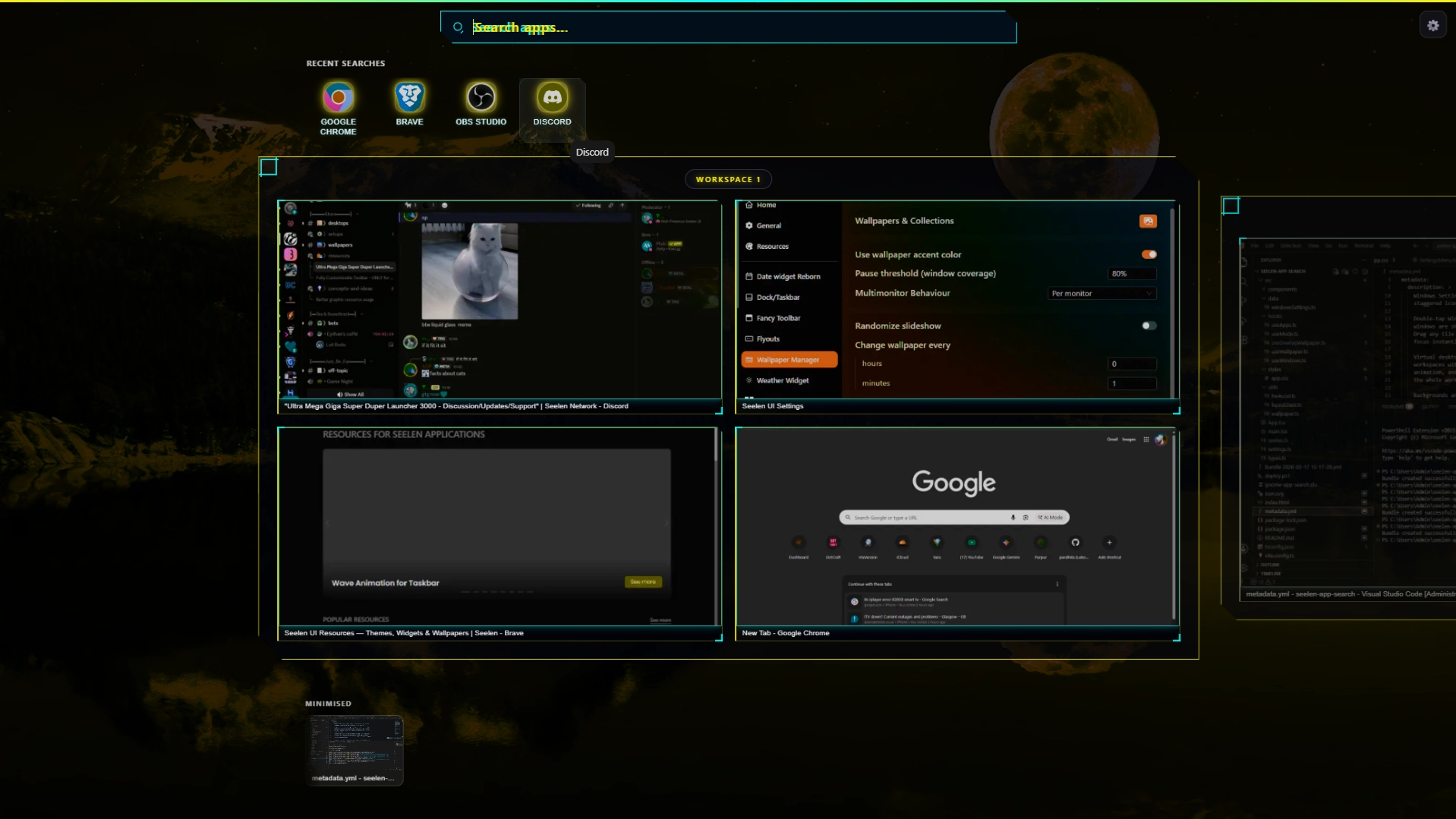
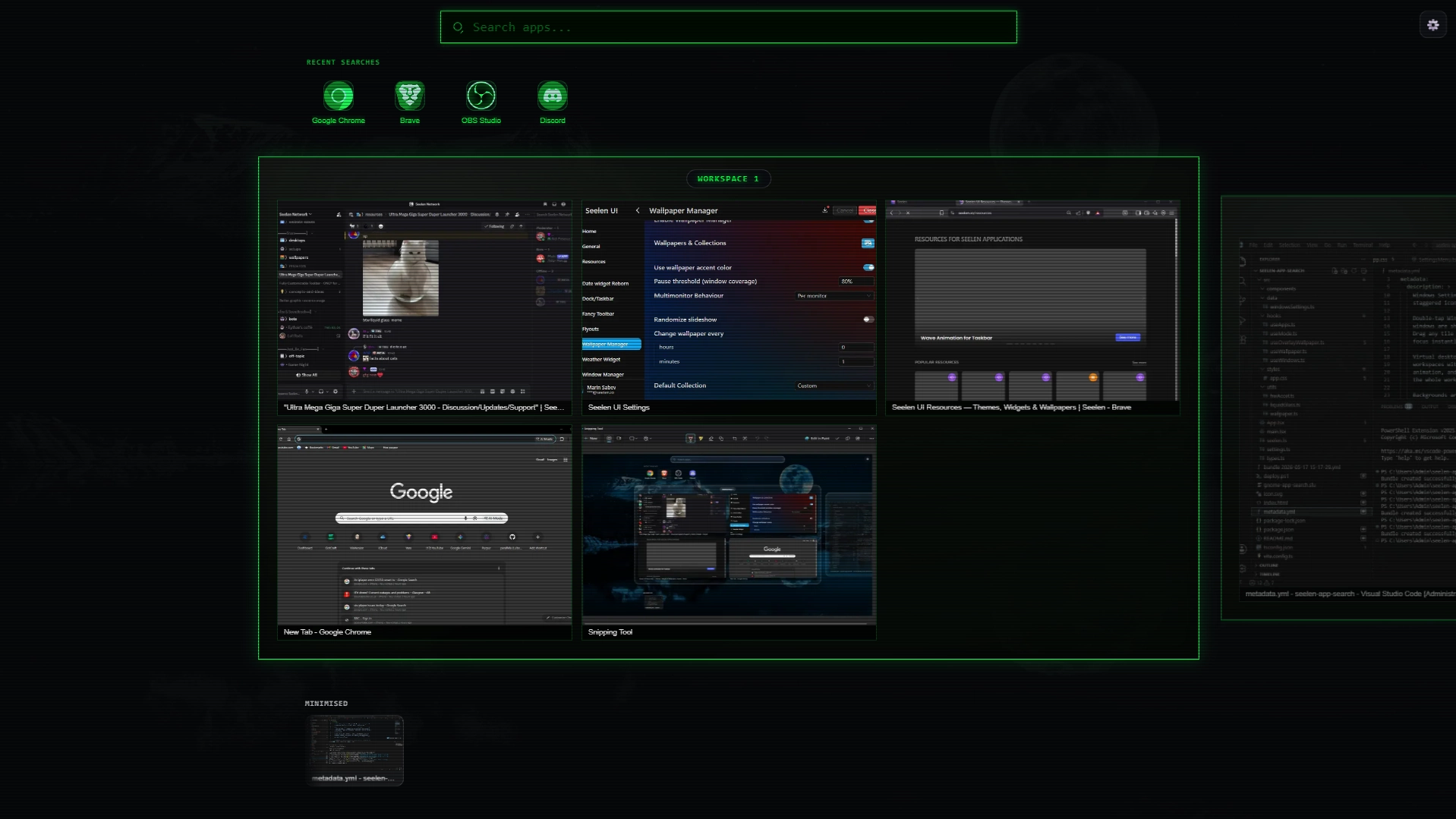
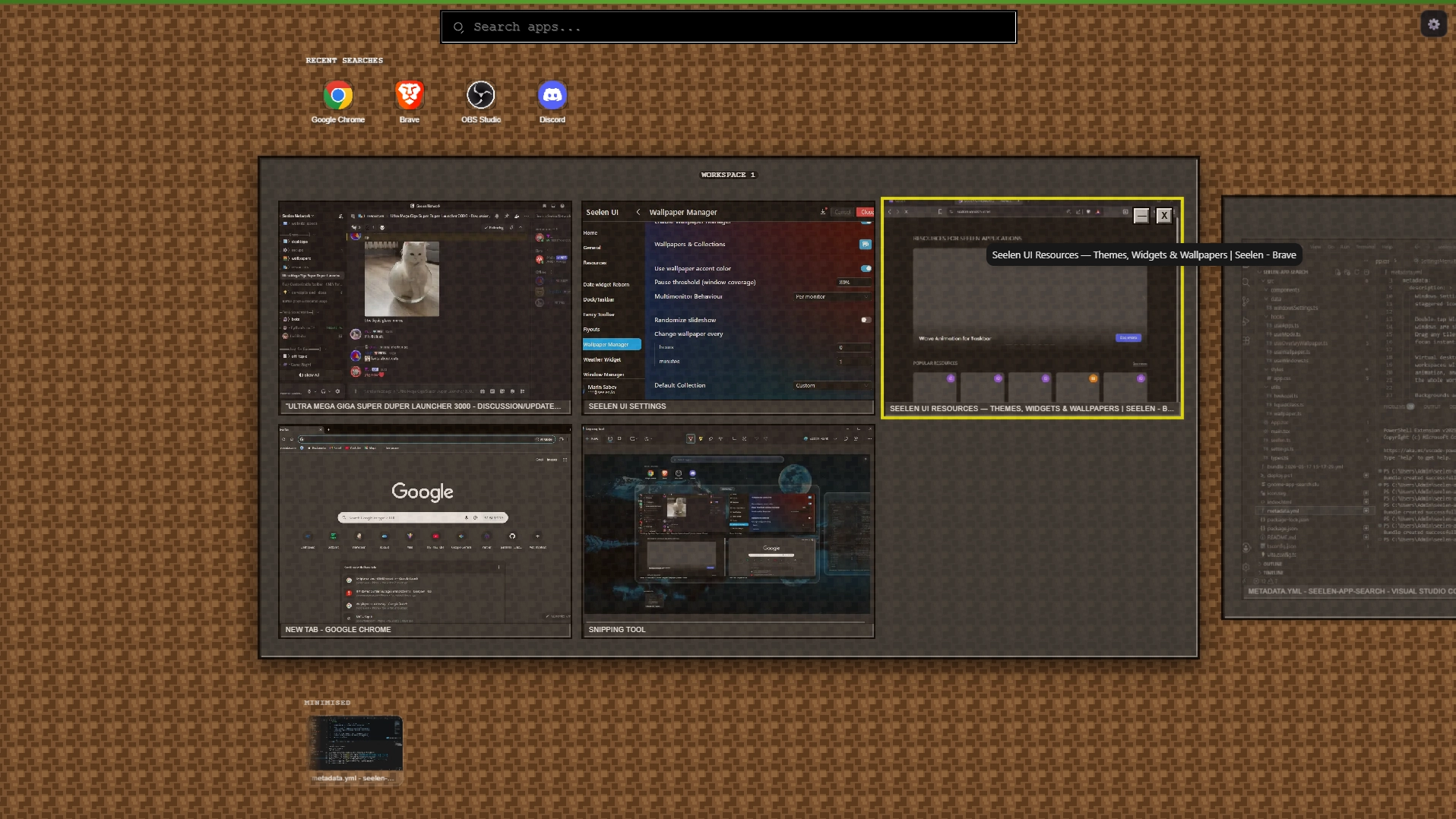
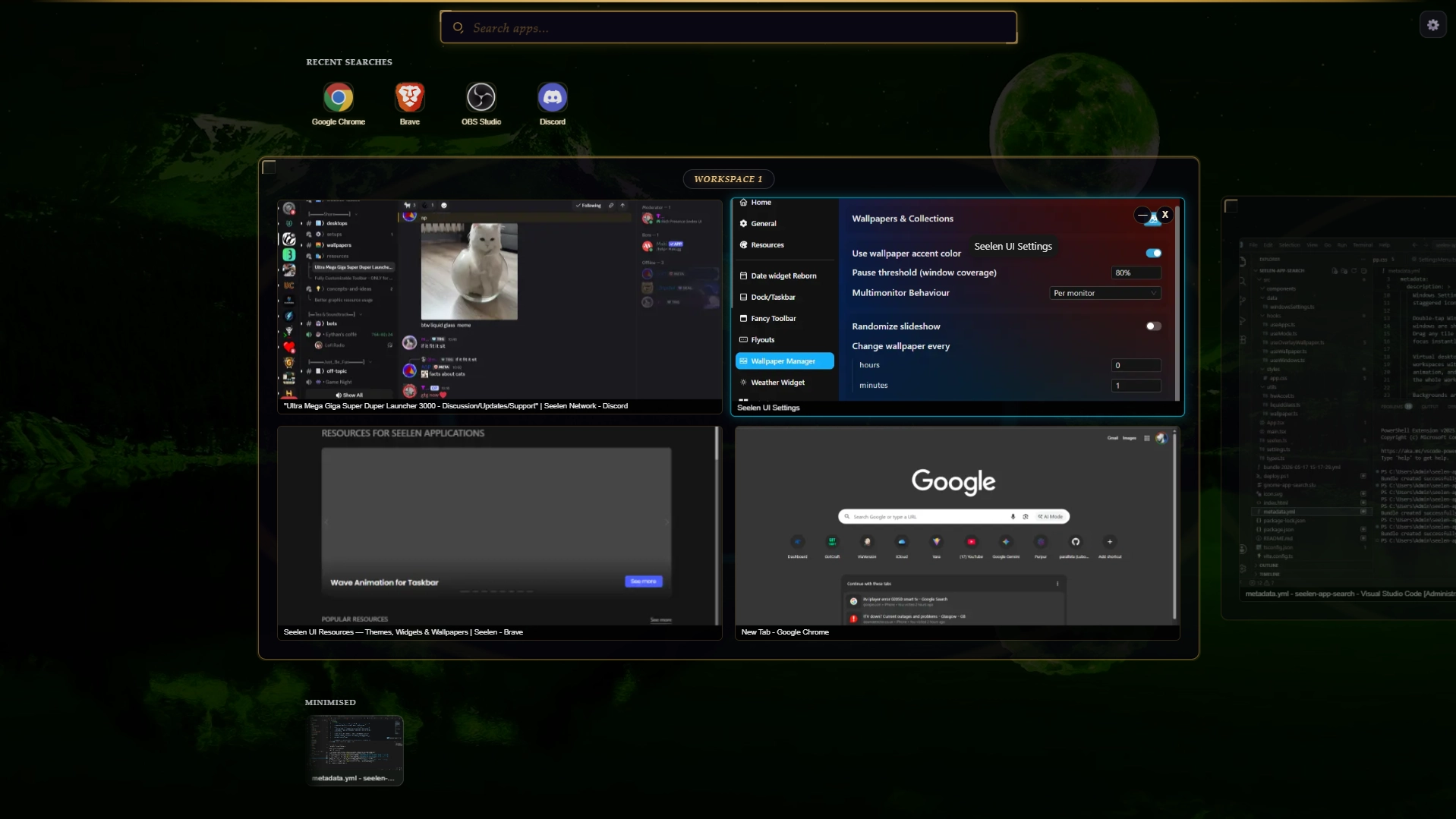
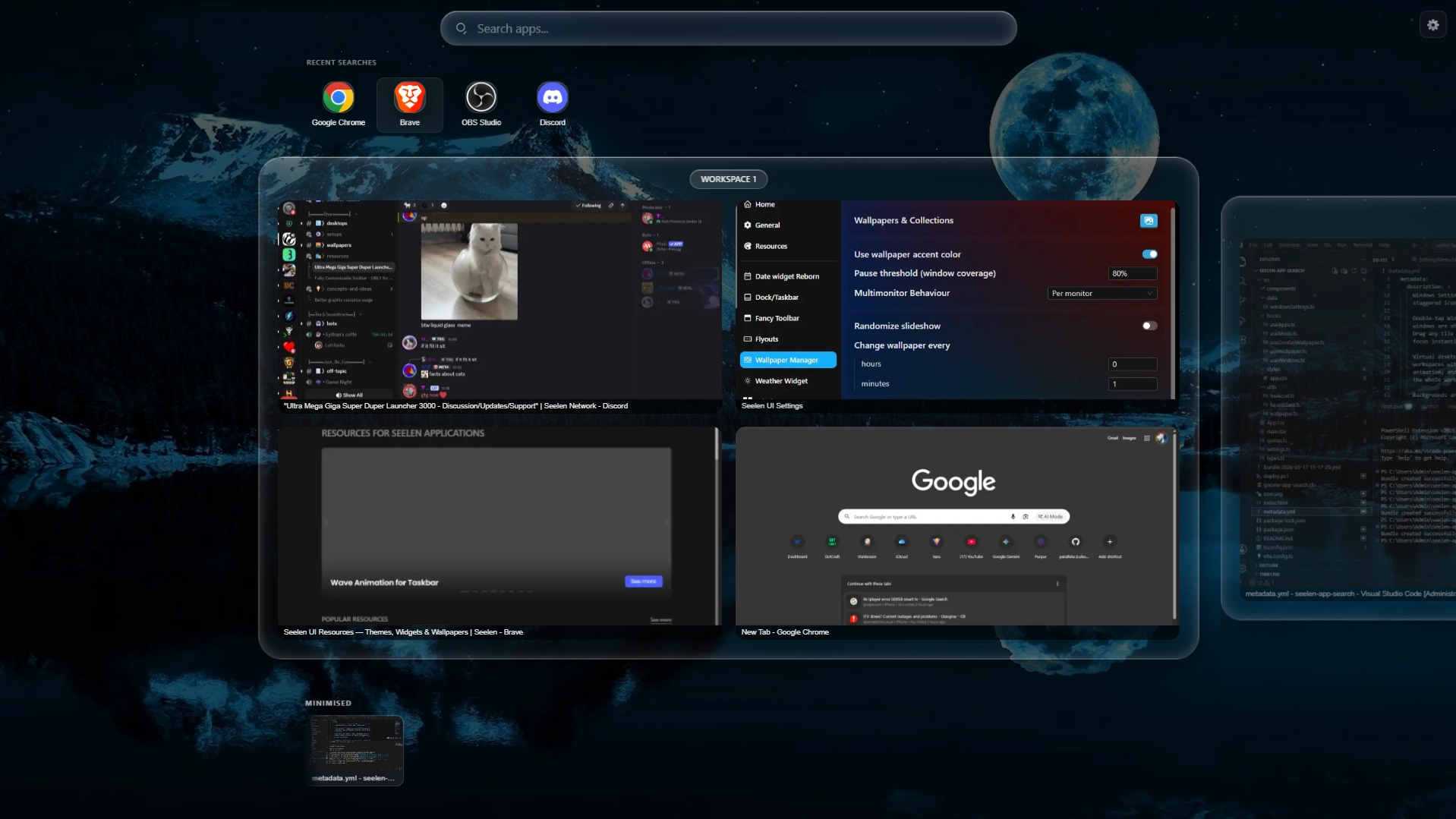
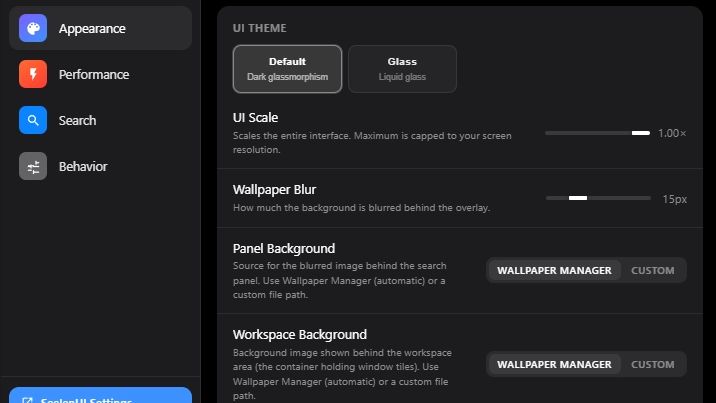
A full GNOME 50 Activities–style app launcher, window switcher, and virtual desktop manager for SeelenUI. Press Win to open the overlay and instantly search every installed app, Windows Settings page, and web engine. Results appear as you type with staggered icon animations and launch with a single keystroke. Double-tap Win to switch into window-preview mode: all open and minimised windows are shown as live thumbnail tiles across your virtual desktops. Drag any tile to a different workspace, close windows inline, or click to focus instantly. Virtual desktops are displayed as interactive stage cards. Create new workspaces with one click, delete empty ones with a smooth collapse animation, and navigate between them by clicking, scrolling, or dragging the whole workspace strip. Backgrounds are fully customisable: set a separate panel background and workspace background, each sourced from the SeelenUI Wallpaper Manager or a custom image or video file. When both are set to Wallpaper Manager the workspace cards turn transparent and blend seamlessly into the global background. The widget respects your SeelenUI theme through two settings-panel modes: Default (hand-crafted dark glassmorphism) and Glass (fully theme-adaptive using the SeelenUI component library, including light/dark mode and custom color palettes). Designed to feel native on any resolution — scales from laptop to 4K with a single UI Scale slider.
Come si usa?
- Scaricare e installare Seelen UI
- Assicurarsi che l'applicazione sia in esecuzione
- Fare clic sul pulsante di download qui sopra
- Accettare la richiesta del browser per aprire l'interfaccia utente di Seelen.
- L'applicazione gestirà l'installazione
- E questo è tutto!
Compatibilità
- Seelen UI: 2.6.5+
- Piattaforma: Windows
Altro da th3troller
Risorse correlate





Informazioni sulle risorse
- ID: 43a5924d-36b3-482c-bff3-90183e02727e
- Tipo: Widget
- Stato: Pubblicato
- Creato a: venerdì 15 maggio 2026 alle ore 22:57:13 UTC
- Ultimo aggiornamento al: mercoledì 24 giugno 2026 alle ore 08:07:08 UTC
- Recensito presso: mercoledì 24 giugno 2026 alle ore 08:07:08 UTC
- Recensito da:@eythaann