

Screenshot


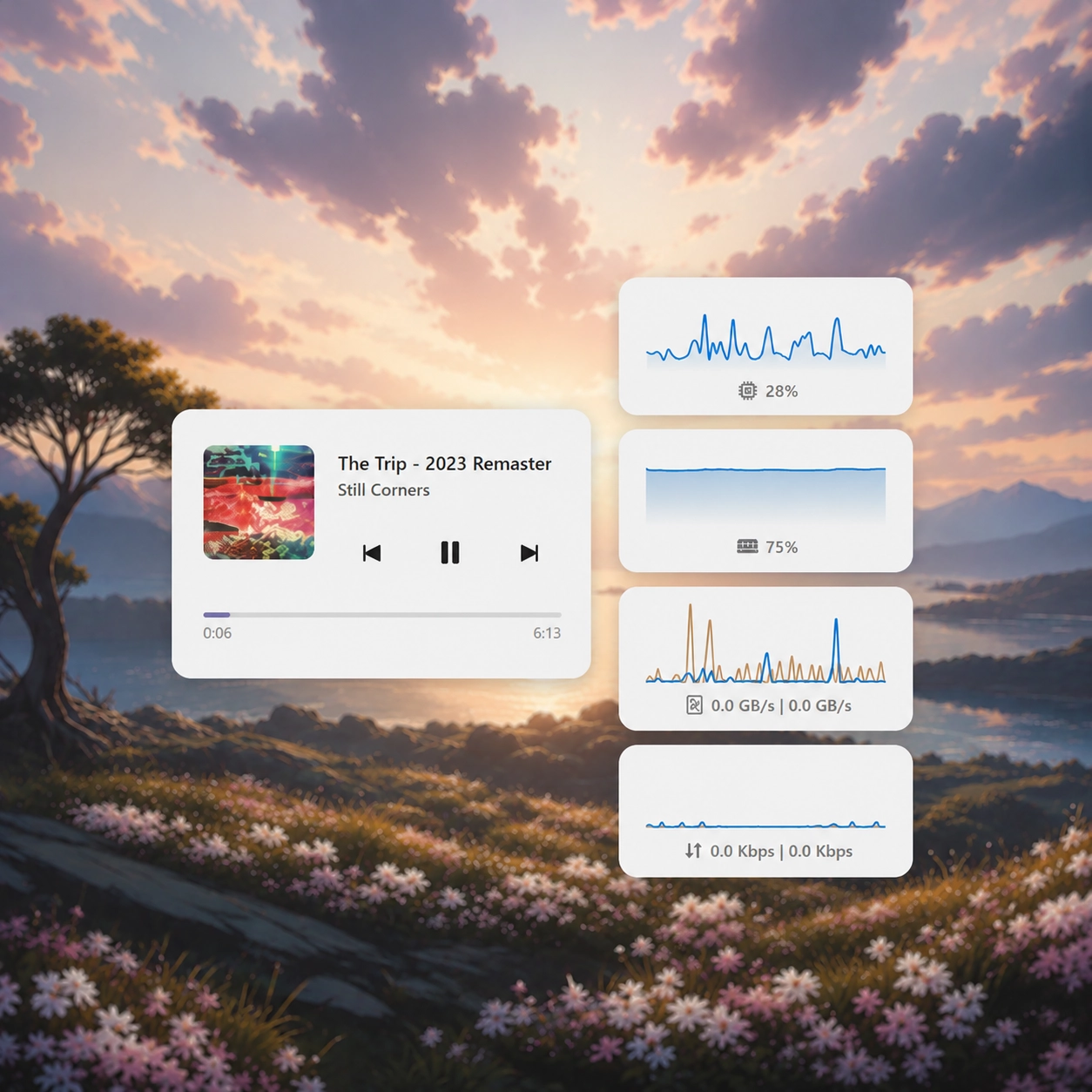
Descrizione
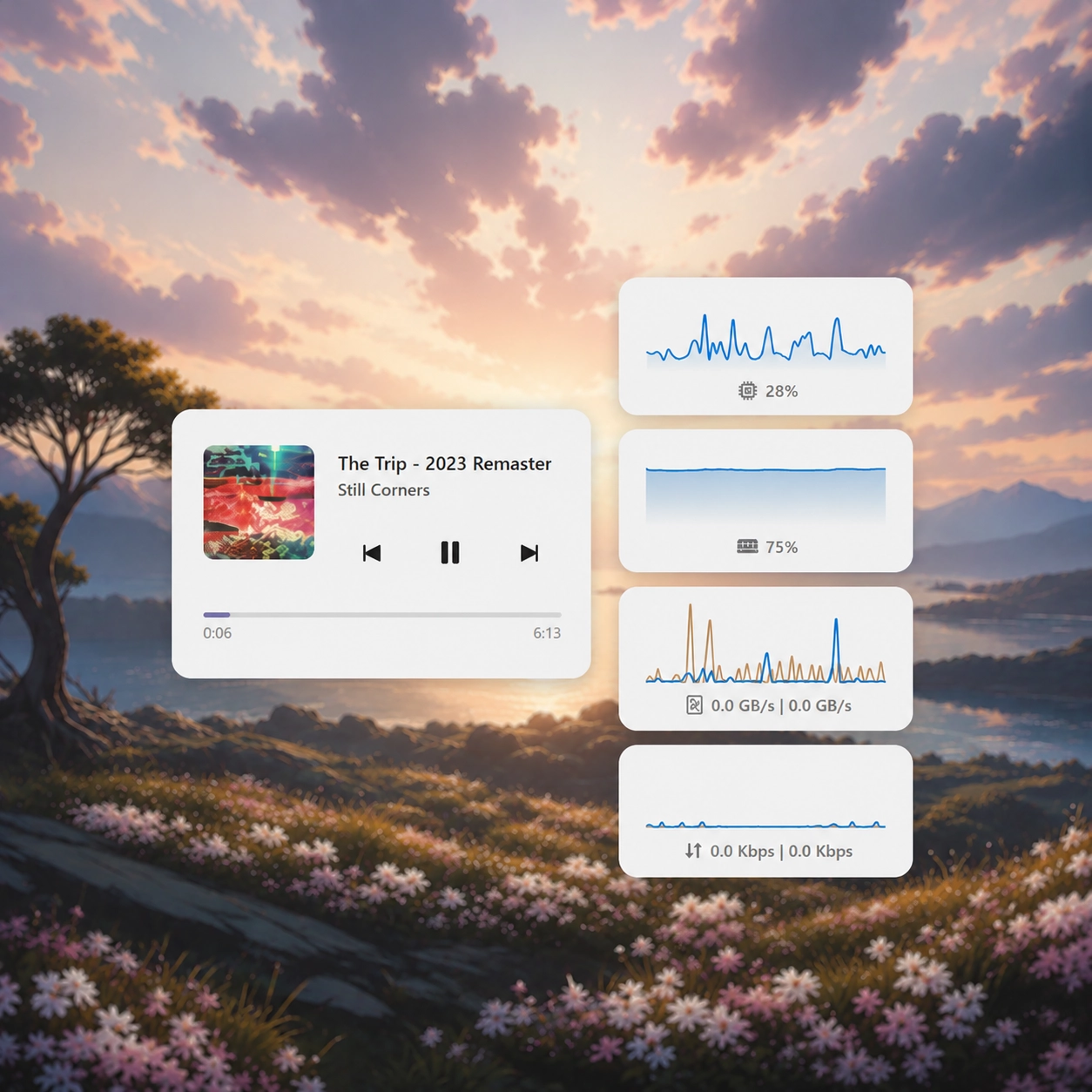
Aggiunge un widget per lettore multimediale di fantasia allo sfondo del tuo desktop. Il codice per questo widget è disponibile su https://github.com/seelen-inc/slu-demos
Come si usa?
- Scaricare e installare Seelen UI
- Assicurarsi che l'applicazione sia in esecuzione
- Fare clic sul pulsante di download qui sopra
- Accettare la richiesta del browser per aprire l'interfaccia utente di Seelen.
- L'applicazione gestirà l'installazione
- E questo è tutto!
Compatibilità
- Seelen UI: 2.5.7+
- Piattaforma: Windows
Altro da eythaann



Risorse correlate







Informazioni sulle risorse
- ID: 6026912f-5ad7-460f-ab5f-55224558faf6
- Tipo: Widget
- Stato: Pubblicato
- Creato a: domenica 8 giugno 2025 alle ore 06:47:35 UTC
- Ultimo aggiornamento al: sabato 4 aprile 2026 alle ore 22:08:30 UTC
- Recensito presso: sabato 4 aprile 2026 alle ore 22:08:30 UTC
- Recensito da:@eythaann