
La risorsa non funziona
Questa risorsa deve essere aggiornata per funzionare correttamente sulla versione più recente dell'applicazione.
Screenshot
Descrizione
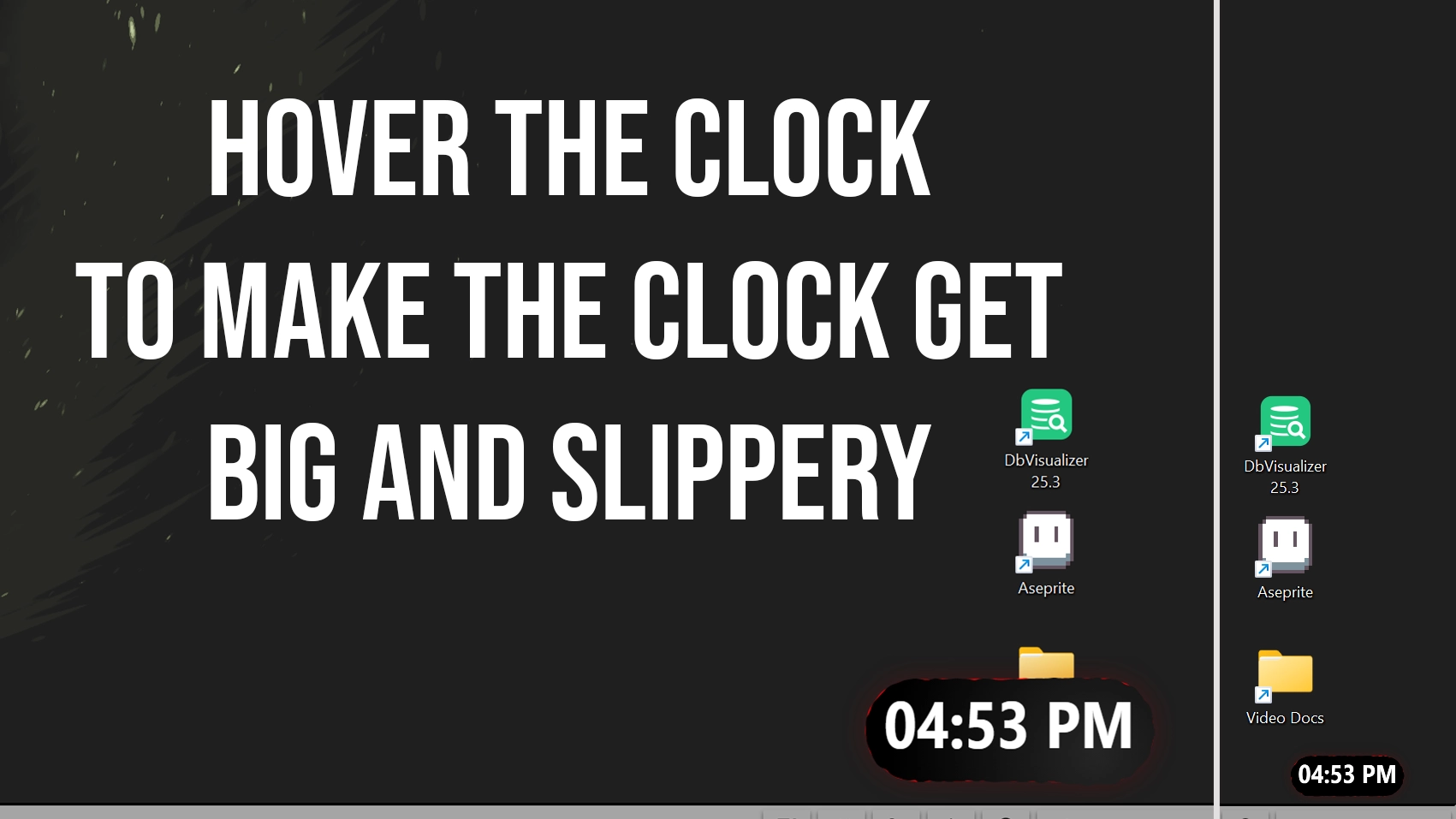
I made a slippery clock for seelen-ui
when you hover it, it grows big
its slippery but small but hey if you hover that thing it will get bigger...
anyways this is what it looks like
Come si usa?
- Scaricare e installare Seelen UI
- Assicurarsi che l'applicazione sia in esecuzione
- Fare clic sul pulsante di download qui sopra
- Accettare la richiesta del browser per aprire l'interfaccia utente di Seelen.
- L'applicazione gestirà l'installazione
- E questo è tutto!
Compatibilità
- Seelen UI: 2.4.11+
- Piattaforma: Windows
Risorse correlate


Informazioni sulle risorse
- ID: 5b719531-c585-41c1-b4f6-66a765de18c9
- Tipo: Widget
- Stato: Pubblicato
- Creato a: venerdì 16 gennaio 2026 alle ore 21:58:18 UTC
- Ultimo aggiornamento al: venerdì 16 gennaio 2026 alle ore 22:48:42 UTC
- Recensito presso: venerdì 16 gennaio 2026 alle ore 22:56:24 UTC
- Recensito da:@eythaann