
Screenshot
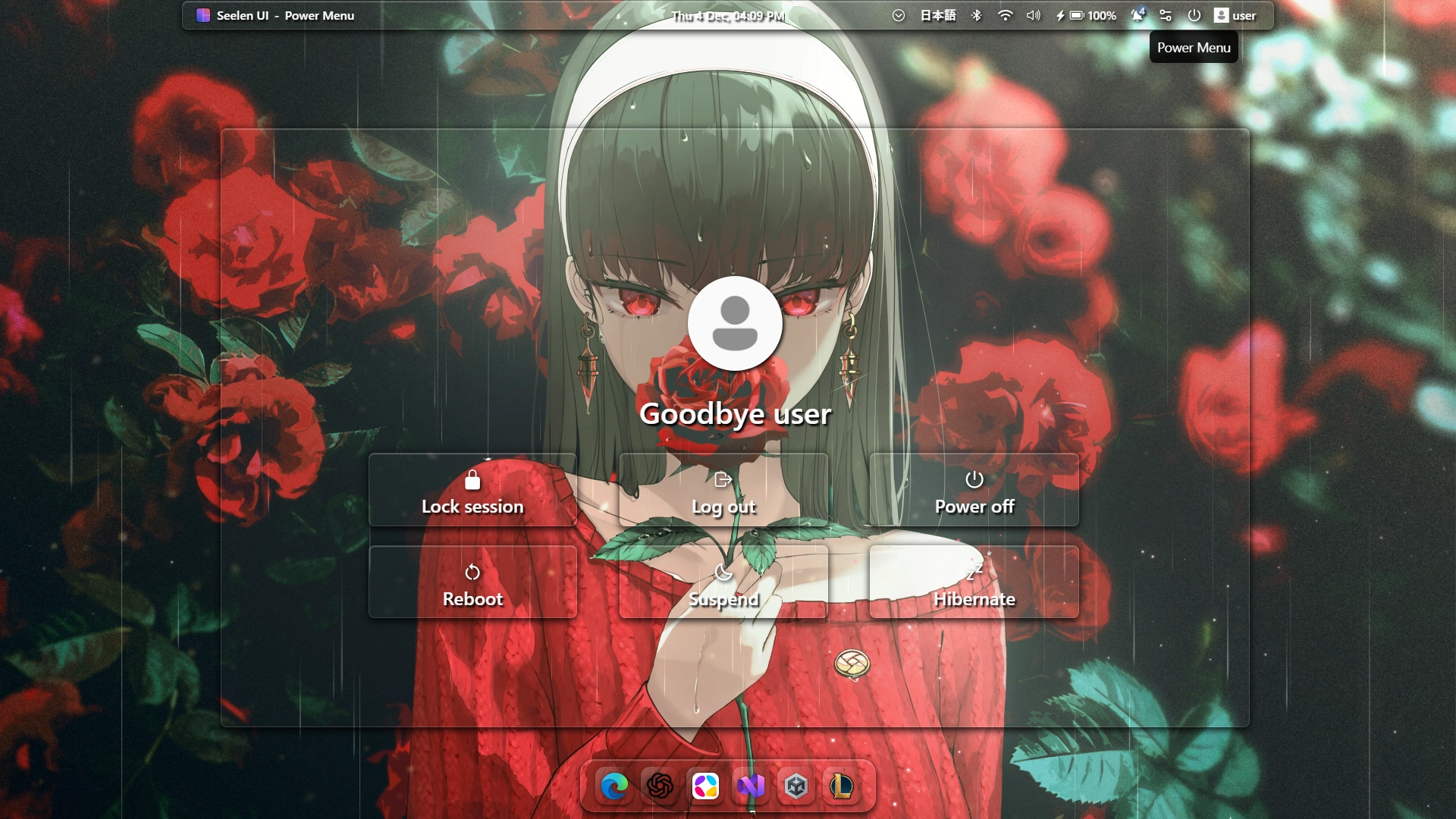
Descrizione
Customizable Clean Glass Power Menu.
- Can change power menu's width,
- Can change power menu's height
Come si usa?
- Scaricare e installare Seelen UI
- Assicurarsi che l'applicazione sia in esecuzione
- Fare clic sul pulsante di download qui sopra
- Accettare la richiesta del browser per aprire l'interfaccia utente di Seelen.
- L'applicazione gestirà l'installazione
- E questo è tutto!
Compatibilità
- Seelen UI: 2.4.9+
- Piattaforma: Windows
Altro da radless
Risorse correlate









Informazioni sulle risorse
- ID: 236348fd-ddd6-4516-affb-2123ef9c340a
- Identificatore amichevole: @radless/customizable-clean-glass-power-menu
- Tipo: Tema
- Stato: Pubblicato
- Creato a: giovedì 4 dicembre 2025 alle ore 13:14:52 UTC
- Ultimo aggiornamento al: giovedì 4 dicembre 2025 alle ore 13:14:52 UTC
- Recensito presso: giovedì 4 dicembre 2025 alle ore 18:32:31 UTC
- Recensito da:@eythaann