
Screenshot
Descrizione
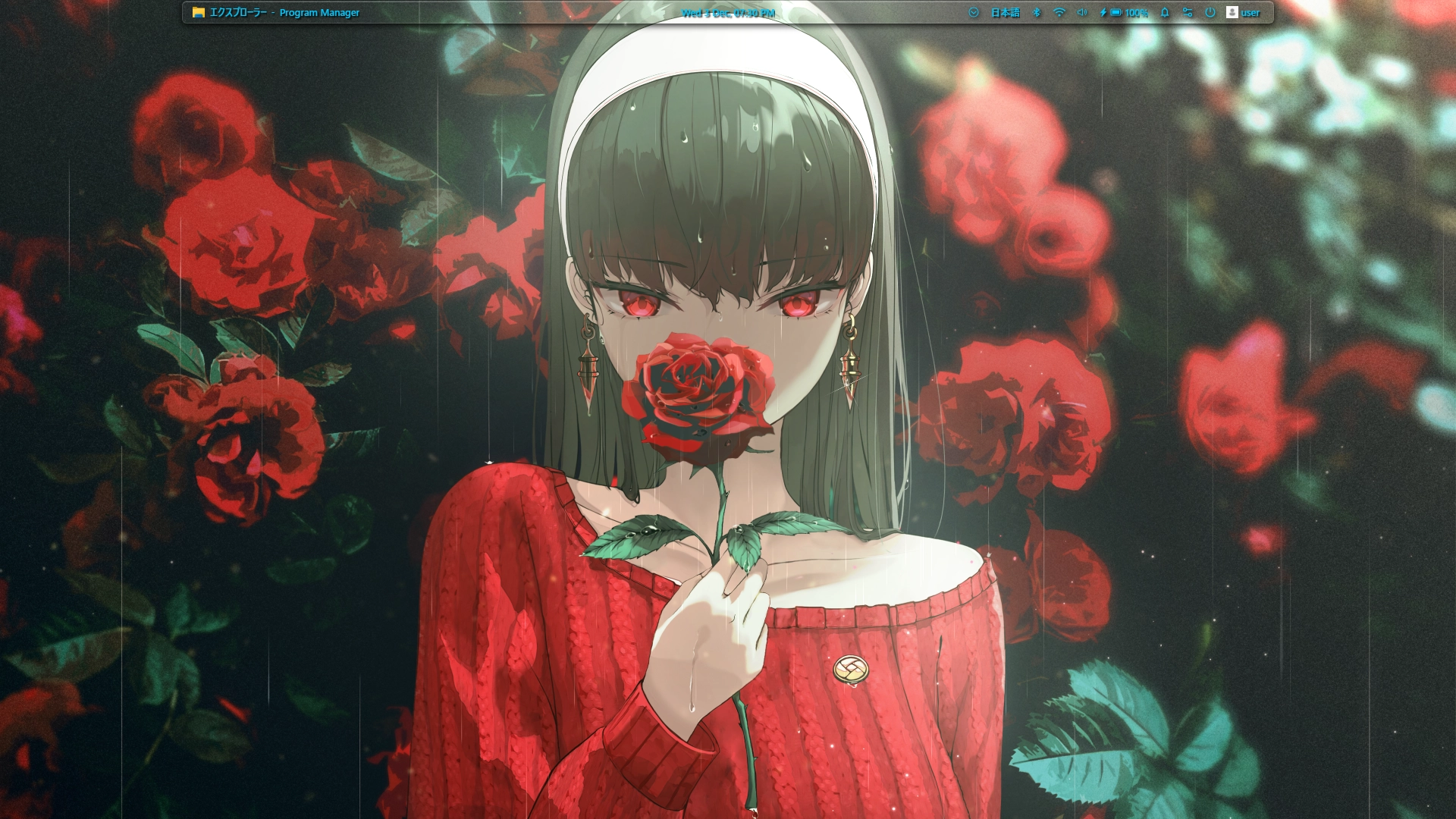
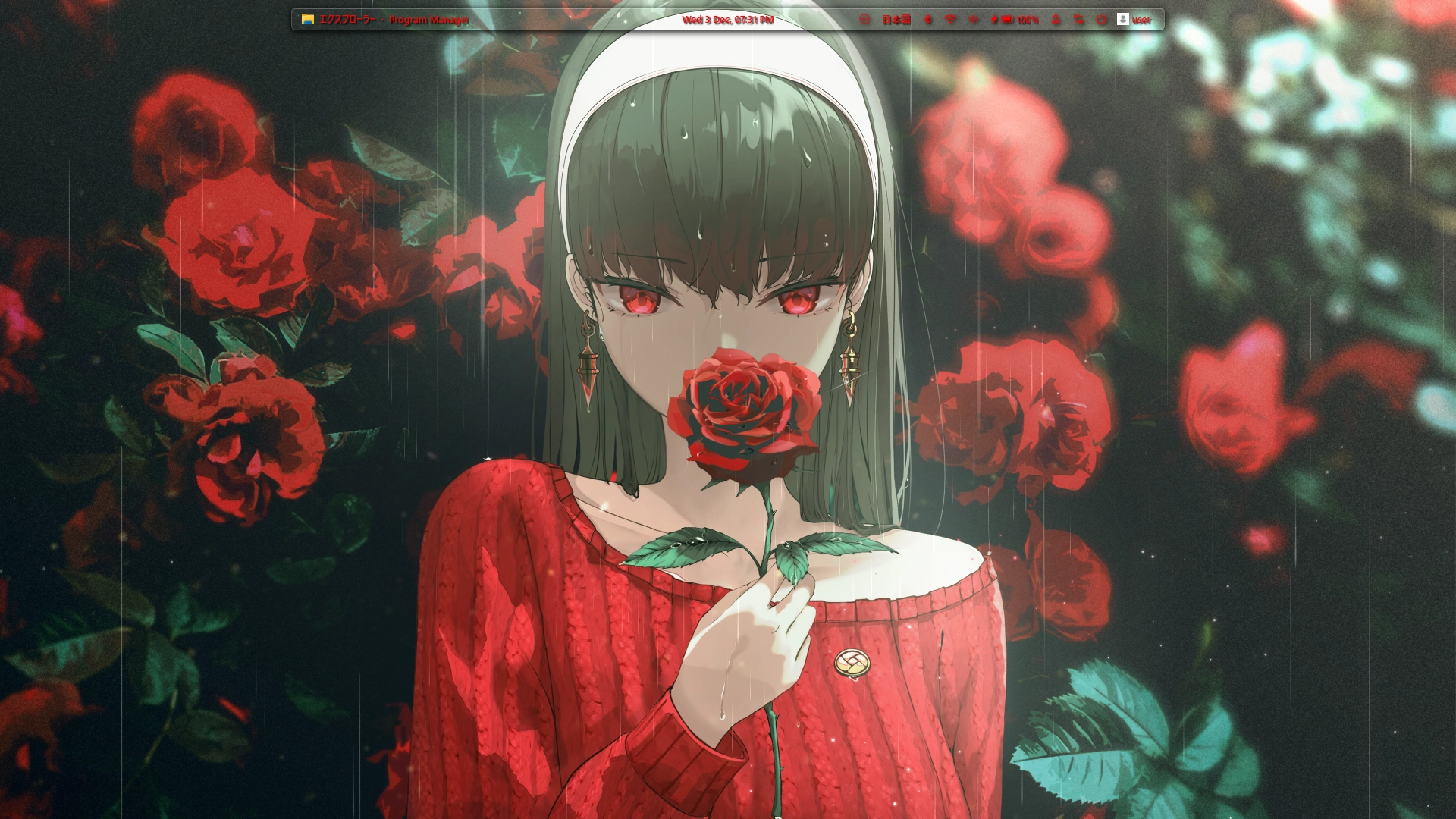
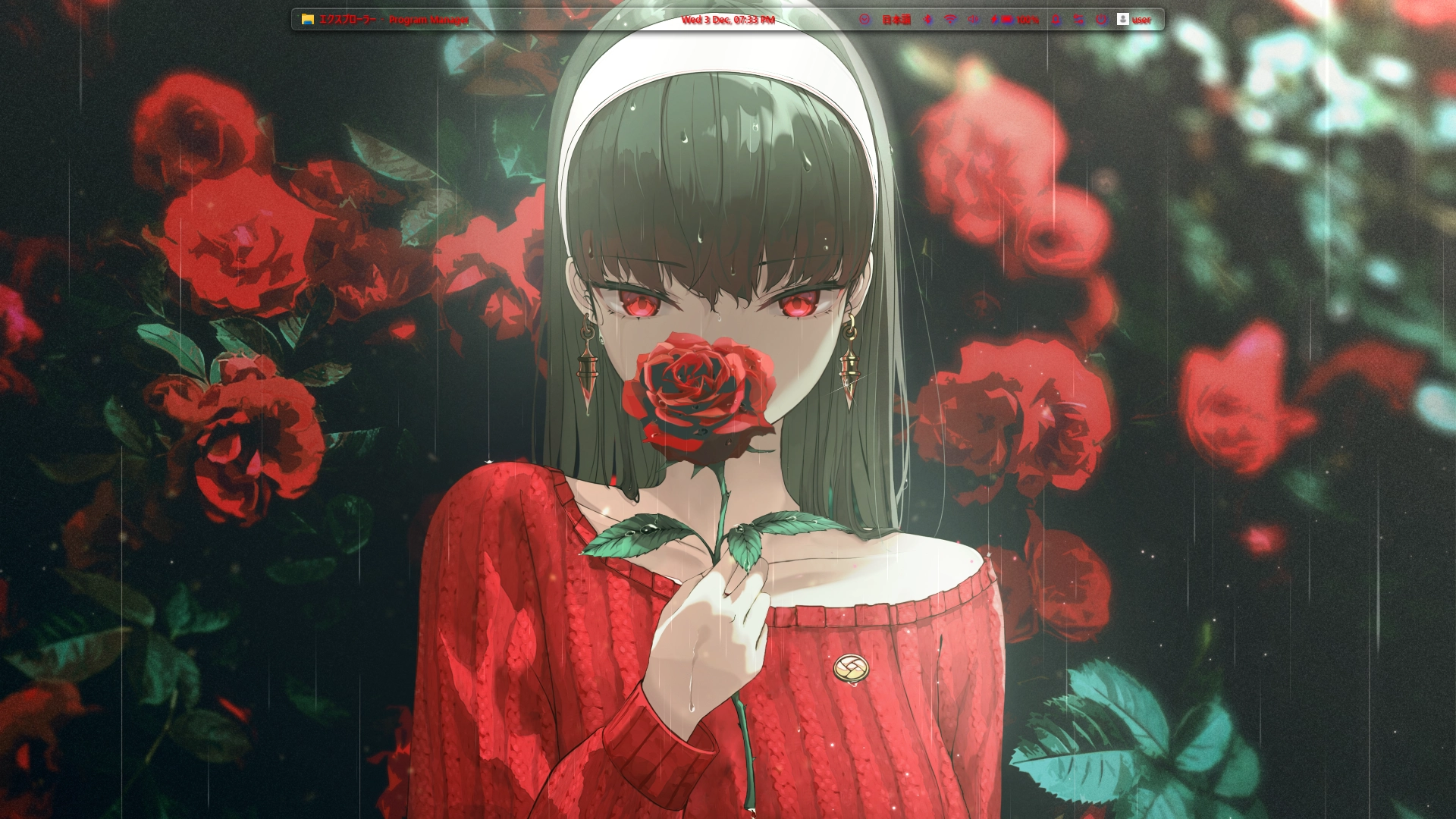
Customizable clean and minimal glass style toolbar.
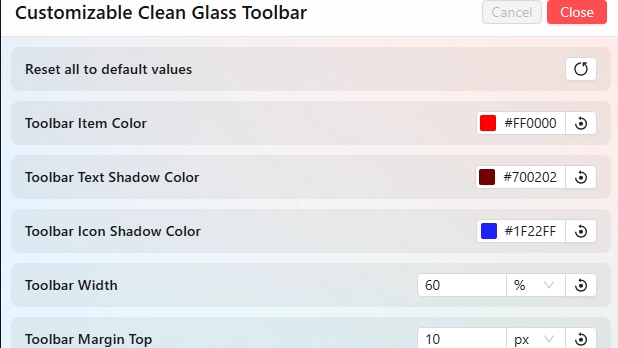
- Can change Toolbar's Item Colors,
- Can change Toolbar's Text Shadow Colors,
- Can change Toolbar's Icon Shadow Colors,
- Can change Toolbar's width,
- Can change Toolbar's margin top,
- Can change Toolbar's background opacity
- Can change Toolbar's corner radius
(inspired from Clean Glass Dock Theme that published by @chieqt69)
Come si usa?
- Scaricare e installare Seelen UI
- Assicurarsi che l'applicazione sia in esecuzione
- Fare clic sul pulsante di download qui sopra
- Accettare la richiesta del browser per aprire l'interfaccia utente di Seelen.
- L'applicazione gestirà l'installazione
- E questo è tutto!
Compatibilità
- Seelen UI: 2.4.9+
- Piattaforma: Windows
Altro da radless
Risorse correlate









Informazioni sulle risorse
- ID: 66f613f9-abc3-4fbb-a2af-a28afa98918a
- Identificatore amichevole: @radless/customizable-clean-glass-toolbar
- Tipo: Tema
- Stato: Pubblicato
- Creato a: mercoledì 3 dicembre 2025 alle ore 16:42:05 UTC
- Ultimo aggiornamento al: giovedì 4 dicembre 2025 alle ore 13:15:31 UTC
- Recensito presso: giovedì 4 dicembre 2025 alle ore 18:32:03 UTC
- Recensito da:@eythaann