

스크린샷

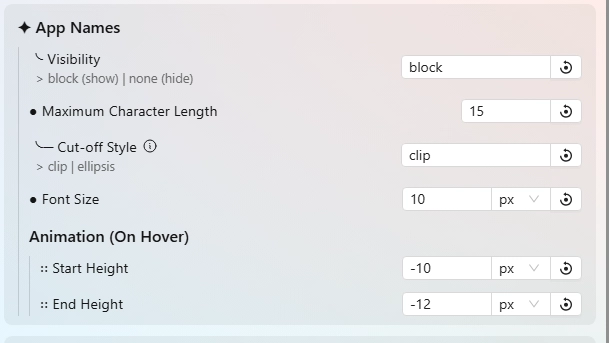
설명
This theme changes the system tray menu to be grid-based, the names of apps revealed when you hover over an icon.
Demo: https://github.com/user-attachments/assets/6d515175-ef30-43a6-83ef-8bda2602db3d
Note: Only layout is changed, there is no editing of menu itself to not clash with other themes.
UPDATES: (11/20/25) >
- Updated for Seelen v2.4.5+ & cleaned up code as needed.
- Updated settings structure + removed various options (as easy to create issues) + new option to make tray compact or soft (default).
If you encounter some issue, you can report it to me in the following ways:
- In the #resources post on the Seelen-UI Discord.
- Create a issue post on my GitHub page: https://github.com/K-Ivy/Kays-SeelenUI-Themes
Enjoy!
어떻게 사용하나요?
- 다운로드 및 설치 Seelen UI
- 앱이 실행 중인지 확인
- 위의 다운로드 버튼을 클릭하세요.
- 브라우저 프롬프트에 동의하여 Seelen UI를 엽니다.
- 앱이 설치를 처리합니다.
- 그게 다입니다!
호환성
- Seelen UI: 2.4.7+
- 플랫폼: Windows
더보기 k-ivy
 Dock Player Customizer
 Grid Style Tray - Always Show Label
 Hide Media Source Icons
 Filled Window Previews
 Indiviual Coloring of Toolbar Modules
 Windows 11 Start Icon
 Windows Concept Start Icon
 Warp Start Icon
 Apple Start Icon
 NixOS Start Icon
 Dots Start Icon
 Animated Windows XP Start Icon
 Animated Vista Start Icon
 Animated Windows 10 Start Icon
 Animated Whiteout Win 7 Start Icon
 Filled Media Thumbnails
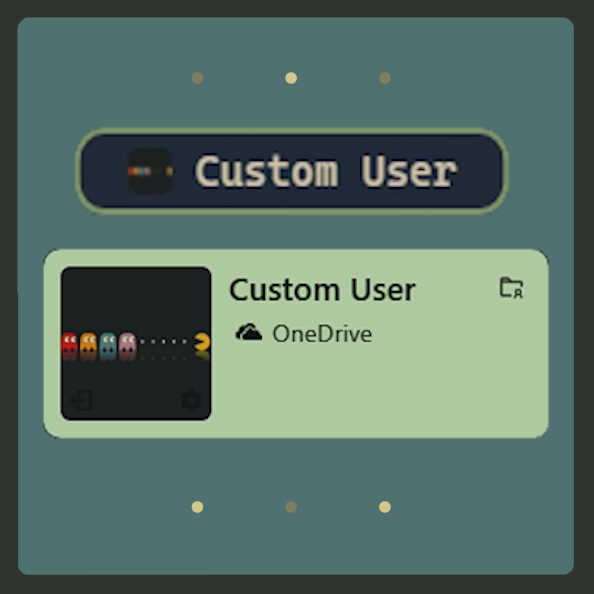 Custom Username
 Media Module Player Customizer
 Slide - Wallpaper Switch Animation
 Zoom Fade - Wallpaper Switch Animation
 Blur - Wallpaper Switch Animation
 Fade - Wallpaper Switch Animation
관련 리소스








리소스 정보
- ID: bc3dfebc-f534-4e0e-b08d-ef3744694138
- 친숙한 식별자: @k-ivy/win-grid-tray-hl
- 유형: 테마
- 상태: 게시됨
- 만든 곳: 2025년 5월 6일 화요일 오전 2시 48분 26초 UTC
- 마지막 업데이트 날짜: 2025년 11월 20일 목요일 오후 5시 12분 42초 UTC
- 검토 장소: 2025년 11월 20일 목요일 오후 5시 14분 38초 UTC
- 검토자:@k-ivy