

Zrzuty ekranu

Opis
Changes the seelen start icon to Windows 11 icon (by belu_king_dikg1t)
- Note: YOU MUST DISABLE the theme "Animated Start Icon" for this icon pack to apply!!!
Jak używać?
- Pobierz i zainstaluj Seelen UI
- Upewnij się, że aplikacja jest uruchomiona
- Kliknij przycisk pobierania powyżej
- Zaakceptuj monit przeglądarki, aby otworzyć Seelen UI
- Aplikacja zajmie się instalacją
- I to wszystko!
Kompatybilność
- Seelen UI: 2.3.10+
- Platforma: Windows
Więcej według k-ivy
 Dock Player Customizer
 Grid Style Tray - Hover for Label
 Grid Style Tray - Always Show Label
 Hide Media Source Icons
 Filled Window Previews
 Indiviual Coloring of Toolbar Modules
 Windows Concept Start Icon
 Warp Start Icon
 Apple Start Icon
 NixOS Start Icon
 Dots Start Icon
 Animated Windows XP Start Icon
 Animated Vista Start Icon
 Animated Windows 10 Start Icon
 Animated Whiteout Win 7 Start Icon
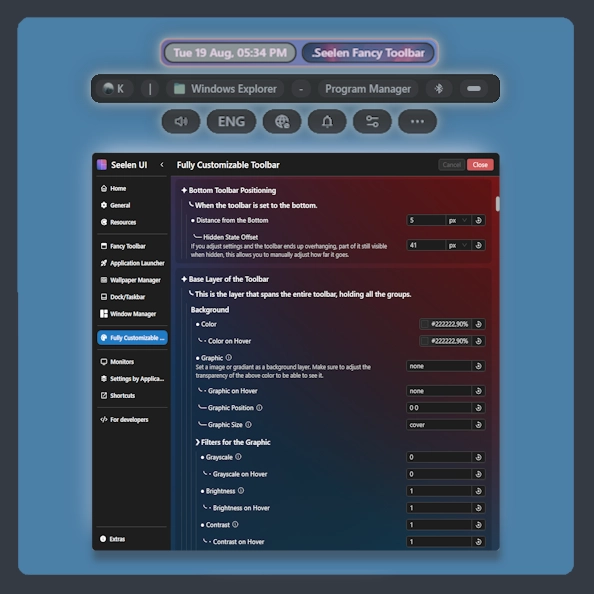 Fully Customizable Toolbar
 Filled Media Thumbnails
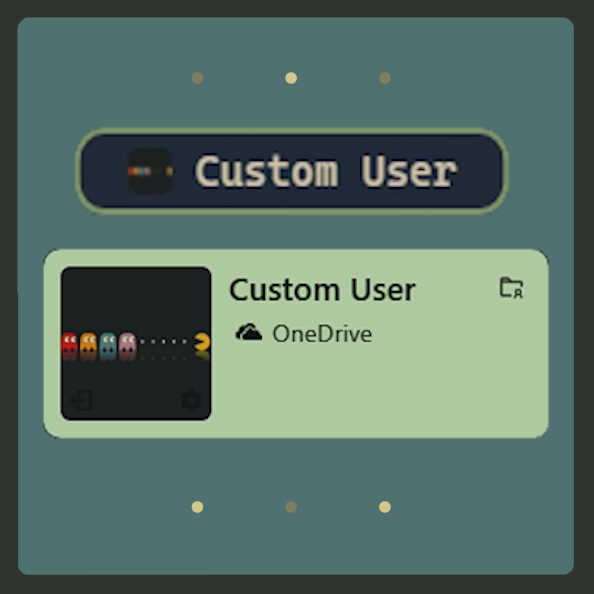 Custom Username
 Media Module Player Customizer
 Slide - Wallpaper Switch Animation
 Zoom Fade - Wallpaper Switch Animation
 Blur - Wallpaper Switch Animation
 Fade - Wallpaper Switch Animation
Powiązane zasoby

Informacje o zasobach
- ID: a40e71ed-5f78-4642-97b2-9f17cd8eef26
- Przyjazny identyfikator: @k-ivy/start-icon-faq
- Typ: Pakiet ikon
- Status: Opublikowano
- Utworzono w: niedziela, 6 lipca 2025 17:47:41 UTC
- Ostatnia aktualizacja: czwartek, 10 lipca 2025 19:57:05 UTC
- Recenzowane na: piątek, 11 lipca 2025 05:01:41 UTC
- Recenzja:@eythaann