
Zrzuty ekranu
Opis
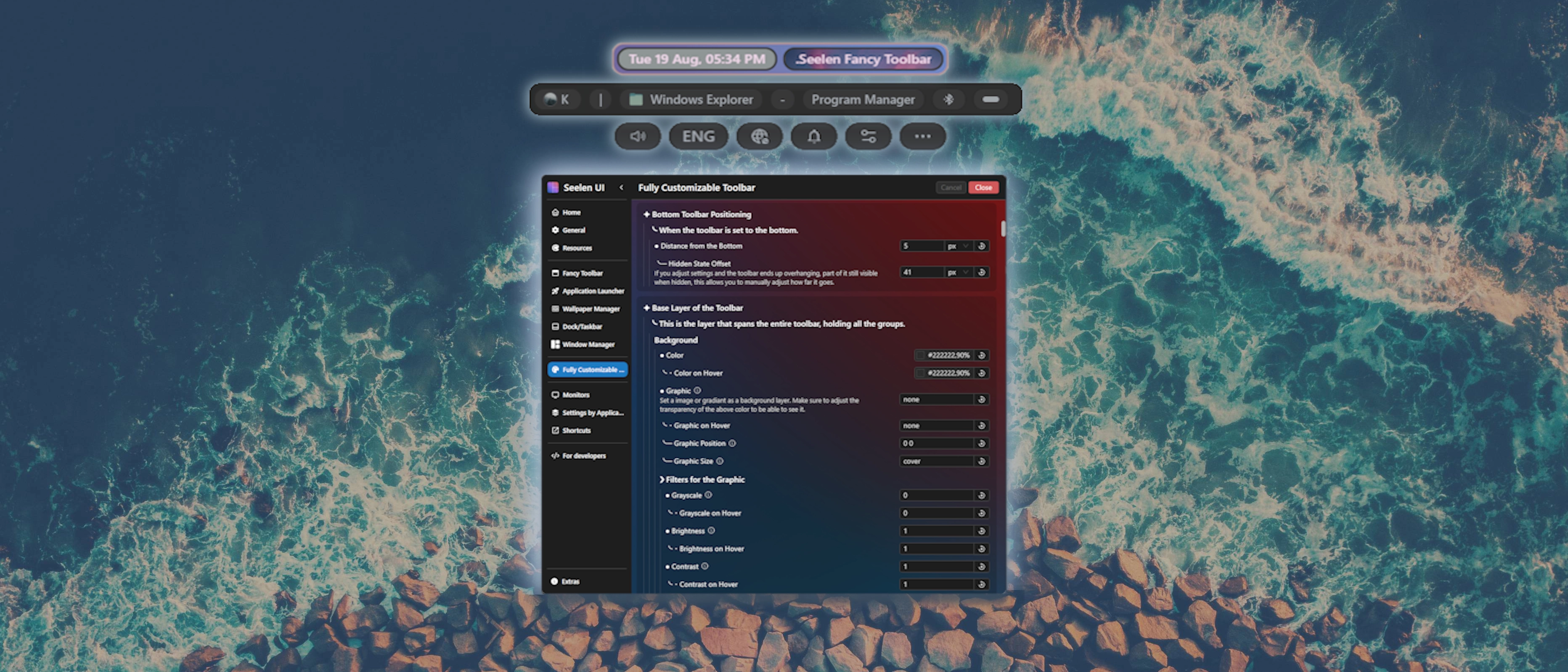
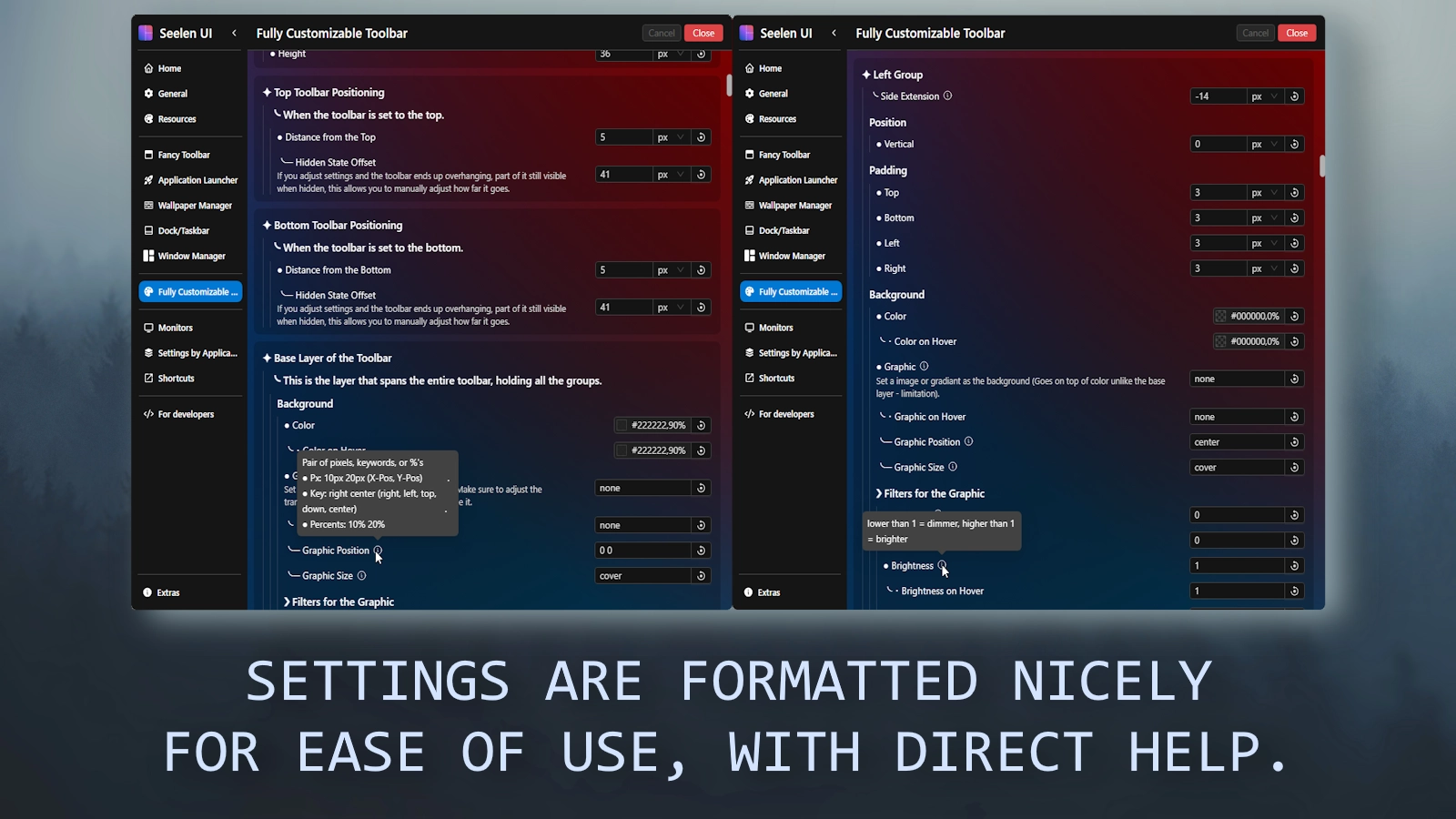
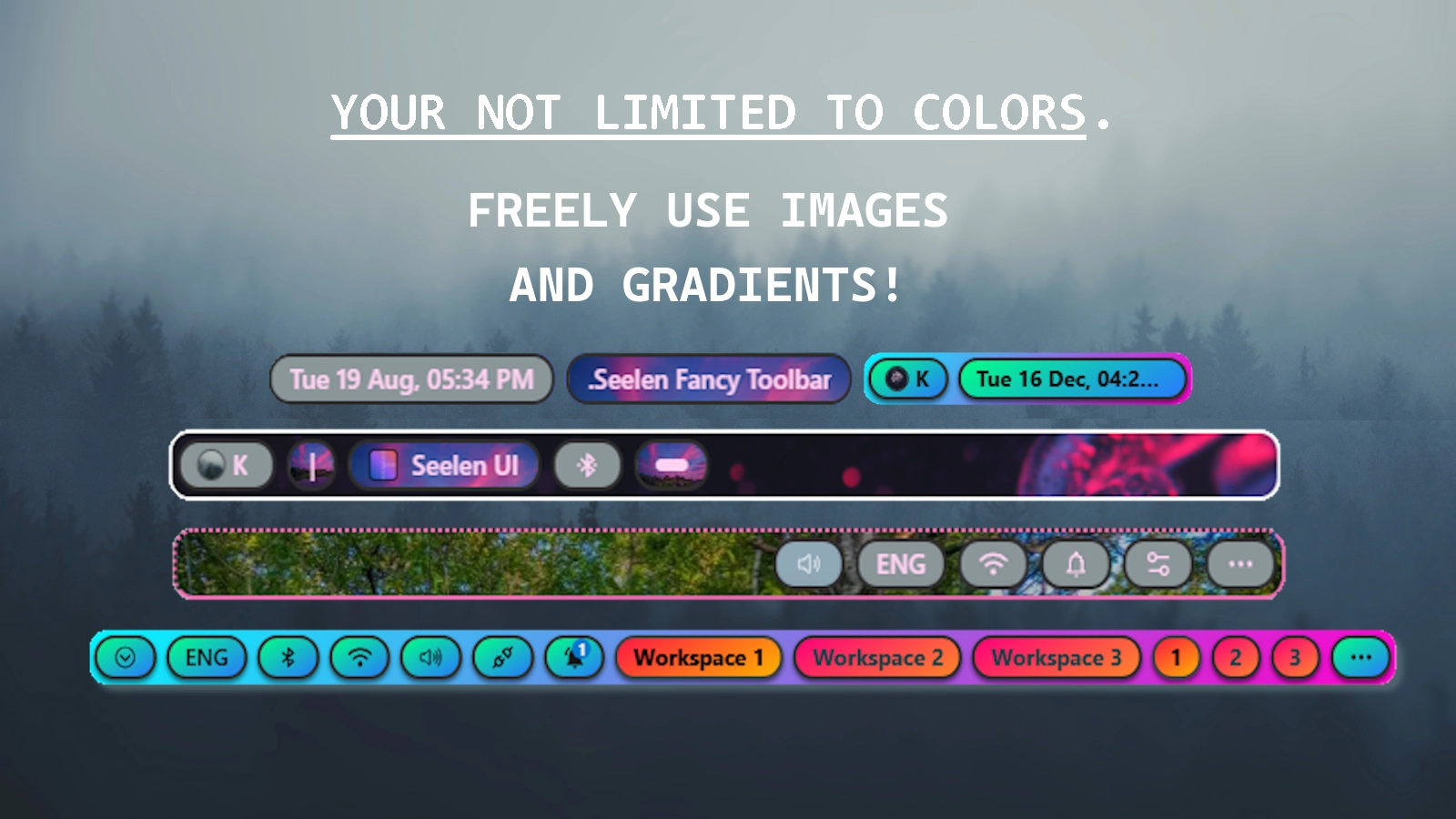
This theme allows you to EXTENSIVELY customize the fancy toolbar all through nicely formatted settings that is clear and broken up for a good experience. Video!
The theme is lightweight (as it does not add heavy modifications such as additional animations).
╰─ But note that when in the theme settings, your usage will go up - that is expected. It will go back to normal once you leave the theme settings, so modify what you want, save, and enjoy.
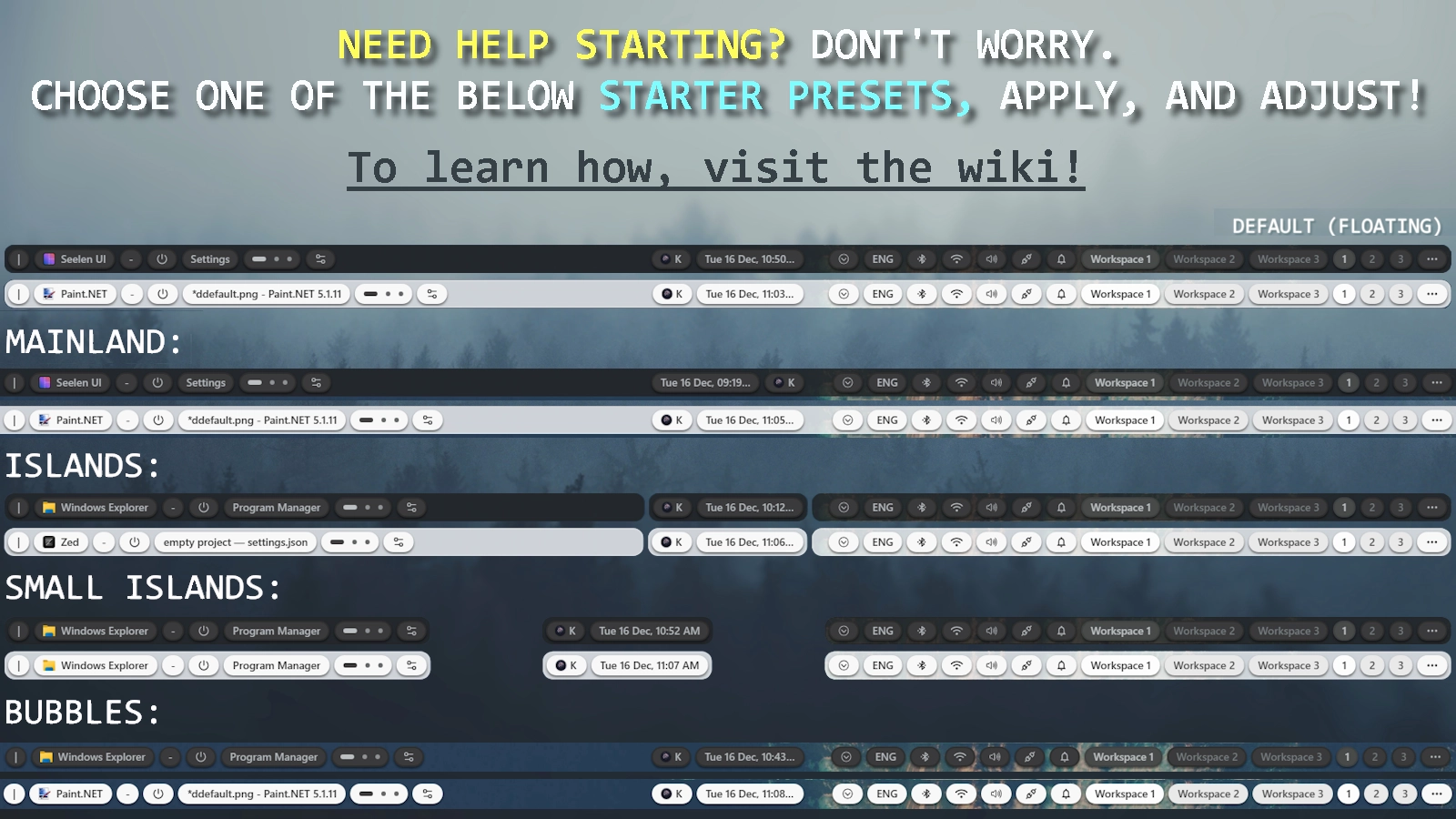
Also, If you need help starting or want the ready made light mode theme, dont forget to check out the presets on the wiki (more will be added over time):
https://github.com/K-Ivy/Seelen-UI-Resources/wiki/%22Fully-Cusomizable-Toolbar%22-Theme
- Anyone who wishes to is more than welcome to share presets to be added to the list here: https://github.com/K-Ivy/Seelen-UI-Resources/discussions/6 or message it to me on the Seelen UI Discord.
And if you wish to ever check out this theme's changelogs, they will live here!
Warning
It should be obvious but ANY other theme that also is for customizing the look of the toolbar is fully incompatible.
Of course though, resources like Indiviual Coloring of Toolbar Modules or Custom Username will work perfectly fine.
You just have to make sure that they are below this theme in YOUR theme list so that they take priority.
If you encounter some issue or have feedback, you can report it to me in the following ways:
- In the #resources post on the Seelen-UI Discord.
- Create a issue post on my GitHub page: https://github.com/K-Ivy/Kays-SeelenUI-Themes
Enjoy!
Note for users of the OLD Version:
-
ALL options for customizing the module menus and tooltip and context menus have been removed.
-
Those options will be split into a secondary theme called Fully Customizable Toolbar Menus.
Why? User side, the combined options are absurdly long so this helps reduce confusion and give a faster experience. And on my side, this splitting will help in future updating and development.
Jak używać?
- Pobierz i zainstaluj Seelen UI
- Upewnij się, że aplikacja jest uruchomiona
- Kliknij przycisk pobierania powyżej
- Zaakceptuj monit przeglądarki, aby otworzyć Seelen UI
- Aplikacja zajmie się instalacją
- I to wszystko!
Kompatybilność
- Seelen UI: 2.4.11+
- Platforma: Windows
Więcej według k-ivy
 Dock Player Customizer
 Grid Style Tray - Hover for Label
 Grid Style Tray - Always Show Label
 Hide Media Source Icons
 Filled Window Previews
 Indiviual Coloring of Toolbar Modules
 Windows 11 Start Icon
 Windows Concept Start Icon
 Warp Start Icon
 Apple Start Icon
 NixOS Start Icon
 Dots Start Icon
 Animated Windows XP Start Icon
 Animated Vista Start Icon
 Animated Windows 10 Start Icon
 Animated Whiteout Win 7 Start Icon
 Filled Media Thumbnails
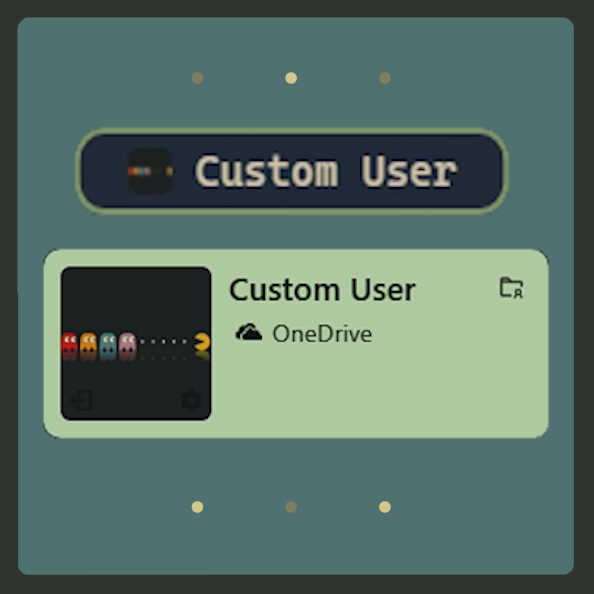 Custom Username
 Media Module Player Customizer
 Slide - Wallpaper Switch Animation
 Zoom Fade - Wallpaper Switch Animation
 Blur - Wallpaper Switch Animation
 Fade - Wallpaper Switch Animation
Powiązane zasoby








Informacje o zasobach
- ID: 534af088-a010-4f1e-a886-21fb58ae4393
- Przyjazny identyfikator: @k-ivy/kivy-custom-ftbr
- Typ: Temat
- Status: Opublikowano
- Utworzono w: czwartek, 21 sierpnia 2025 21:07:03 UTC
- Ostatnia aktualizacja: sobota, 20 grudnia 2025 04:31:11 UTC
- Recenzowane na: sobota, 20 grudnia 2025 04:35:07 UTC
- Recenzja:@k-ivy