

Screenshots

Description
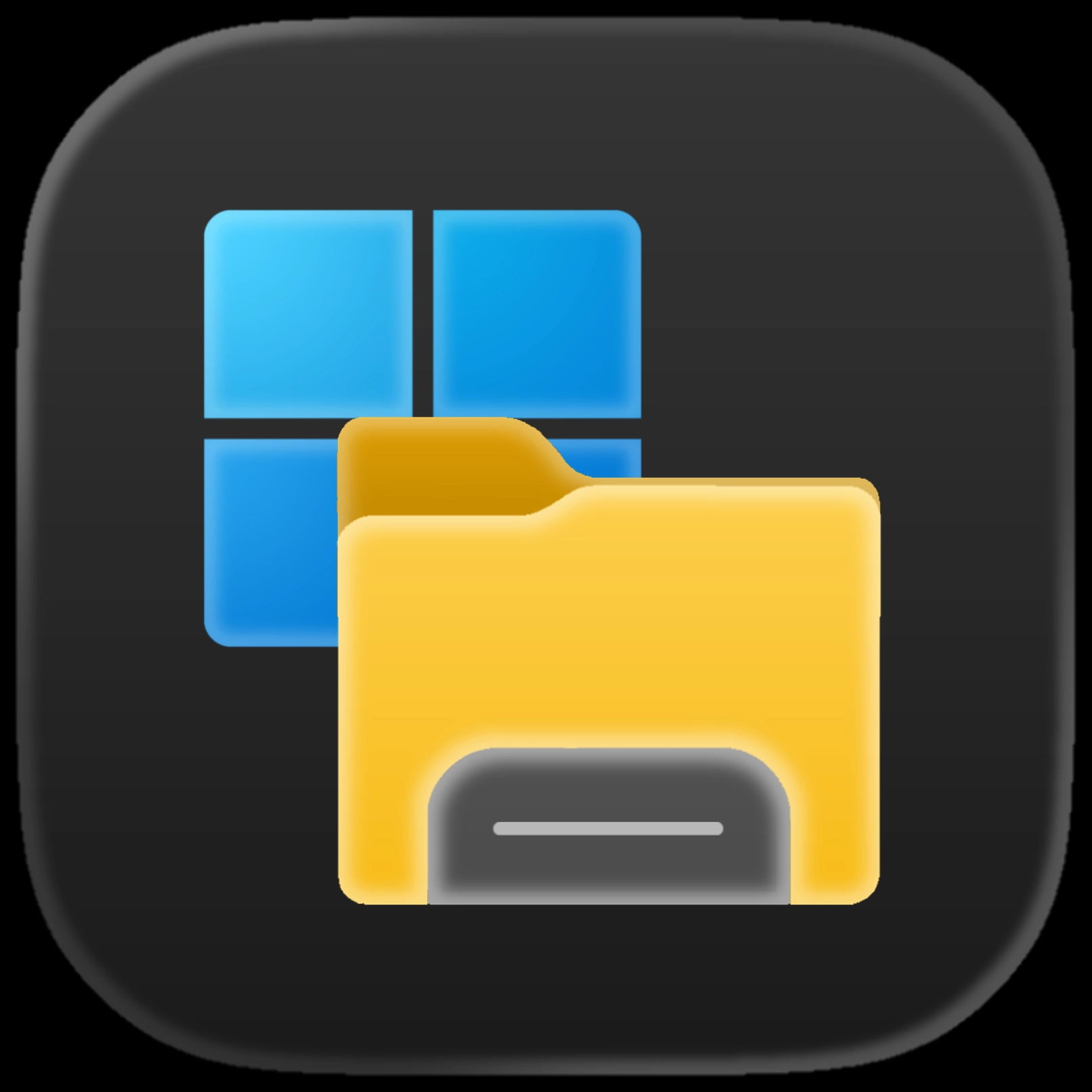
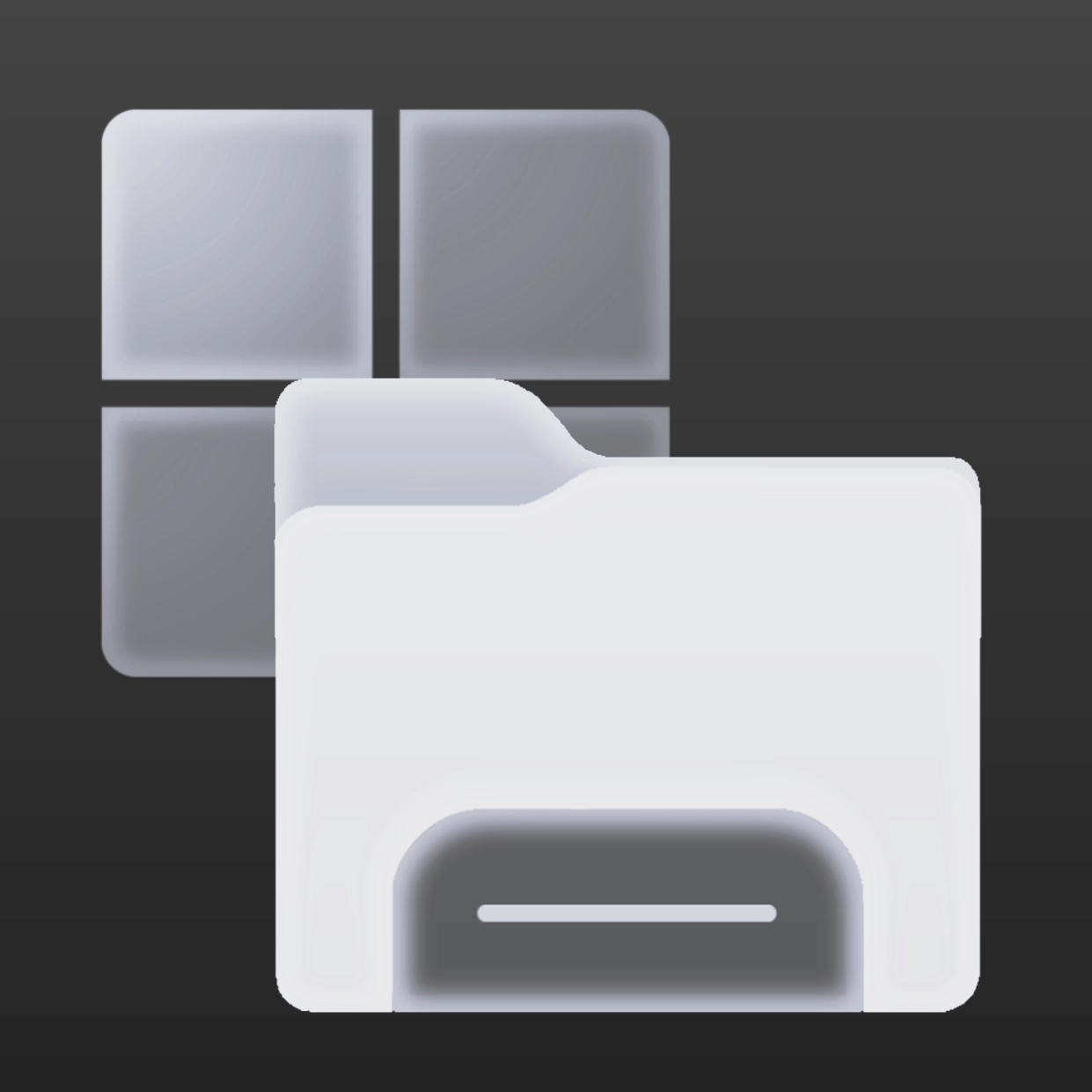
A minimal and modern icon pack for Seelen UI, designed to replace the Start icon with the Bythron OS identity.
How to use?
- Download and install Seelen UI
- Make sure the app is running
- Click the download button above
- Accept the browser prompt to open Seelen UI
- The app will handle the installation
- And that's all!
Compatibility
- Seelen UI: 2.4.11+
- Platform: Windows
Related Resources








Resource Information
- ID: 733d4048-3314-42e5-b9be-969871364daf
- Type: Icon Pack
- Status: Published
- Created At: Thursday, January 1, 2026 at 6:54:37 AM UTC
- Last Updated At: Thursday, January 1, 2026 at 6:54:37 AM UTC
- Reviewed At: Wednesday, January 7, 2026 at 11:40:21 AM UTC
- Reviewed By:@eythaann