

Screenshots

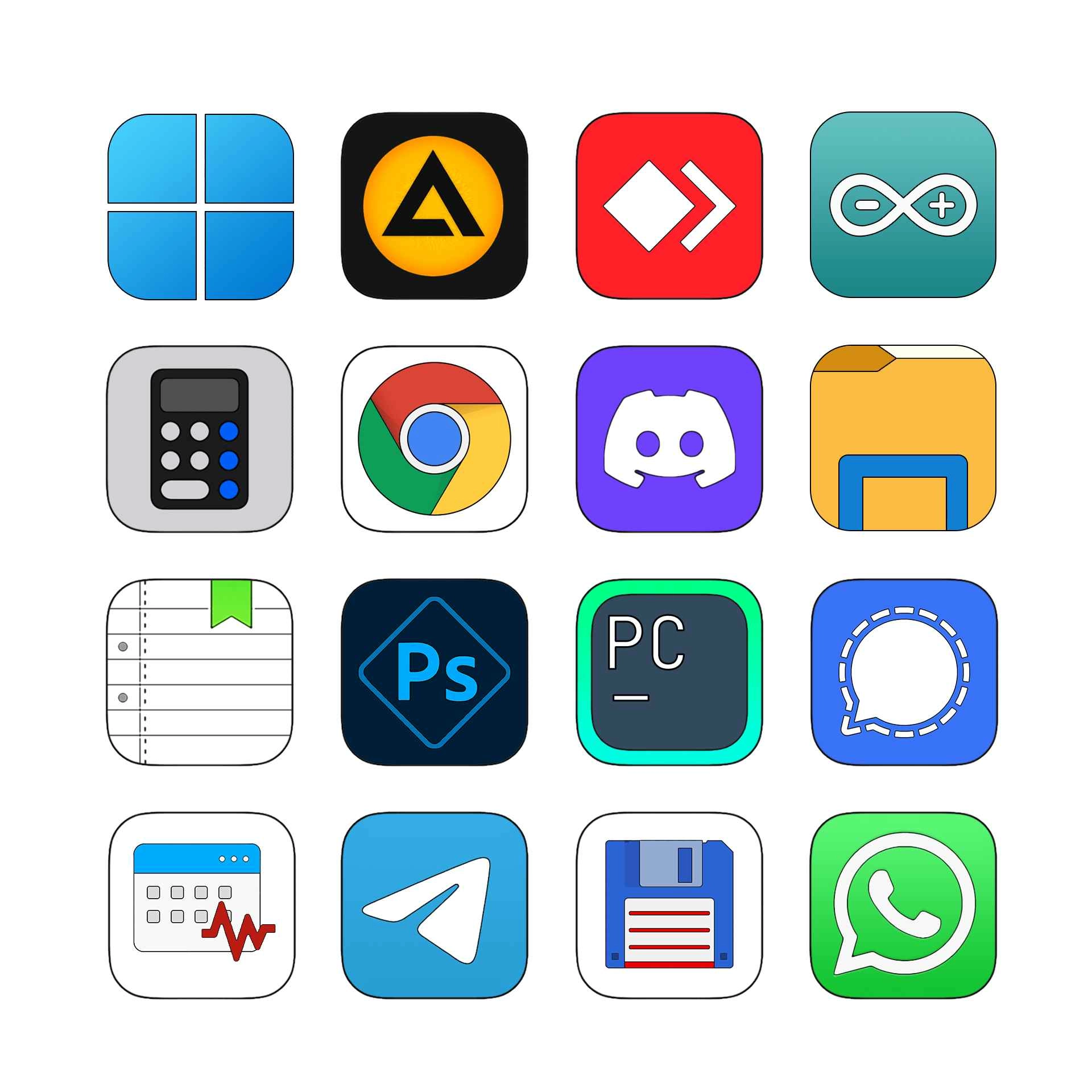
Description
Dots Start Icon.
Update - (7/14/26):
- Adaptive:
- Light mode = black dots.
- Dark mode = white dots
NOTE: YOU MUST DISABLE ANY "ANIMATED" Start Icon for this to apply!!!
How to use?
- Download and install Seelen UI
- Make sure the app is running
- Click the download button above
- Accept the browser prompt to open Seelen UI
- The app will handle the installation
- And that's all!
Compatibility
- Seelen UI: 2.7.4+
- Platform: Windows
More by k-ivy


Related Resources



Resource Information
- ID: cc48039f-f5d8-4800-a937-0a77f6b39b38
- Type: Icon Pack
- Status: Published
- Created At: Sunday, July 6, 2025 at 9:12:17 PM UTC
- Last Updated At: Wednesday, July 15, 2026 at 12:11:15 AM UTC
- Reviewed At: Wednesday, July 15, 2026 at 12:11:15 AM UTC
- Reviewed By:@k-ivy