

Mga screenshot

Paglalarawan
This theme makes the window previews of apps fully fill the space available, adjusted to look natural as possible.
Demo: https://github.com/user-attachments/assets/2d56ec88-e229-43d5-a0ad-33ca00ff59a2
UPDATE: (3/4/26) >
- Removed option to control border radius due to it going beyond the theme's purpose and interfering with other resources.
Paano gamitin?
- I -download at i -install Seelen UI
- Tiyaking tumatakbo ang app
- I -click ang pindutan ng pag -download sa itaas
- Tanggapin ang browser prompt upang buksan ang Seelen UI
- Hahawakan ng app ang pag -install
- At iyon lang!
Pagiging tugma
- Seelen UI: 2.5.3+
- Platform: Windows
Higit pa sa pamamagitan ng k-ivy
 Fully Customizable Dock Player
 Grid Style Tray - Hover for Label
 Grid Style Tray - Always Show Label
 Hide Media Source Icons
 Indiviual Coloring of Toolbar Modules
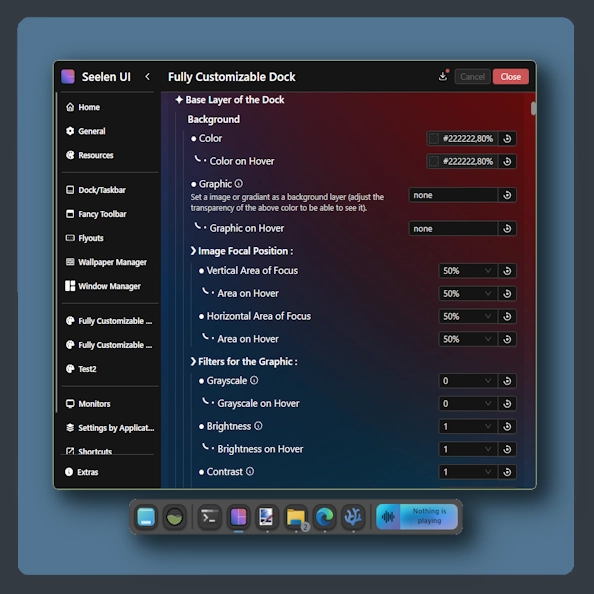 Fully Customizable Dock
 Windows 11 Start Icon
 Windows Concept Start Icon
 Warp Start Icon
 Apple Start Icon
 NixOS Start Icon
 Dots Start Icon
 Animated Windows XP Start Icon
 Animated Vista Start Icon
 Animated Windows 10 Start Icon
 Animated Whiteout Win 7 Start Icon
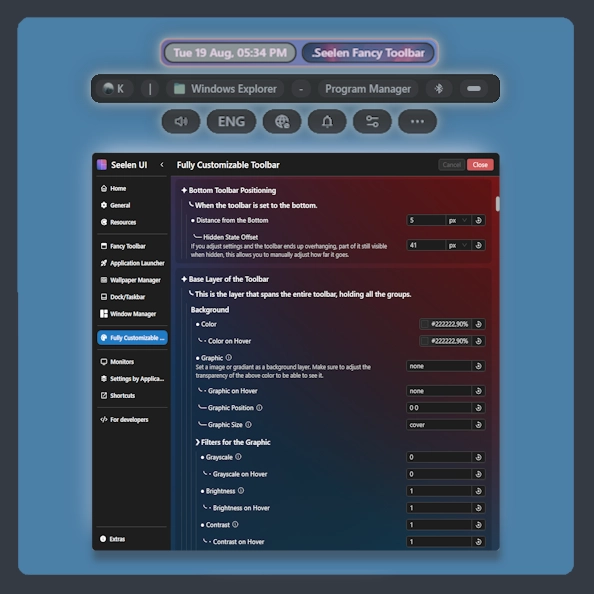 Fully Customizable Toolbar
 Filled Media Thumbnails
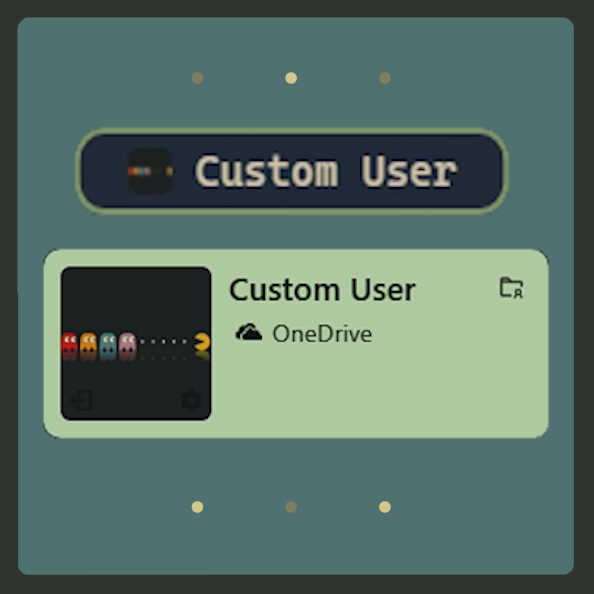 Custom User
 Slide - Wallpaper Switch Animation
 Zoom Fade - Wallpaper Switch Animation
 Blur - Wallpaper Switch Animation
 Fade - Wallpaper Switch Animation
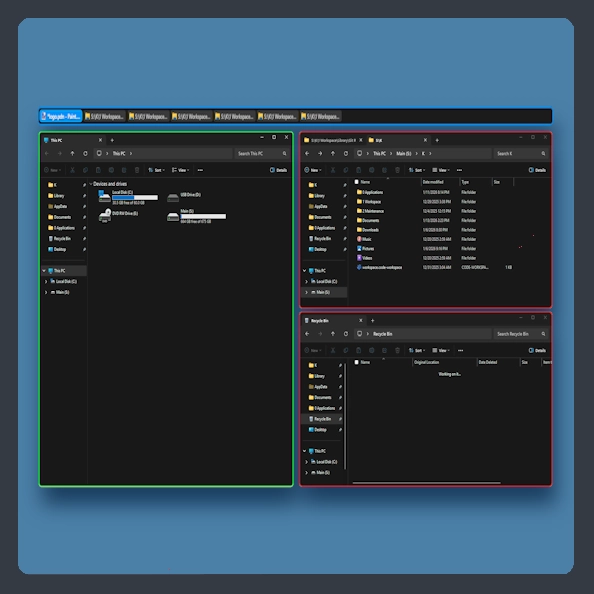 Fully Customizable Window Manager
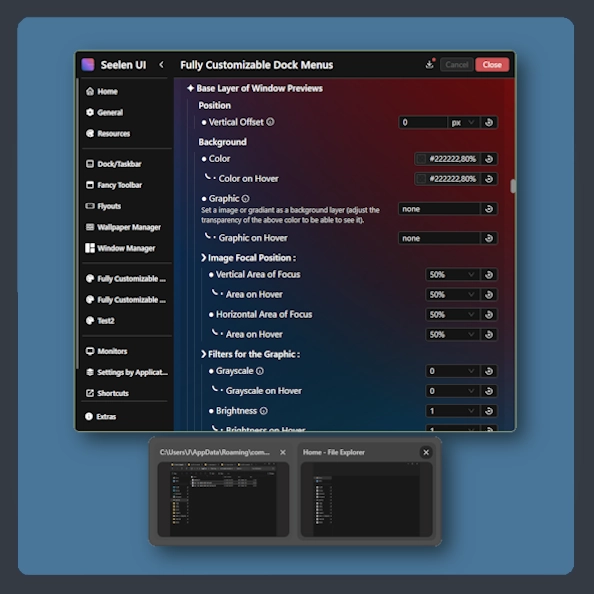 Fully Customizable Dock Menus
 Animated Start Icon Creator
Mga kaugnay na mapagkukunan








Impormasyon ng mapagkukunan
- ID: 0d268be1-e136-4eb0-b33e-59732ba020c2
- I -type: Tema
- Katayuan: Nai -publish
- Nilikha sa: Linggo, Mayo 11, 2025 nang 12:11:02 AM UTC
- Huling na -update sa: Huwebes, Marso 5, 2026 nang 5:03:58 AM UTC
- Sinuri sa: Huwebes, Marso 5, 2026 nang 5:04:11 AM UTC
- Sinuri ng:@k-ivy