لقطات الشاشة
الوصف
Orbit Menu <3
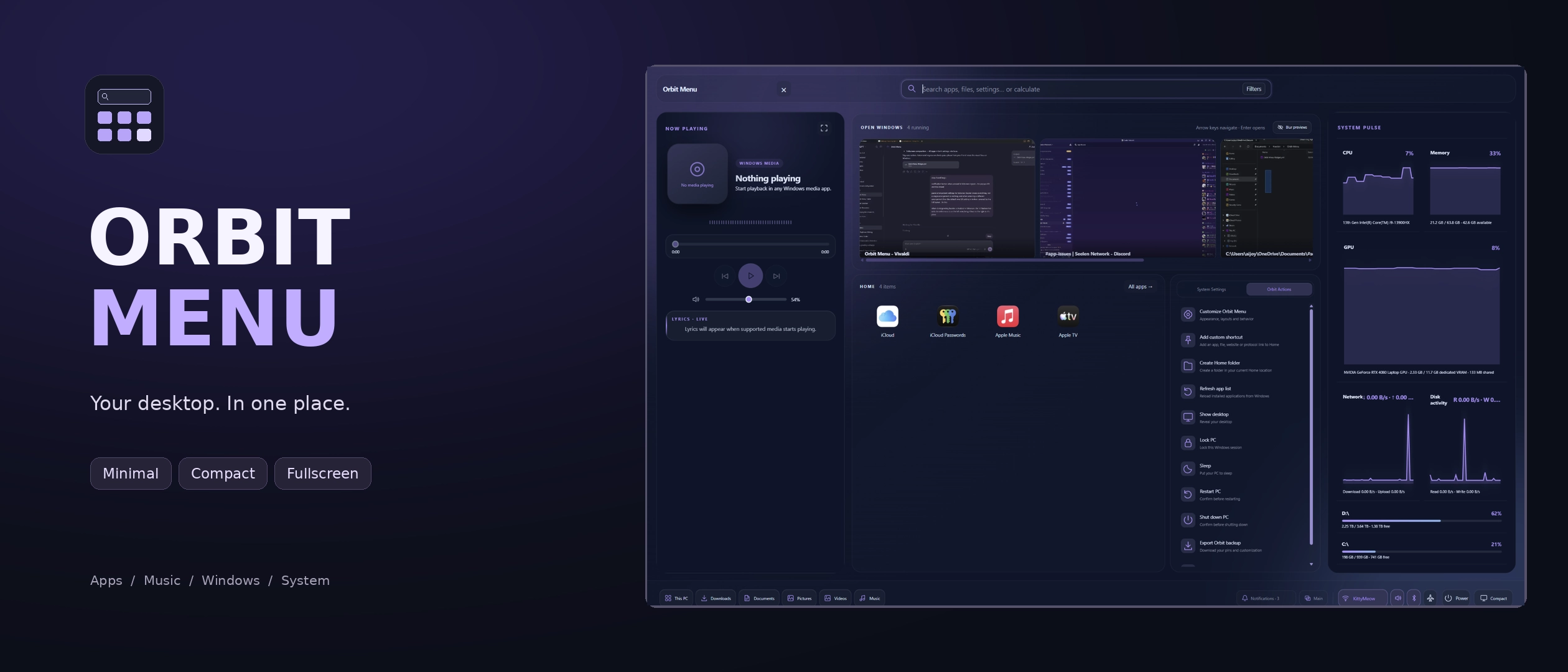
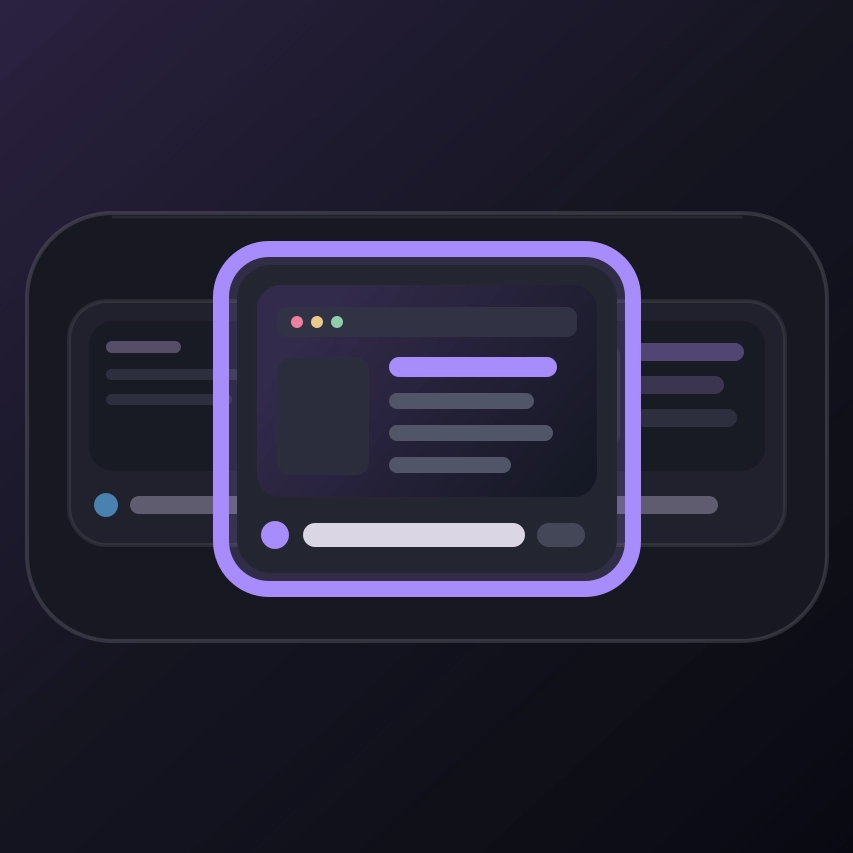
Orbit Menu is a modern, customizable alternative to SeelenUI's default application menu, bringing your applications, music, system controls and useful information together in one beautifully designed interface.
Choose between a compact menu, an immersive fullscreen experience or a minimal layout, with smooth animations, flexible panels, music controls, resource monitoring and a whole lot of customization.
Search for apps, control your music, check your system resources or access common Windows settings .. all without having to jump between different interfaces.
Features:
- Three main layouts: choose between Compact, Fullscreen & Minimal, each designed to provide a different way to interact with your applications and system.
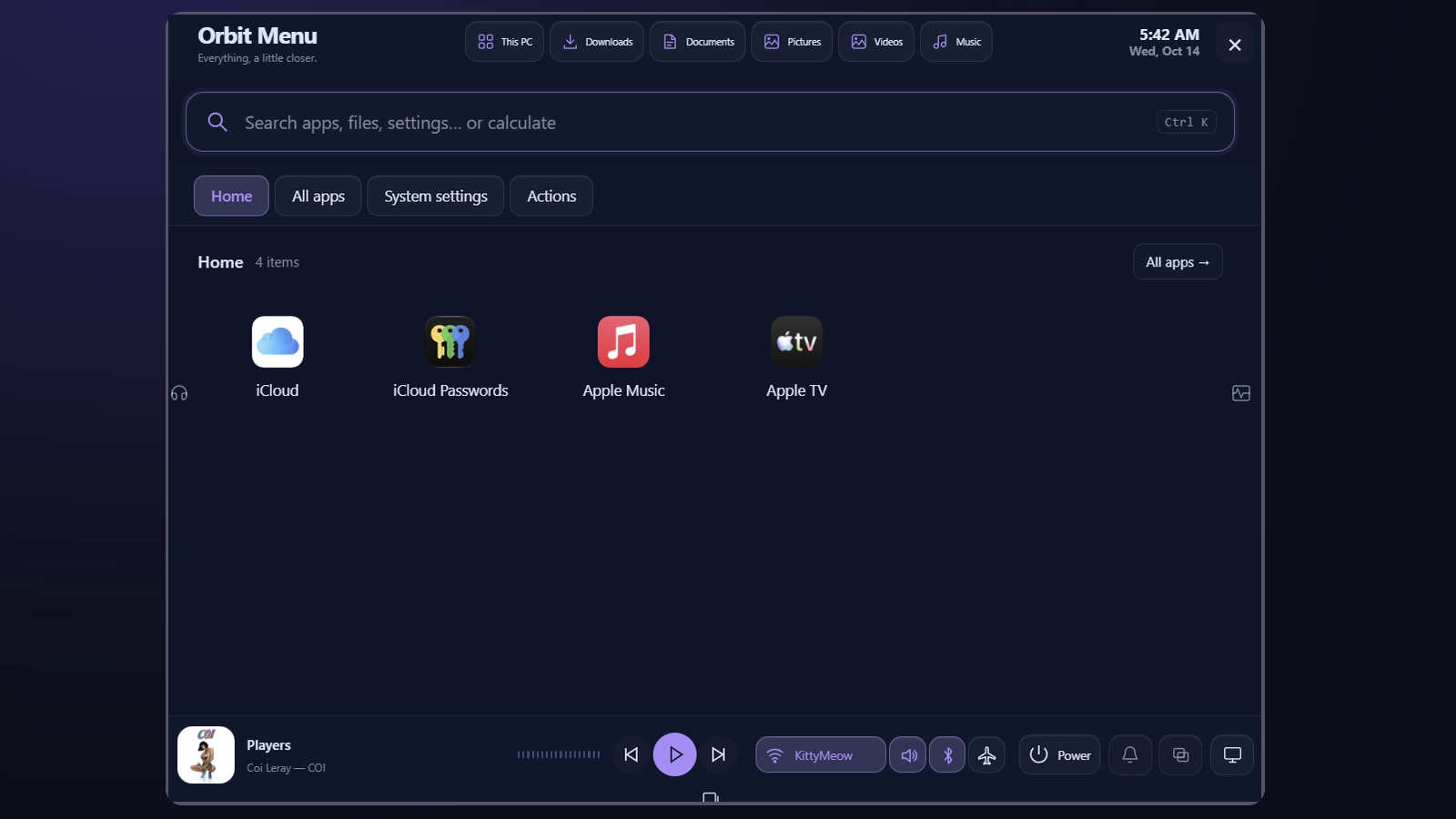
- Compact layout: a modern, centered application menu with expandable panels, quick access controls and a space-efficient interface.
- Fullscreen layout: a more immersive launcher with dedicated application areas, search and integrated panels.
- Minimal layout : minimal, spotlight like search, just search and hit enter.
- App search: quickly find installed applications without manually scrolling through your entire app list.
- Application launcher: browse and launch installed applications from one organized interface.
- App shortcuts: keep frequently used applications accessible through the menu's shortcut and pinning features.
- Keyboard navigation: move through the interface, navigate applications and interact with menu elements using the keyboard.
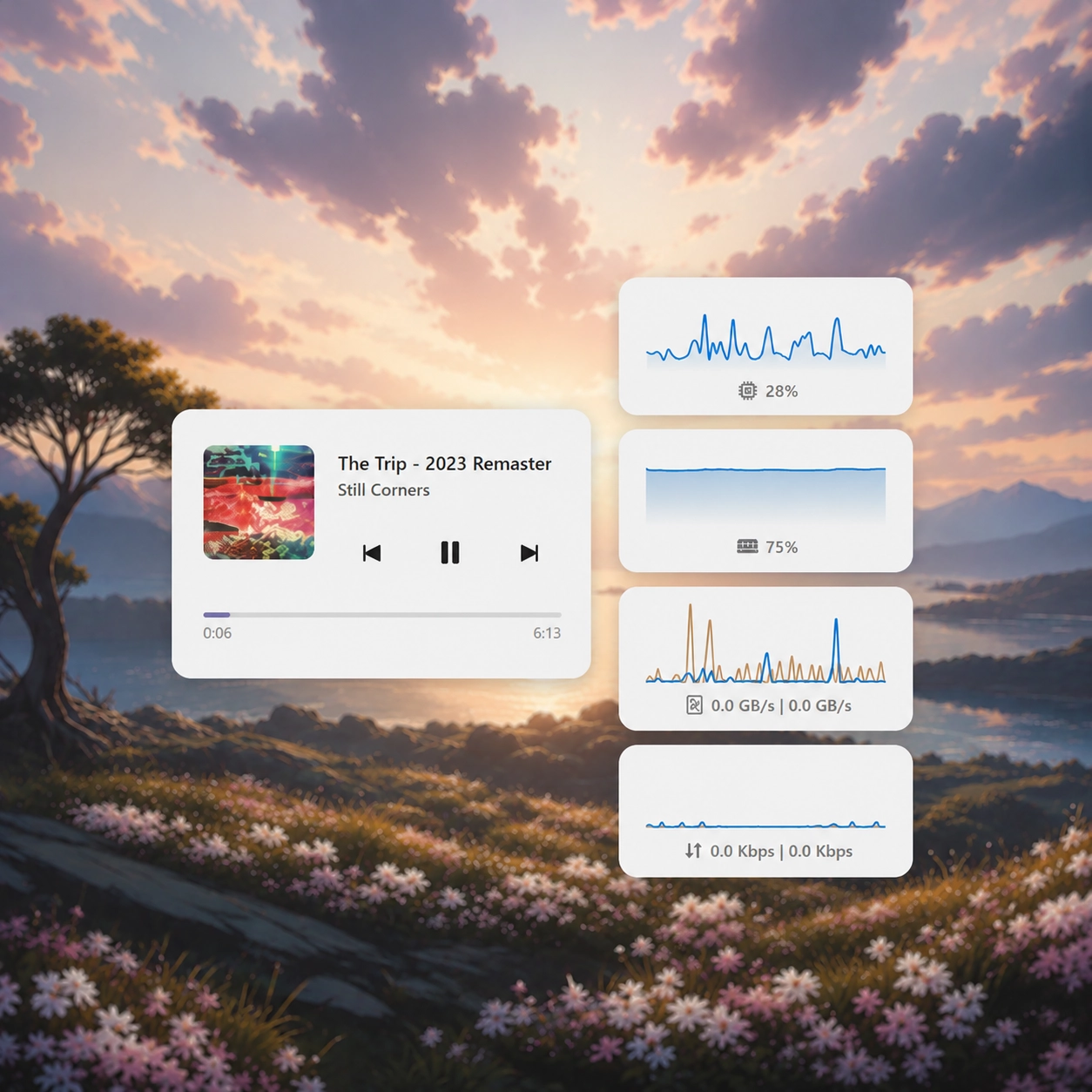
- Music panel: display the currently detected media session, including available artwork, song information, playback status and controls.
- Music visualizer: animated audio visualization that adds a little life to your music panel.
- Lyrics integration: display available synchronized or supported lyrics alongside your music.
- Media controls: play, pause, skip forward or backward and interact with available playback controls.
- Playback progress: display media timeline and progress information when supported by the active media source.
- Resources panel: monitor CPU, GPU, memory, network and other available system information directly inside Orbit Menu.
- Task switcher integration: quickly access open applications through the compact menu's integrated window-switching area.
- System controls: access common Windows and SeelenUI functions without leaving the menu.
- Wi-Fi & network information: display available wireless connection information, including the connected network when supported.
- Bluetooth controls: access available Bluetooth information and device-related controls.
- Sound controls: manage available audio controls from the menu, with access to additional volume options.
- Power controls: access common system power actions through a compact popup.
- Additional quick settings: access supported controls such as airplane mode, hotspot, location and power-related settings where available.
- Expandable panels: open additional menu sections without permanently taking up space in the main interface.
- Independent panels: compatible panels can remain open together without forcing each other closed.
- Non intrusive panel behavior: expandable sections are designed to appear without unnecessarily shifting the entire menu layout.
- Drag & drop customization: rearrange supported shortcuts and interface elements to match your preferences.
- Appearance presets: choose between Orbit, Midnight, Frost, Graphite, Ocean, Rose, Liquid Glass, Catppuccin, Nord, Tokyo Night, Aurora, Ember, OLED and additional appearance options.
- Light and dark modes: choose your preferred mode or automatically follow SeelenUI.
- Accent integration: use the Orbit appearance, follow SeelenUI or Windows accent colors, or choose a custom accent.
- Consistent visual styling: application tiles, context menus, buttons, panels, scrollbars, backgrounds and controls adapt to the selected appearance.
- Customizable interface: adjust the available layout, appearance, panel and interaction settings to suit your desktop.
- Smooth animations: polished opening, closing and panel transitions for a more fluid experience.
- Click outside dismissal: close the menu and supported popups by clicking outside, with Escape handling for keyboard users.
- Responsive design: menu elements are arranged to remain usable across different display sizes and scaling configurations.
- Performance optimizations: interface updates and panel rendering are designed to minimize unnecessary work.
Getting started :
Install Orbit Menu from Seelen's resource website and enable it in SeelenUI.
You should find a new "Orbit Menu" button in your dock, clicking it will open the orbit menu. Grant Orbit menu all the required permissions. You can remove the button after setting it up.
Inside of Orbit menu, head to "Actions" → "Customize Orbit menu" to access all the settings.
(Alternatively) Open SeelenUI → Widgets → Orbit Menu to configure the appearance, layout, interface behavior and other available preferences.
Choose between "Compact", "Fullscreen" and "Minimal" depending on how you prefer to access your applications.
In Compact mode, you can expand the music, resources and other available panels whenever you need them. The panels are designed to work alongside the main launcher without unnecessarily interrupting your workflow.
Use the application search to find installed apps, or right click an application for available context menu actions.
You can also customize the appearance presets, transparency, accent colors and other visual settings.
A few things to know:
Orbit Menu relies on the applications, media sessions and system information detected by SeelenUI and Windows.
Music playback, artwork, progress information and lyrics depend on the active media application and its supported integrations. Not every media player exposes the same information or playback controls.
Some Windows quick settings may have limitations depending on your hardware, permissions and system configuration.
Administrative application launching may require Windows confirmation.
Designed for SeelenUI 2.8.10 or later.
If you have a suggestion, found an issue or wanna request something for a future update, feel free to ask in the official SeelenUI Discord server: https://discord.com/invite/seelen-network-751144791596597561
Orbit collection :
https://seelen.io/resources/collection/5b86b663-aefd-4d5c-90ac-c6c80722080f
كيفية الاستخدام؟
- التنزيل والتثبيت Seelen UI
- تأكد من تشغيل التطبيق
- انقر على زر التنزيل أعلاه
- قبول مطالبة المتصفح بفتح واجهة مستخدم سيلين
- سيتعامل التطبيق مع التثبيت
- وهذا كل شيء!
التوافق
- Seelen UI: 2.8.10+
- المنصة: Windows
المزيد بواسطة ickyaidy


الموارد ذات الصلة





معلومات عن الموارد
- ID: 9c7d717f-c631-410d-9128-d97fe428b7c3
- النوع: القطعة
- الحالة: منشورة
- تم إنشاؤها في: الجمعة، 16 أكتوبر 2026 في 11:34:55 ص UTC
- آخر تحديث في: الاثنين، 26 أكتوبر 2026 في 10:11:03 ص UTC
- تمت المراجعة في: الاثنين، 26 أكتوبر 2026 في 10:11:03 ص UTC
- تمت المراجعة من قبل:@eythaann