
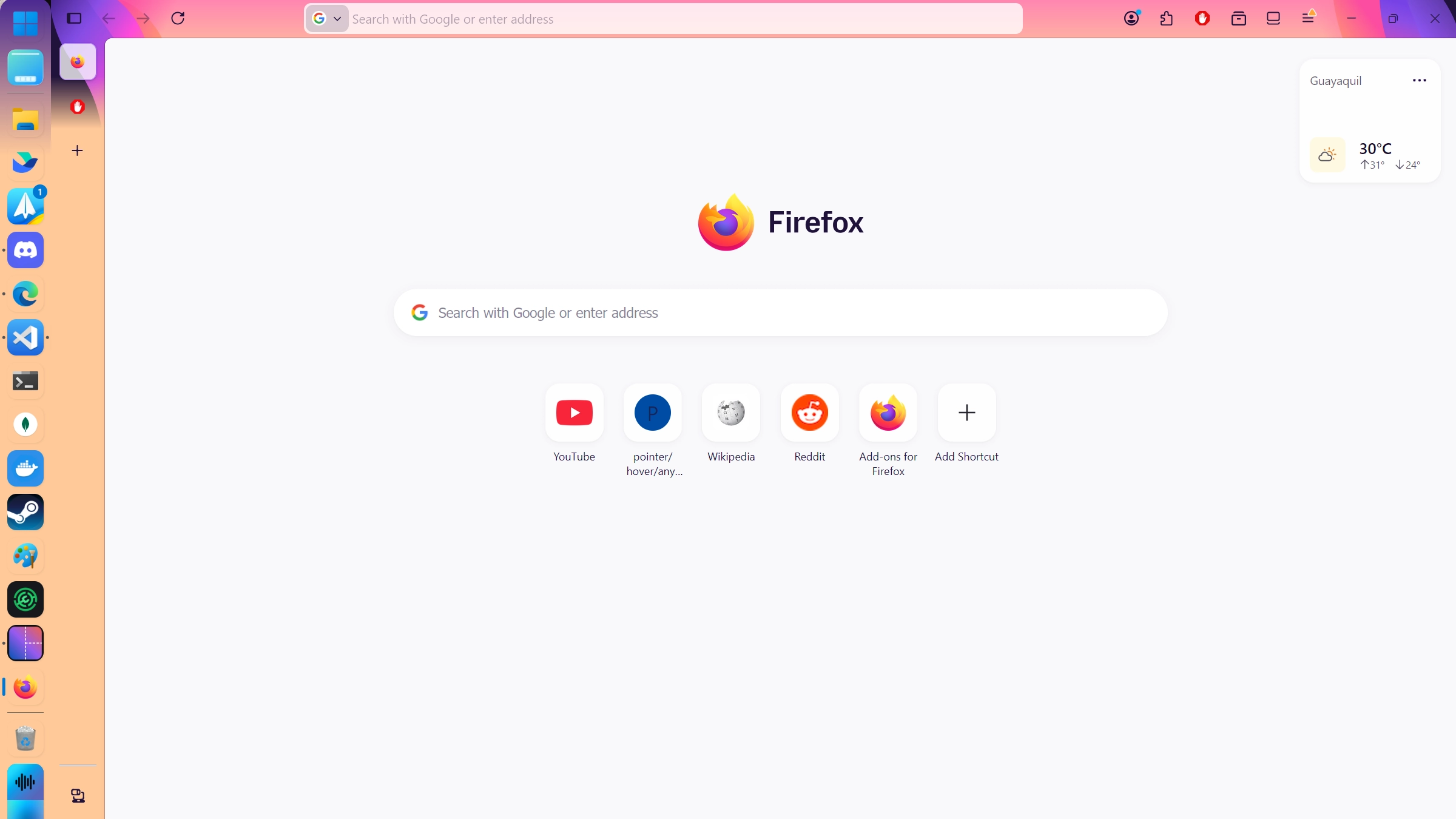
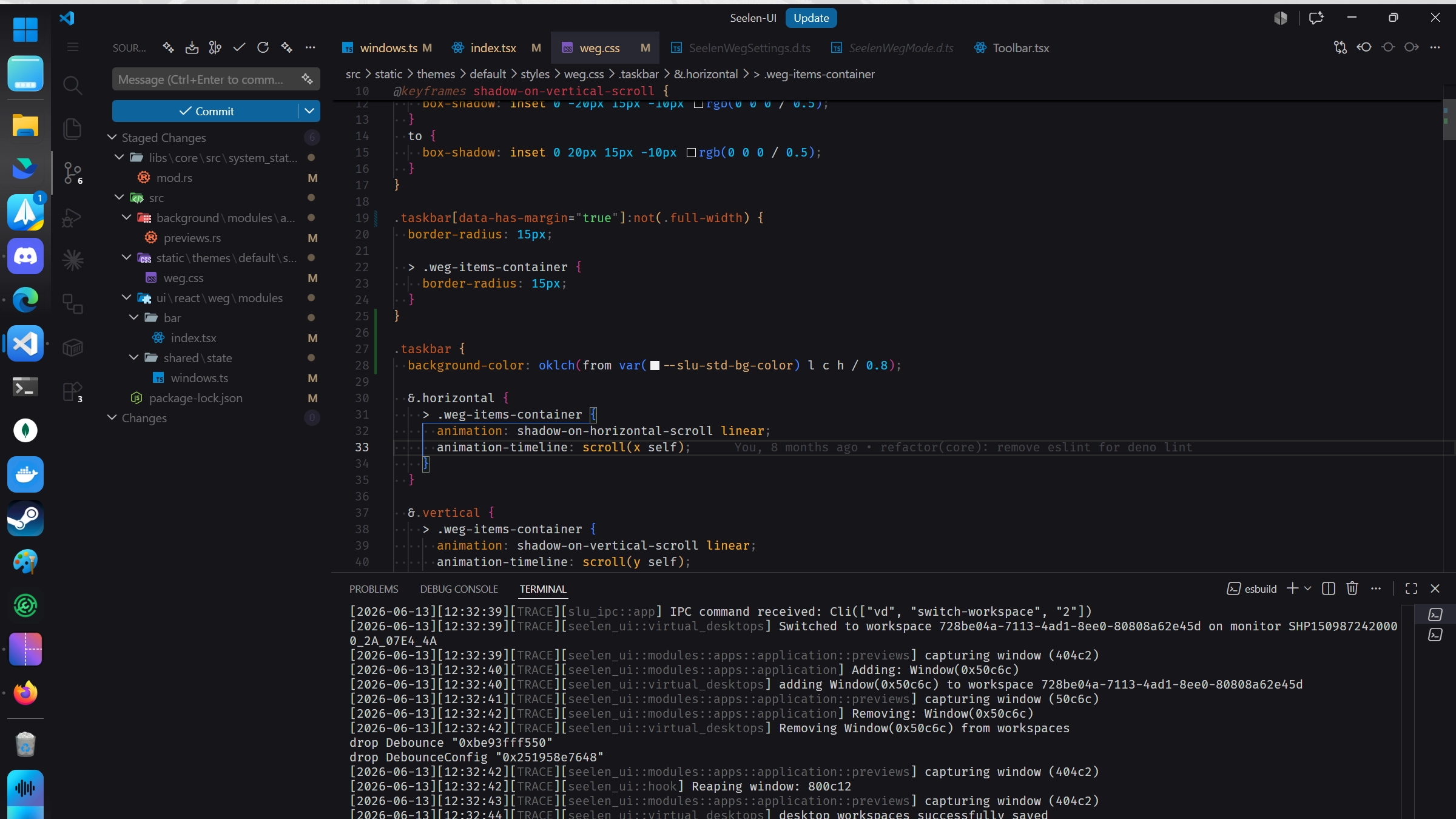
Screenshots
Description
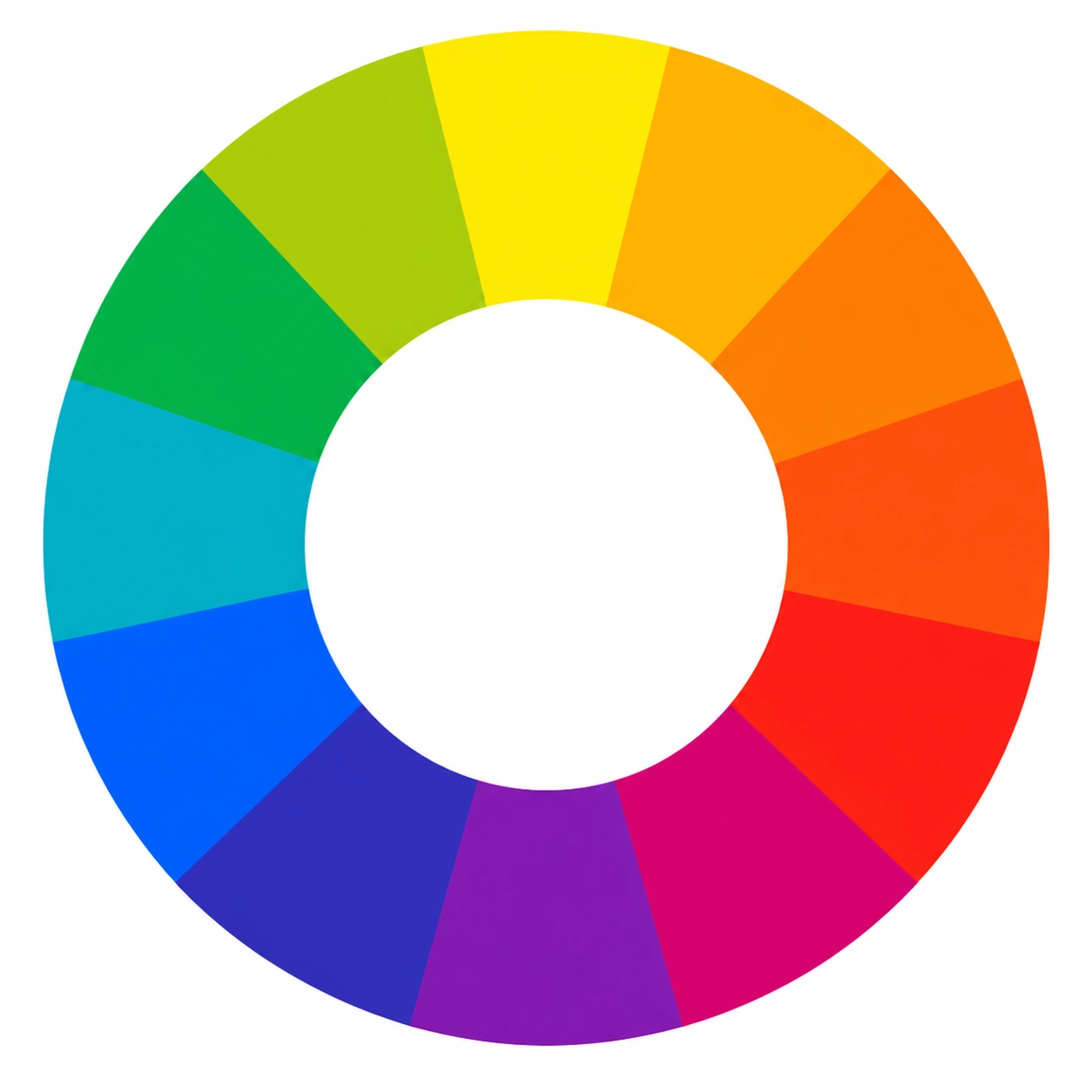
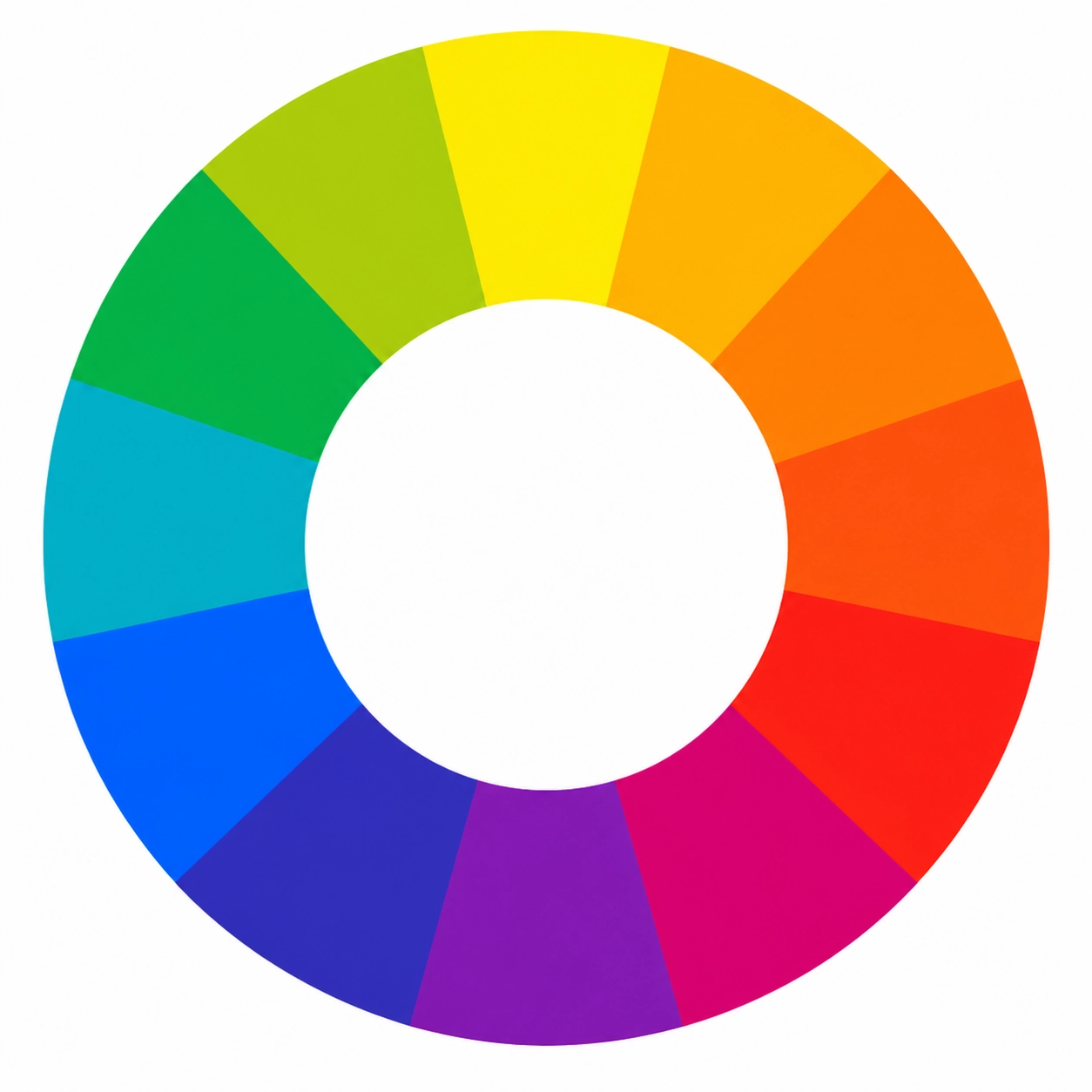
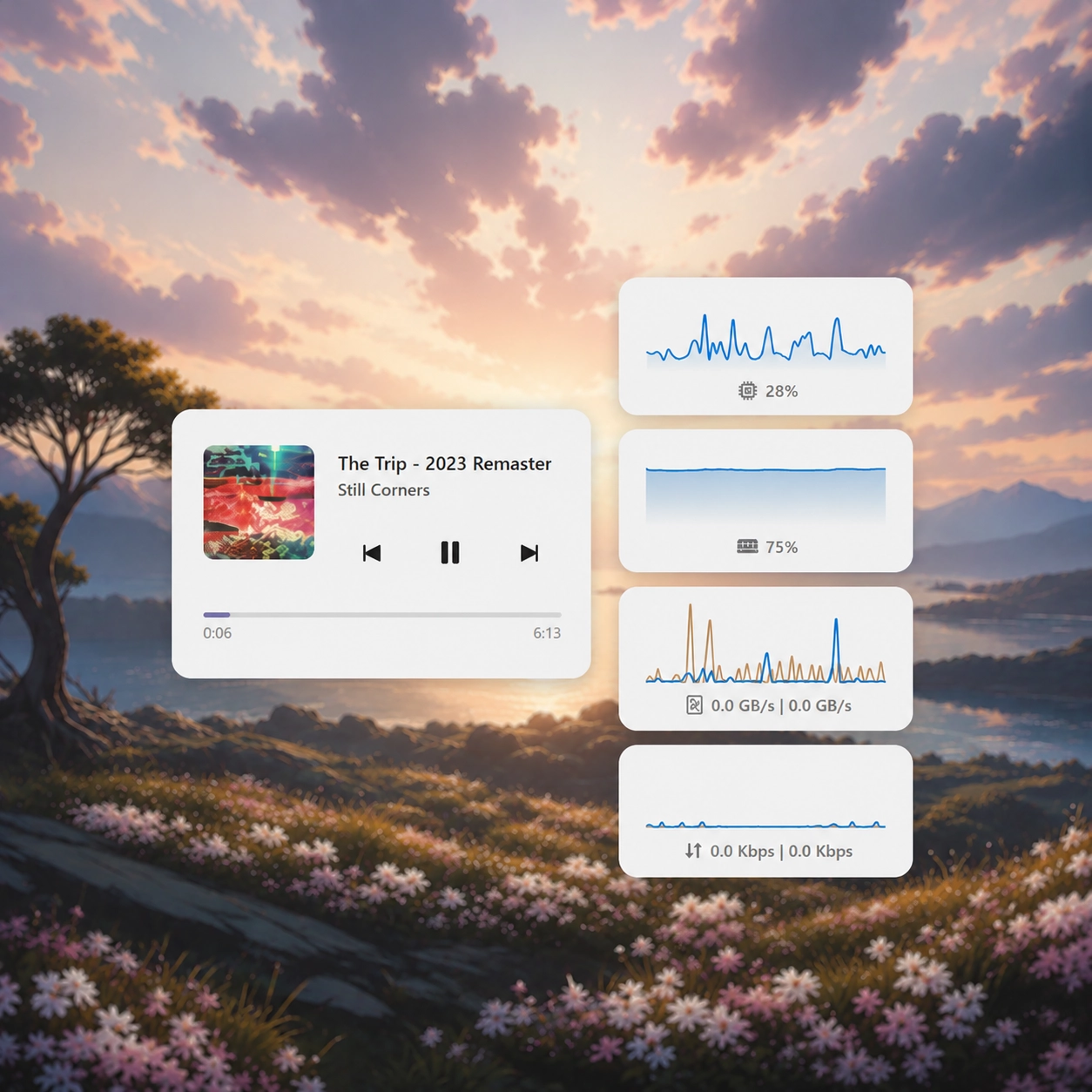
Dynamically adapts the taskbar color to match the accent color of the focused window, creating a cohesive and immersive desktop experience.
How to use?
- Download and install Seelen UI
- Make sure the app is running
- Click the download button above
- Accept the browser prompt to open Seelen UI
- The app will handle the installation
- And that's all!
Compatibility
- Seelen UI: 2.8.4+
- Platform: Windows
More by seelen





Related Resources









Resource Information
- ID: 7963ee39-f675-4ad7-8be3-77fd63845220
- Type: Theme
- Status: Published
- Created At: Monday, June 15, 2026 at 4:17:10 PM UTC
- Last Updated At: Monday, September 7, 2026 at 11:31:12 AM UTC
- Reviewed At: Monday, September 7, 2026 at 11:31:12 AM UTC
- Reviewed By:@eythaann