
Screenshots
Description
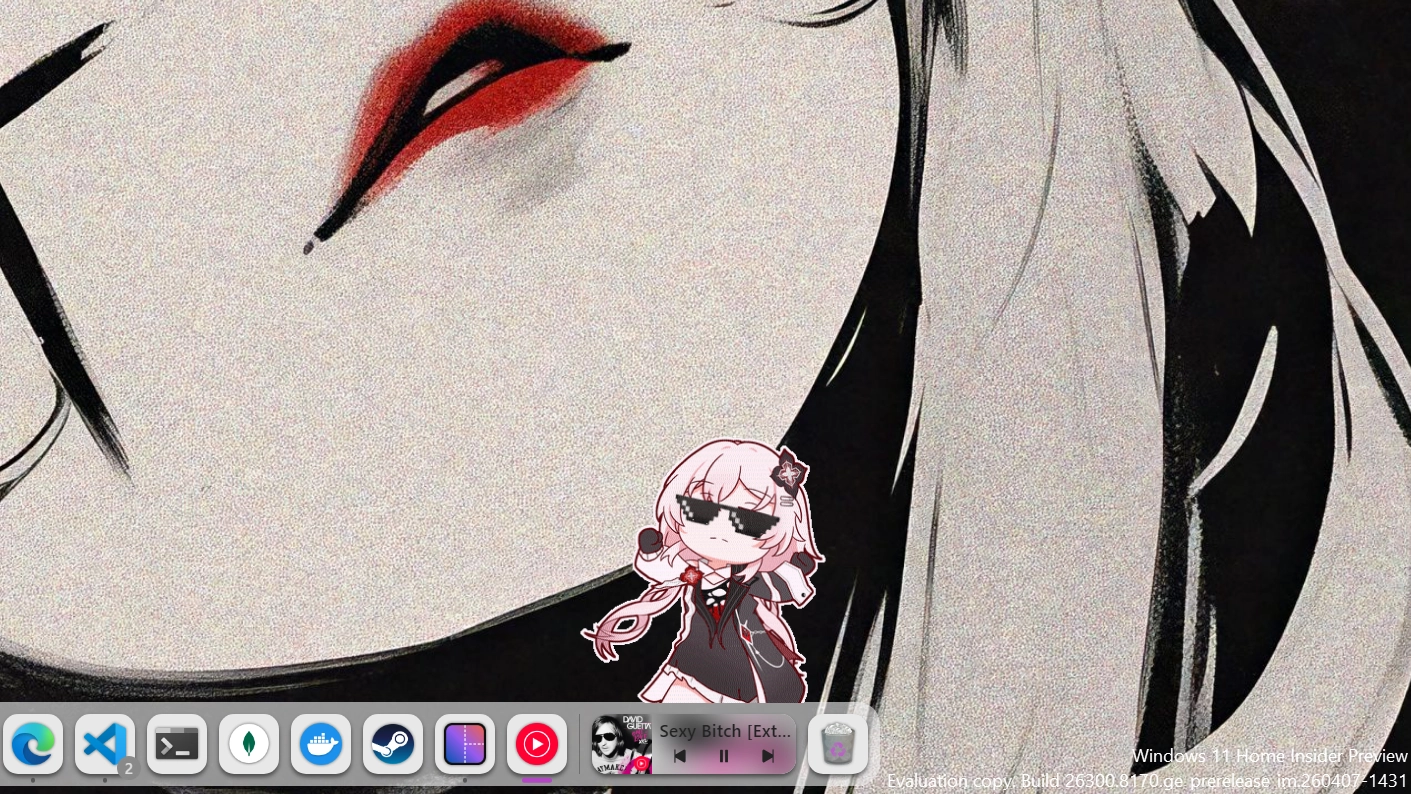
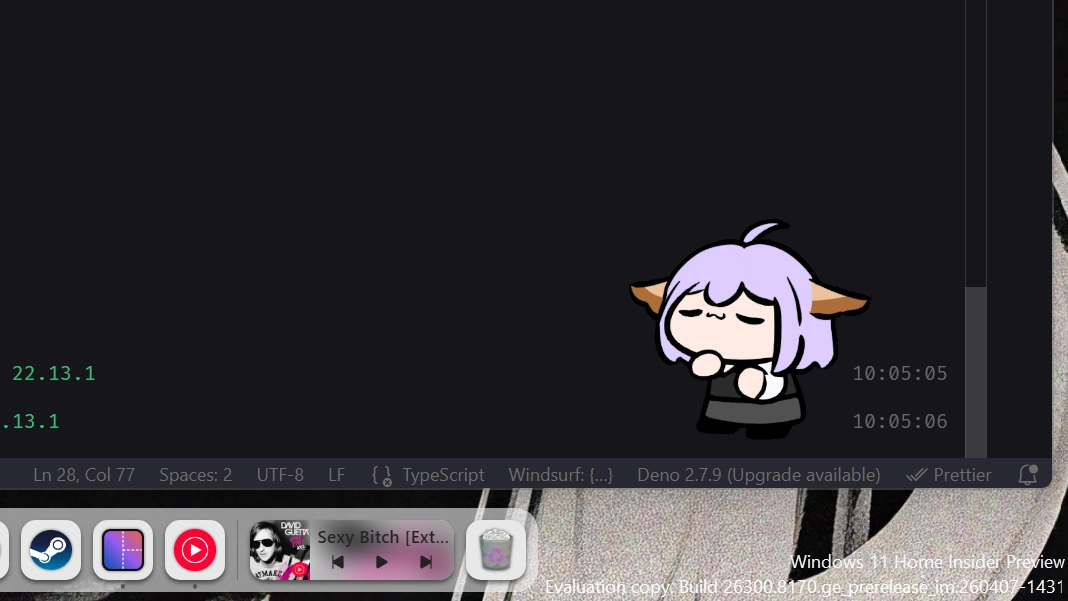
Stick anything to your desktop. Drop a GIF, PNG, JPEG, SVG, or WebP as a floating overlay and it stays there — borderless, frameless, and exactly where you put it. Drag each sticker freely across your screen, resize it to taste, and tune the opacity from fully visible to barely-there. Use contain, cover, or fill to control how the image fits its frame. Add as many stickers as you like — each one is independently positioned and remembers its own settings. Right-click any sticker to swap the image or remove it instantly. Your desktop, your canvas.
How to use?
- Download and install Seelen UI
- Make sure the app is running
- Click the download button above
- Accept the browser prompt to open Seelen UI
- The app will handle the installation
- And that's all!
Compatibility
- Seelen UI: 2.8.1+
- Platform: Windows
More by seelen




Related Resources






Resource Information
- ID: 2913510c-80fa-41be-9fc9-3ff1f7f809a1
- Type: Widget
- Status: Published
- Created At: Tuesday, April 21, 2026 at 4:00:22 PM UTC
- Last Updated At: Friday, July 31, 2026 at 5:25:42 AM UTC
- Reviewed At: Friday, July 31, 2026 at 5:25:42 AM UTC
- Reviewed By:@eythaann