
Screenshots
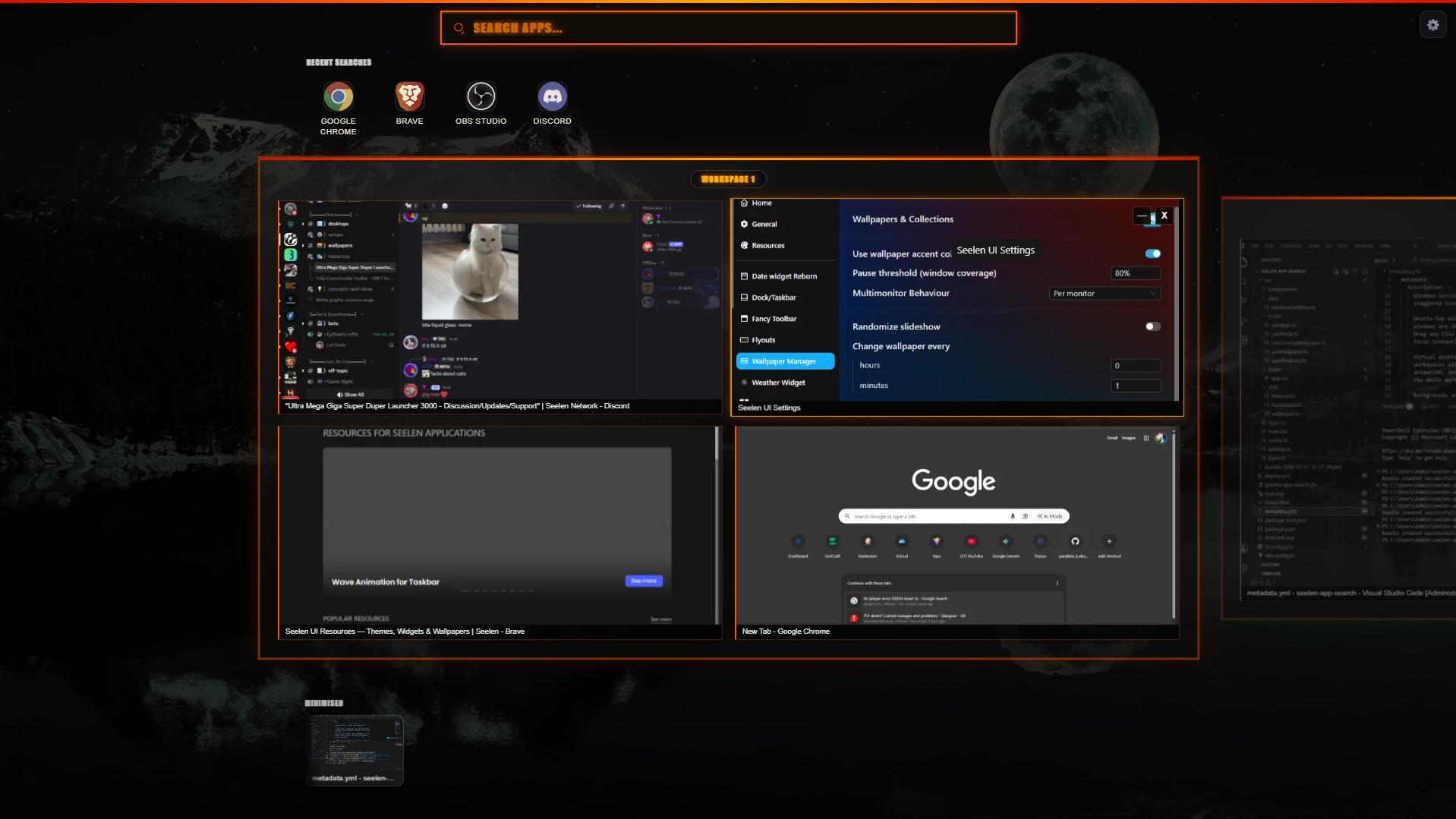
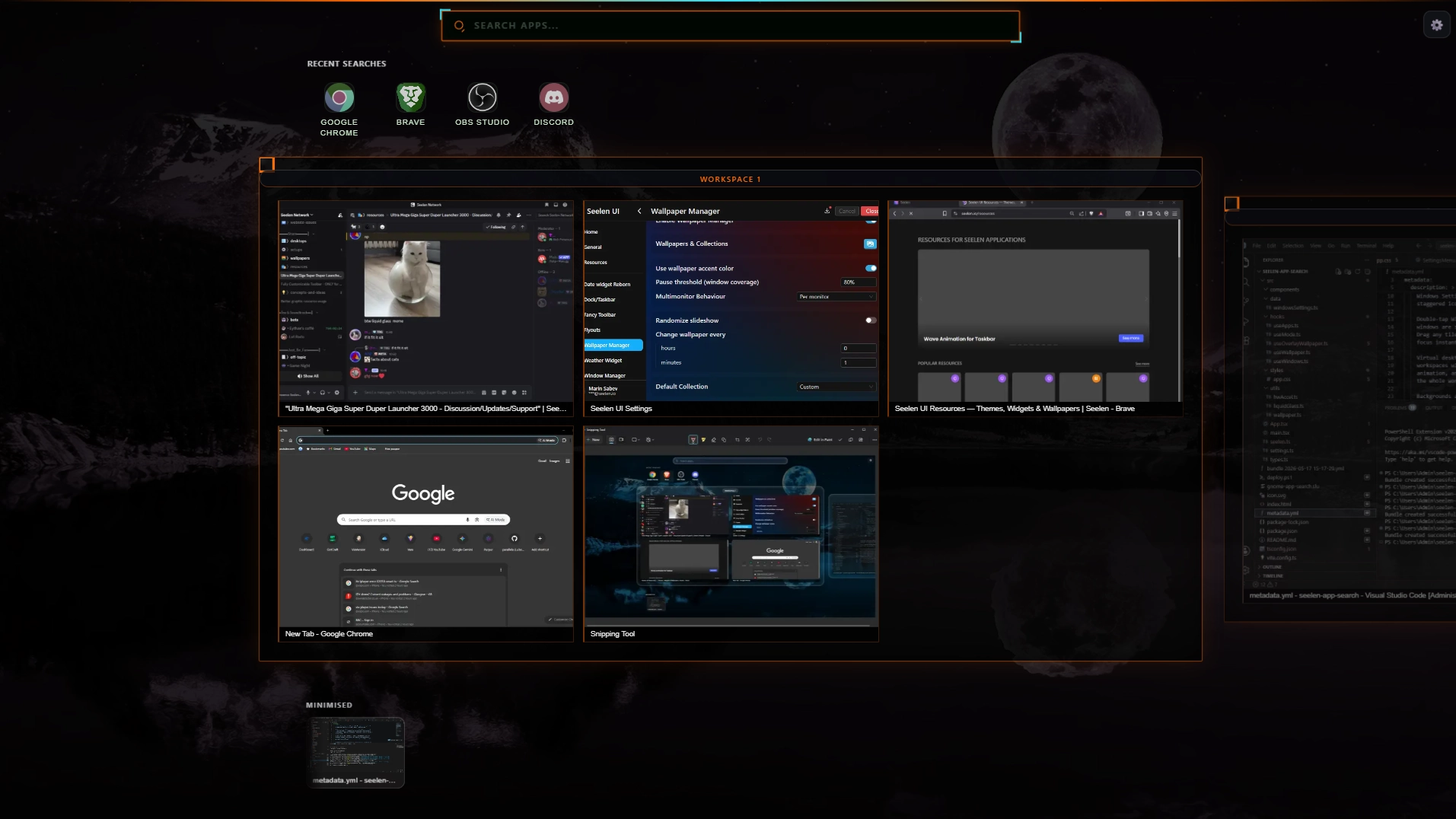
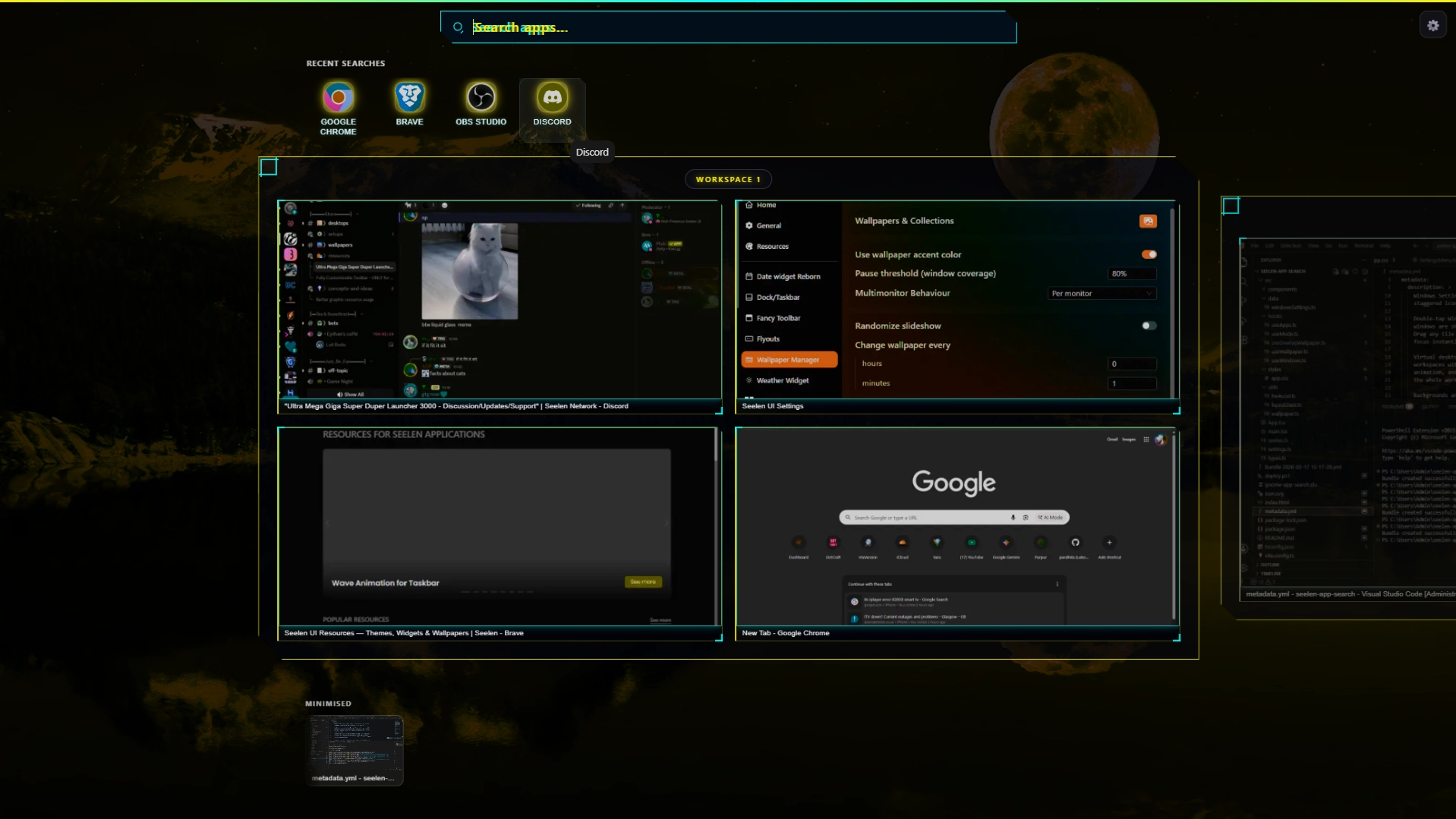
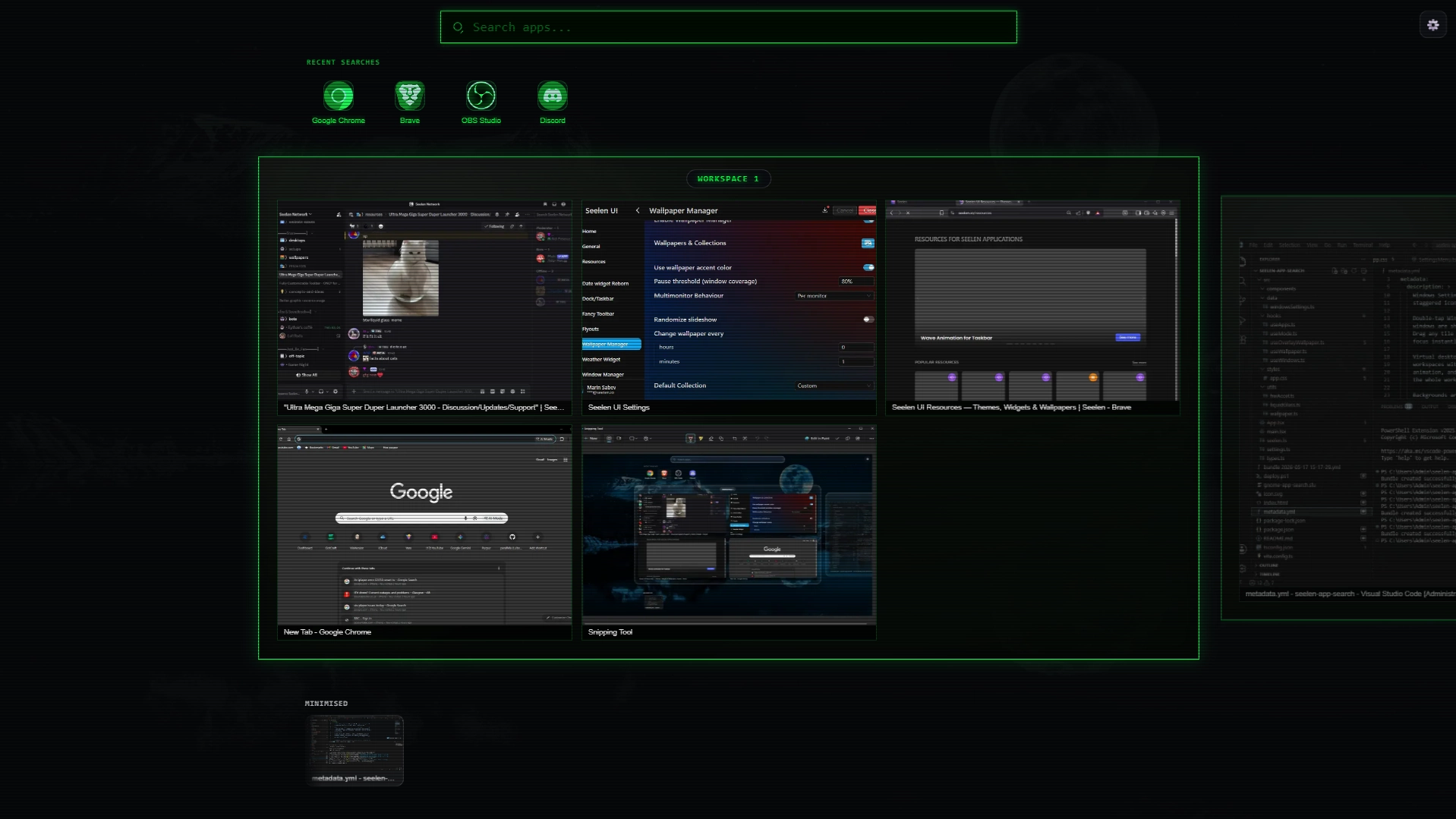
Description
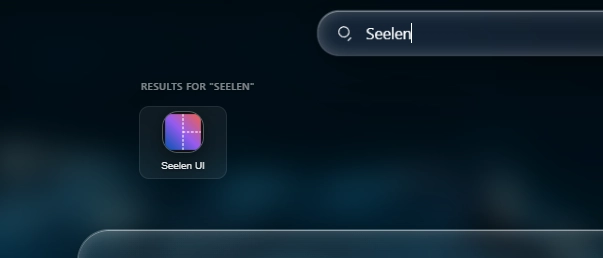
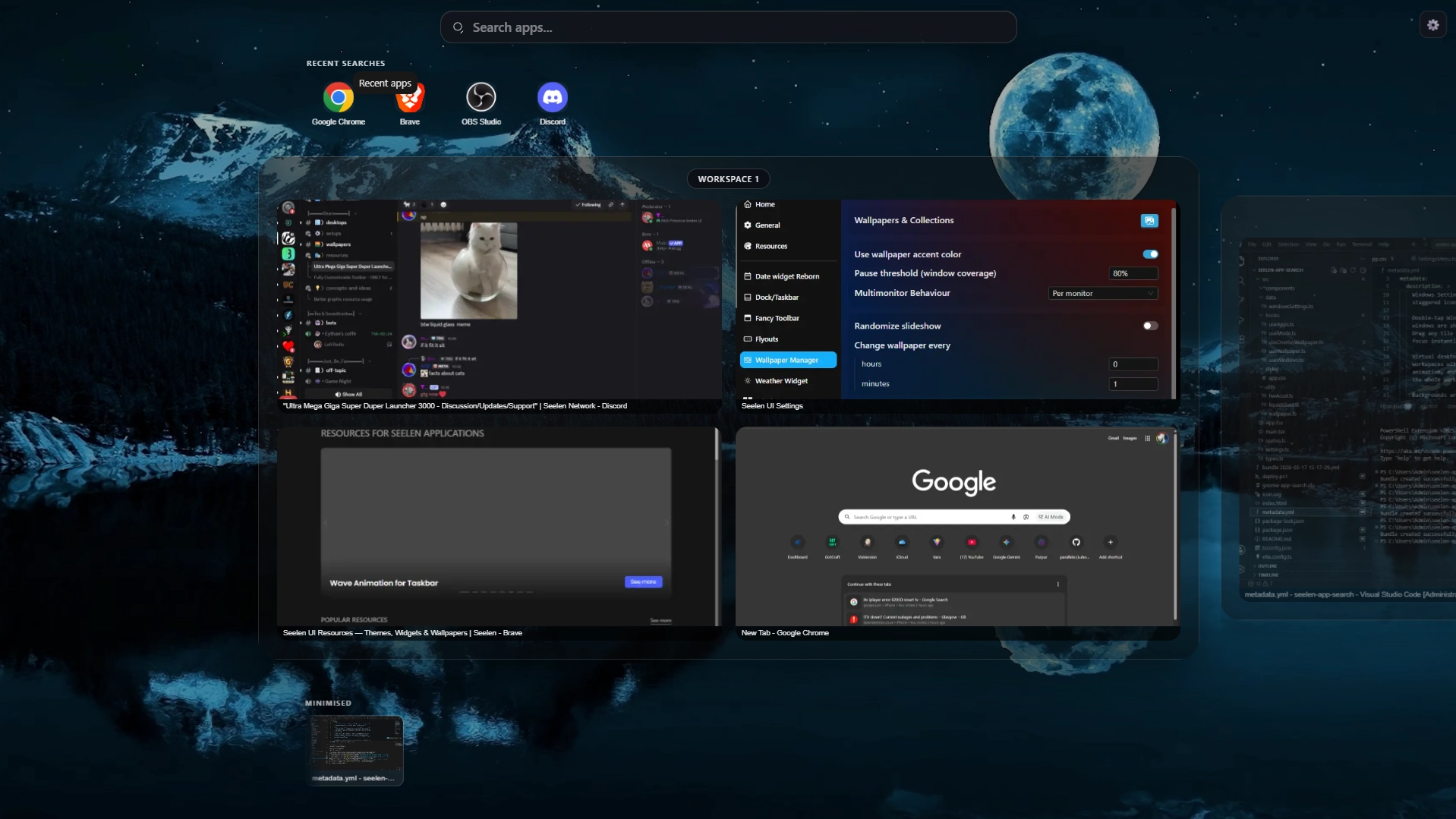
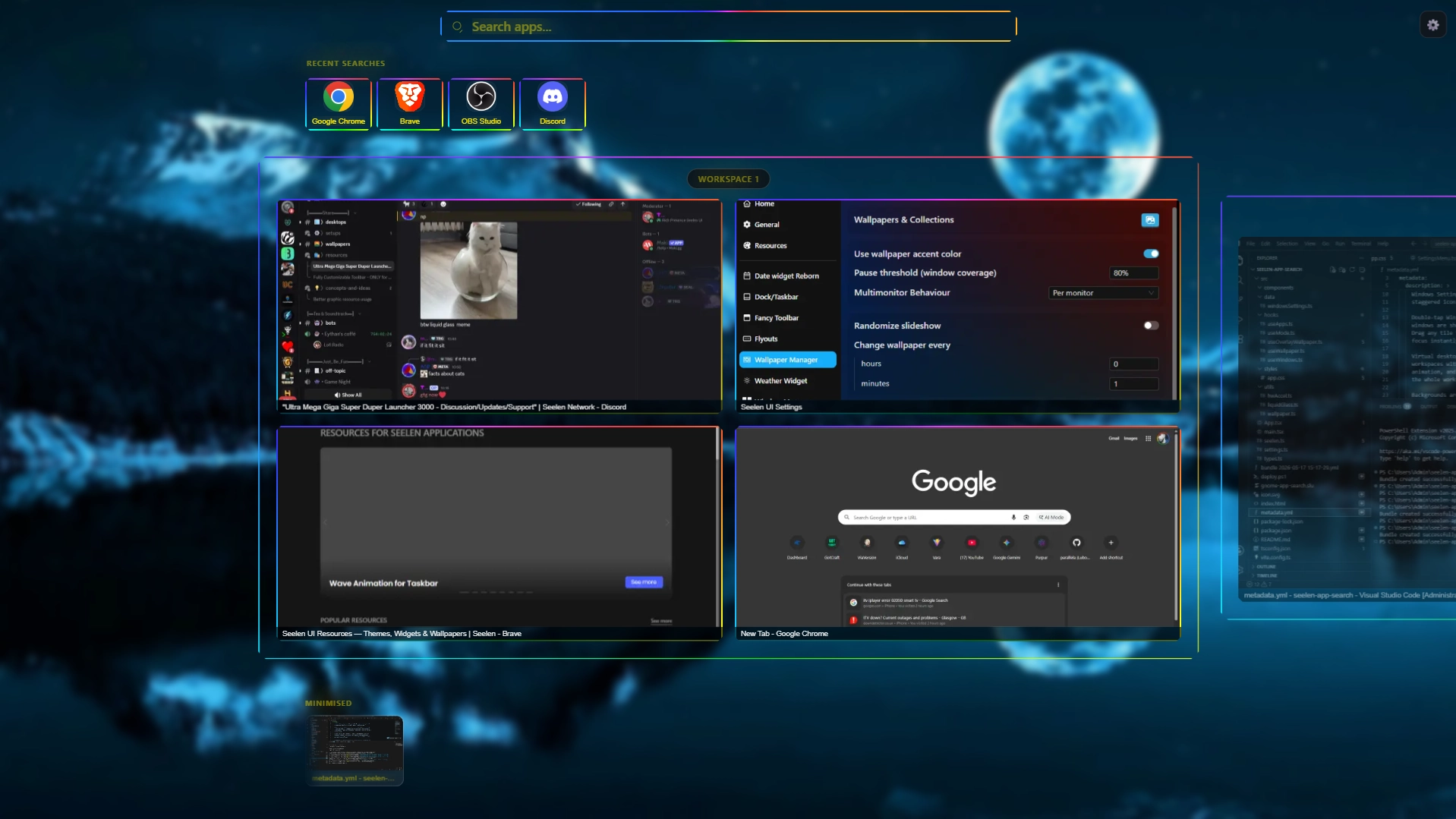
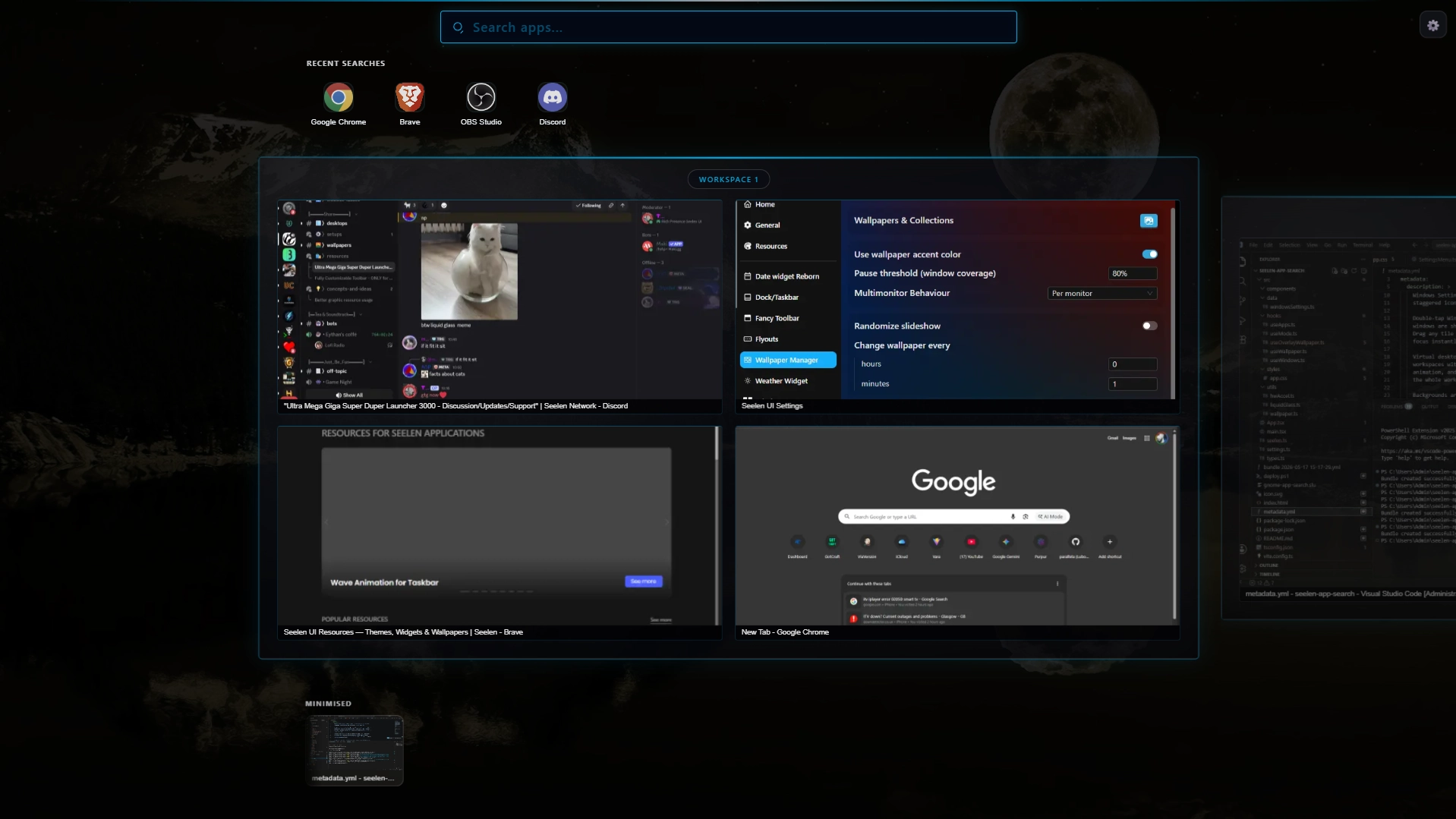
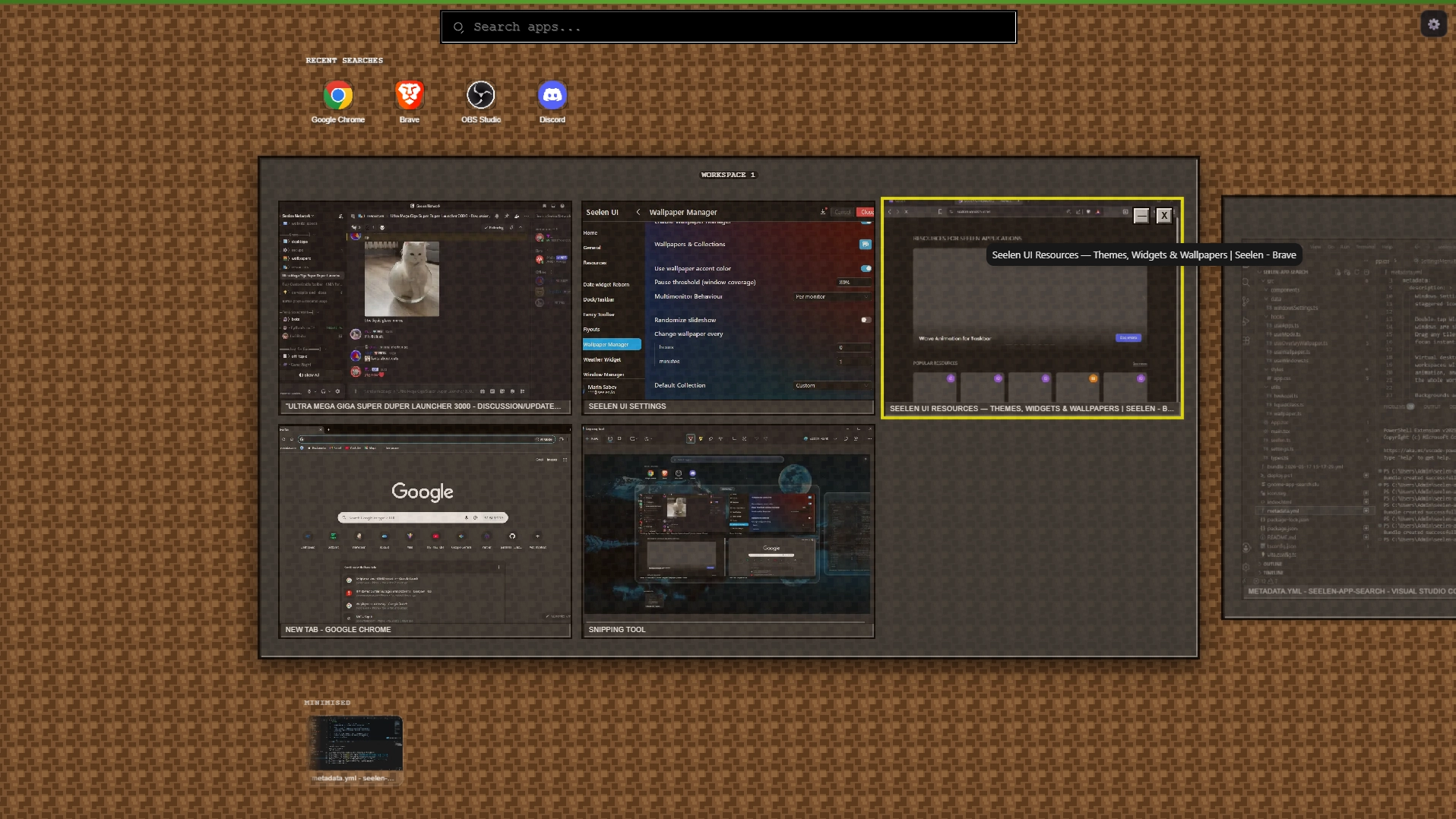
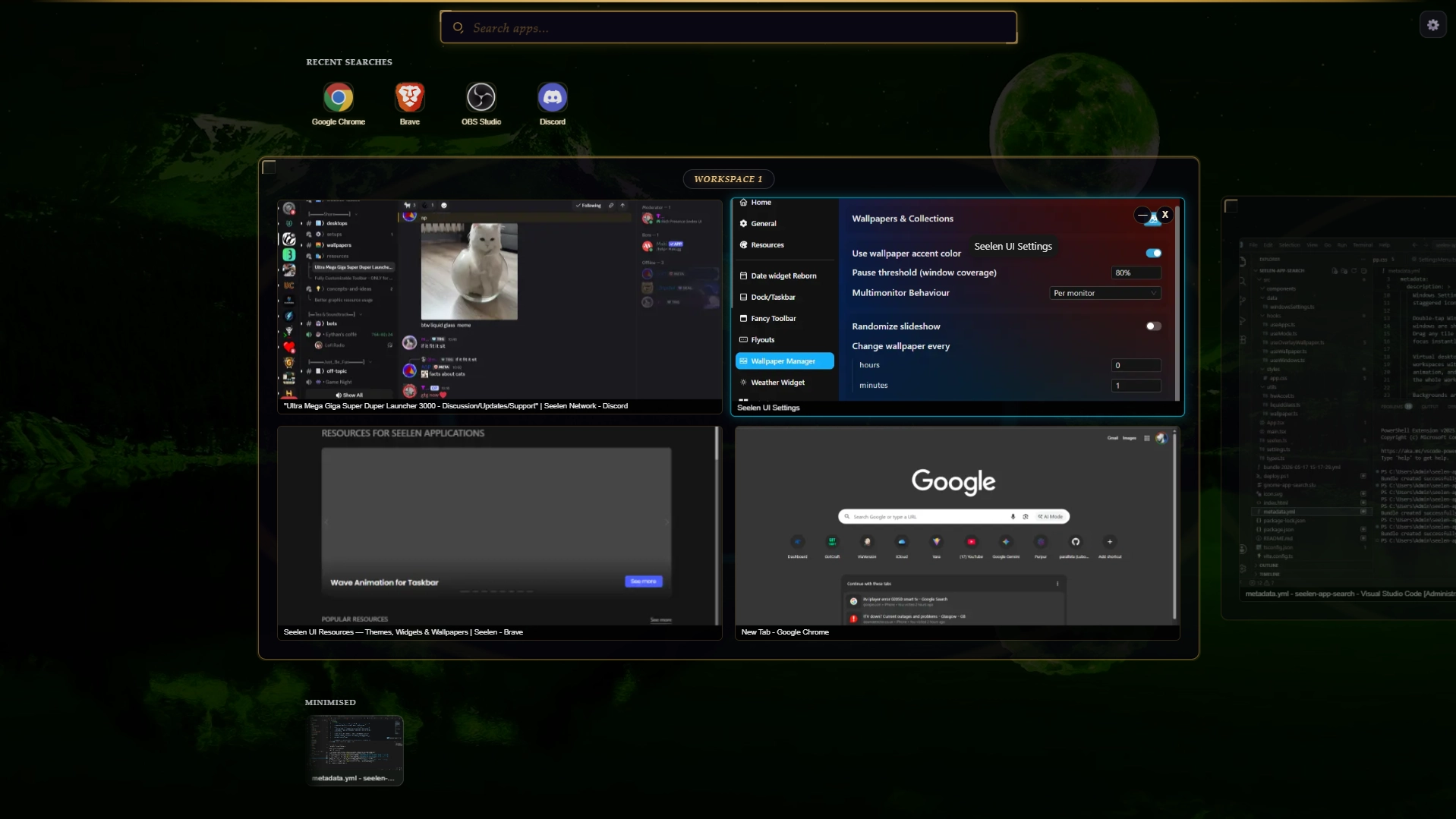
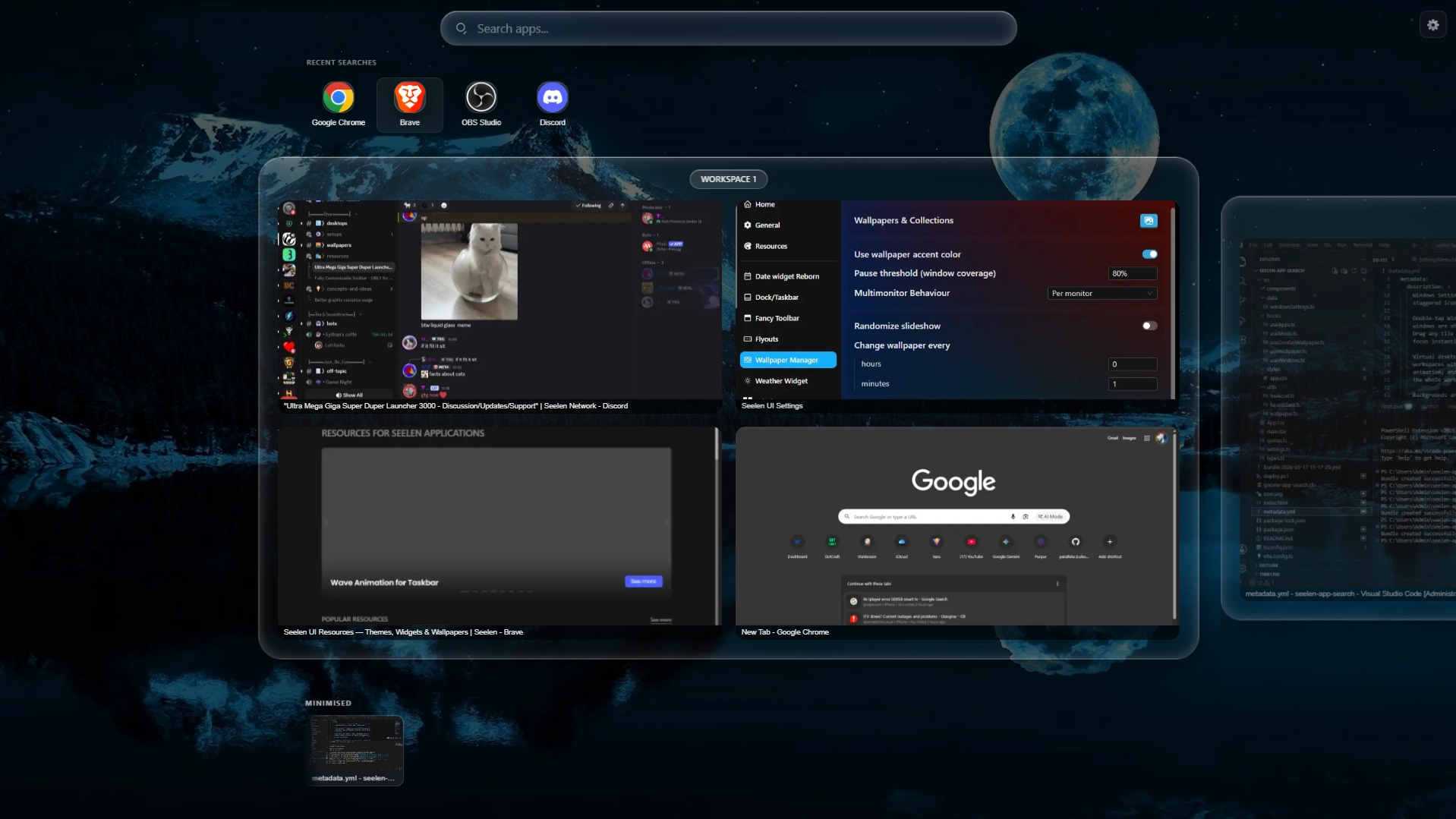
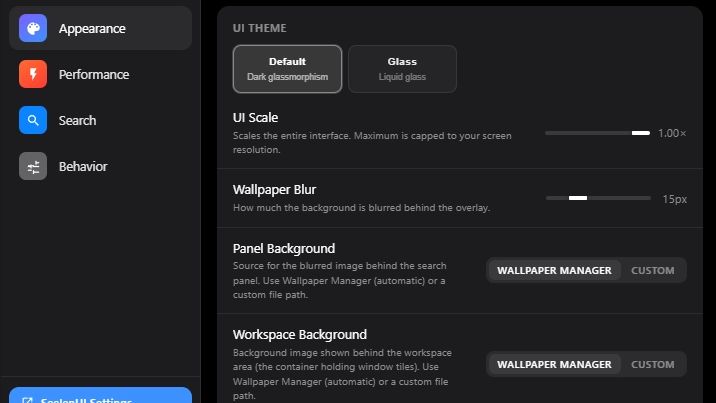
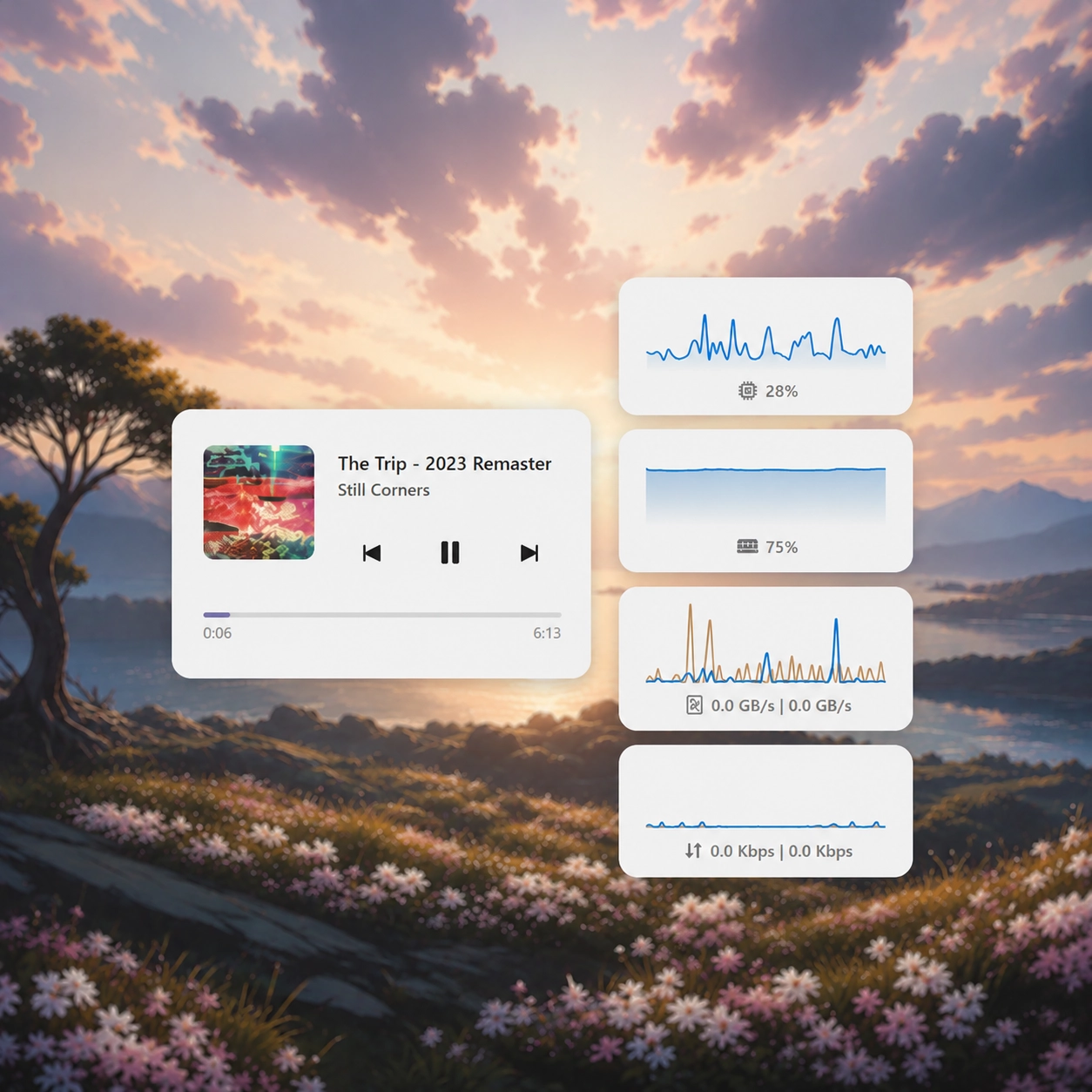
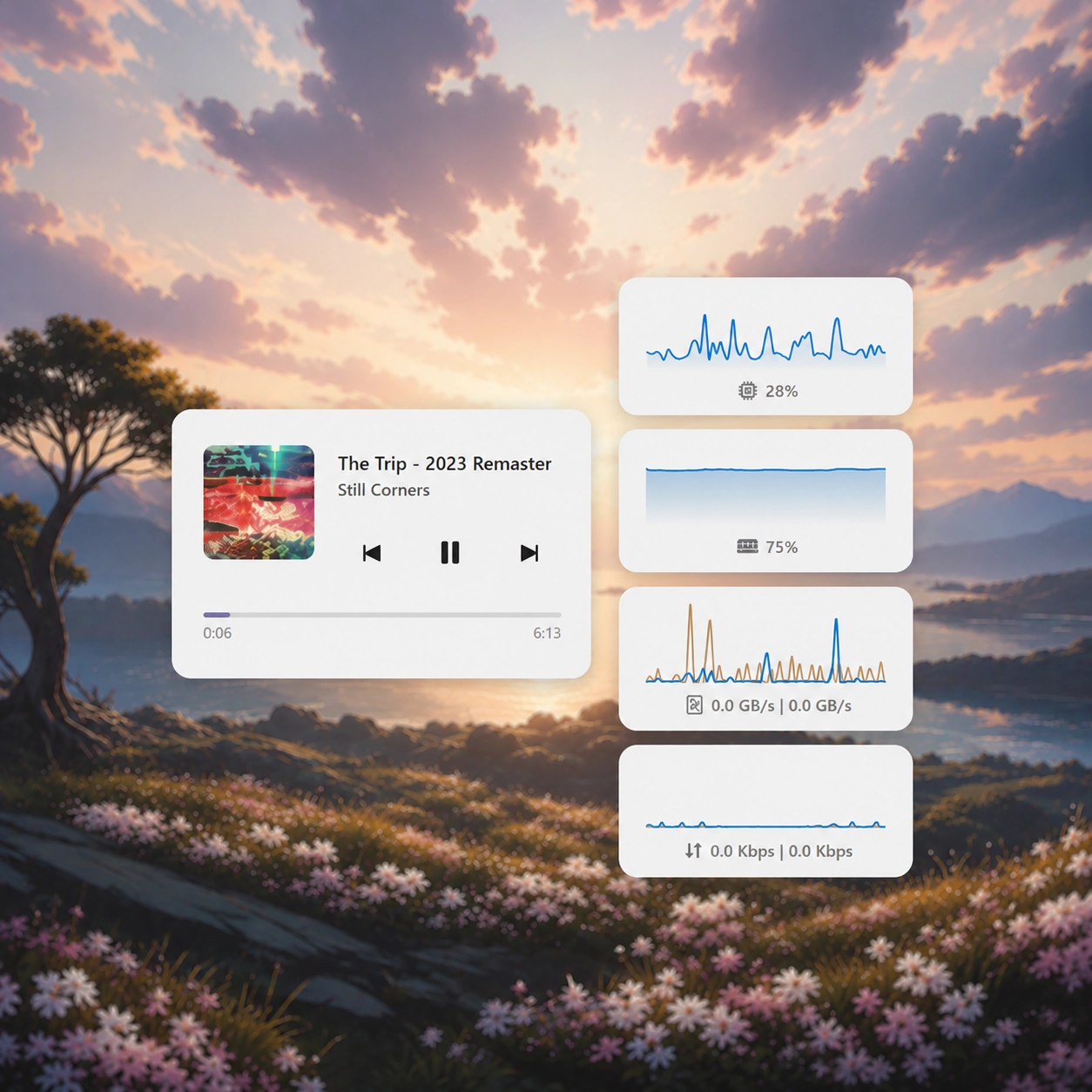
A full GNOME 50 Activities–style app launcher, window switcher, and virtual desktop manager for SeelenUI. Press Win to open the overlay and instantly search every installed app, Windows Settings page, and web engine. Results appear as you type with staggered icon animations and launch with a single keystroke. Double-tap Win to switch into window-preview mode: all open and minimised windows are shown as live thumbnail tiles across your virtual desktops. Drag any tile to a different workspace, close windows inline, or click to focus instantly. Virtual desktops are displayed as interactive stage cards. Create new workspaces with one click, delete empty ones with a smooth collapse animation, and navigate between them by clicking, scrolling, or dragging the whole workspace strip. Backgrounds are fully customisable: set a separate panel background and workspace background, each sourced from the SeelenUI Wallpaper Manager or a custom image or video file. When both are set to Wallpaper Manager the workspace cards turn transparent and blend seamlessly into the global background. The widget respects your SeelenUI theme through two settings-panel modes: Default (hand-crafted dark glassmorphism) and Glass (fully theme-adaptive using the SeelenUI component library, including light/dark mode and custom color palettes). Designed to feel native on any resolution — scales from laptop to 4K with a single UI Scale slider.
How to use?
- Download and install Seelen UI
- Make sure the app is running
- Click the download button above
- Accept the browser prompt to open Seelen UI
- The app will handle the installation
- And that's all!
Compatibility
- Seelen UI: 2.6.5+
- Platform: Windows
More by th3troller


Related Resources






Resource Information
- ID: 43a5924d-36b3-482c-bff3-90183e02727e
- Type: Widget
- Status: Published
- Created At: Friday, May 15, 2026 at 10:57:13 PM UTC
- Last Updated At: Wednesday, June 24, 2026 at 8:07:08 AM UTC
- Reviewed At: Wednesday, June 24, 2026 at 8:07:08 AM UTC
- Reviewed By:@eythaann