Screenshots
Description
Orbit Menu <3
Give your Start menu a little more personality :)
Keep it simple with a centered search bar, make yourself at home in Compact, or spread everything out with Fullscreen. Pair your favorite layout with an appearance and motion style, then make it yours.
Features:
- Three main layouts: Minimal, Compact and Fullscreen, each using the same search engine and appearance settings.
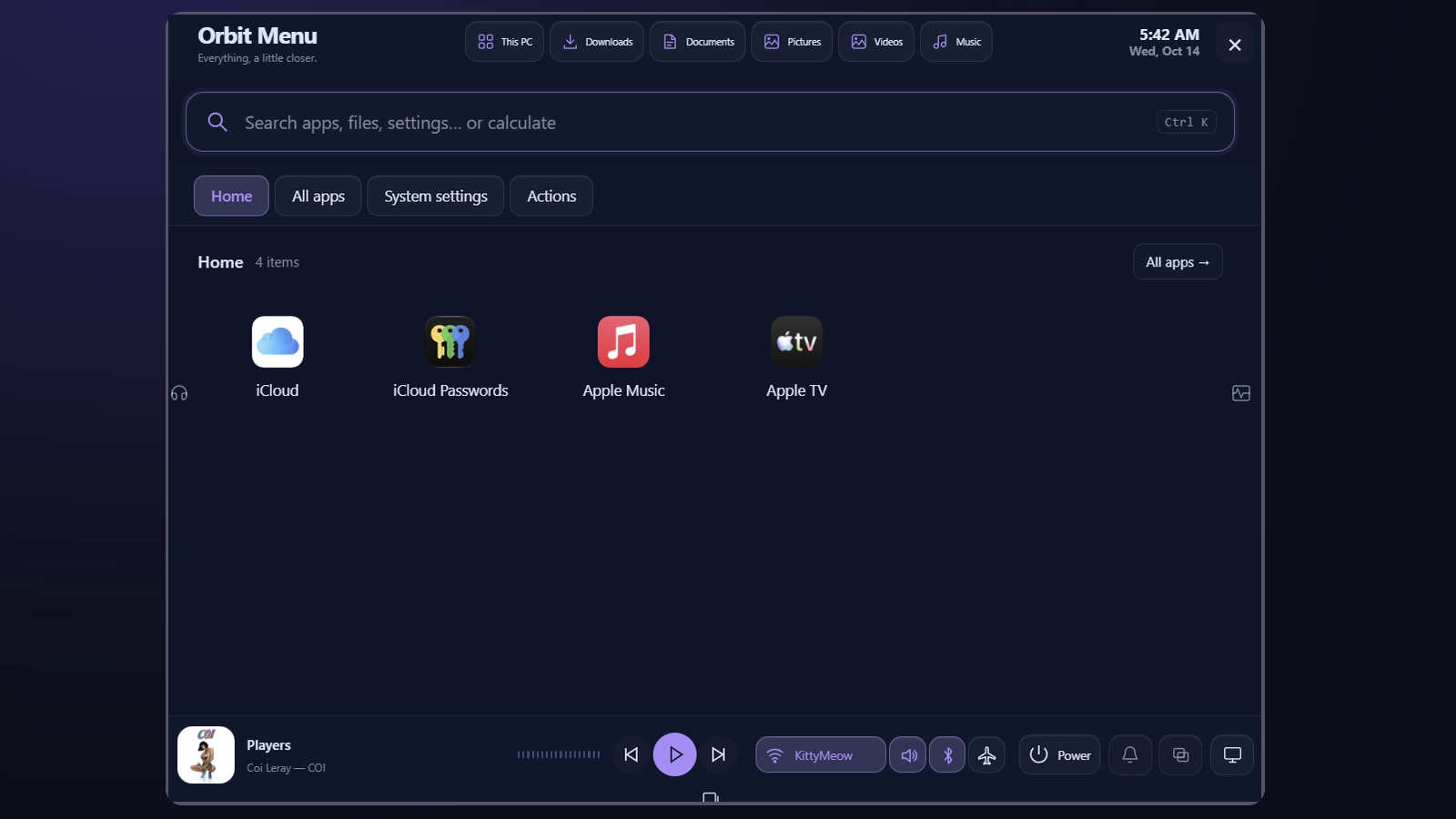
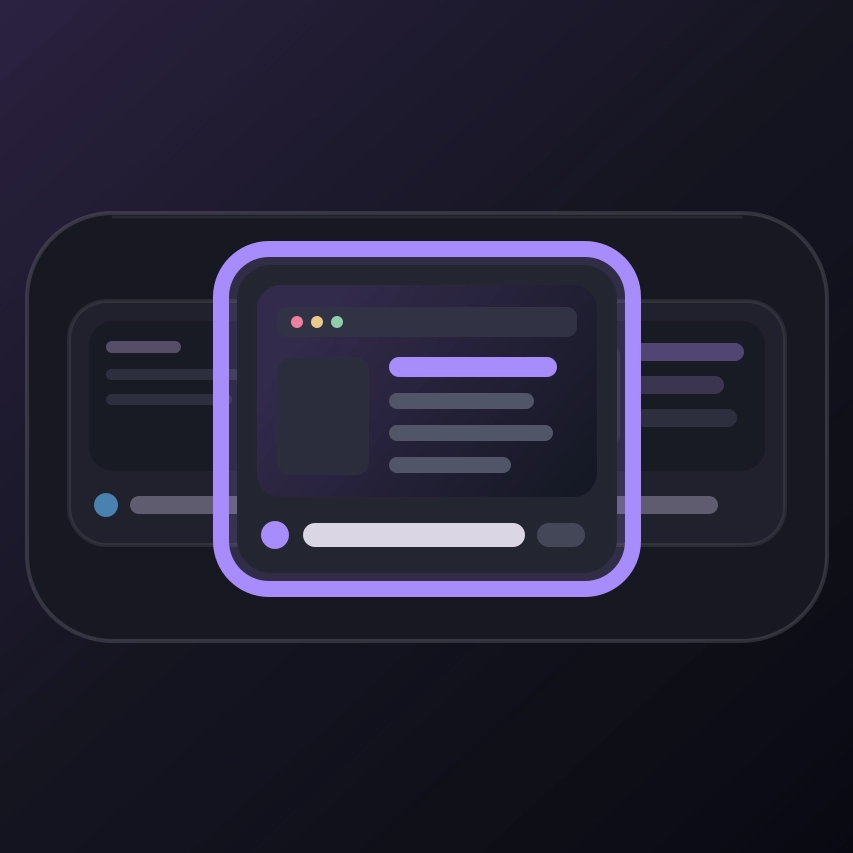
- Minimal search: just a centered search bar, with results appearing beneath it as you type.
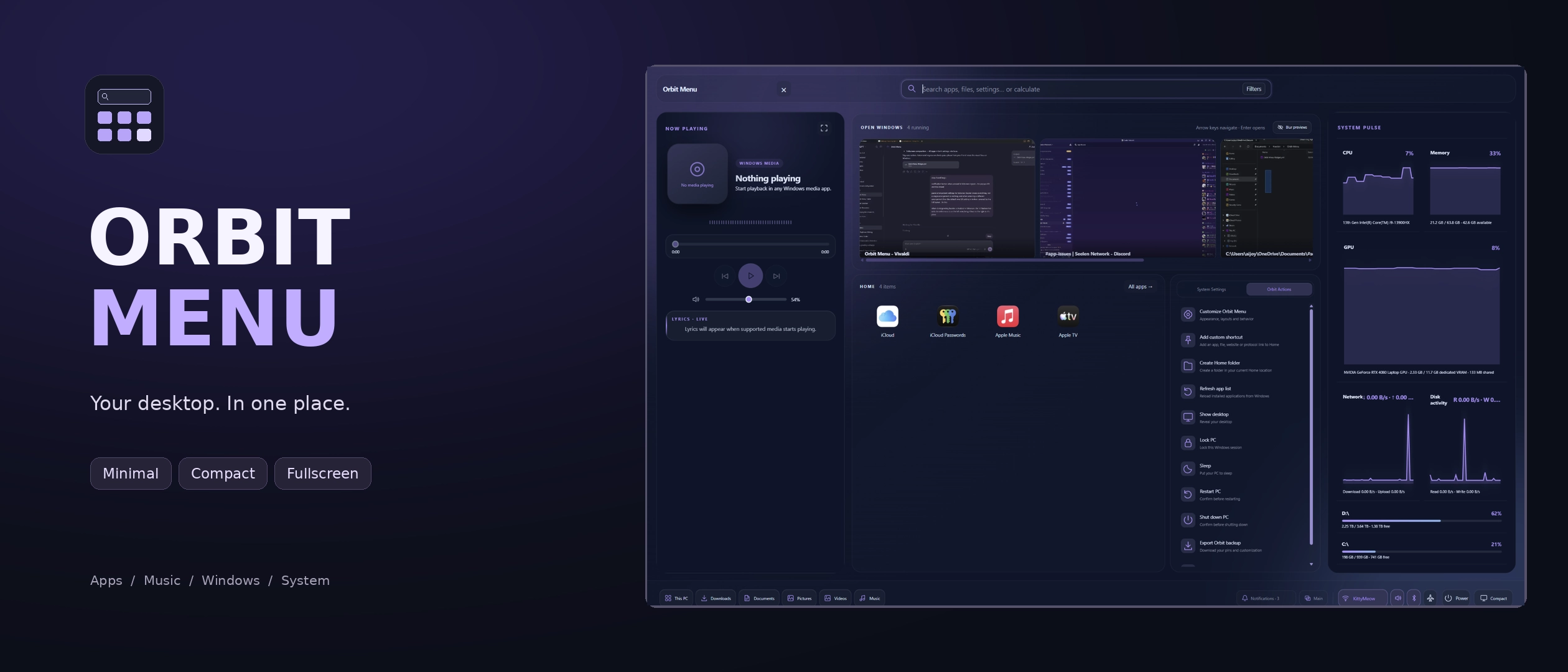
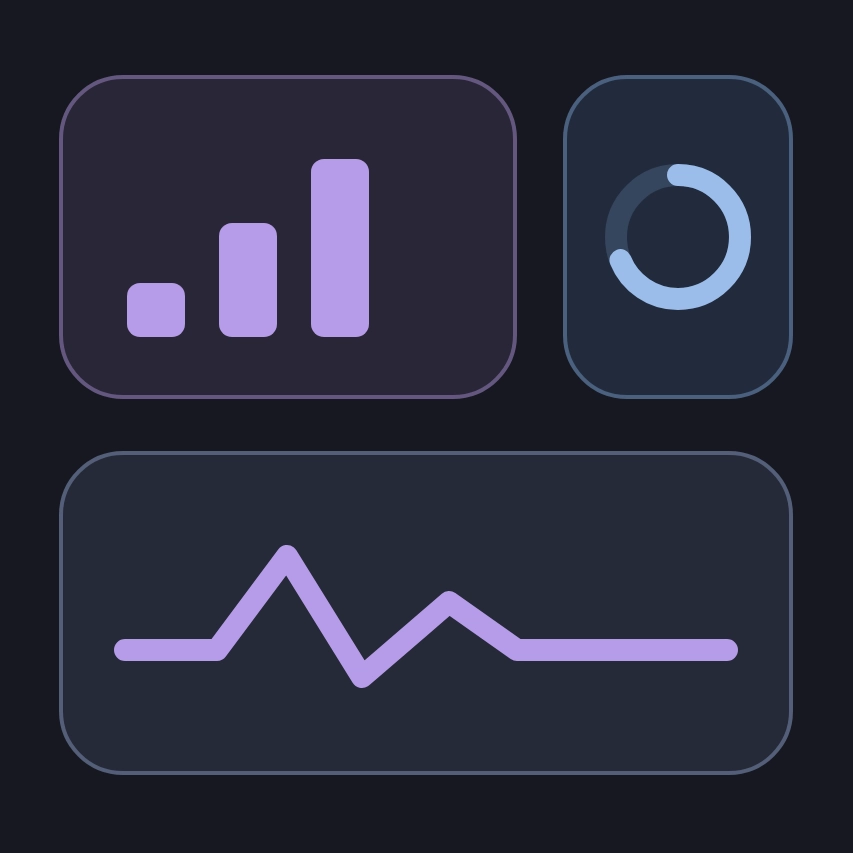
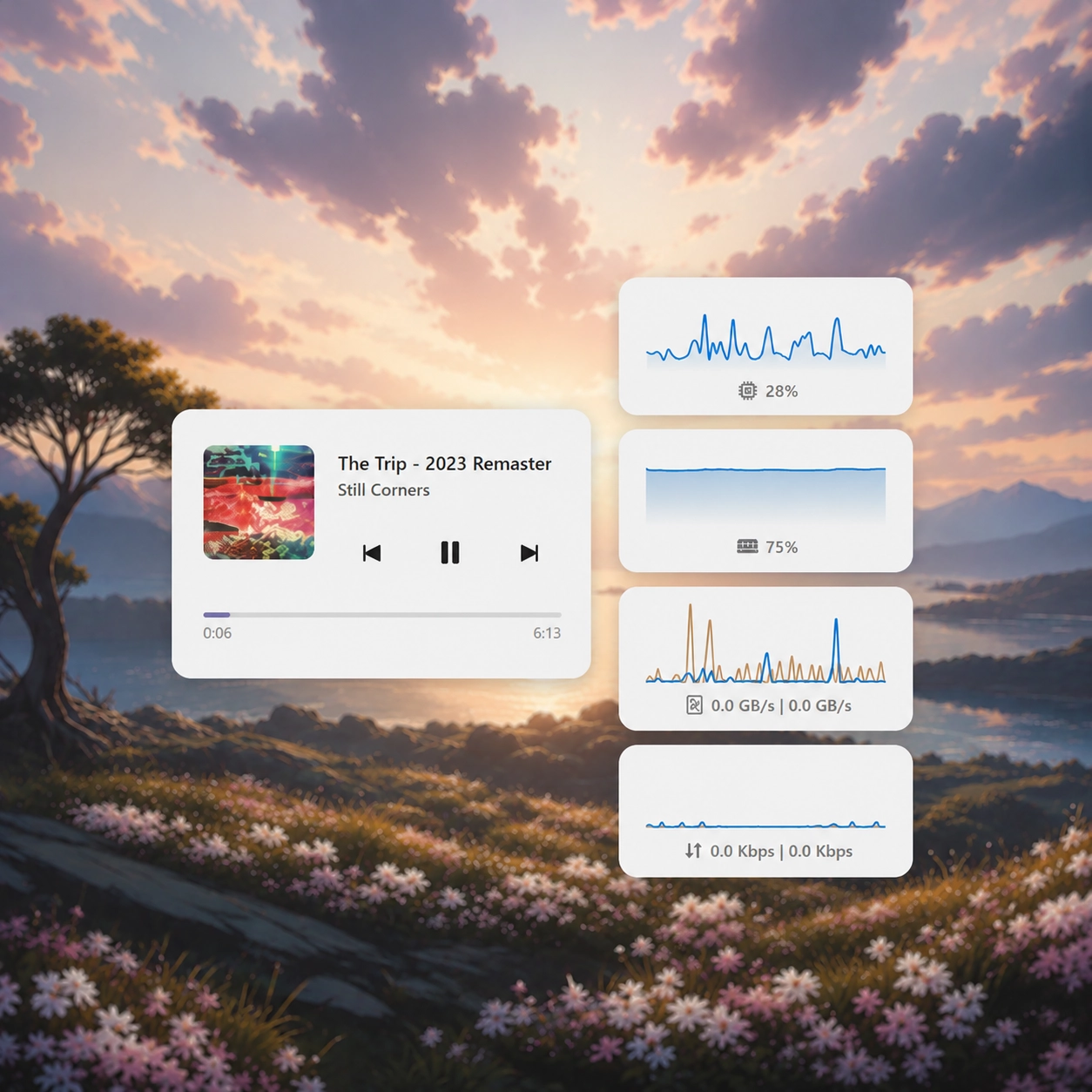
- Compact dashboard: your Home apps and everyday controls, with expandable music, system resources and open-window panels.
- Fullscreen dashboard: music and lyrics, system resources, open windows, Home apps, system settings and Orbit actions in one spacious interface.
- Fullscreen All apps: an alternative composition that gives your application grid the screen.
- 15 appearance styles: Orbit, Midnight, Frost, Graphite, Ocean, Rose, Liquid Glass, Catppuccin, Nord, Tokyo Night, Aurora, Ember, OLED, Follow Seelen and Custom.
- Unified customization: appearance, colors and motion follow you across layouts, panels and popups.
- Flexible search: find apps, available files, system settings, Orbit actions and running windows.
- Search filters: type prefixes such as app:, file:, setting: and window:, or choose one from the Filters button.
- Familiar suggestions: apps and results you previously opened through search receive a boost when you search for them again.
- Built-in calculator: handle everyday arithmetic, parentheses, percentages, powers, square roots, factorials, logarithms and trigonometric functions. Trig functions use radians.
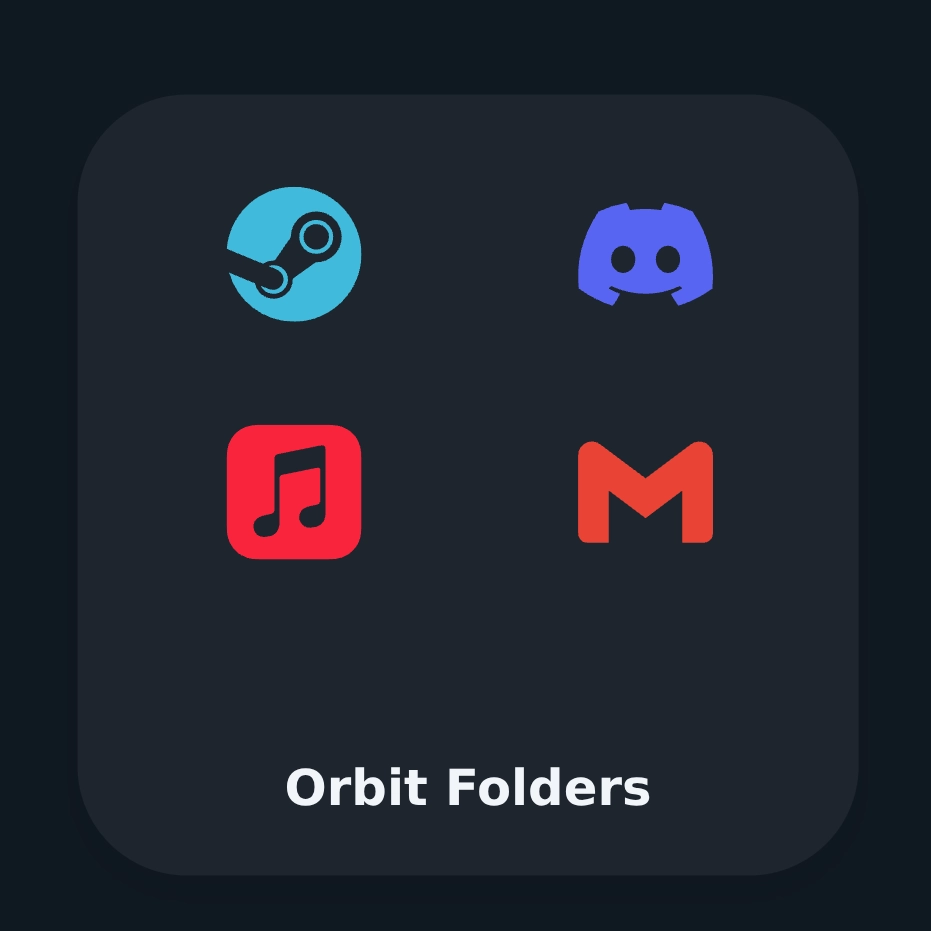
- Your own Home: pin apps from their context menus, rearrange them by dragging, and organize them into folders with custom icons and colors.
- Embedded folders: browse a Home folder without leaving the menu.
- Music controls: artwork, playback controls, volume, smooth progress and seeking where supported by the active media app.
- Live visualizer and lyrics: enjoy audio visualization and synced lyrics when available, with plain-text lyrics as a fallback.
- Fullscreen Music mode: let the artwork fill your screen, with large dynamic lyrics and playback controls.
- System resources: keep an eye on CPU, memory, GPU, network activity and storage through SeelenUI telemetry.
- Open-window previews: browse running windows, switch to them, and access window actions from their context menus.
- Independent privacy controls: blur window previews and notification information separately.
- Notifications: browse notifications grouped by application, dismiss individual items, clear groups or clear everything. Available notification actions depend on what the app exposes.
- Workspace controls: view and switch SeelenUI workspaces, create new ones and manage them from a dedicated popup.
- Everyday controls: Wi-Fi, Bluetooth, sound, airplane mode and power actions, with compact popups that close when you click outside.
- Quick folders: open This PC, Downloads, Documents, Pictures, Videos and Music, with individual visibility controls.
- Panel pinning: double-click a Compact panel icon to keep that panel open when Orbit is reopened during the current session.
- Smooth motion: choose from styles including Silk, Spring, Magnetic, Cinematic, Fluid and Snappy, or customize the timing yourself.
- Personal identity: customize the title and greeting, adjust the clock, and disable features or buttons you do not need.
- Built-in customization: searchable settings with category navigation, appearance buttons, saved appearance presets, and import/export controls.
- Lock Orbit: hide customization controls and protect your Home arrangement from accidental edits.
- Accessibility and performance: reduced transparency, high contrast, reduced-motion support, and experience presets for lighter or more accessible setups.
The included Recommended, Showcase, Performance and Accessible presets offer quick starting points. Keep one as it is, or fine-tune it into your own setup.
Orbit Menu is a standalone Widget for SeelenUI.
Open it through its configured shortcut. The included Start-menu integration can be configured from Orbit Actions if you want Orbit to replace your usual app-menu entry point.
Choose Minimal, Compact or Fullscreen from the widget settings. Compact and Fullscreen also include a layout-switch button for quick switching between them.
Customize Orbit from Actions → Customize Orbit Menu, or through SeelenUI’s widget settings.
Targets SeelenUI 2.8.9 or later. GPU telemetry requires SeelenUI 2.8.9 or a compatible nightly build.
Some features depend on SeelenUI permissions, your Windows configuration and the information exposed by individual apps. Lyrics availability varies by track, and media seeking depends on player support.
If you have a suggestion, notice a bug, or wanna request something for a future update, feel free to ask in the official SeelenUI Discord server: https://discord.com/invite/seelen-network-751144791596597561
Orbit collection :
https://seelen.io/resources/collection/5b86b663-aefd-4d5c-90ac-c6c80722080f
How to use?
- Download and install Seelen UI
- Make sure the app is running
- Click the download button above
- Accept the browser prompt to open Seelen UI
- The app will handle the installation
- And that's all!
Compatibility
- Seelen UI: 2.8.9+
- Platform: Windows
More by ickyaidy

Related Resources




Resource Information
- ID: 9c7d717f-c631-410d-9128-d97fe428b7c3
- Type: Widget
- Status: Published
- Created At: Friday, October 16, 2026 at 11:34:55 AM UTC
- Last Updated At: Friday, October 16, 2026 at 11:34:55 AM UTC
- Reviewed At: Friday, October 16, 2026 at 11:43:56 AM UTC
- Reviewed By:@eythaann