
Screenshots
Description
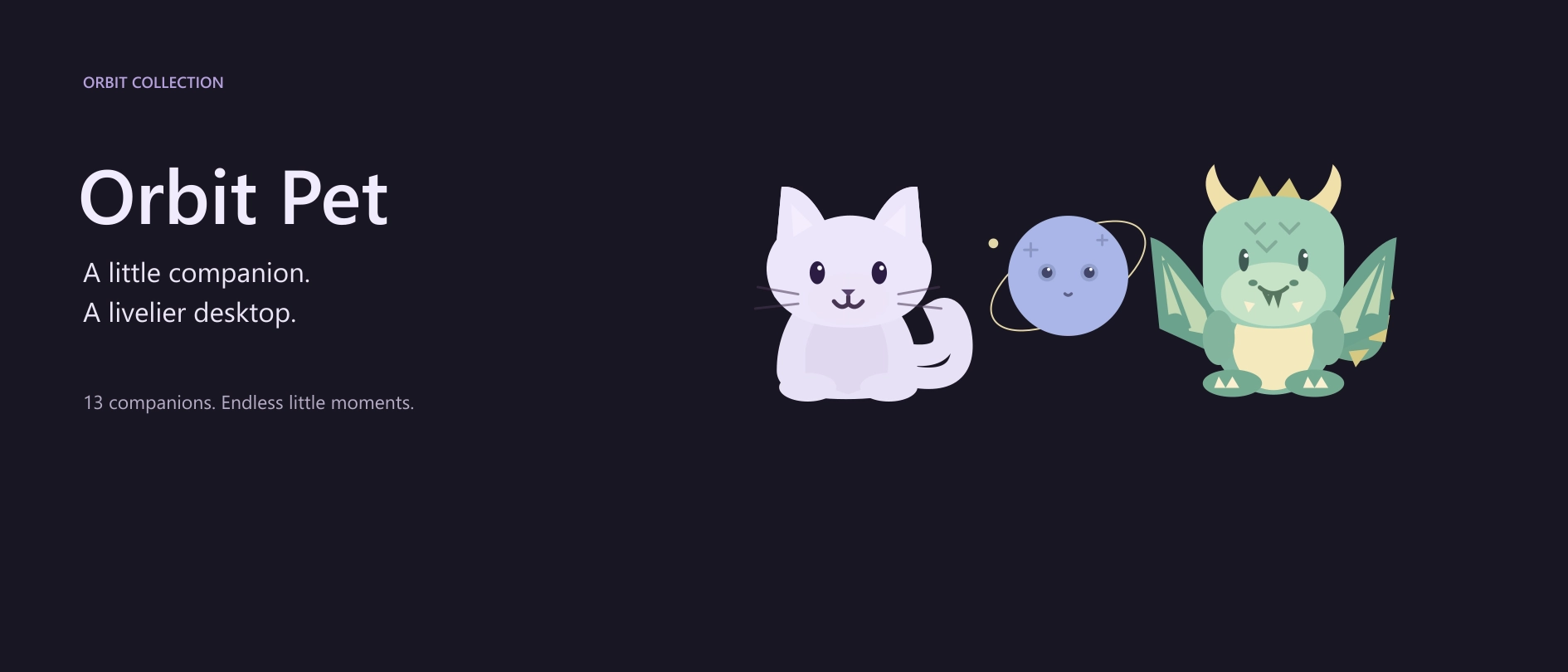
Orbit Pet <3
A little cute companion. A livelier desktop :)
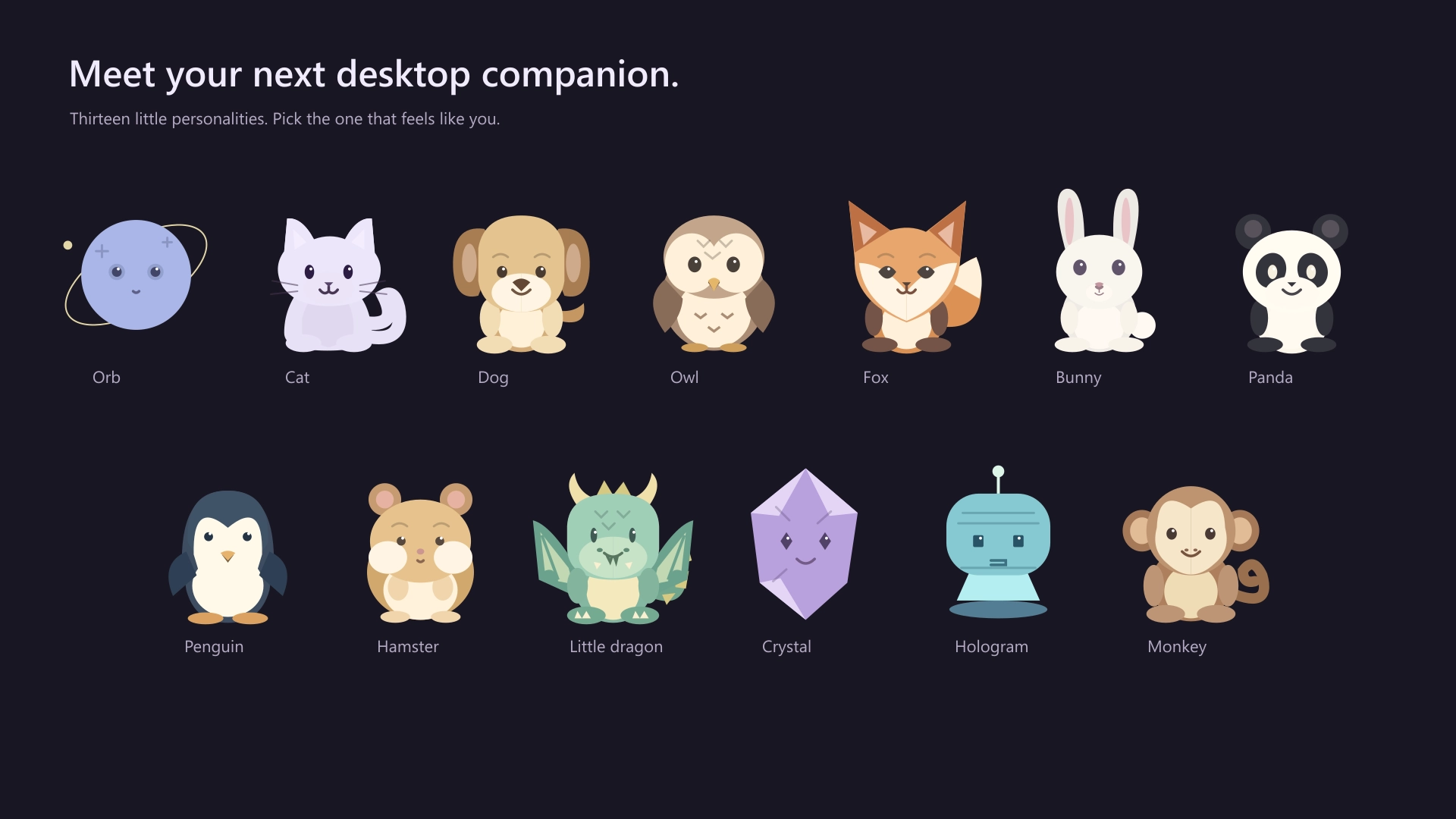
Bring a little joy to your desktop with Orbit Pet .. a collection of cute, customizable companions that react to your attention, enjoy snacks and toys, and keep you company throughout the day.
More than a cute face :)
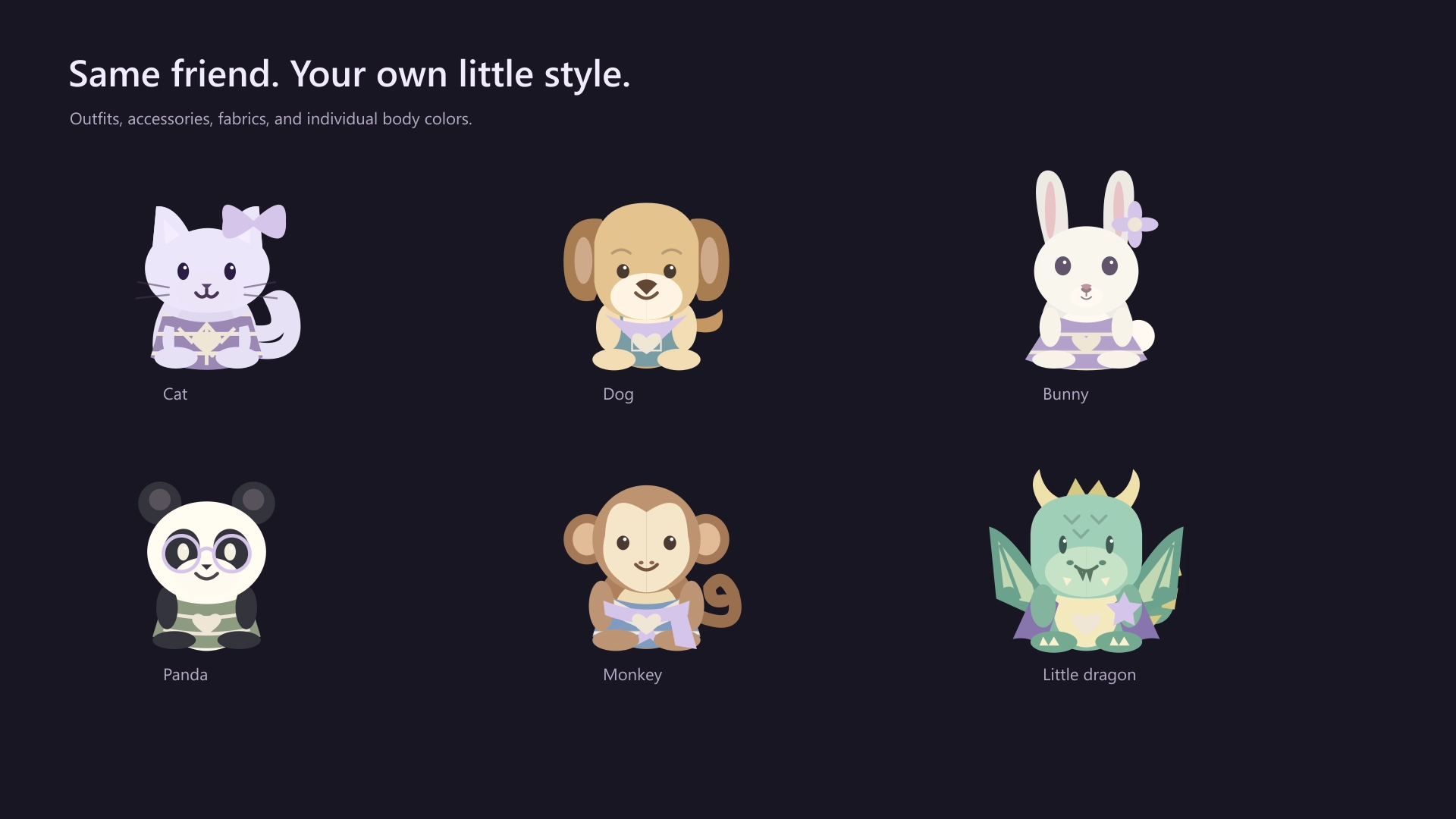
Make your companion yours
Customize individual body colors, markings, eyes, and mouths, then finish the look with compatible outfits, fabrics, badges, and accessories.
Give your pet a name, adjust its size, and save a different look for each companion.
Features:
- 13 companions with species-specific personalities and animations.
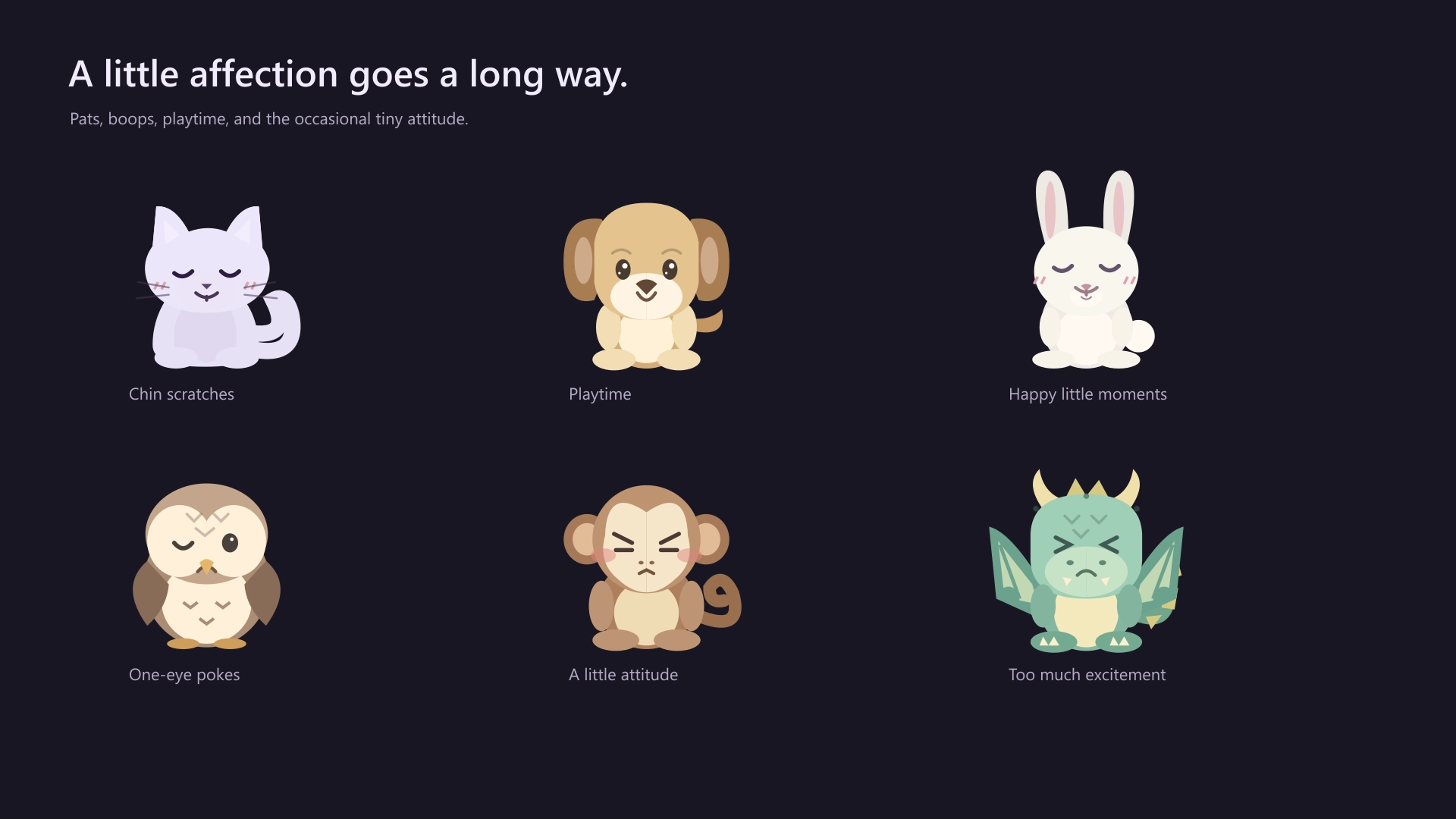
- Body part interactions, including separate left and right reactions.
- Expressive faces for affection, excitement, irritation, dizziness, and more.
- A variety of foods and toys, with draggable feeding and playful reaching.
- Contextual speech bubbles and little companion sounds written as text.
- Gentle music reactions and synced lyric bubbles when supported lyrics and playback information are available.
- Minimal docking on all four screen edges, with a sleepy peek that wakes when hovered.
- Detailed appearance customization and compatible wardrobe options.
- Fullscreen hiding, app exclusions, reduced motion, and performance settings.
Left click to interact, right click to customize, and drag your companion wherever you like.
A tiny friend for your everyday desktop :3
If you have a suggestion, notice a bug, or wanna request something for a future update, feel free to ask in the official SeelenUI Discord server: https://discord.com/invite/seelen-network-751144791596597561
Orbit collection :
https://seelen.io/resources/collection/5b86b663-aefd-4d5c-90ac-c6c80722080f
How to use?
- Download and install Seelen UI
- Make sure the app is running
- Click the download button above
- Accept the browser prompt to open Seelen UI
- The app will handle the installation
- And that's all!
Compatibility
- Seelen UI: 2.8.9+
- Platform: Windows
More by ickyaidy


Related Resources





Resource Information
- ID: c690c135-baf9-42ce-9081-b1ba6733e81b
- Type: Widget
- Status: Published
- Created At: Friday, October 16, 2026 at 11:31:56 AM UTC
- Last Updated At: Friday, October 16, 2026 at 11:31:56 AM UTC
- Reviewed At: Friday, October 16, 2026 at 11:43:25 AM UTC
- Reviewed By:@eythaann