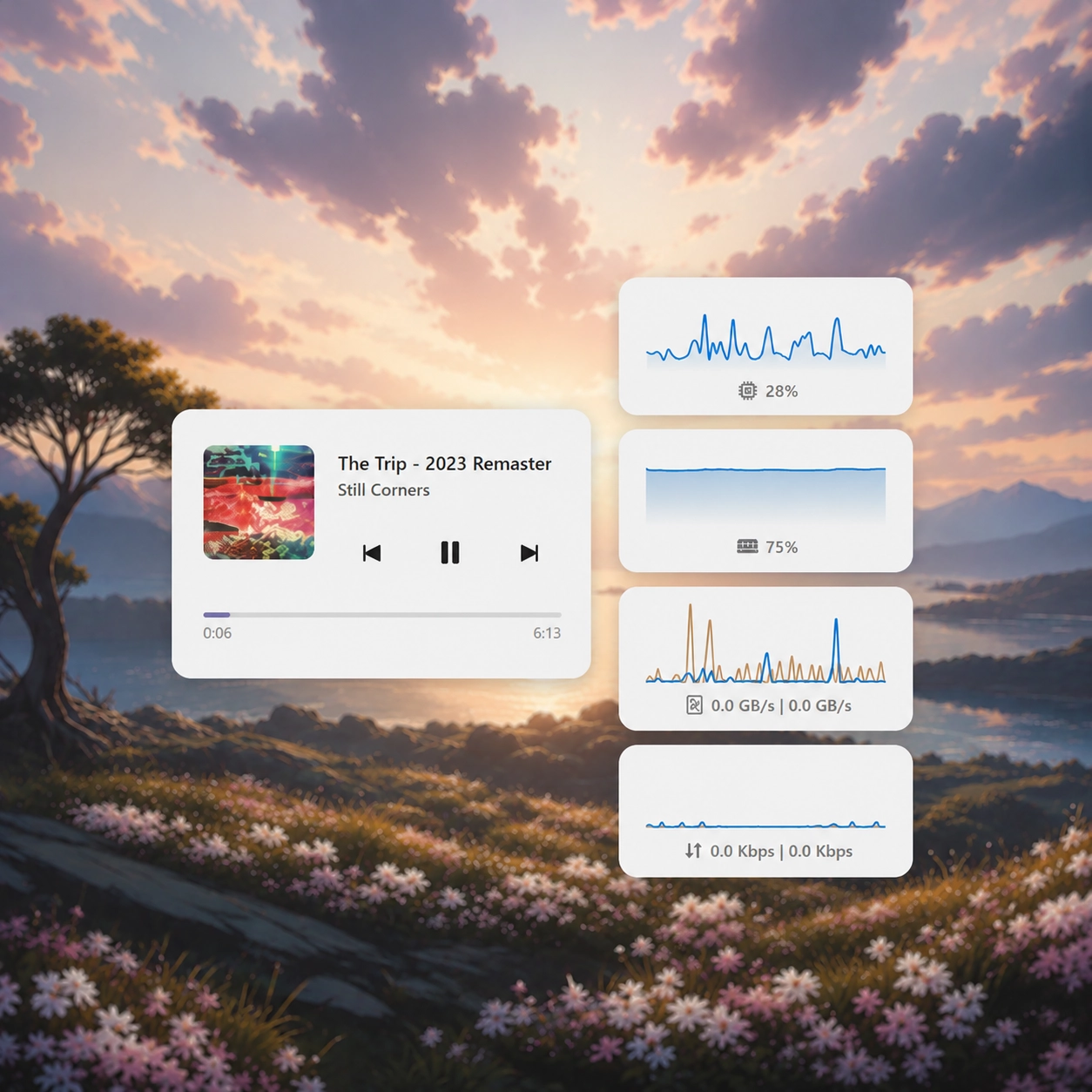
Screenshots
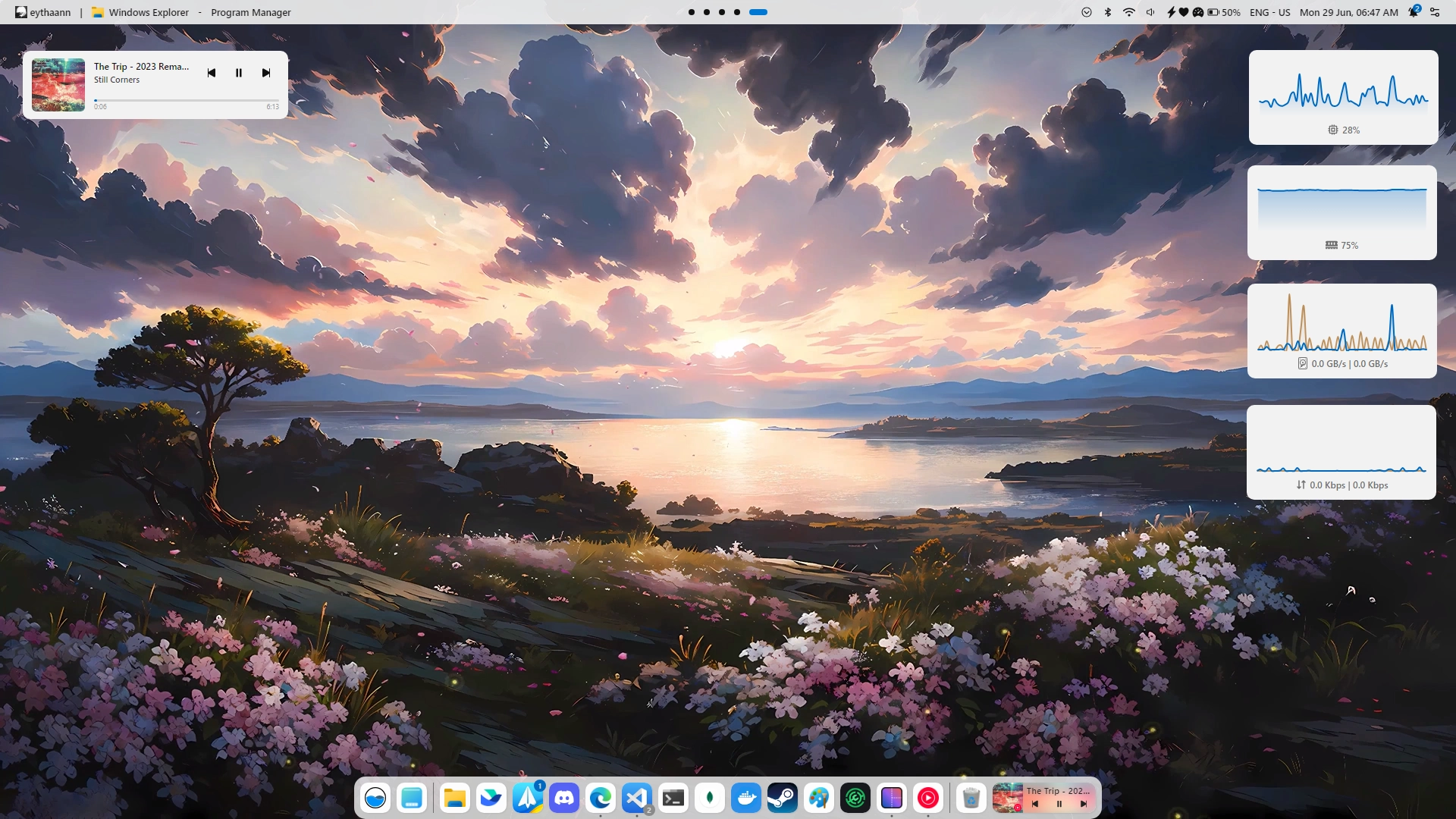
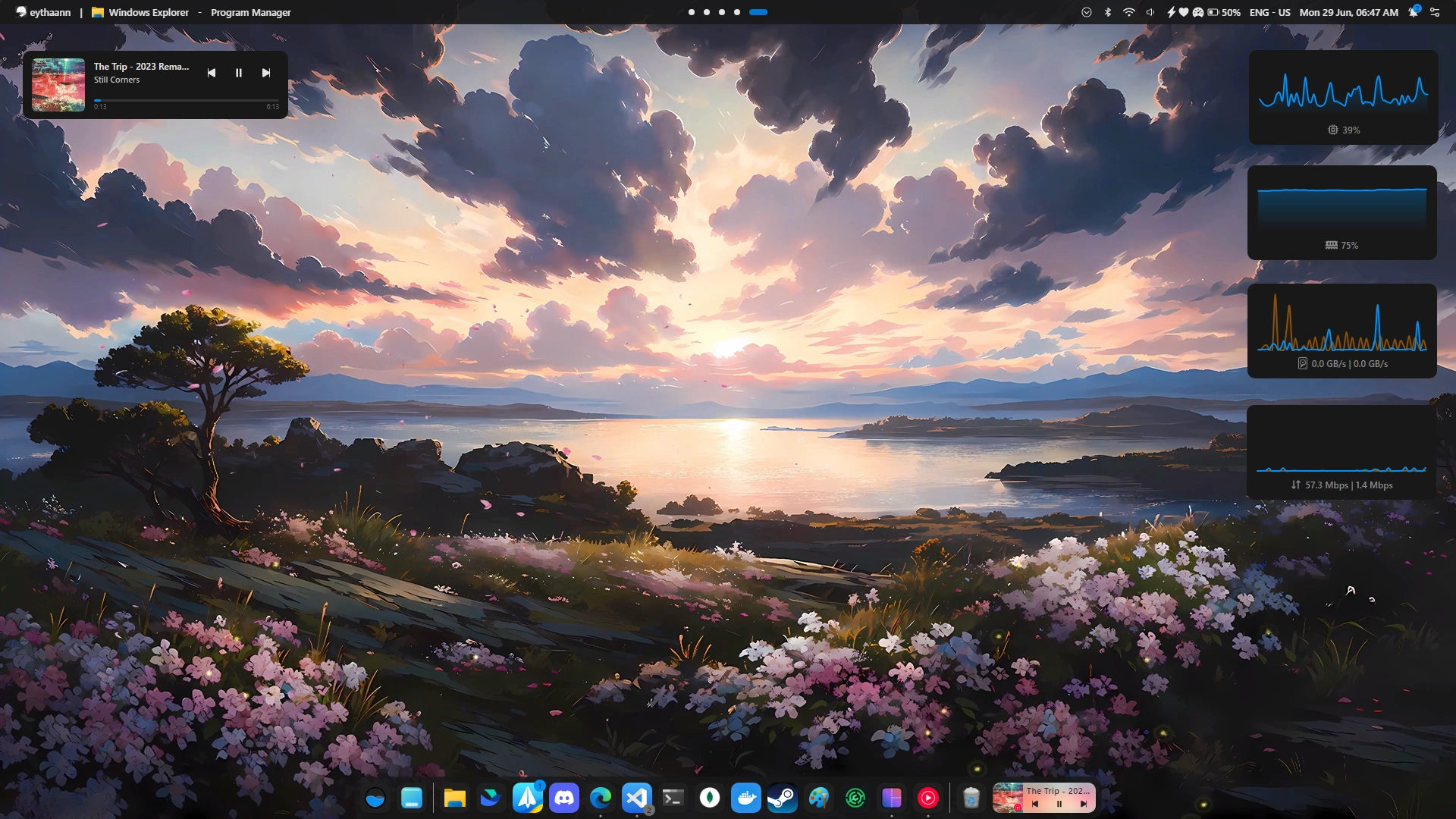
Description
A minimalistic desktop media player widget showing the album art on the left, track title with playback controls and author on the right, and a progress timeline at the bottom.
How to use?
- Download and install Seelen UI
- Make sure the app is running
- Click the download button above
- Accept the browser prompt to open Seelen UI
- The app will handle the installation
- And that's all!
Compatibility
- Seelen UI: 2.7.4+
- Platform: Windows
More by seelen





Related Resources





Resource Information
- ID: aa92bbbb-189a-40fa-93cc-29875f44bfbf
- Type: Widget
- Status: Published
- Created At: Monday, June 29, 2026 at 4:20:34 PM UTC
- Last Updated At: Monday, June 29, 2026 at 4:20:34 PM UTC
- Reviewed At: Monday, June 29, 2026 at 4:24:33 PM UTC
- Reviewed By:@eythaann