Screenshots
Description
Orbit Halo <3
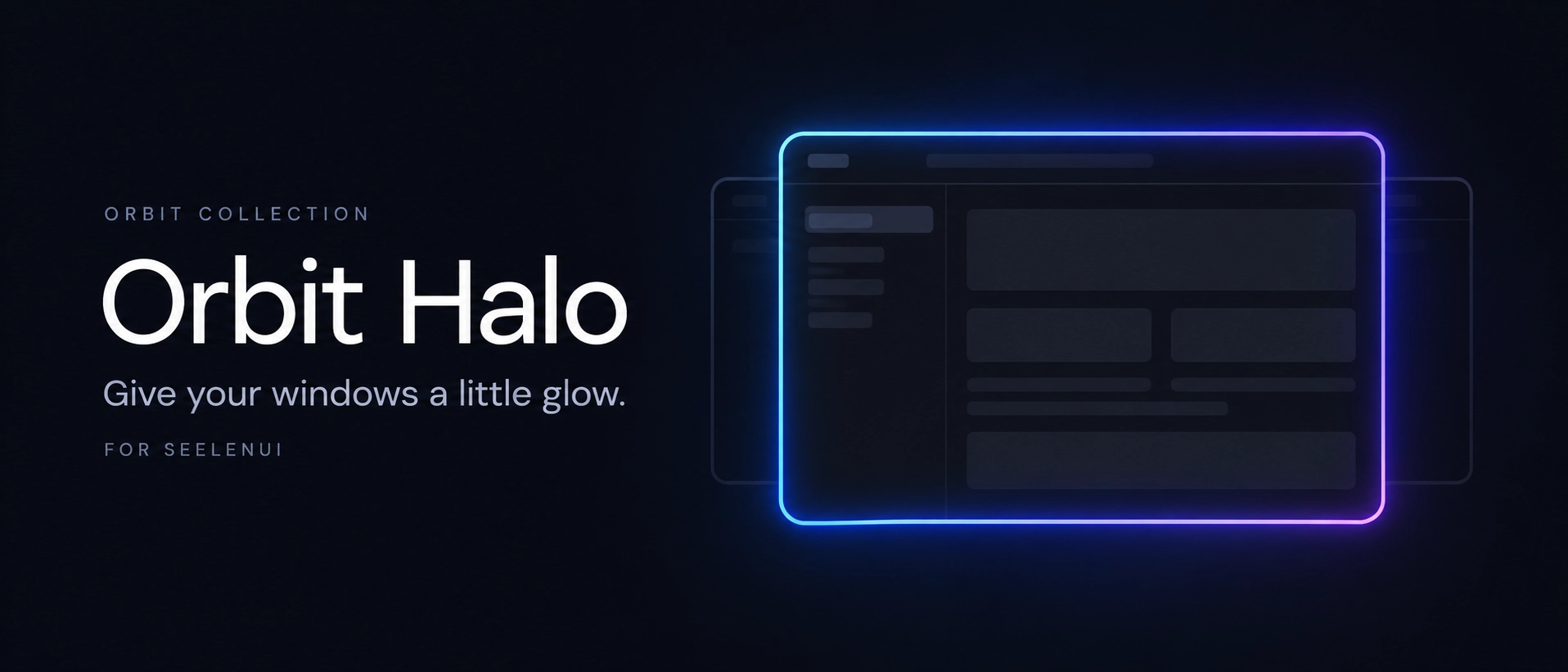
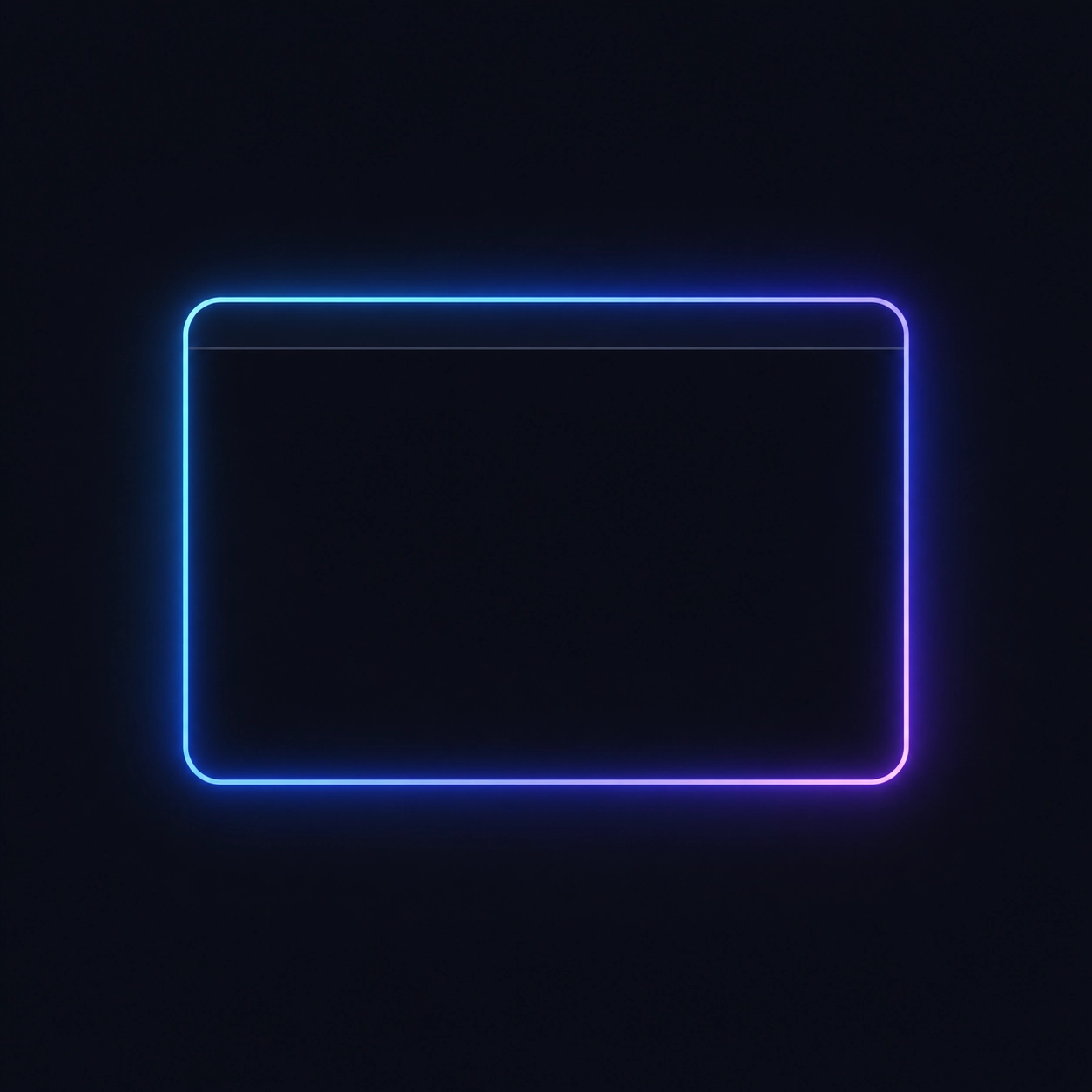
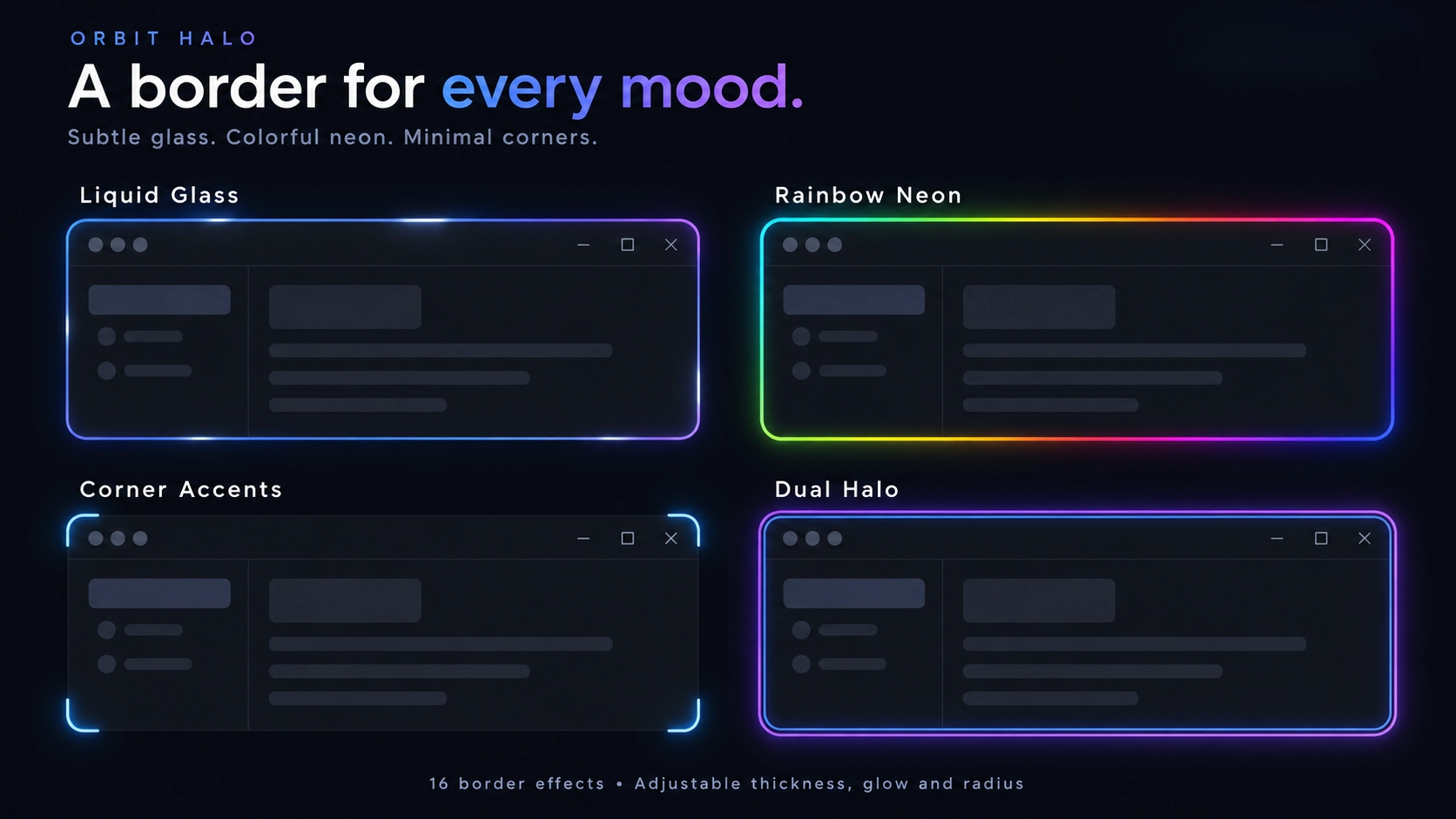
Orbit Halo adds a customizable glowing border around your focused application. Keep it subtle with a clean outline, match your apps’ signature colors, or go colorful with rainbows, flowing neon and animated reflections.
Features:
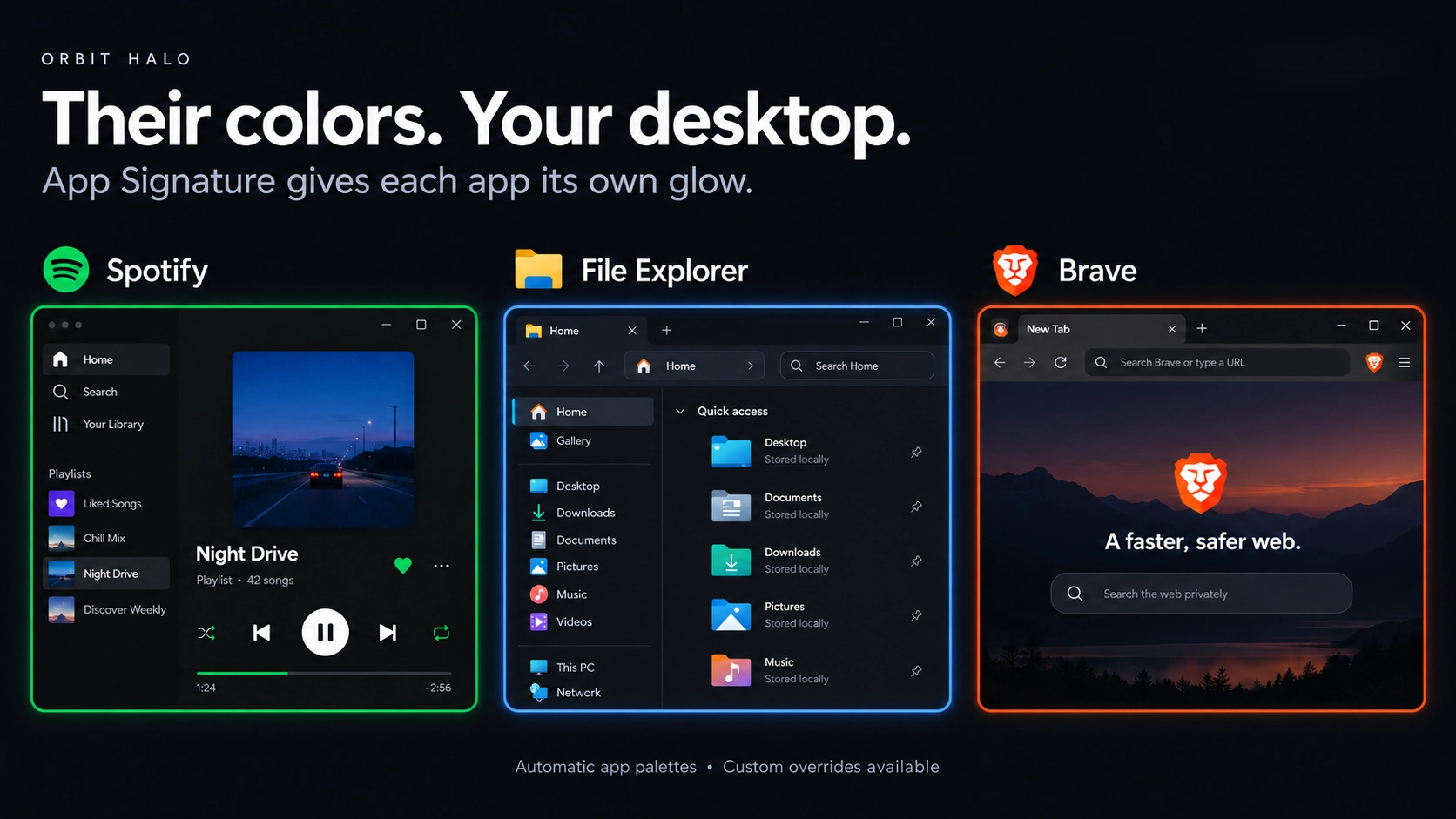
App Signature: Give supported apps their familiar colors Spotify green, Discord blurple, Brave orange, and more. Unknown apps can use colors extracted from their icons or window edges.
16 border effects: Choose from Liquid Glass, Flowing Neon, Soft Aurora, Rainbow Neon, Prism Glass, Comet Trail and other styles.
Different border shapes: Rounded rectangles, minimal outlines, corner accents and dashed borders.
Optional animations: Add shimmer, breathing, orbiting colors, ripples, heartbeat pulses or electric sparks. Decorative animations are off by default.
Corner particles: Tiny glowing sparks travel around your window’s edges.
Dual Halo: Combine a crisp inner border with a softer outer glow.
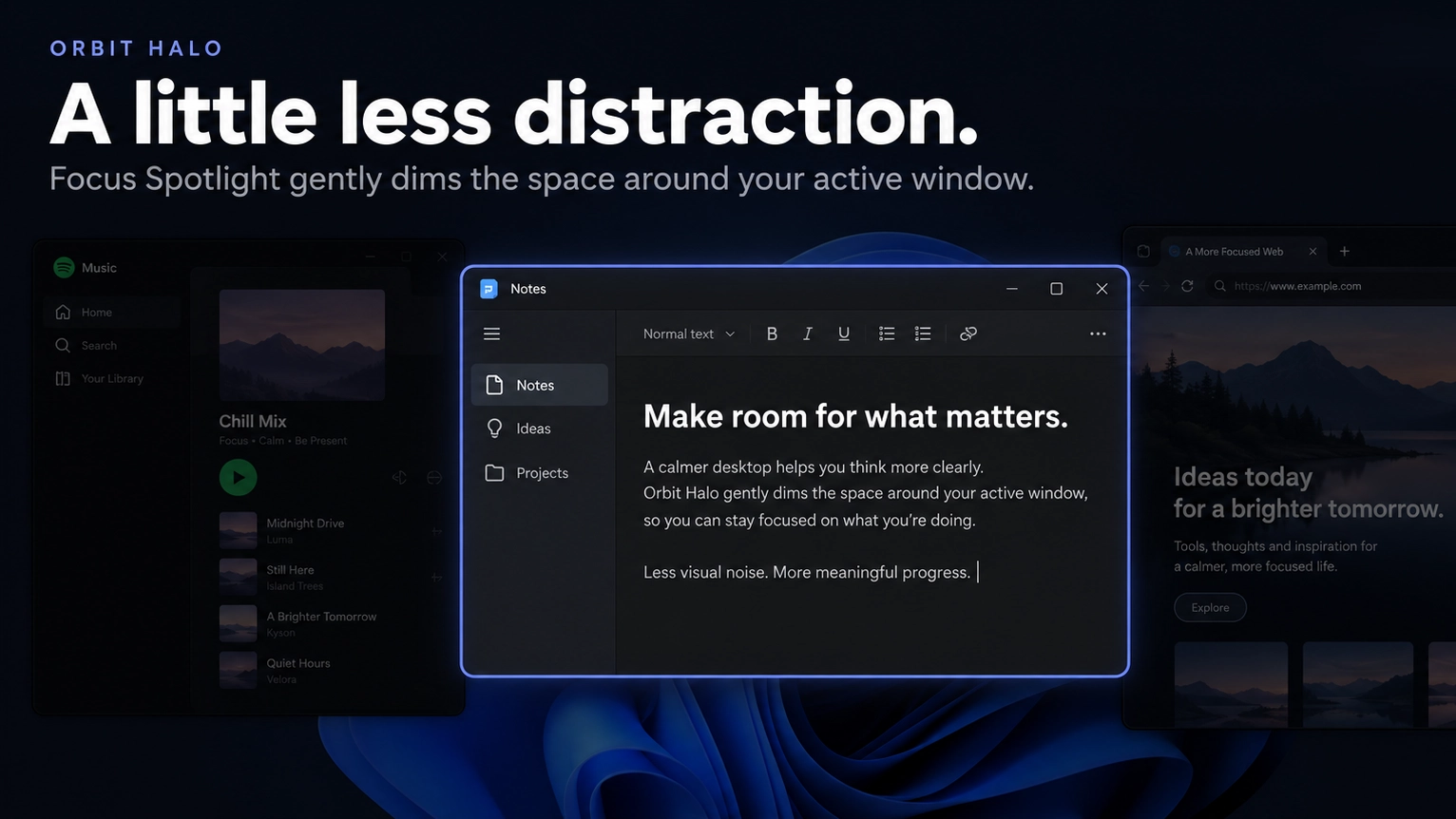
Focus Spotlight: Dim the area outside your focused window, including inactive windows and wallpaper. Adjustable from 0–100%.
Audio reactive glow: Let your halo pulse with system audio.
Your colors, your rules: Adjust thickness, glow, roundness, spacing, opacity and animation speed. Set custom palettes for individual applications.
Fullscreen and maximized controls: Both are hidden by default. Exclude specific applications through the settings.
Performance options: Adaptive tracking, simpler effects while dragging, Lightweight Mode and automatic Battery Saver support.
Multiple monitors: The halo follows your focused window across displays.
Getting started :
Install Orbit Halo and enable it in SeelenUI’s widget settings.
Open or focus a normal, non maximized application window.
App Signature is selected by default. Choose another effect or customize your palette whenever you like.
Enable Animate halo, Corner particles, Focus spotlight or React to system audio for the optional extras.
Orbit Halo works independently of SeelenUI’s tiling window manager.
A few things to know :
Automatic color recognition and window capture availability vary between applications. If an application never receives a halo, try disabling Wait for first window capture.
Liquid Glass uses reflective border highlights. Window tracking follows the information SeelenUI provides, so timing can vary between applications and systems.
Designed for SeelenUI 2.8.10 or later.
If you have a suggestion, found an issue or wanna request something for a future update, feel free to ask in the official SeelenUI Discord server: https://discord.com/invite/seelen-network-751144791596597561
Orbit collection :
https://seelen.io/resources/collection/5b86b663-aefd-4d5c-90ac-c6c80722080f
How to use?
- Download and install Seelen UI
- Make sure the app is running
- Click the download button above
- Accept the browser prompt to open Seelen UI
- The app will handle the installation
- And that's all!
Compatibility
- Seelen UI: 2.8.10+
- Platform: Windows
More by ickyaidy
Related Resources


Resource Information
- ID: ab8c4997-8875-4557-afb0-77371ac407e3
- Type: Widget
- Status: Published
- Created At: Tuesday, October 27, 2026 at 10:18:42 PM UTC
- Last Updated At: Tuesday, October 27, 2026 at 10:18:42 PM UTC
- Reviewed At: Thursday, October 29, 2026 at 3:08:33 PM UTC
- Reviewed By:@eythaann