Custom Taskbar, Dock & Shell for Windows 11
Replace the default Windows 11 taskbar with a beautiful, fully scriptable shell — a smart dock, a live status bar, and a faster start menu, all in one.
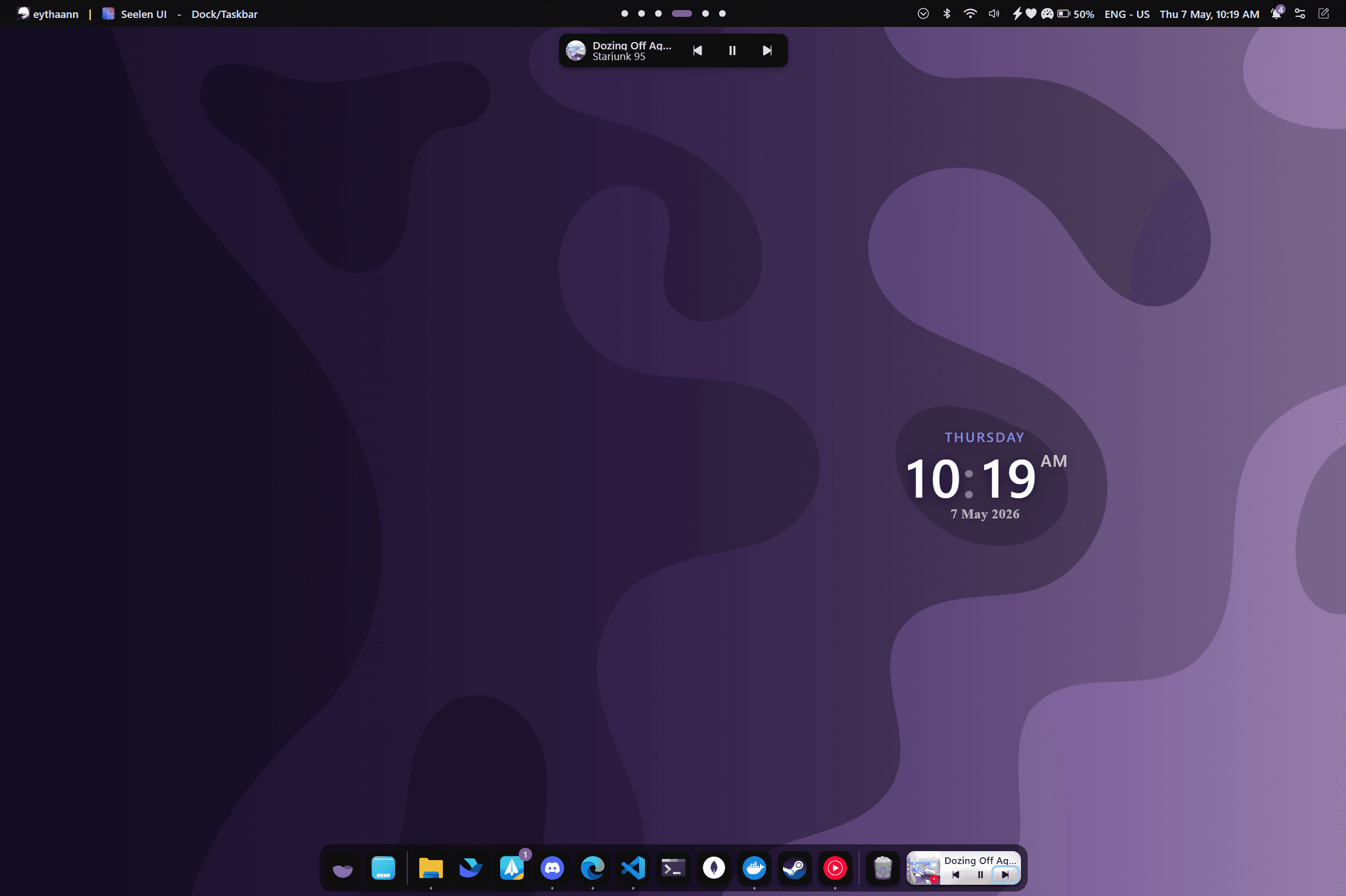
SeelenWeg — The Smart Dock
A fully configurable dock that replaces your Windows taskbar. Choose between a full-width taskbar style or a centered floating dock, and place it on any edge of any monitor.
- Position top, bottom, left, or right on each monitor independently
- Hide modes: Always visible, Auto-hide, or hide only when a window overlaps
- Full-width taskbar mode or centered macOS-style dock mode
- Configurable icon size, zoom on hover, spacing, and padding
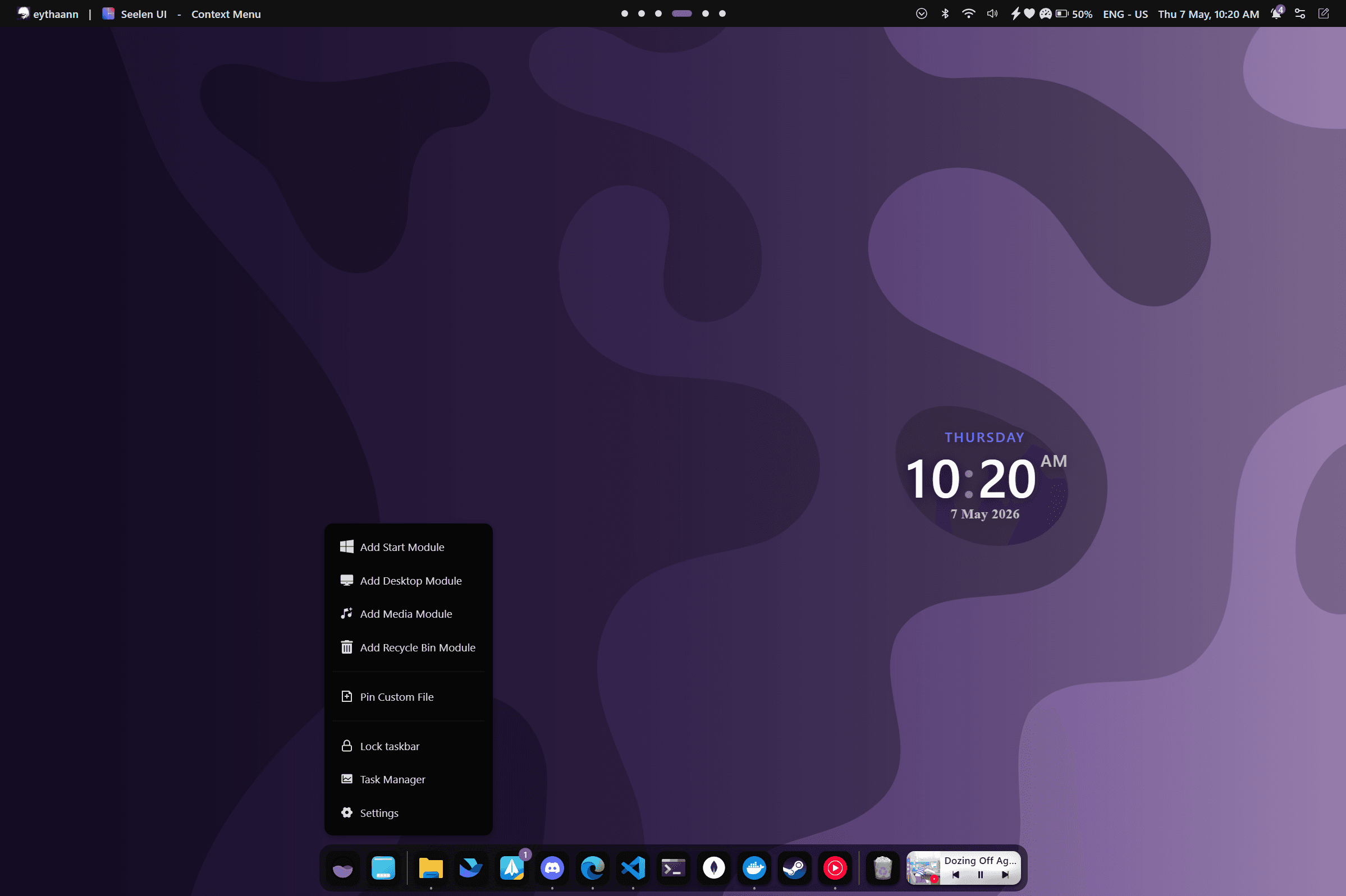
Fancy Toolbar — Live System Stats
A fully scriptable status bar where every item runs JavaScript with access to live system data. Build your own or use the built-in widgets — CPU, RAM, network, battery, and more.
- Left, center, and right layout zones with drag-and-drop reordering
- Built-in: CPU per-core %, RAM, network speeds, disk I/O, battery
- Shows focused app name, workspace indicator, and media player info
- Clickable: Calendar, Quick Settings, Bluetooth, Notifications, Power Menu
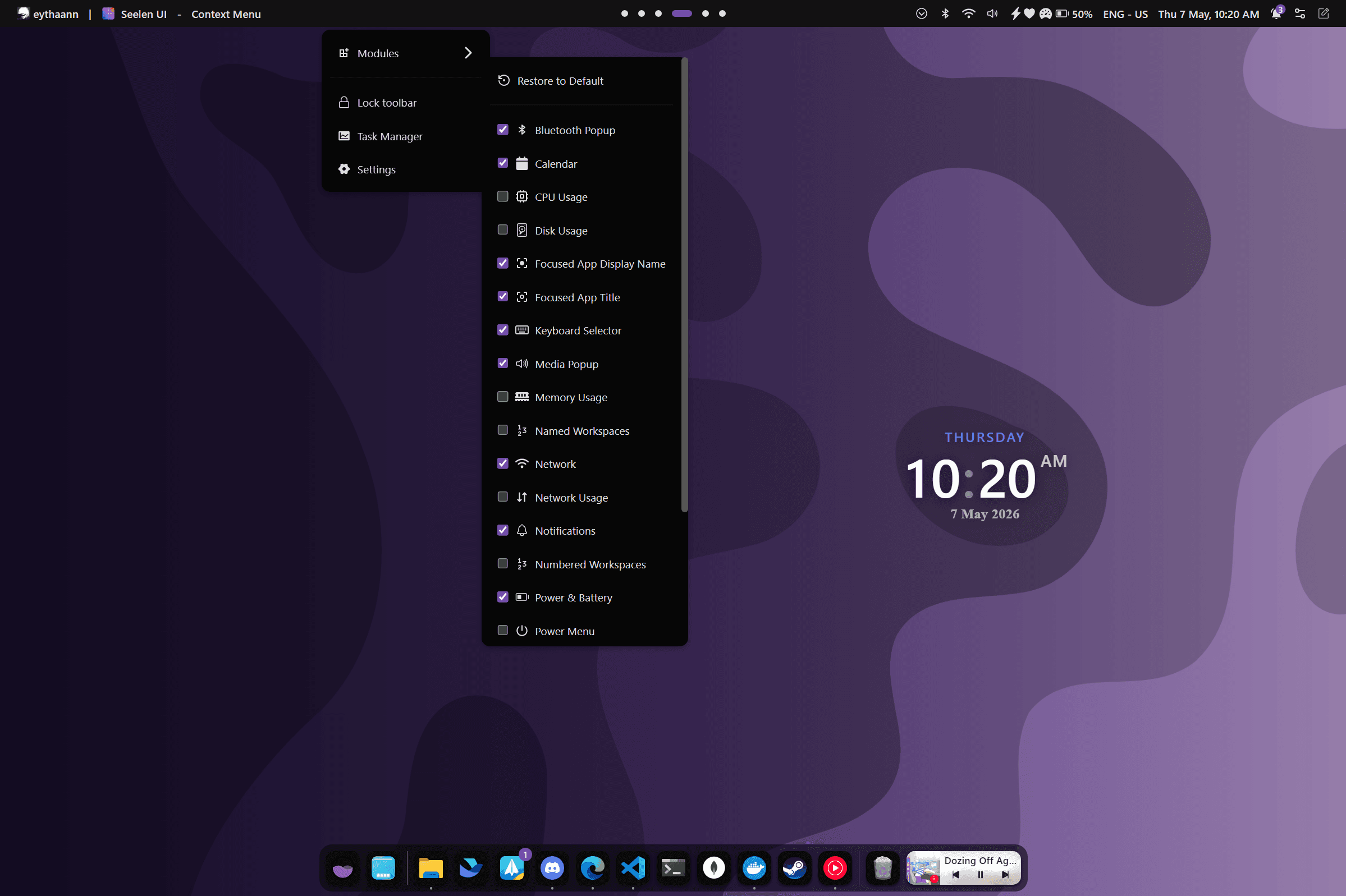
Smarter Start Menu
A clean, fast replacement for the Windows Start Menu. Search apps, files, and the web from a single box, and organize your pinned apps into custom folders.
- Real-time search with scope prefixes: apps:, files:, web:
- Pinned apps in a customizable grid — drag to reorder
- Group apps into folders by dragging one onto another
- Optional Mica/Acrylic blur for a modern Windows 11 aesthetic
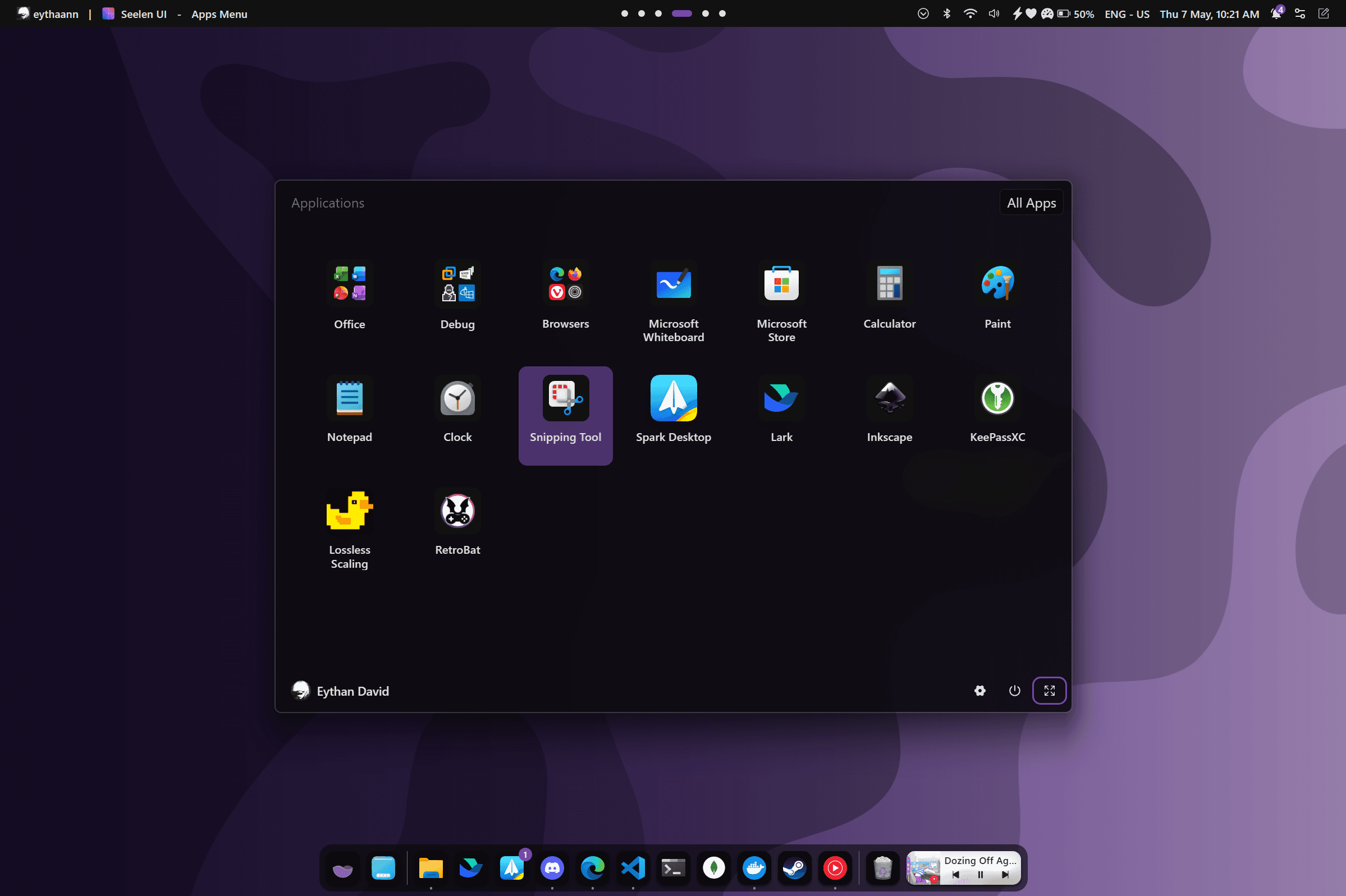
Alt+Tab, Reinvented
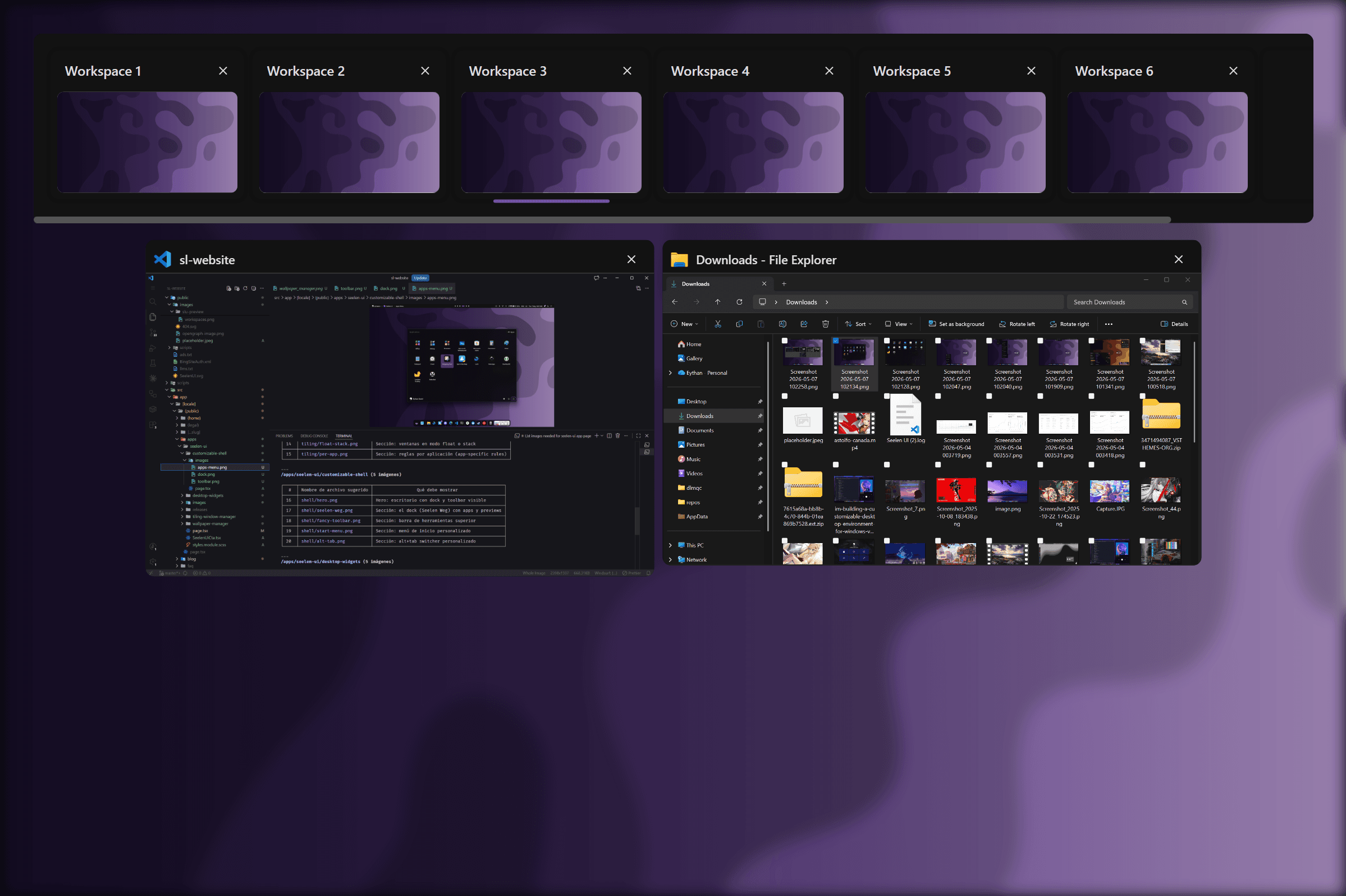
The built-in task switcher shows live window thumbnail previews and integrates seamlessly with virtual desktops — making it faster to find and focus the right window.
- Live thumbnail previews for every open window
- Navigate with arrow keys or Tab — confirm with Enter
- Auto-confirm mode (standard Alt+Tab) or manual-confirm mode
- Works across all virtual desktops and monitors
Everything the Default Windows Shell is Missing
Window Previews
Hover over any dock item to see a live thumbnail preview of the window.
Pinned Apps
Pin any file, application, or executable. Items persist across reboots.
Win+1–0 Shortcuts
Launch or focus the first 10 pinned dock items with Win+1 through Win+0.
Inline Media Controls
Play, pause, and skip tracks directly from the dock without switching windows.
Multi-Monitor
One dock and toolbar per monitor, each independently configured.
Full CSS Theming
Apply multiple themes simultaneously with later themes overriding earlier ones.
Explore More Features
Your Windows, Your Rules.
Free, open source, and available on the Microsoft Store.